Nova Horizon — Lightweight Visuals
- By
A visual enhancement pack for Minecraft Bedrock Edition, bringing richer lighting, atmospheric effects, vibrant colors, and a more immersive world — built and compiled entirely on Android with Termux.
140759.jpg
140754.jpg
140755.jpg
140756.jpg
Description
Nova Horizon
Enhanced Minecraft visuals. Lightweight, atmospheric, and built for Android.
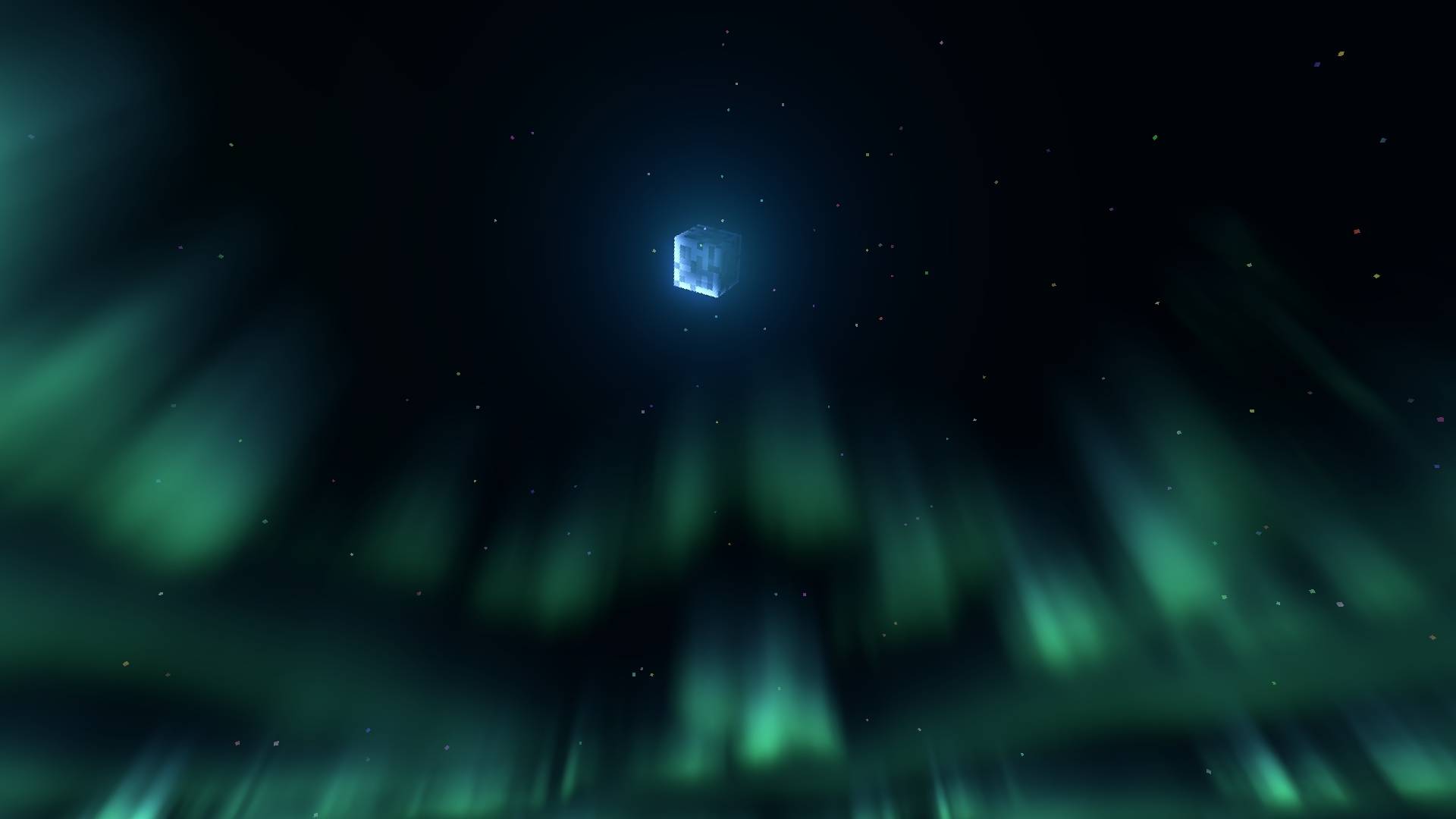
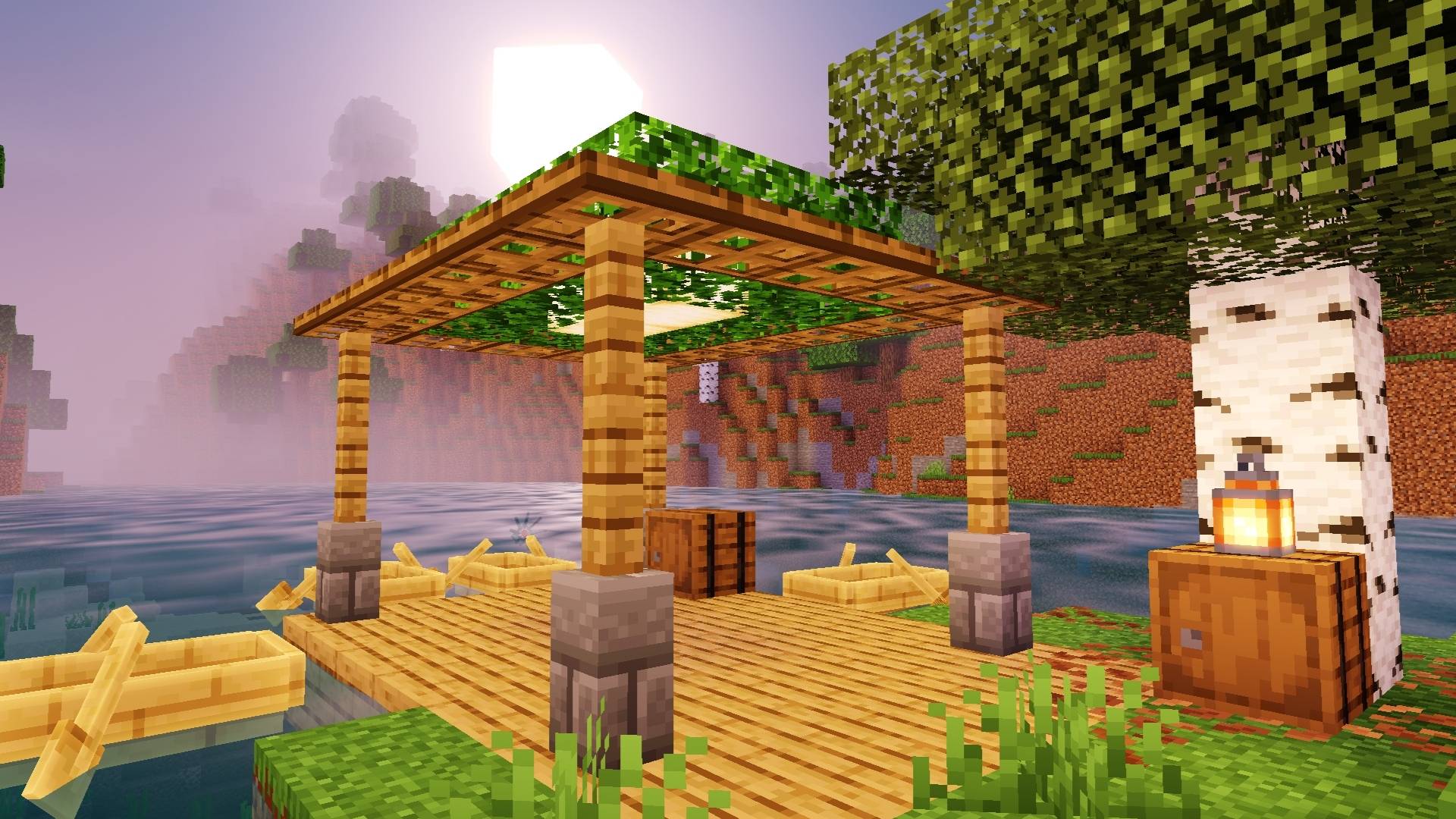
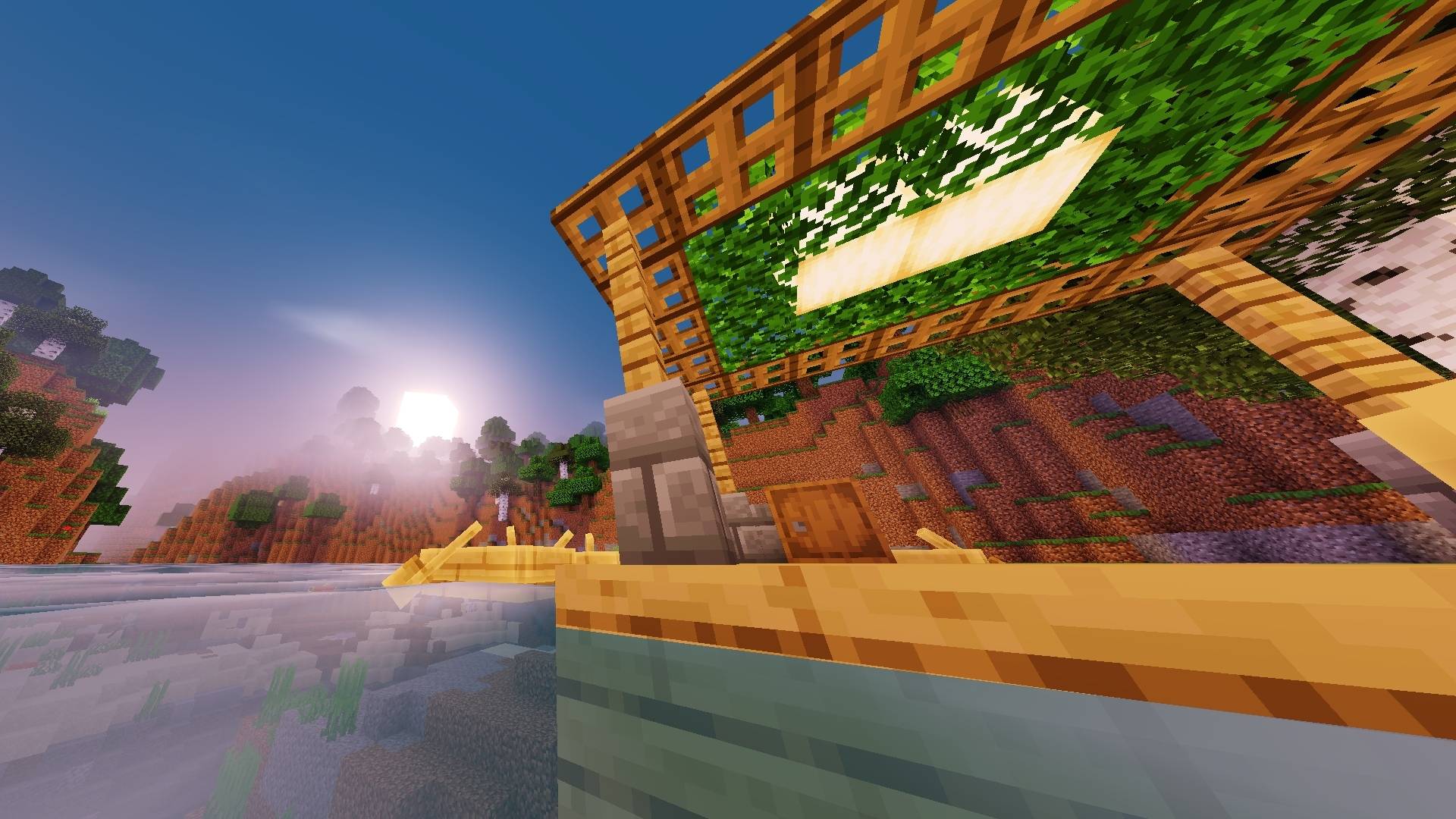
Nova Horizon is a lightweight visual enhancement for Minecraft Bedrock Edition, featuring improved lighting, atmospheric effects, vibrant environments, enhanced water, and immersive visuals.
Android Only
Nova Horizon currently supports Android Minecraft only through compatible loaders or patched Minecraft clients.
Installation
Requirements
- Minecraft Bedrock Edition on Android
- MB Loader or a compatible patched Minecraft client
- The Nova Horizon
.mcpackfile
Method 1 — MB Loader
- Download the latest Nova Horizon
.mcpack. - Open the
.mcpackfile with MB Loader. - Follow MB Loader's installation/import process.
- Launch Minecraft.
- Enable Nova Horizon in the appropriate resource/shader section.
- Enter a world and enjoy.
Method 2 — Patched Minecraft
- Download the latest Nova Horizon
.mcpack. - Open/import the pack using your patched Minecraft client.
- Enable the pack in Minecraft's resource/shader settings.
- Restart Minecraft if required.
- Enter a world and enjoy Nova Horizon.
Features
- Atmospheric lighting
- Enhanced water
- Improved environmental visuals
- Vibrant colors
- Immersive lighting effects
- Lightweight design
- Android-focused performance
Compatibility
Platform: Android
Minecraft Edition: Bedrock
Supported: MB Loader / compatible patched Minecraft clients
Note: Nova Horizon is currently developed and tested specifically for Android. Compatibility with other platforms or clients is not guaranteed.
The Nova Horizon — Lightweight Visuals Team