NexaII’s PvP
- By
Untitled45_20261117140322.png
Untitled45_20261117140254.png
Untitled45_20261117140234.png
Untitled45_20261117140203.png
Untitled45_20261117135849.png
Description
⚔️ NexaII's PvP TexturePack
**A clean, fast and competitive Minecraft Bedrock resource pack built for PvP, with FPS boosters, a customizable UI and 9 crosshairs.**
Made by **NexaII** • For Minecraft Bedrock 1.26.60+
---
## 🎯 Customize Everything (In-Game Slider)
Pick your UI style and your crosshair together from one slider.
**UI styles**
- 🌈 **Rainbow UI**: transparent buttons with rainbow outlines
- 🔵 **Blue UI**: transparent buttons with blue outlines
- ⚪ **Default UI**: vanilla look
**9 crosshairs**
Dot • Gap Cross • Small Cross • Ring+Dot • X Gap • Corners • Chevron • Rainbow Cross • Vanilla
**How to use it:** Settings → Global Resources → Activate the pack → tap the ⚙️ gear icon → move the slider.
---
## 🚀 FPS Boosters
Made to keep your game smooth, even on low-end devices.
- ❌ All particles disabled
- 🌫️ All fog disabled
- 🎞️ Animated textures frozen
- ☁️ Clouds and weather overlays removed
- 💧 Water effects turned off
---
## ⚔️ PvP Improvements
- 🔥 **Low fire**: see your target while you burn
- 🎃 **No pumpkin blur**
- 🛡️ **Lowered shield**: a clearer view while blocking
- 🌿 **Uniform grass block**: same texture on every face, including snowy grass and dirt paths
---
## 🎨 Retextured Items and Blocks
**Weapons and gear**
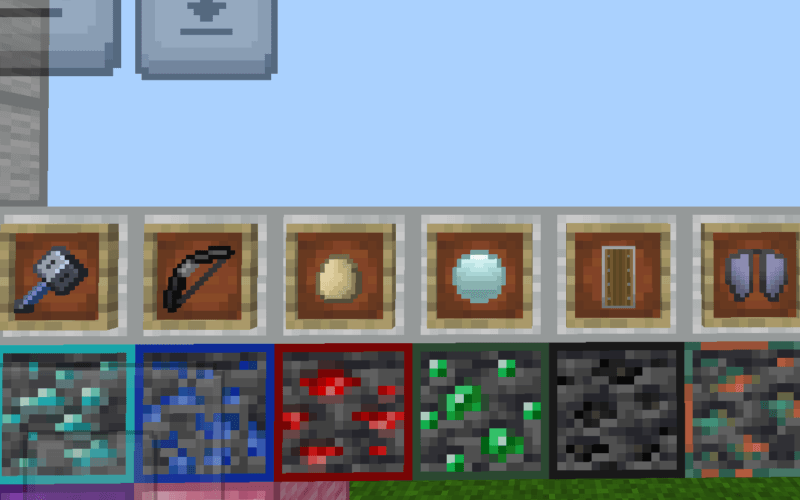
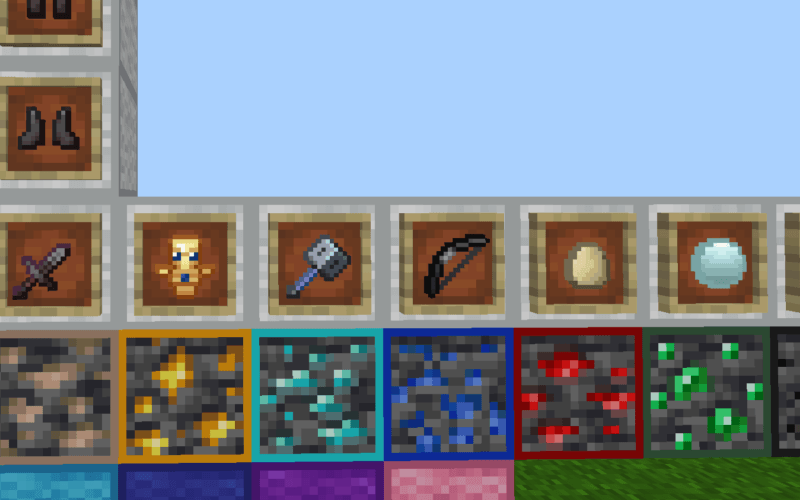
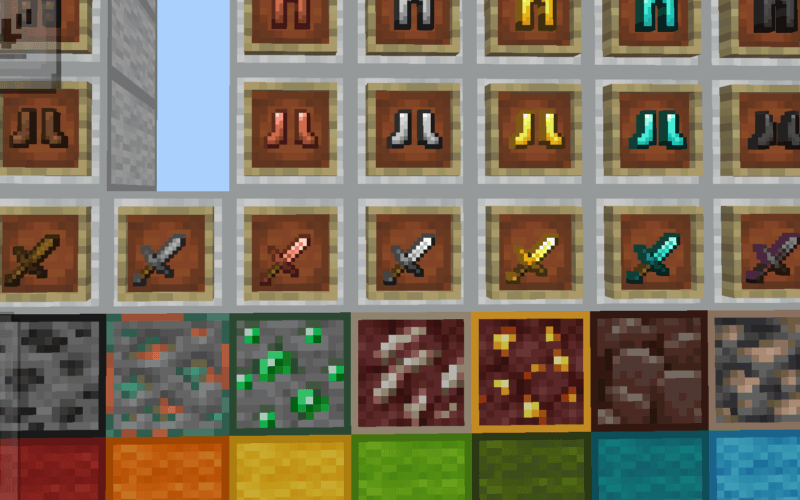
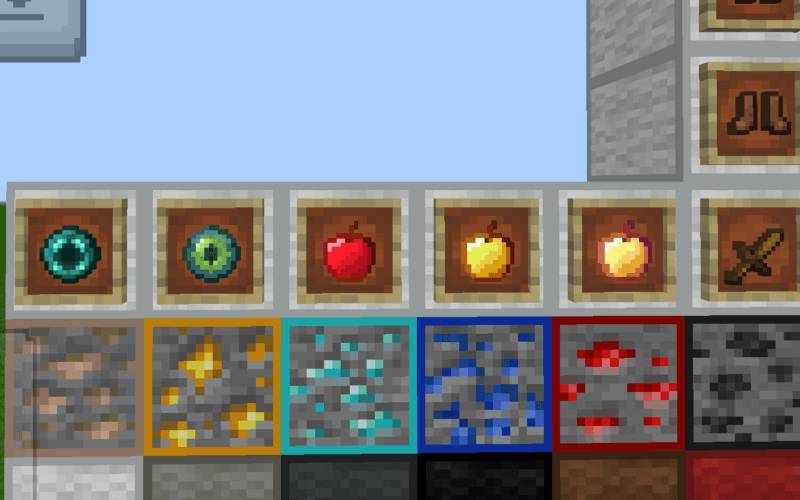
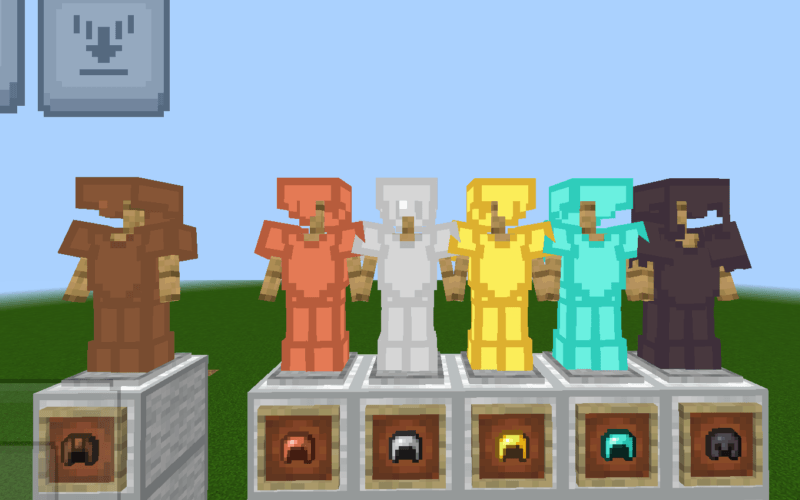
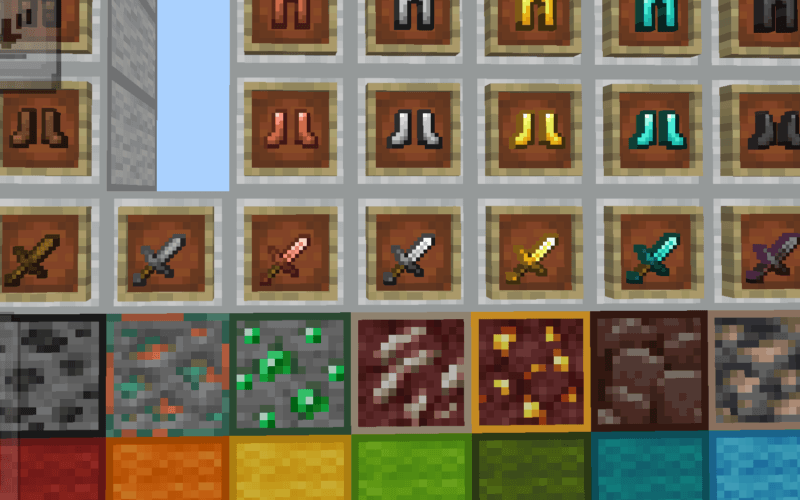
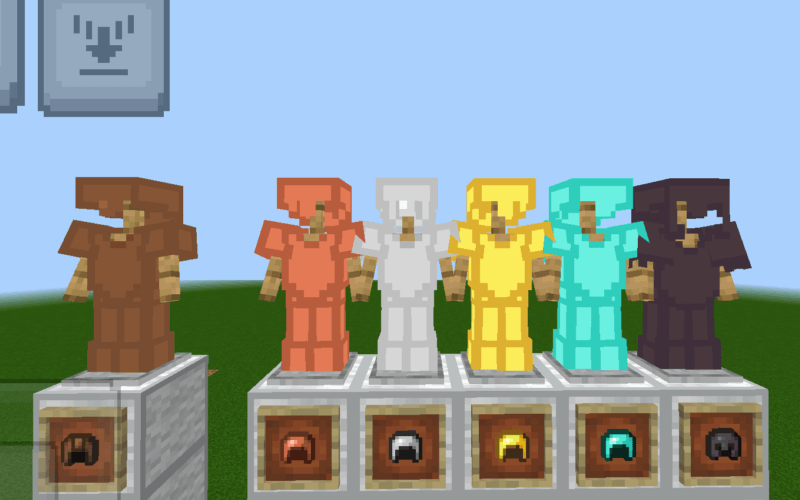
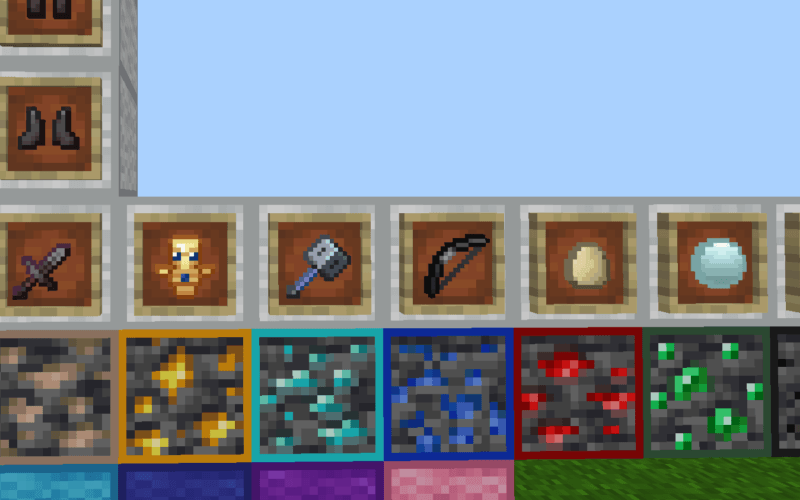
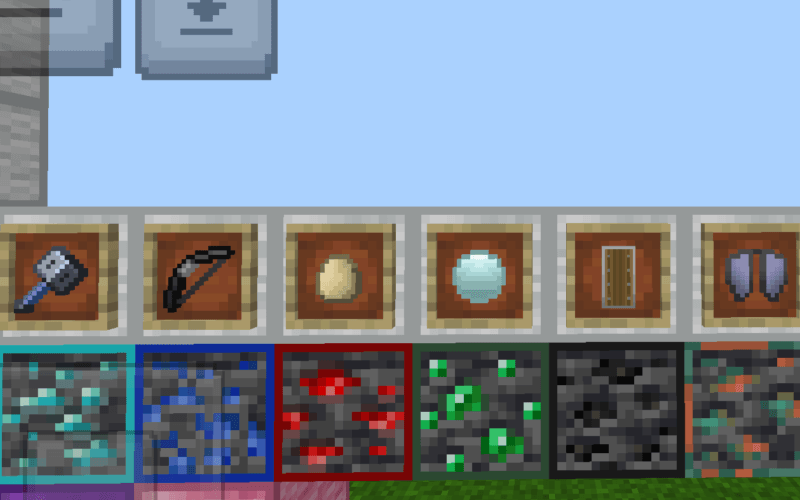
Swords (wood, stone, copper, iron, gold, diamond, netherite) • Mace • Bow (all draw stages) • Shield • Elytra • Armor (leather, copper, iron, gold, diamond, netherite)
**Combat items**
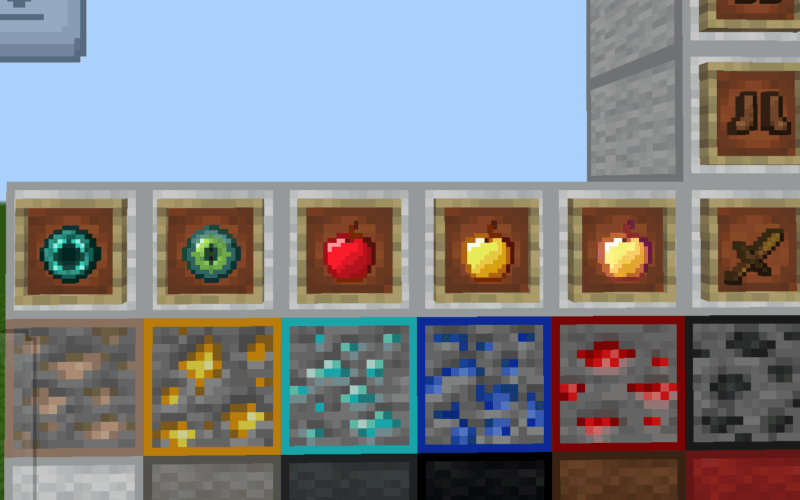
Totem of Undying • Apple • Golden Apple • Ender Pearl • Eye of Ender • Snowball • Egg • Buckets (empty, water, lava, milk)
**Blocks**
Ore blocks (overworld, deepslate, nether, ancient debris) • Wool colors
**Interface**
Blue With Stars Title logo • Blue Galaxy panorama
---
## ✅ Compatibility
- Minecraft Bedrock Edition **1.26.60 or newer**
- Windows, Android, iOS and other Bedrock platforms
- Works with the standard Bedrock resource pack system
- Not an add-on, so no behavior packs and no experimental toggles
---
## 📥 Installation
1. Download the `.mcpack` file.
2. Open it with Minecraft to import it automatically.
3. Go to **Settings → Global Resources** and activate the pack.
4. Tap the ⚙️ gear icon to choose your UI style and crosshair.
---
## ❓ FAQ
**Why are there no particles or fog?**
This pack is built for maximum FPS and visibility, so all particles and fog are turned off.
**Can I use it on servers?**
Yes, as a global resource pack. Some servers may enforce their own packs.
**The slider is missing, what do I do?**
Make sure the pack is activated, then tap the gear icon next to it in Global Resources.
---
## 💬 Feedback and Support
Found a bug or have an idea? Leave a comment on this page.
⭐ If you like the pack, please leave a rating and share it with your friends!
*© NexaII. Please don't reupload without permission.*
NexaII’s PvP Team