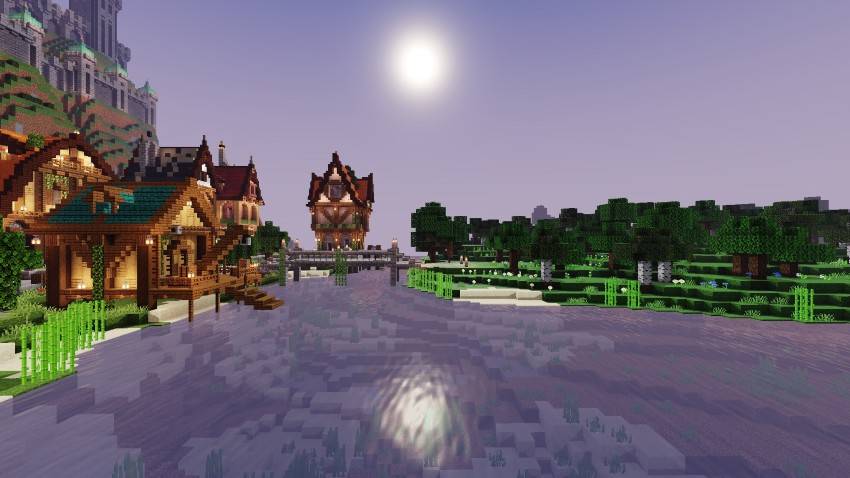
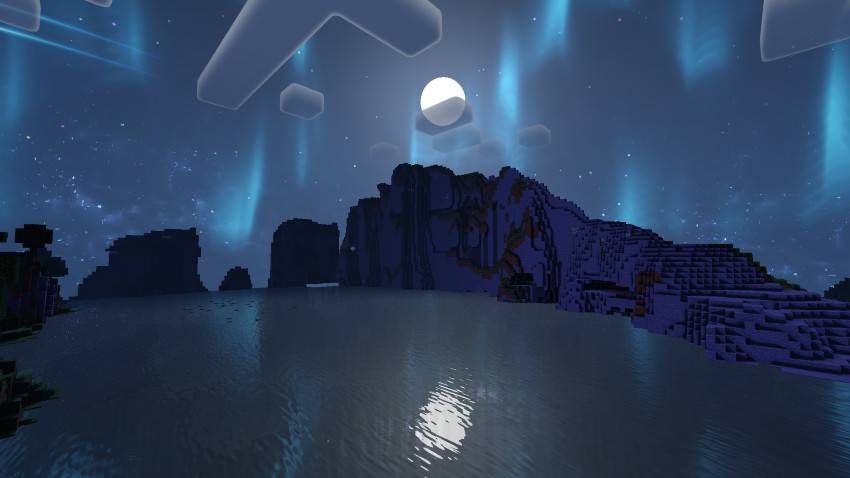
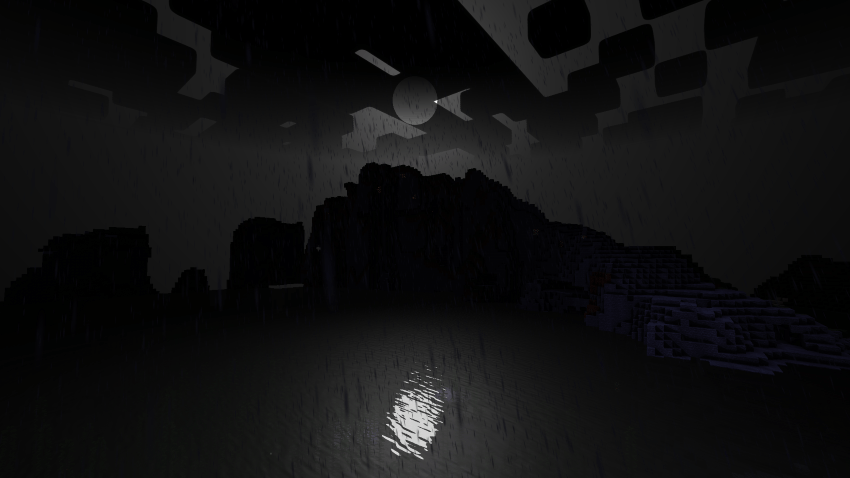
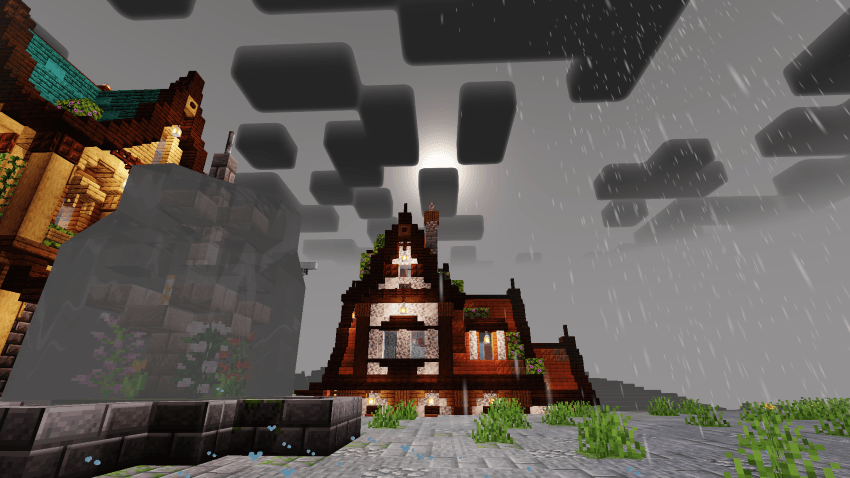
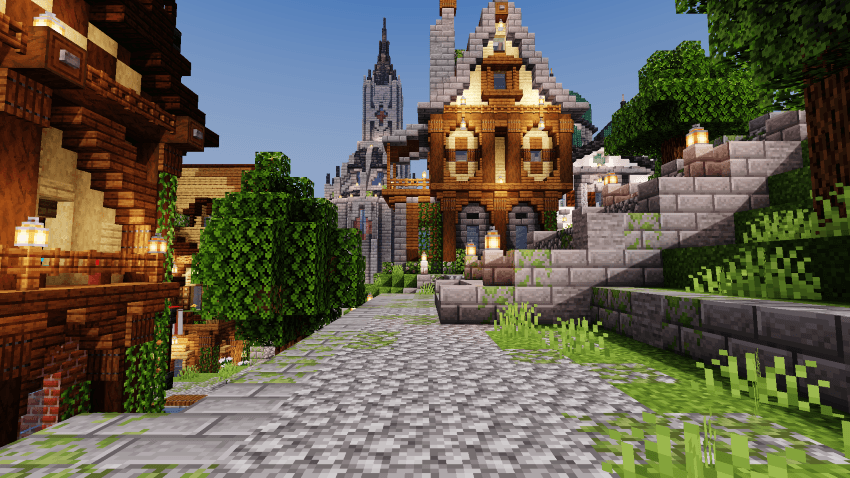
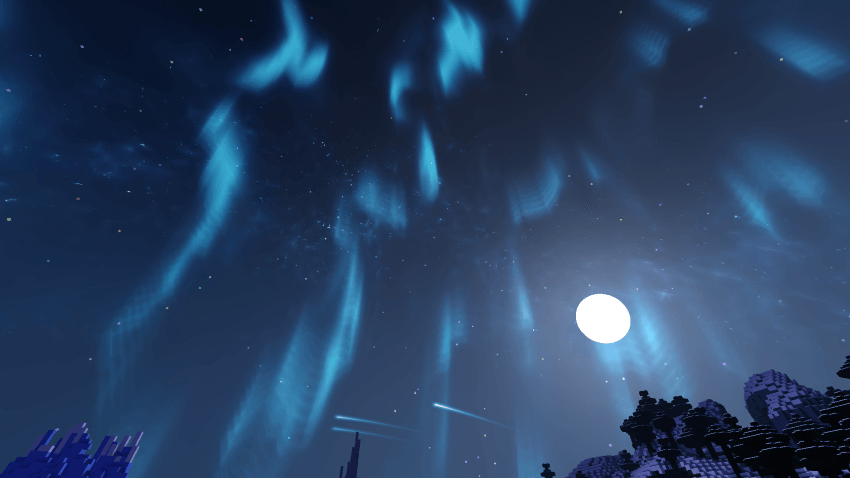
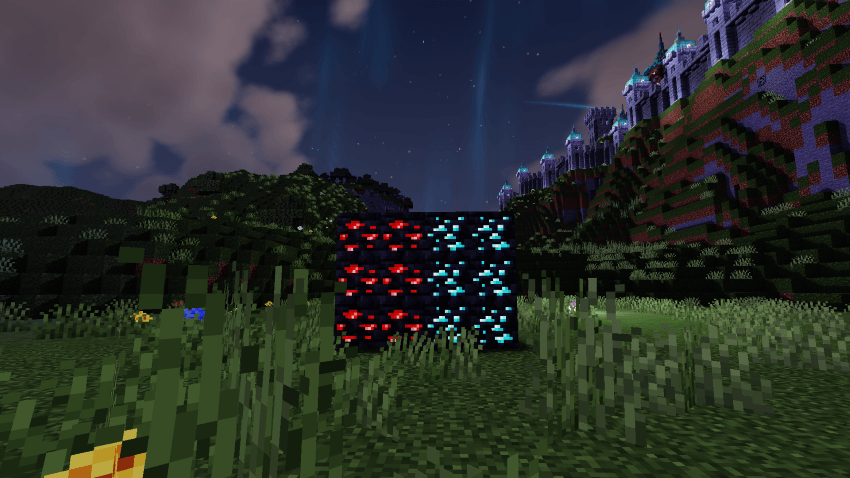
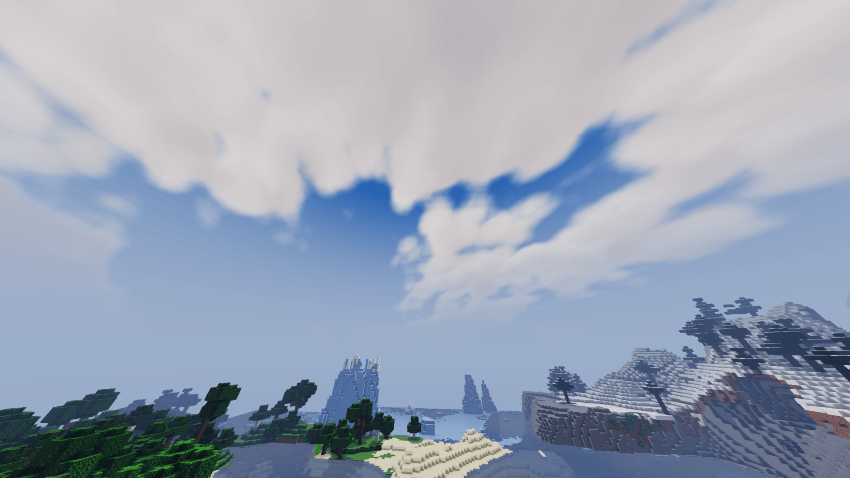
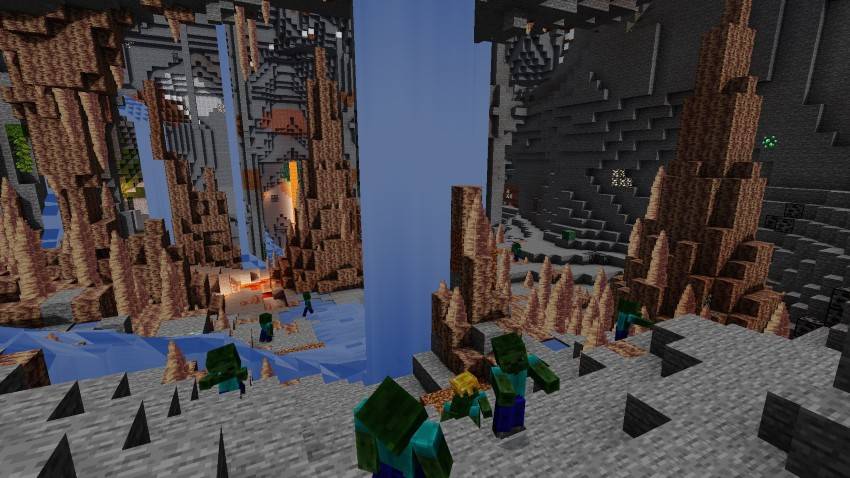
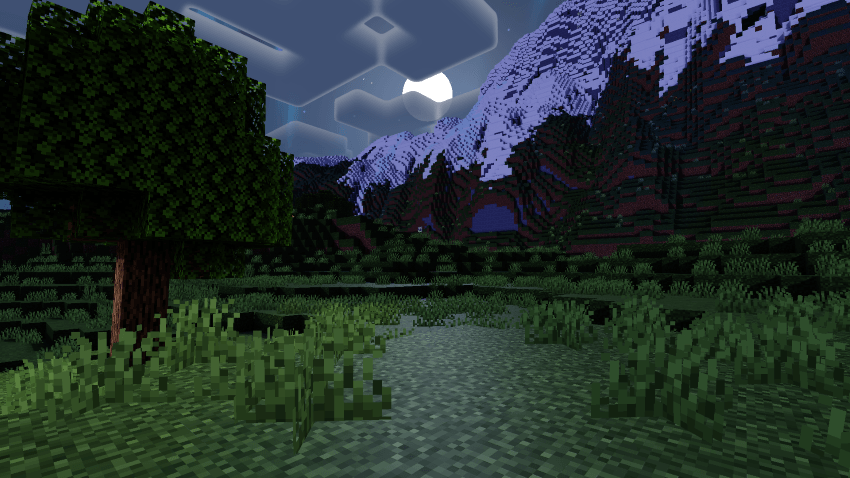
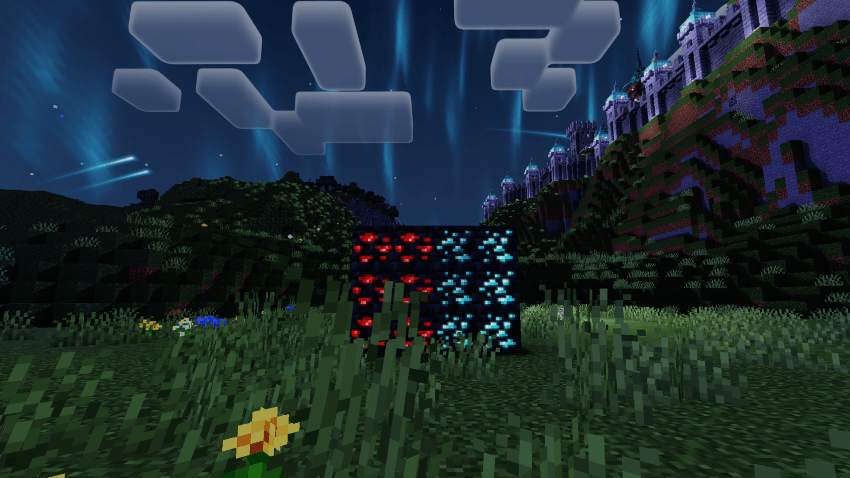
A Newb variant designed to elevate the traditional Minecraft experience with a fantasy theme through vibrant firmaments.
This shader is a variant of the open-source Newb Shader by Devendrn
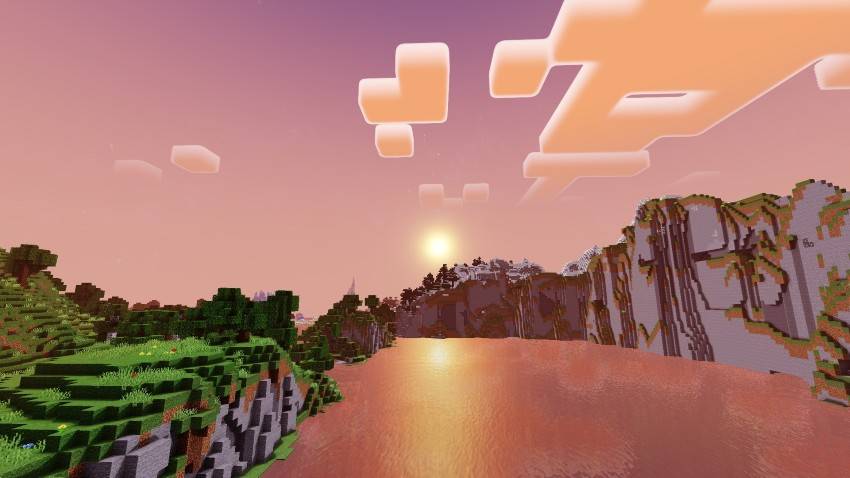
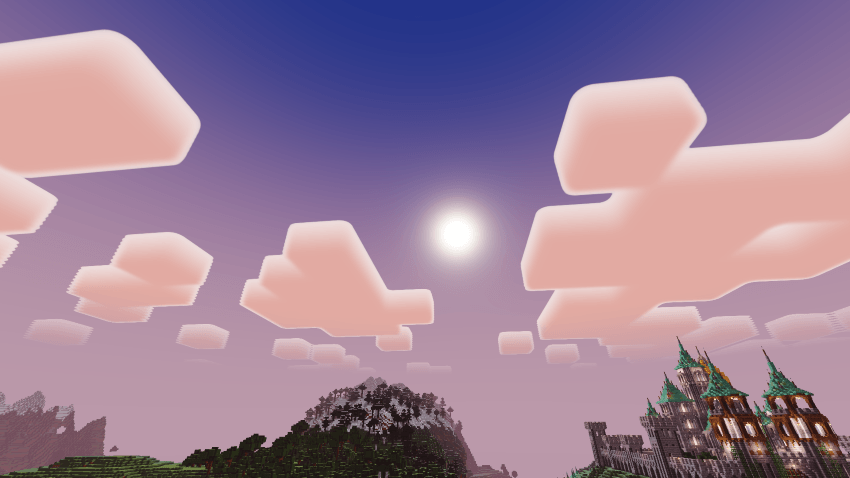
Features & Screenshots
Subpacks
HIGH Version Exclusives
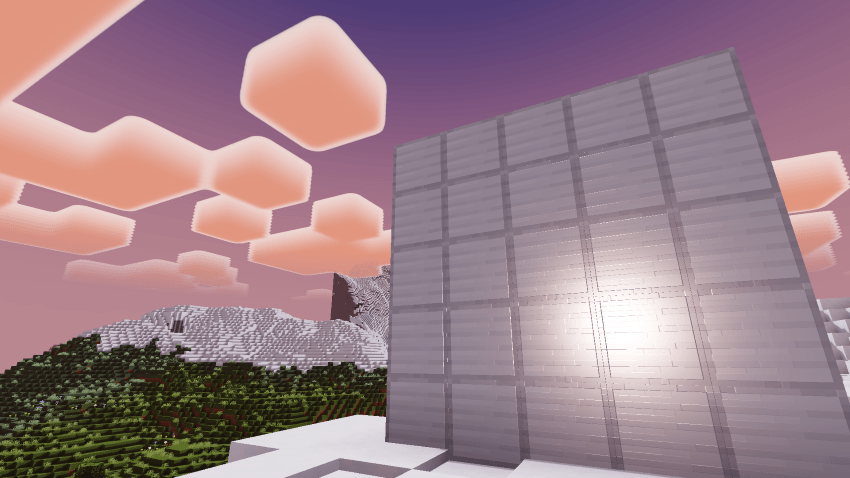
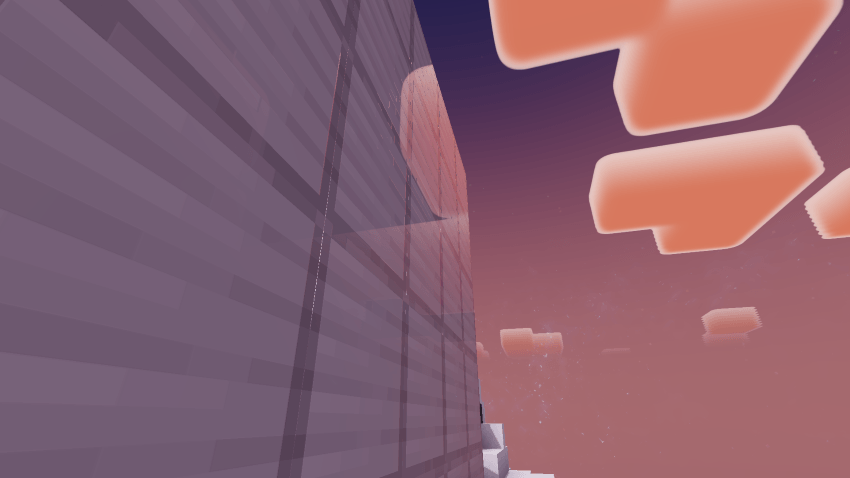
Feature List
- Round Sun & Moon
- Realistic Clouds
- Complementary styled Clouds
- Shadows
- Side block shadows
- Aurora
- Shooting Stars
- Galaxy Stars
- Realistic Water with reflections
- Starfield End Sky
- Metallic Reflections
- Underwater streaks & caustics
- Entity shading
- Glowing ores
- Waving Leaves, foliage & Lanterns
- Underwater wave distortion
- Specular highlights
- End Streaks sky
- Glowing particles
INSTALLATION
Disclaimer: Minecraft Bedrock does not officially support loading custom shaders. The following are unofficial ways to load shaders.
Android
- Install MB Loader app from Play Store.
- Import the resource pack to Minecraft and activate it in global resources.
- Launch Minecraft through MB Loader app.
Windows
- BetterRenderDragon
- Matject
- Manual Replacement
- Extract the .mcpack
- Go to renderer/materials
- Copy the files
- Go to
C:\XboxGames\Minecraft for Windows\Content\data\renderer\materials. (Note: Most people have Minecraft installed in C:; if you have it elsewhere, go there.)
- Back up the files in a safe place.
- Paste the files you copied from the mcpack in
C:\XboxGames\Minecraft for Windows\Content\data\renderer\materials
- To go back to vanilla, paste the backed-up materials or files back.
iOS
- Sorry. There isn't an easy method to install shaders on iOS devices. You either require jailbreak or would have to install an untrusted IPA.
If you are having trouble following this guide, you can ask for support in Newb discord server.