



Cyanora Shader
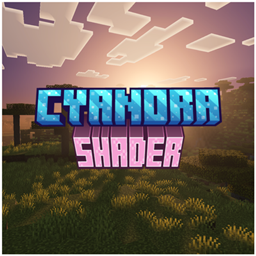
Cyanora Shader is a Minecraft Bedrock Vibrant Visuals shader with bright cyan skies, glowing orange and pink sunsets, and soft light.
- 173
- October 16, 2026
Fancy Boss Bar
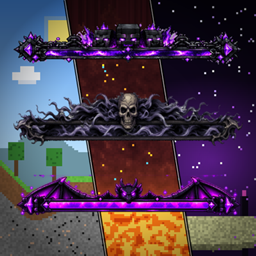
Fancy Boss Bar is a Minecraft Bedrock pack that replaces the Wither, Ender Dragon and Raid boss bars with custom framed, glowing bars
- 216
- October 11, 2026
X-Ray Advanced
- 1.1K
- Texture Packs
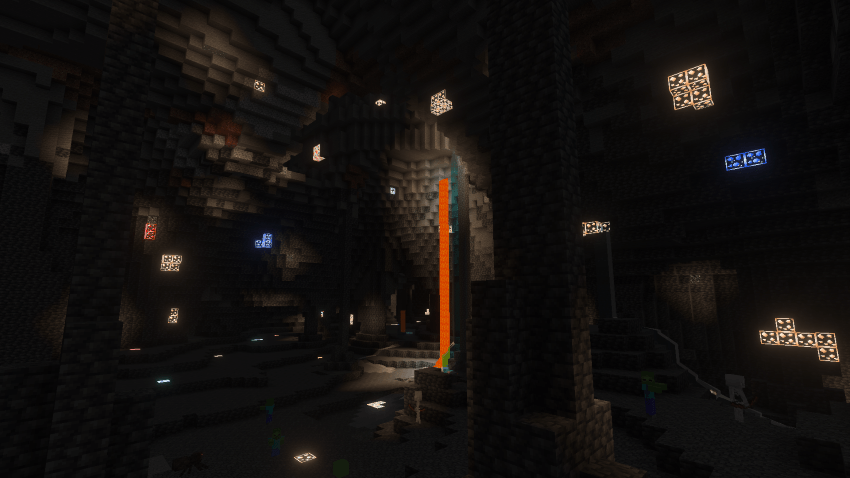
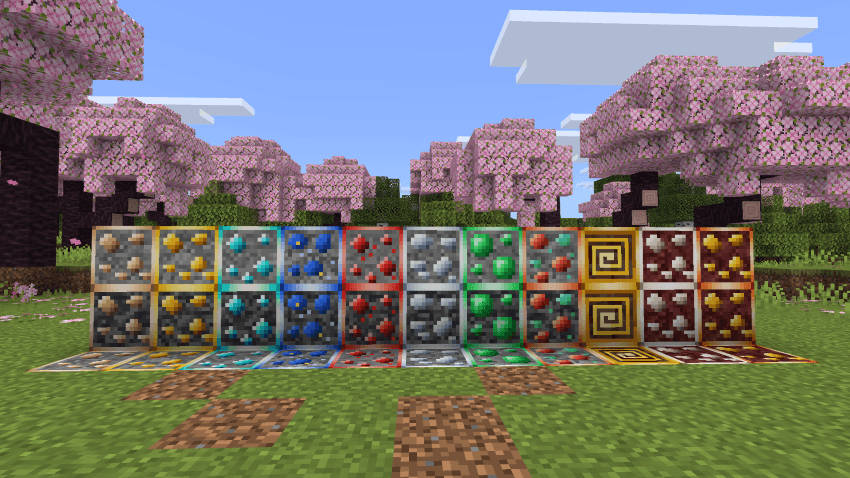
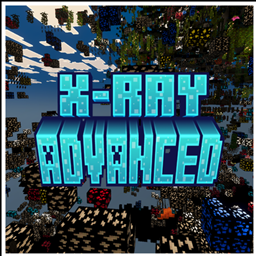
See every ore, skip the digging. X-Ray Advanced makes the ground invisible and the ores glow.
- 1.1K
- October 7, 2026

Dusk Visuals
A lightweight Vibrant Visuals pack with golden sunsets, moody twilight skies, soft shadows and atmospheric fog.
- 97
- October 4, 2026
Cyanora Shader
Cyanora Shader is a Minecraft Bedrock Vibrant Visuals shader with bright cyan skies, glowing orange and pink sunsets, and soft light.
- 173
- October 16, 2026
Fancy Boss Bar
Fancy Boss Bar is a Minecraft Bedrock pack that replaces the Wither, Ender Dragon and Raid boss bars with custom framed, glowing bars
- 216
- October 11, 2026
X-Ray Advanced
- 1.1K
- Texture Packs
See every ore, skip the digging. X-Ray Advanced makes the ground invisible and the ores glow.
- 1.1K
- October 7, 2026
Dusk Visuals
A lightweight Vibrant Visuals pack with golden sunsets, moody twilight skies, soft shadows and atmospheric fog.
- 97
- October 4, 2026