Naruto animation Menu
- By
🛠️ Make your OWN animated menu background — free, in your browser: Turn any video or GIF into a Bedrock menu background .mcpack in ~2 minutes. No upload, no account: https://blockmotion.vercel.app
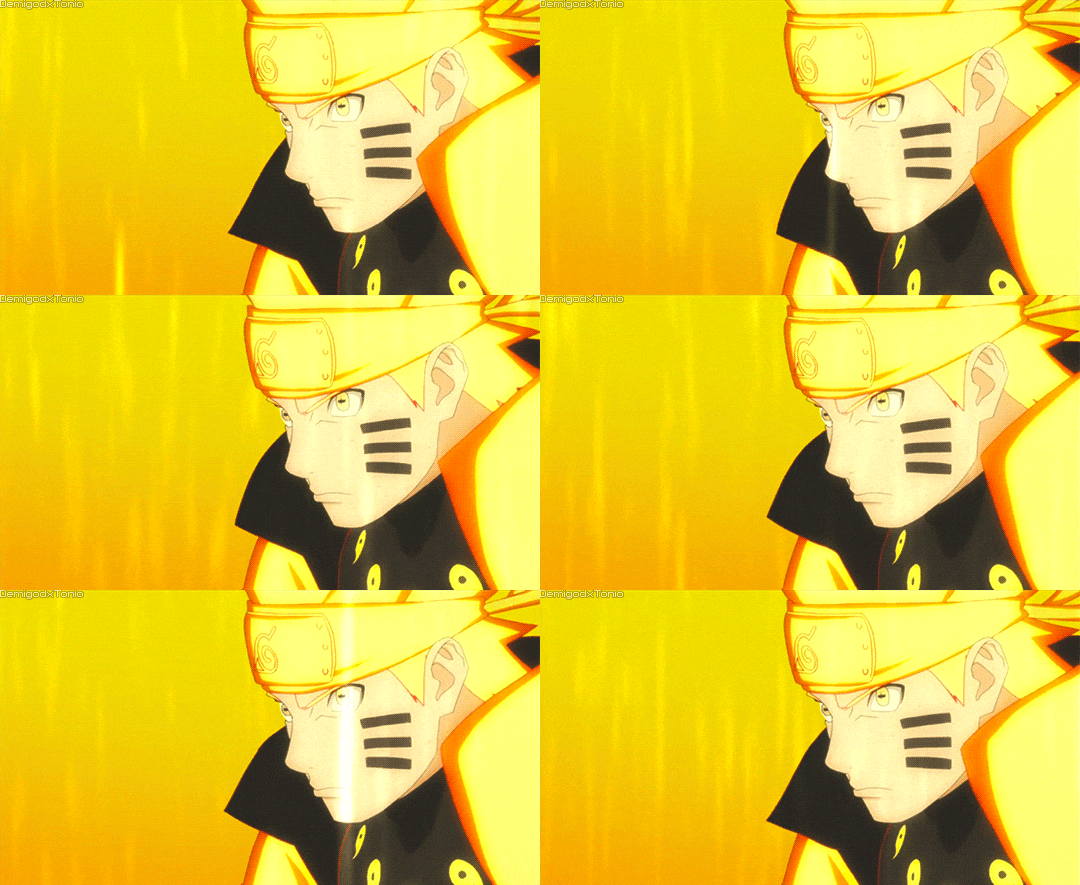
Naruto Rikudou GIF.gif
Description
🔥 Naruto Shinobi Loading Screen 🔥
Transform your Minecraft Bedrock launch into a full shinobi entrance.Replace the ordinary default menu/loading visual with a high-energy Naruto-inspired animation featuring golden chakra, dramatic orange lighting, and Naruto Uzumaki.
⚡ What This Mod Does
Naruto Shinobi Loading Screen replaces the standard Minecraft Bedrock menu/loading presentation with an animated Naruto-inspired visual experience.
Every launch begins with a bold shinobi atmosphere instead of the ordinary default screen. The included animation uses a bright golden chakra style, intense orange and yellow lighting, and a dramatic anime-inspired composition designed to make your Minecraft startup feel more energetic.
🛠️ Make your OWN animated menu background — free, in your browser: Turn any video or GIF into a Bedrock menu background .mcpack in ~2 minutes. No upload, no account: https://blockmotion.vercel.app
📥 Installation
1. Download Naruto_Shinobi_Loading_Screen_v1.0.1.mcpack from the Files section.
2. Open or double-click the .mcpack file on a device with Minecraft Bedrock Edition installed.
3. Wait for Minecraft to finish importing the pack.
4. Open the applicable Global Resources or Resource Packs menu.
5. Enable Naruto Shinobi Loading Screen.
6. If your setup uses a separate menu or loading-screen loader, select the included loading_screen.mp4 through that loader.
7. Restart Minecraft Bedrock and enjoy the shinobi-style loading experience.
Naruto animation Menu Team