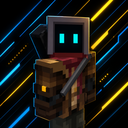
Minimalist Neon Blue UI for Bedrock
- By
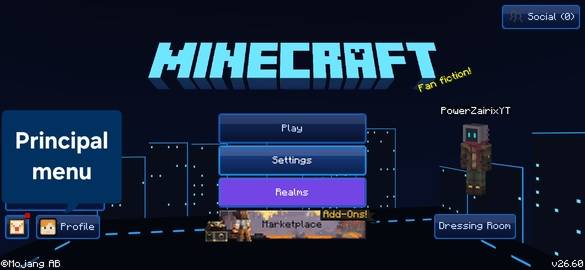
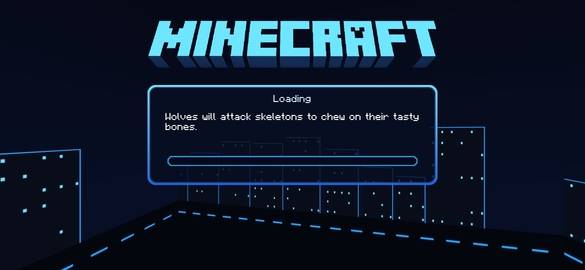
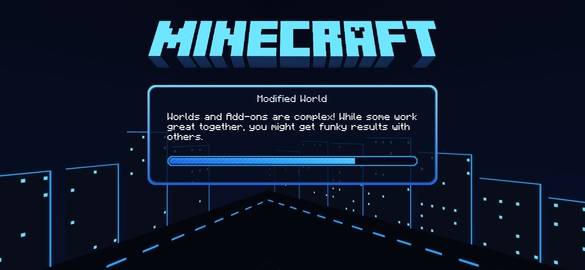
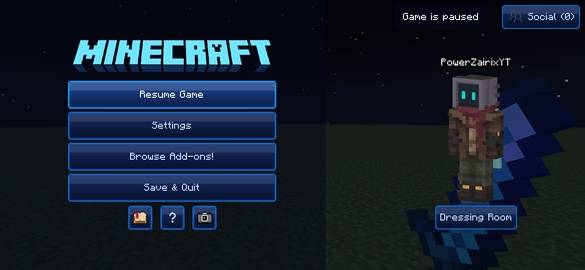
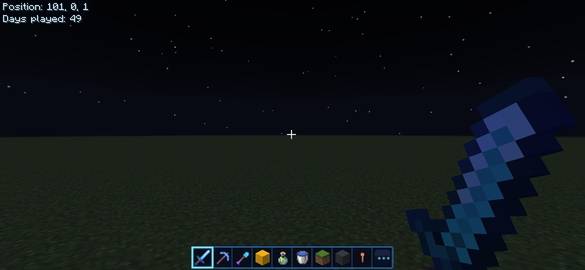
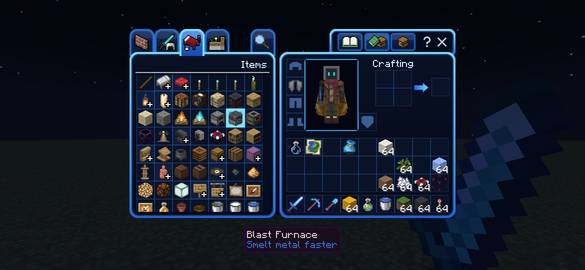
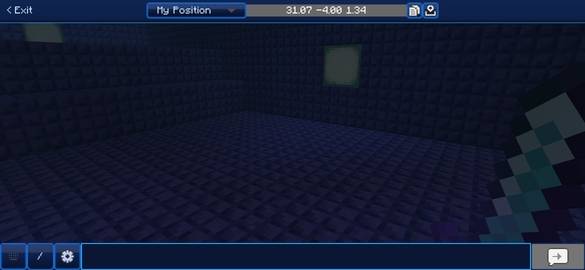
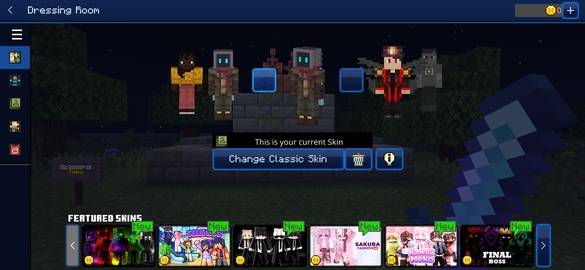
Personalize your experience to a blue UI for most of the menus.
Screenshot_20261104_202634_Minecraft.jpg
Screenshot_20261104_202646_Minecraft.jpg
Screenshot_20261104_202702_Minecraft.jpg
Screenshot_20261104_202722_Minecraft.jpg
Screenshot_20261104_202903_Minecraft.jpg
Screenshot_20261104_202916_Minecraft.jpg
Screenshot_20261104_202942_Minecraft.jpg
Screenshot_20261104_203037_Minecraft.jpg
Description
Minimalist Neon Blue UI is made for them that want to have a personalized experience and that like the blue, if you are that person... What are you waiting for download this! You just need to follow some simple steps for aplicate the texture pack.
How to aplicate this texture pack?
If you know how to aplicate a texture pack you don't need to read this but if you don't know you must read this.
- Download and import the texture pack
- Open the file in Minecraft Bedrock and wait until the success message, then go to Settings > Global textures, and select Minimalist Neon Blue UI.
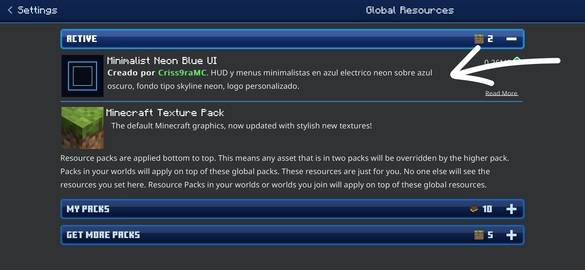
- Enjoy using it
You can play and share to friends.
What I can do with this?
- You can use it freely in your Minecraft.
- You can use it on servers but you need to put an extra credit.
- You can share them with friends.
- You can't edit the textures and publish it like your work.
- You can't put the textures on a pay-wall.
- You can't steal the textures for other texture pack.
Minimalist Neon Blue UI for Bedrock Team