MCPower Visuals
- By
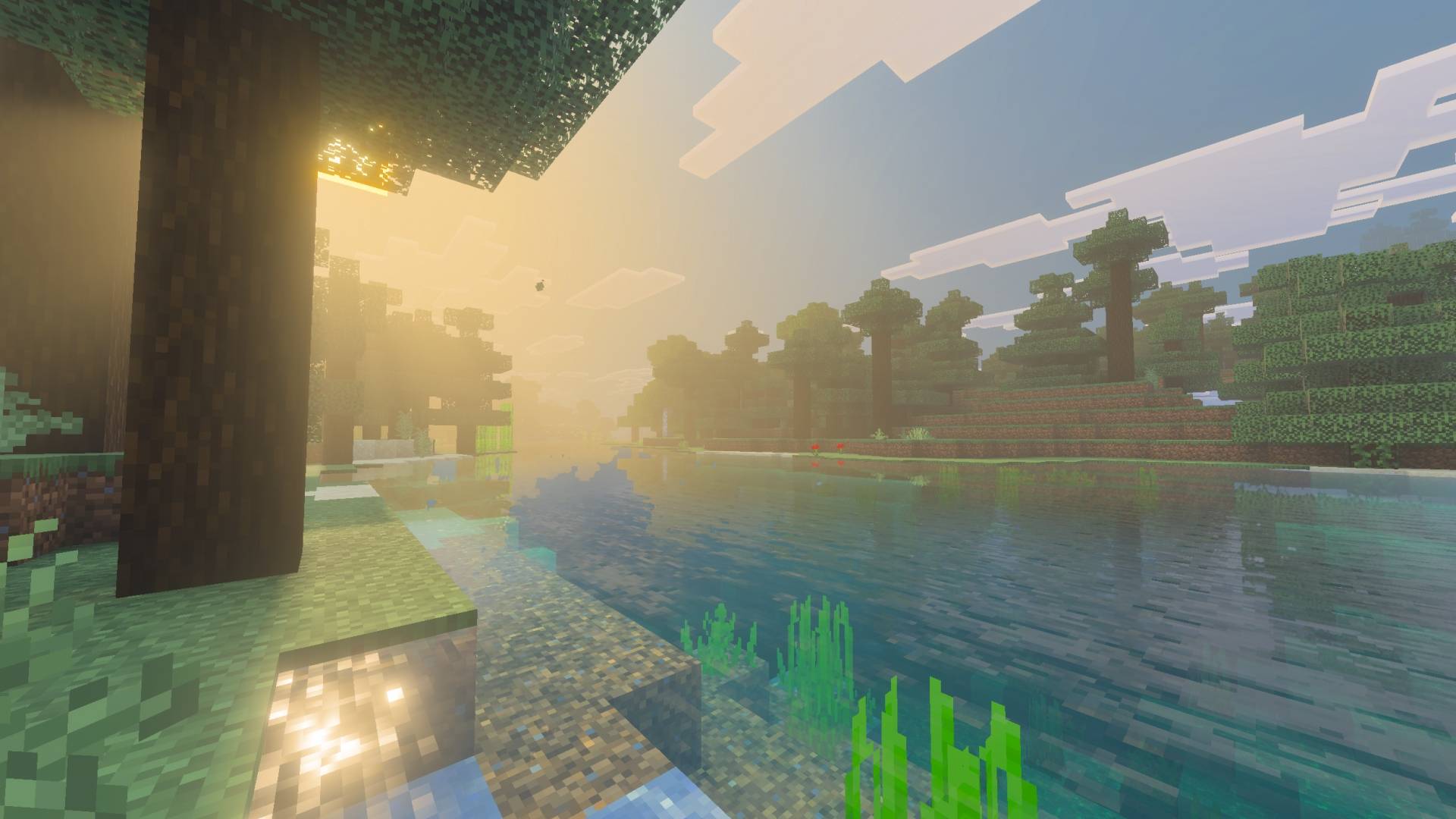
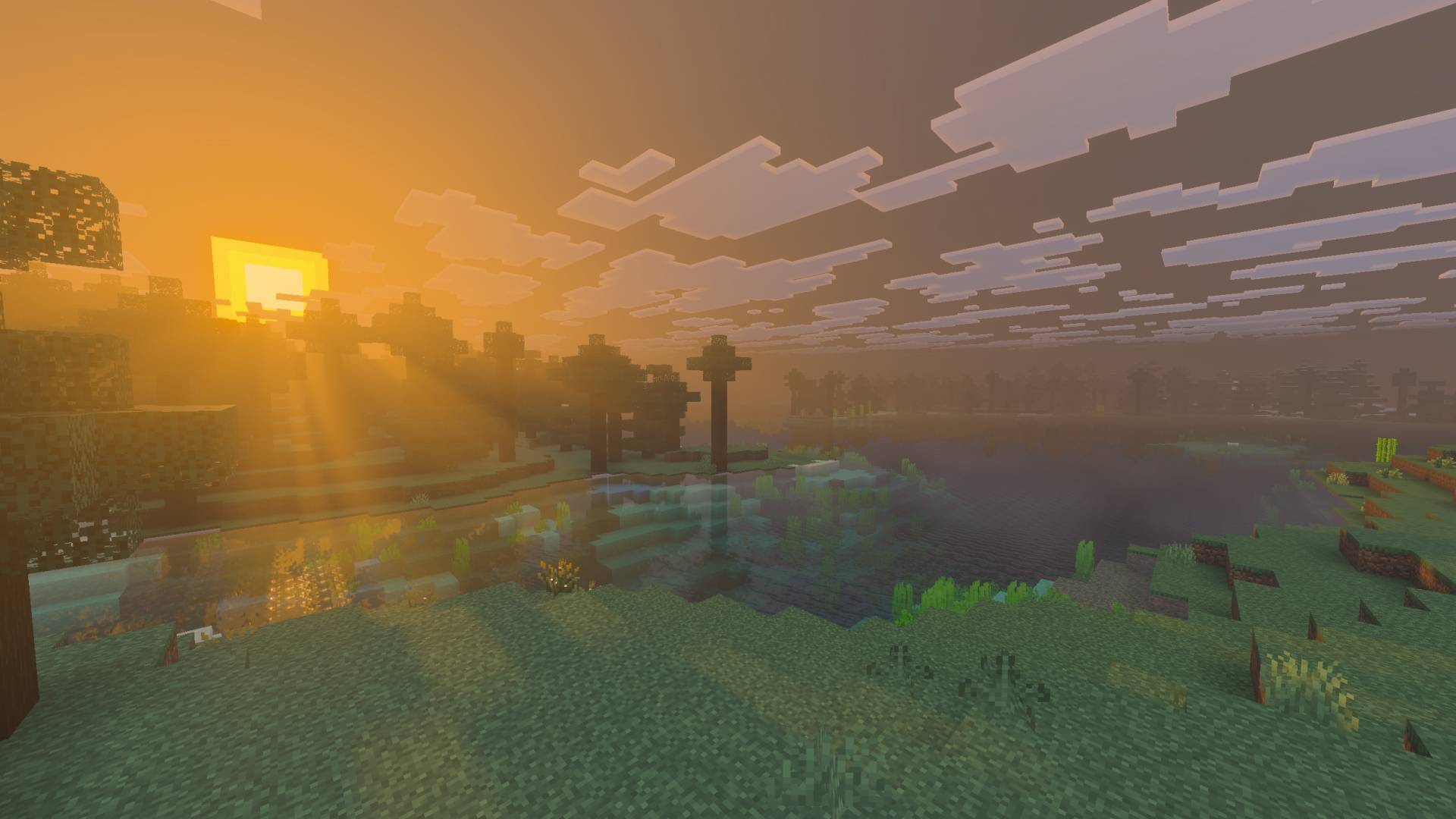
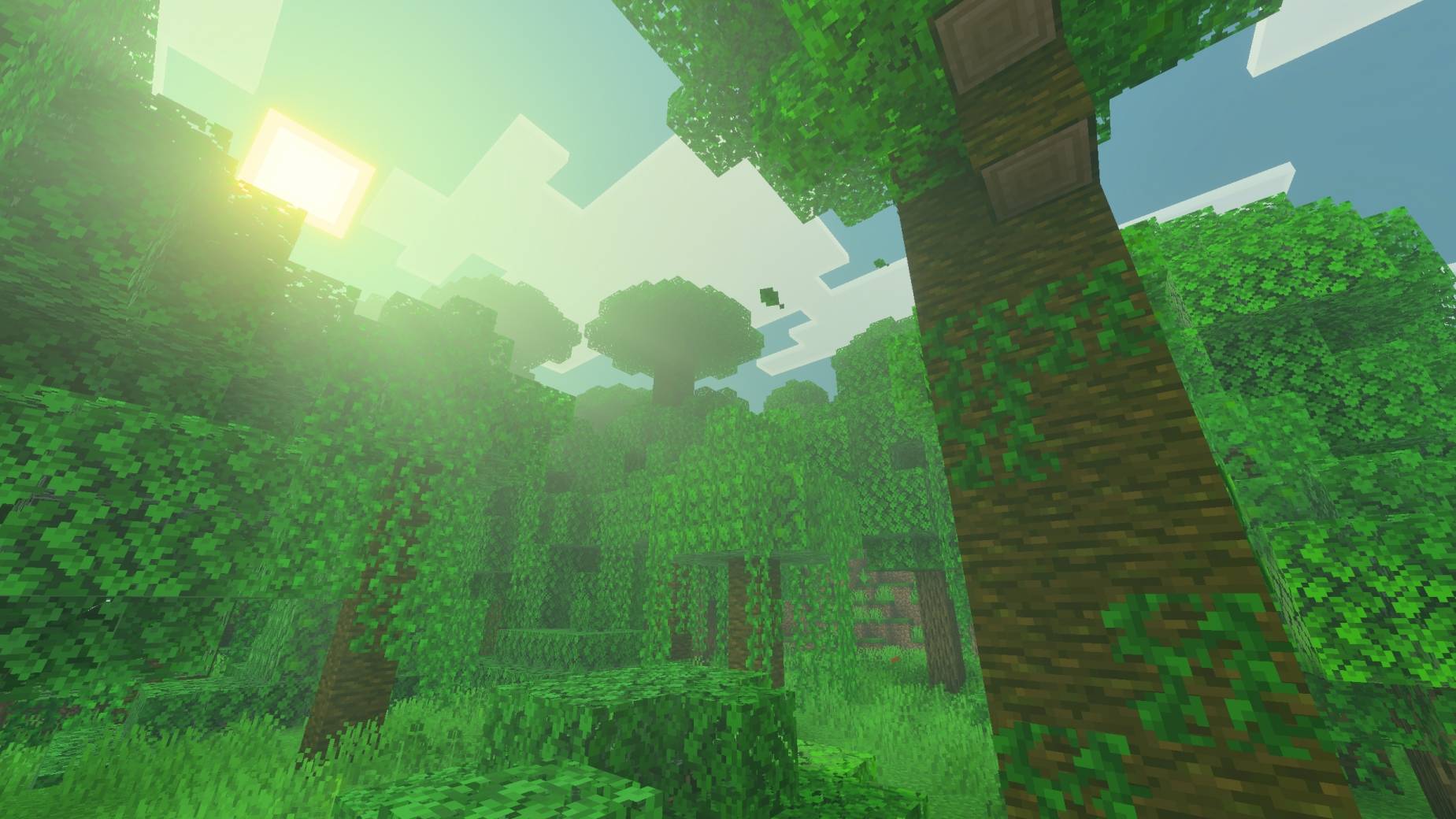
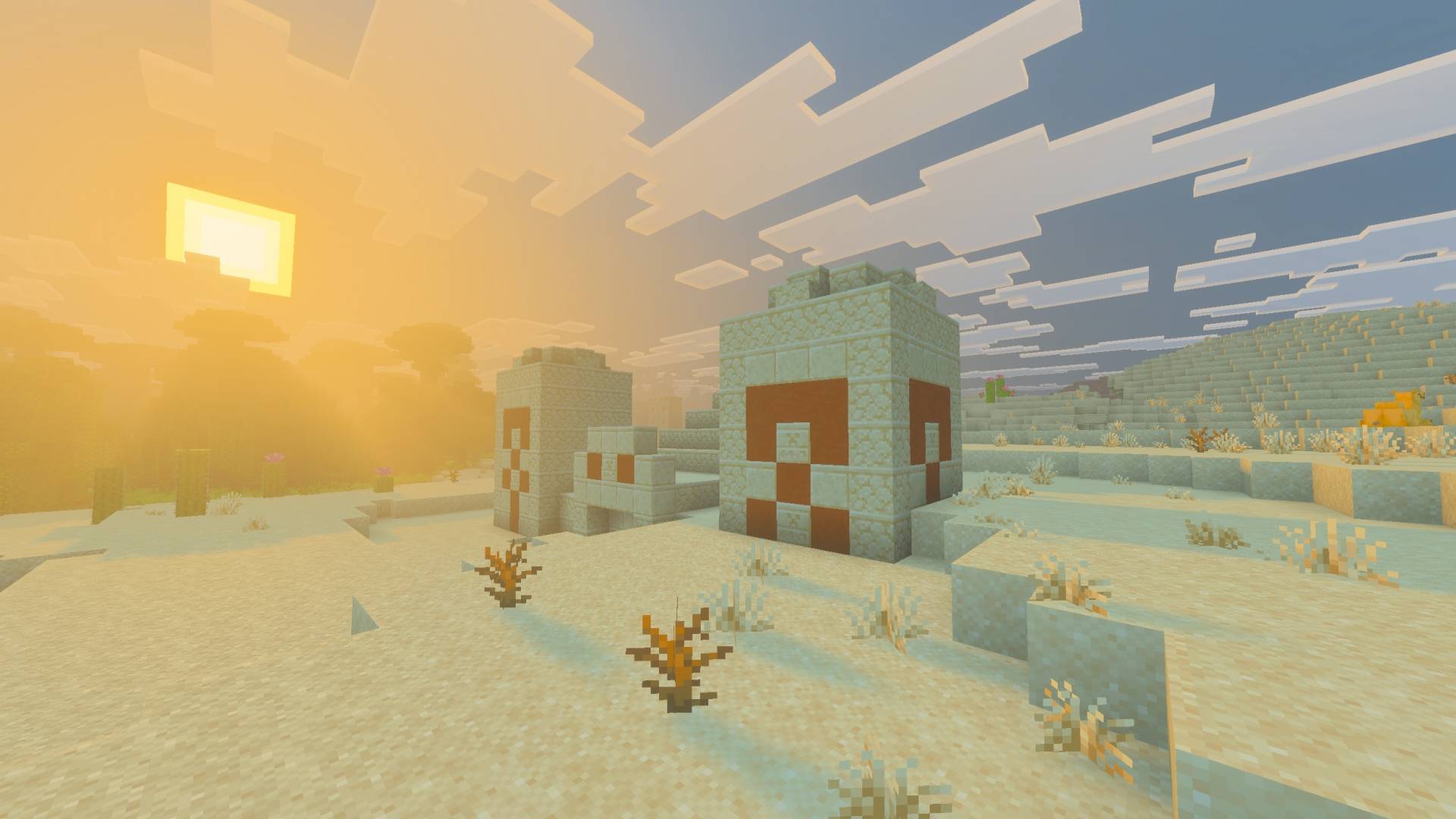
Enhance your game with the MCPower Visuals! Better colors, cooler fogs and overall improved look!
MCP Visuals (1).jpg
MCP Visuals (2).jpg
MCP Visuals (3).jpg
MCP Visuals (4).jpg
Description
MCPower Visuals gives Minecraft Bedrock’s Vibrant Visuals a soft, natural look. Colors are calmer and more balanced, the lighting feels warm and gentle, and the world gets a light, atmospheric haze, without going overboard.

Features
- Soft, natural colors: Saturation and contrast are reduced compared to vanilla Vibrant Visuals. Highlights get a warm tint and shadows a subtle cool tint for a slightly cinematic feel.
- Volumetric light rays: Soft sun rays shine through the air, with matching tints in different biomes: pink in Cherry Groves, green in Jungles, olive in Swamps and amber in Dark Forests.
- Silver moonlight: The moon is brighter and casts soft light rays at night.
- Glowing ores: Copper, iron, gold, redstone, lapis, diamond, emerald, Nether gold and Nether quartz ores softly glow, including the deepslate variants. The original textures stay untouched, only the ore itself glows. Coal ore does not glow.
- Biome atmospheres: Custom fog and water colors for Swamps, Jungles, Dark Forests and Cherry Groves
- Nether fog: Light fog in every Nether biome, colored to match the biome
- Latest biomes supported: Includes the new Dappled Forest with warm autumn grass and leaves, and the Sulfur Caves.
Requirements
- Minecraft Bedrock Edition with Vibrant Visuals enabled (Settings → Video → Graphics Mode)
- Recommended: the latest version (26.50 or newer) for the new biomes
Installation
Open the .mcpack file, then activate MCPower Visuals under Global Resources or in your world’s resource packs.
MCPower Visuals Team

Owner