


Linxing's Paper Doll v1.3.1
- By
Your character, your HUD! Move and resize your Paper Doll with in-game sliders, choose from 8 position presets, or keep it always visible. Easy to install for Bedrock v26+
Linxing's Paper Doll: Your character, your HUD! Move and resize your Paper Doll with in-game sliders, choose from 8 position presets, or keep it always visible. Easy to install for Bedrock v26+

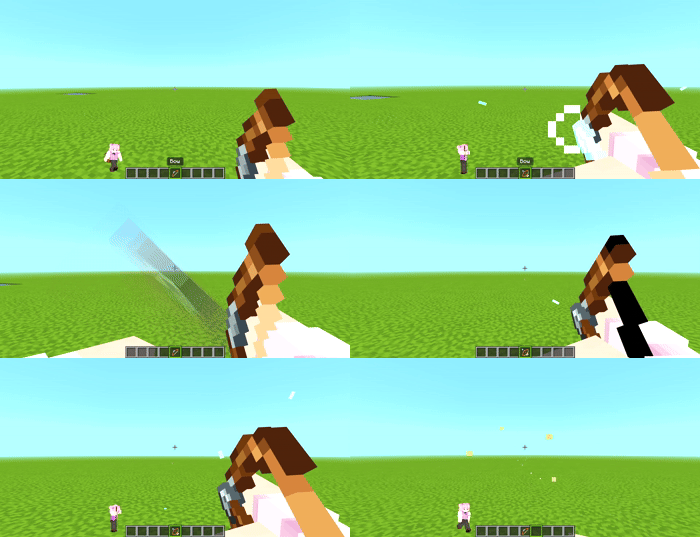
How to Configure the Paper Doll
Step 1: Press the crouch button to make the Paper Doll appear.
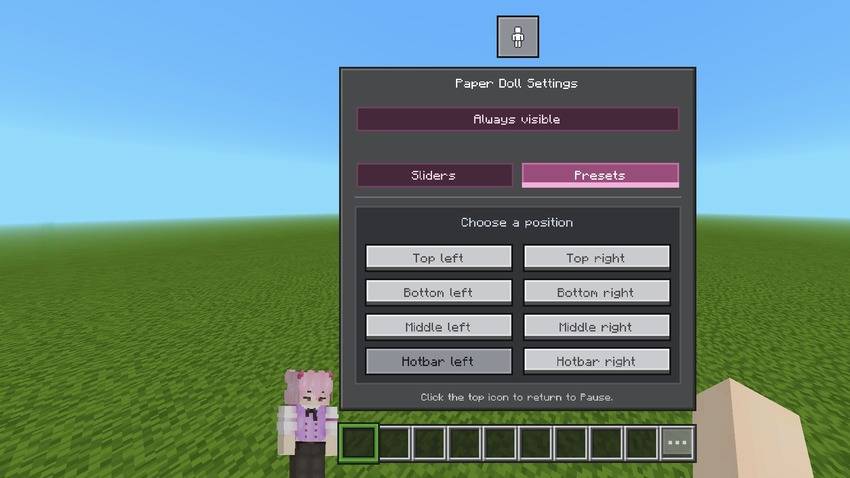
Step 2: Go to the pause screen and press the button indicated in the image.
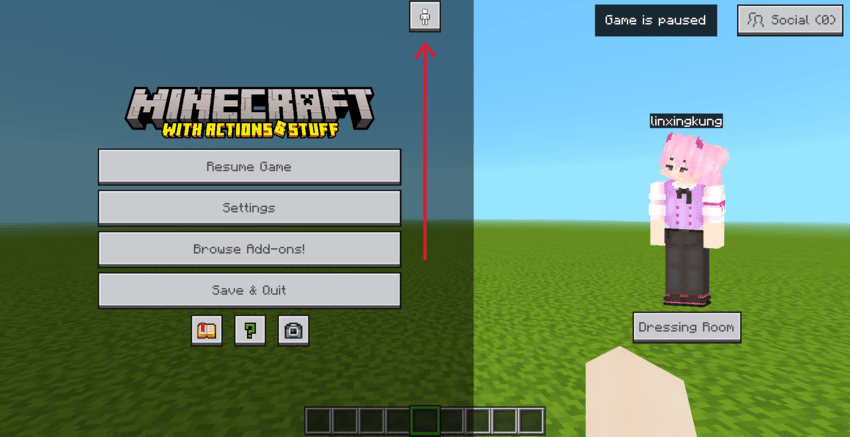
Step 3: Adjust the settings as desired. Once done, press the same button again.
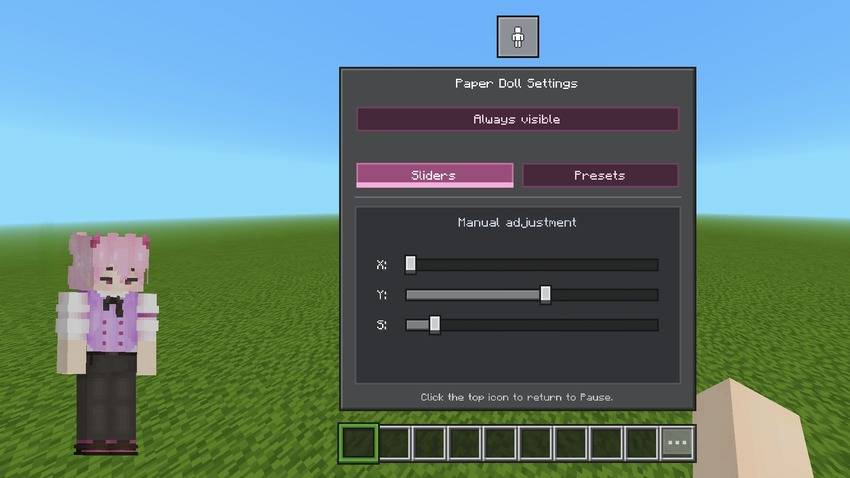
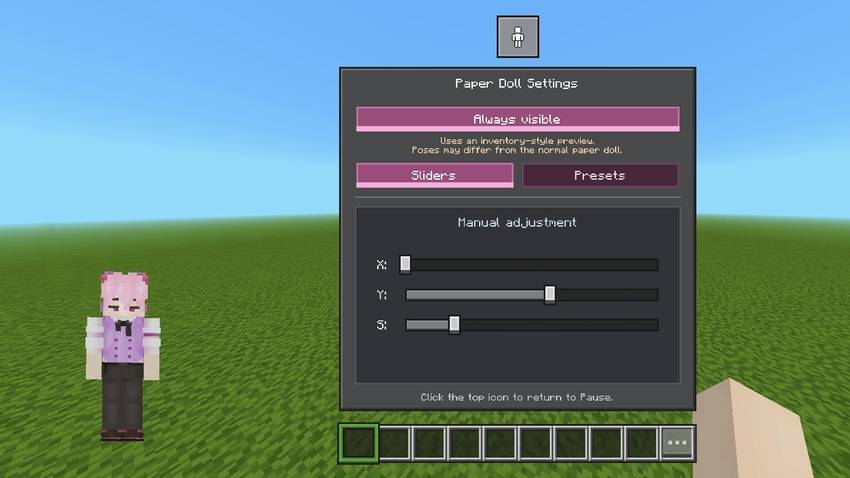
Subpacks
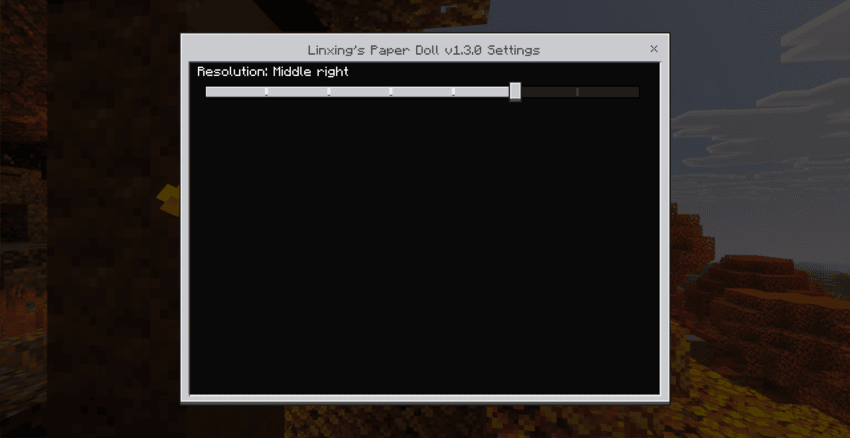
Eight in-game presets: Top left, Top right, Bottom left, Bottom right, Middle left, Middle right, Hotbar left, and Hotbar right.

Linxing's Paper Doll v1.3.1 Team

Owner
