


Linxing's Paper Doll v1.2.0
- By
Linxing's Paper Doll: Feel free to move the Paper Doll wherever you like — no changes to gameplay! Easy to install and fully compatible with Bedrock 1.26+
Linxing's Paper Doll: Feel free to move the Paper Doll wherever you like — no changes to gameplay! Easy to install and fully compatible with Bedrock 1.26+

How to Configure the Paper Doll
Step 1: Press the crouch button to make the Paper Doll appear.
Step 2: Go to the pause screen and press the button indicated in the image.
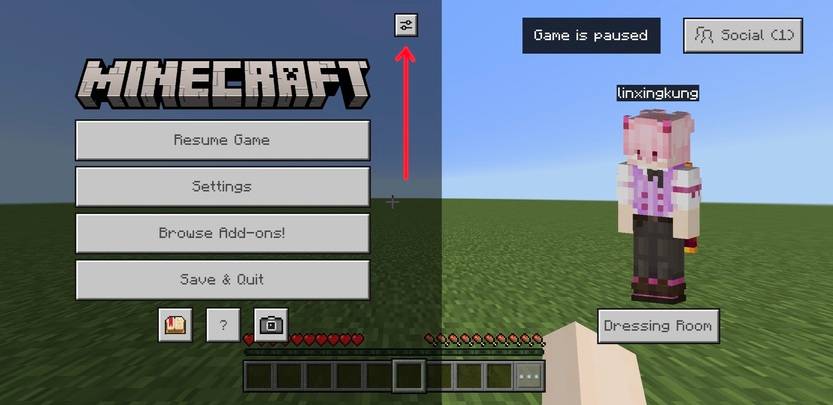
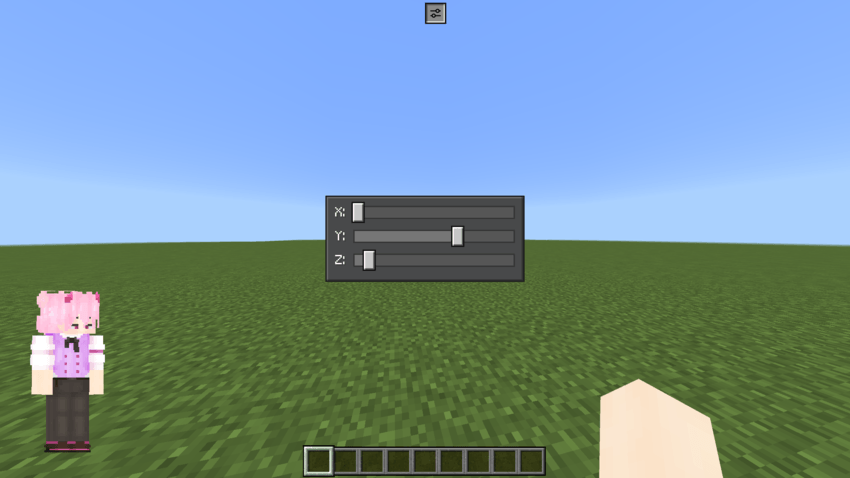
Step 3: Adjust the settings as desired. Once done, press the same button again.
Subpacks
Used to set the default position of the Paper Doll:
- 1. Hotbar Left [<] (default)
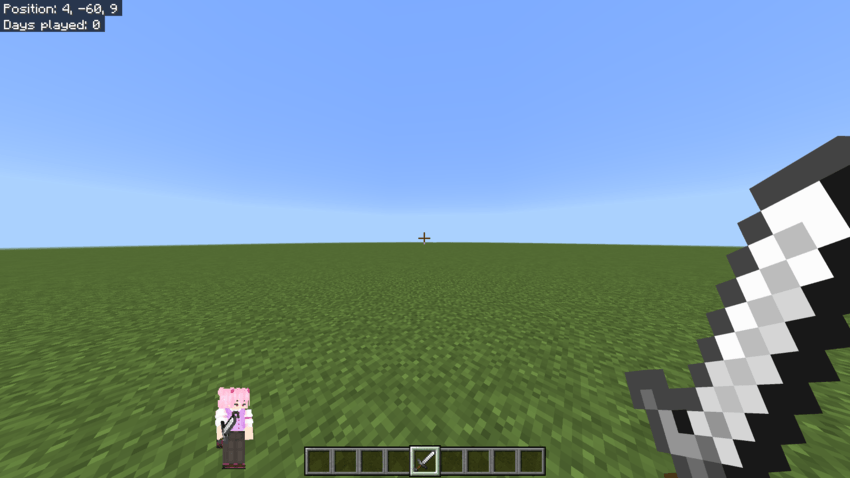
- 2. Hotbar Right [>]
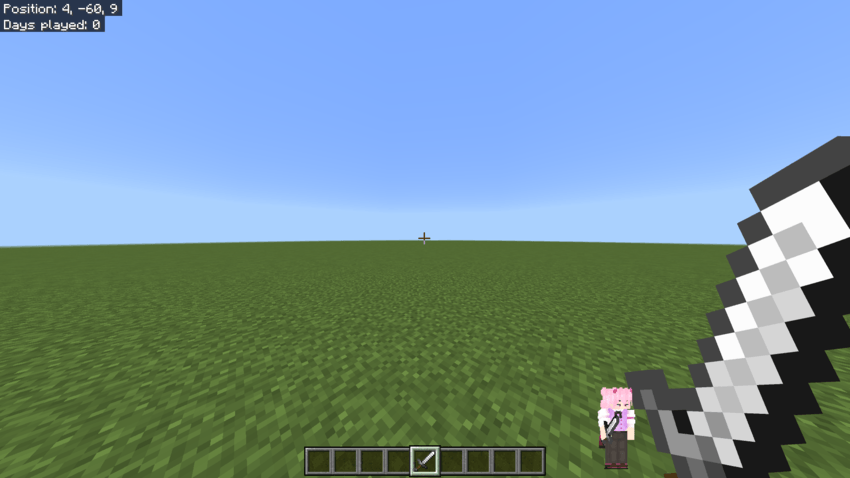
- 3. Center Left [<]
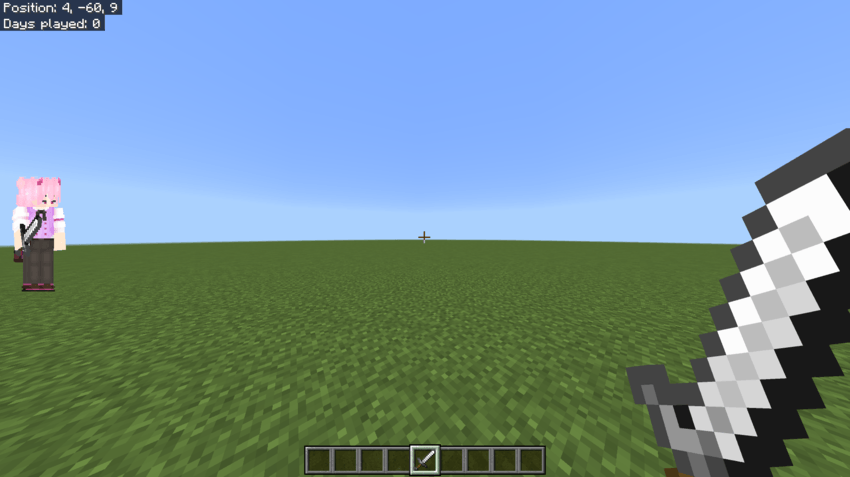
- 4. First-Person Shooter (Mobile and PC)
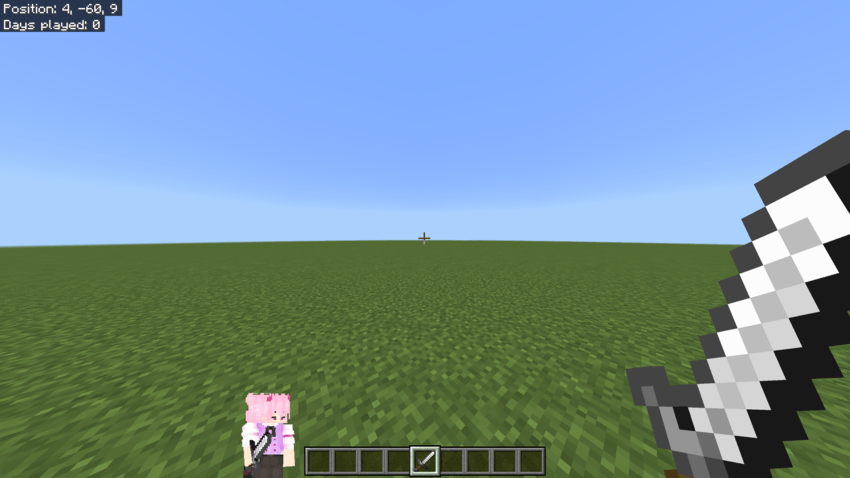

The Linxing's Paper Doll v1.2.0 Team


Owner
