


LEGENDARY RTX TEXTURE PACK | BEDROCK RTX EDITION |
- By
Realistic PBR Texture Pack For Minecraft Bedrock RTX Edition
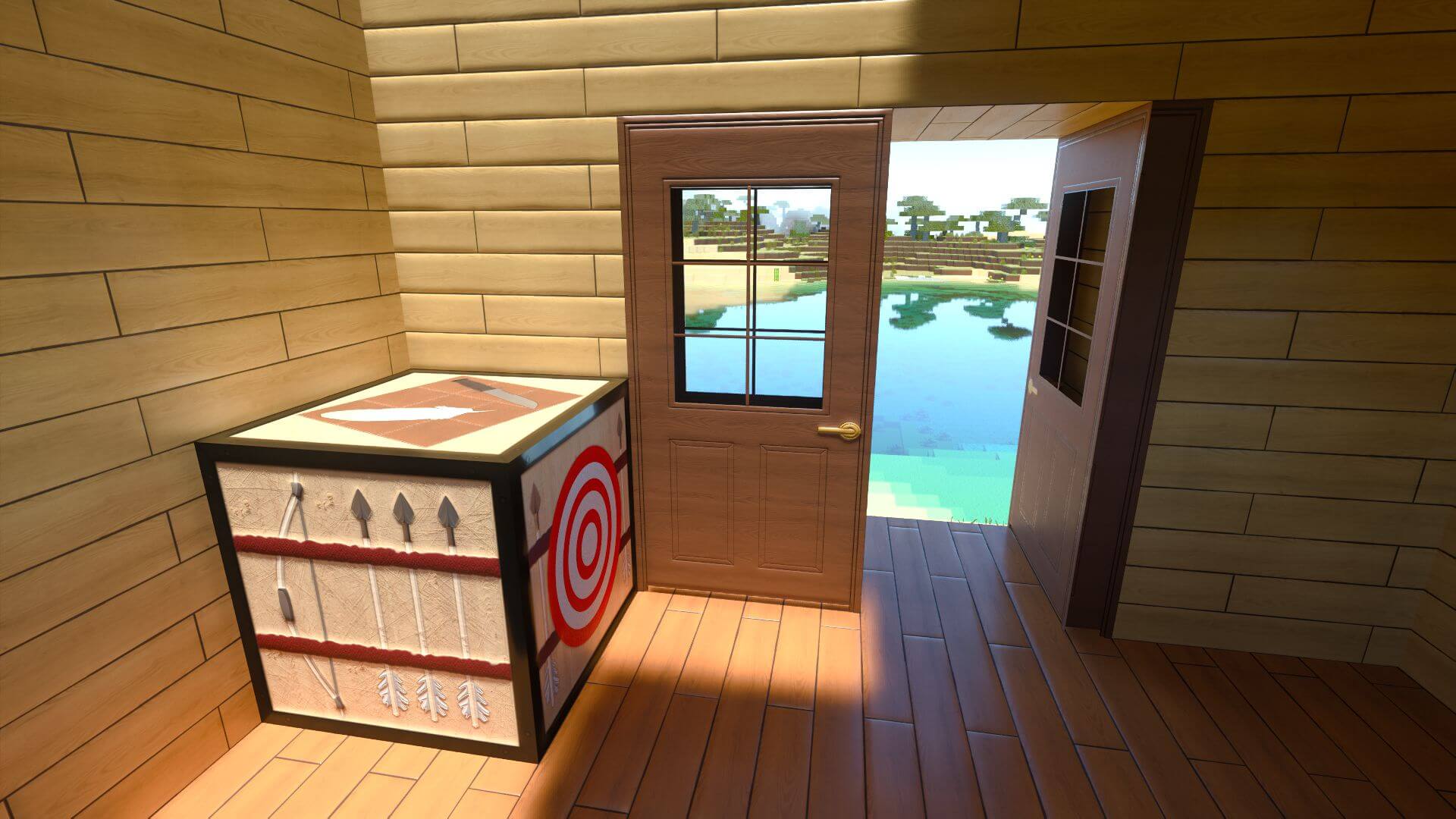
LEGENDARY BEDROCK RTX TEXTURE PACK V0.3
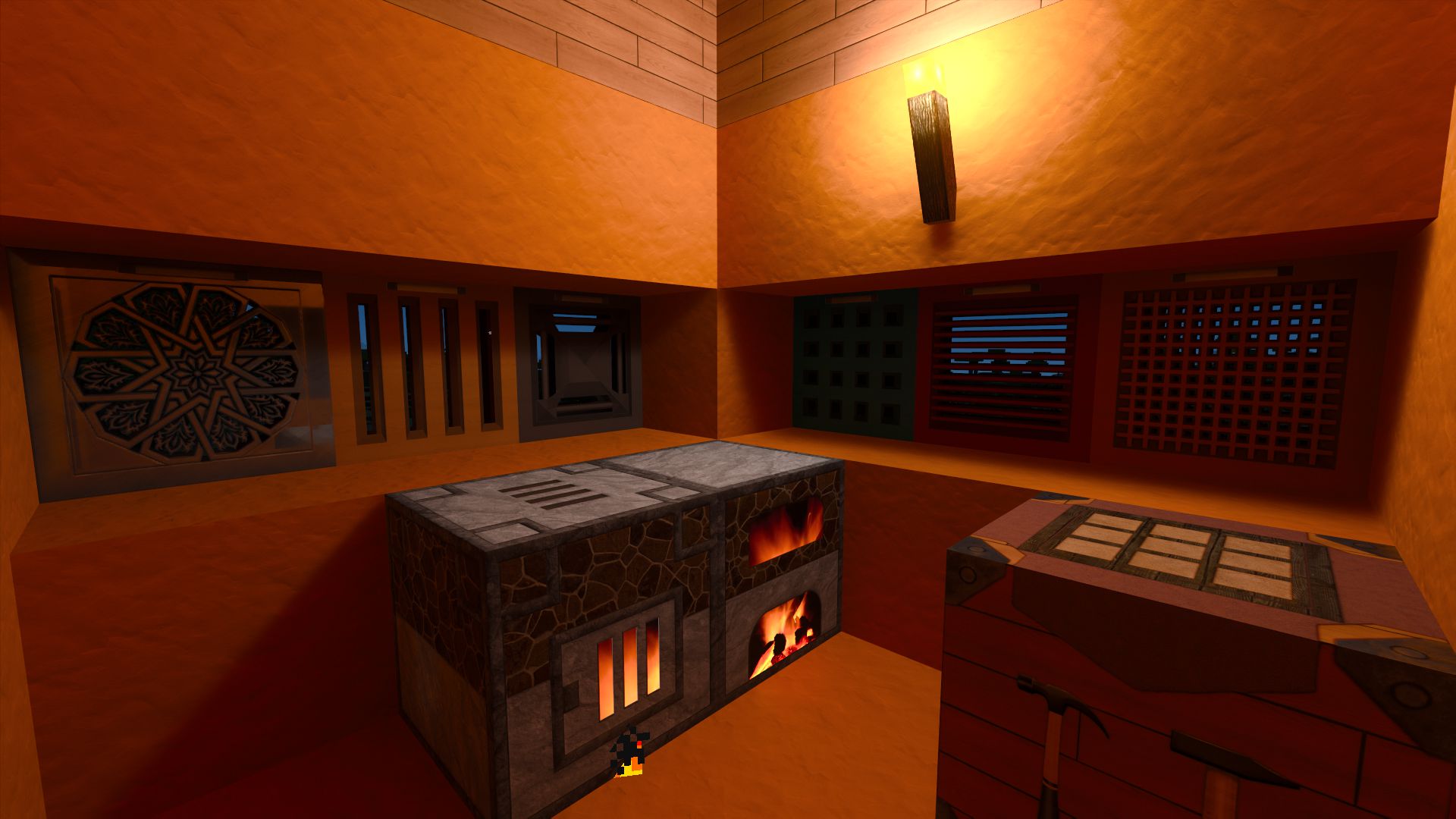
LEGENDARY BEDROCK RTX TEXTURE PACK V0.5
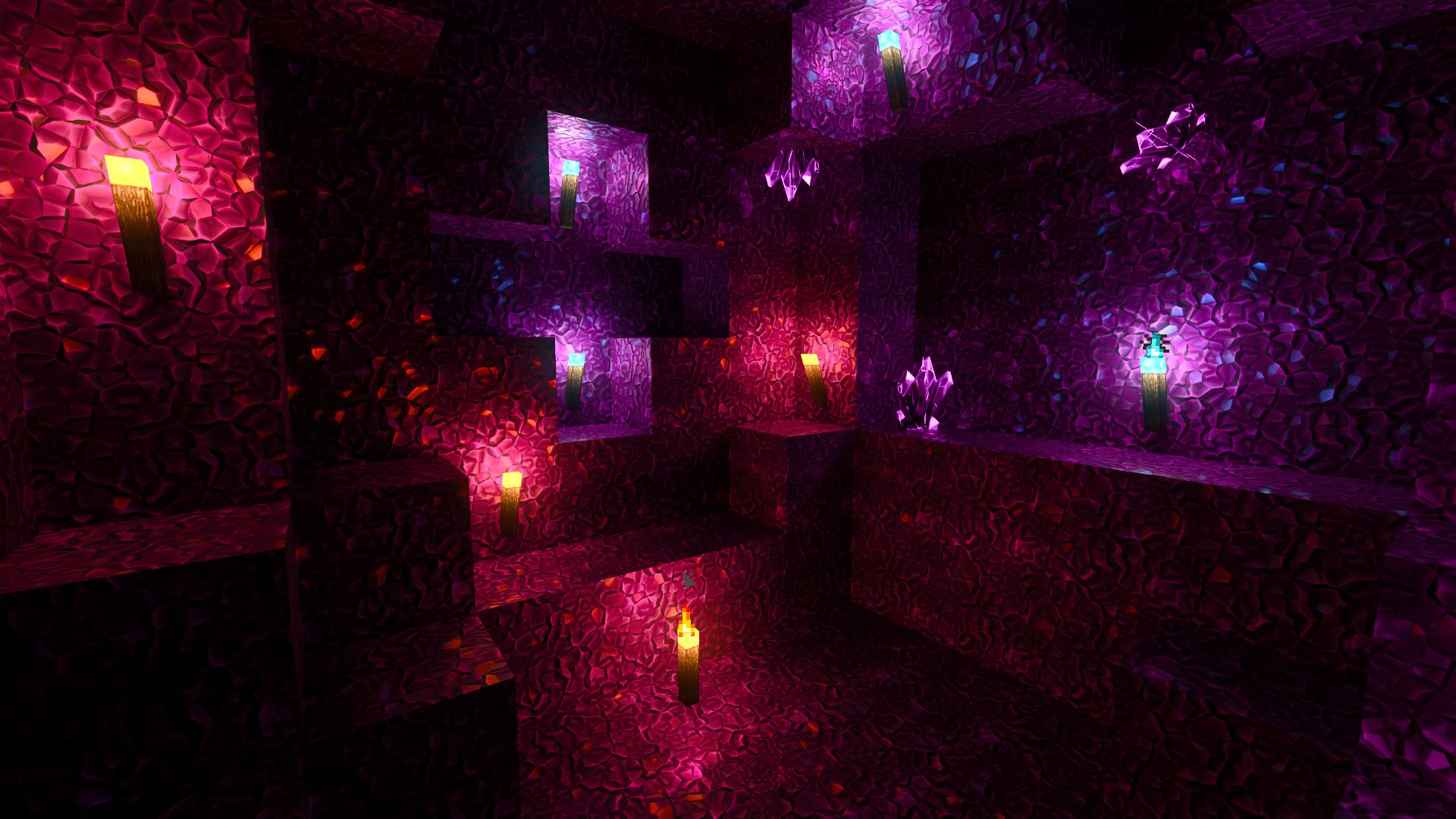
LEGENDARY BEDROCK RTX TEXTURE PACK V0.6
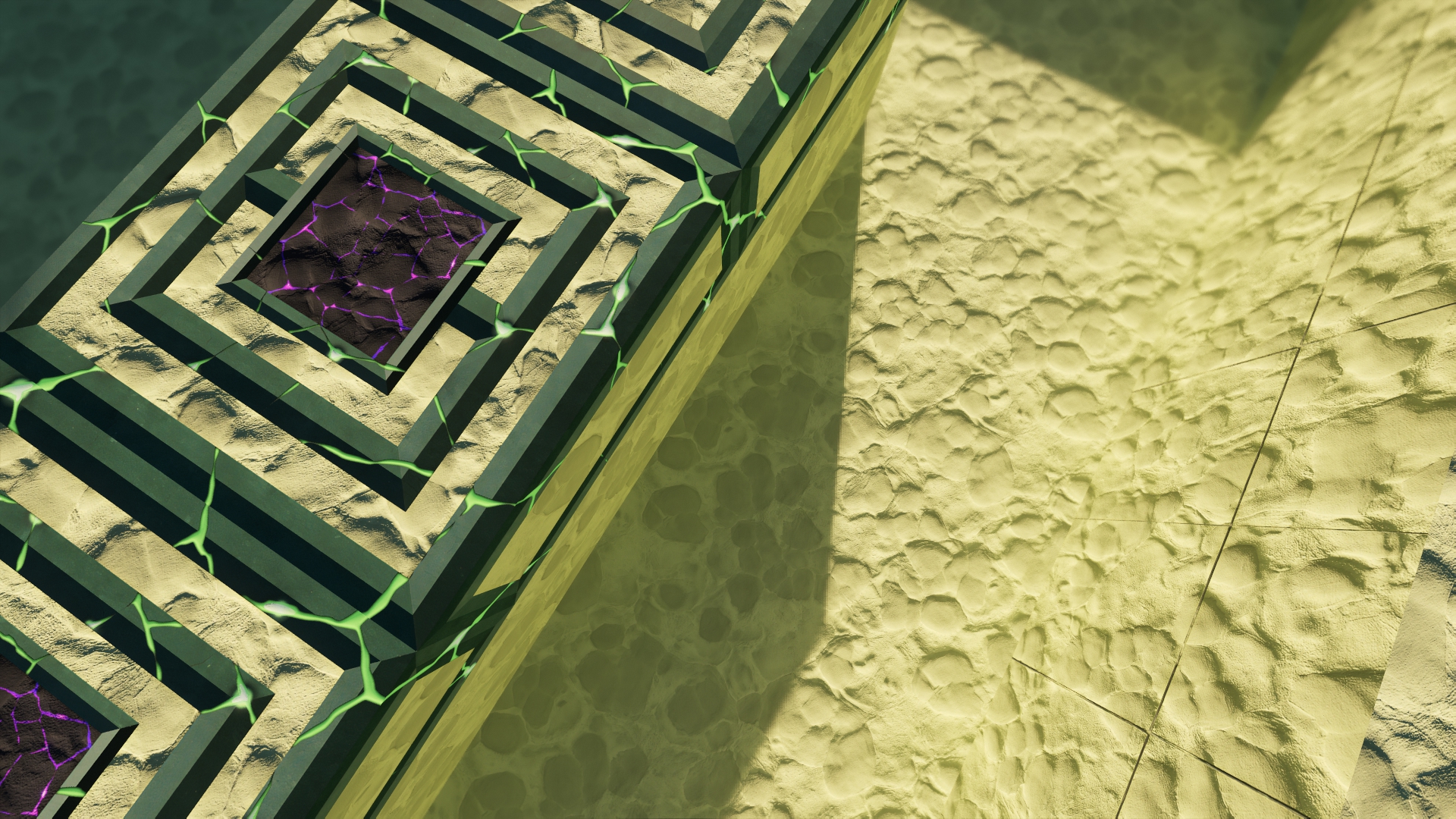

Description
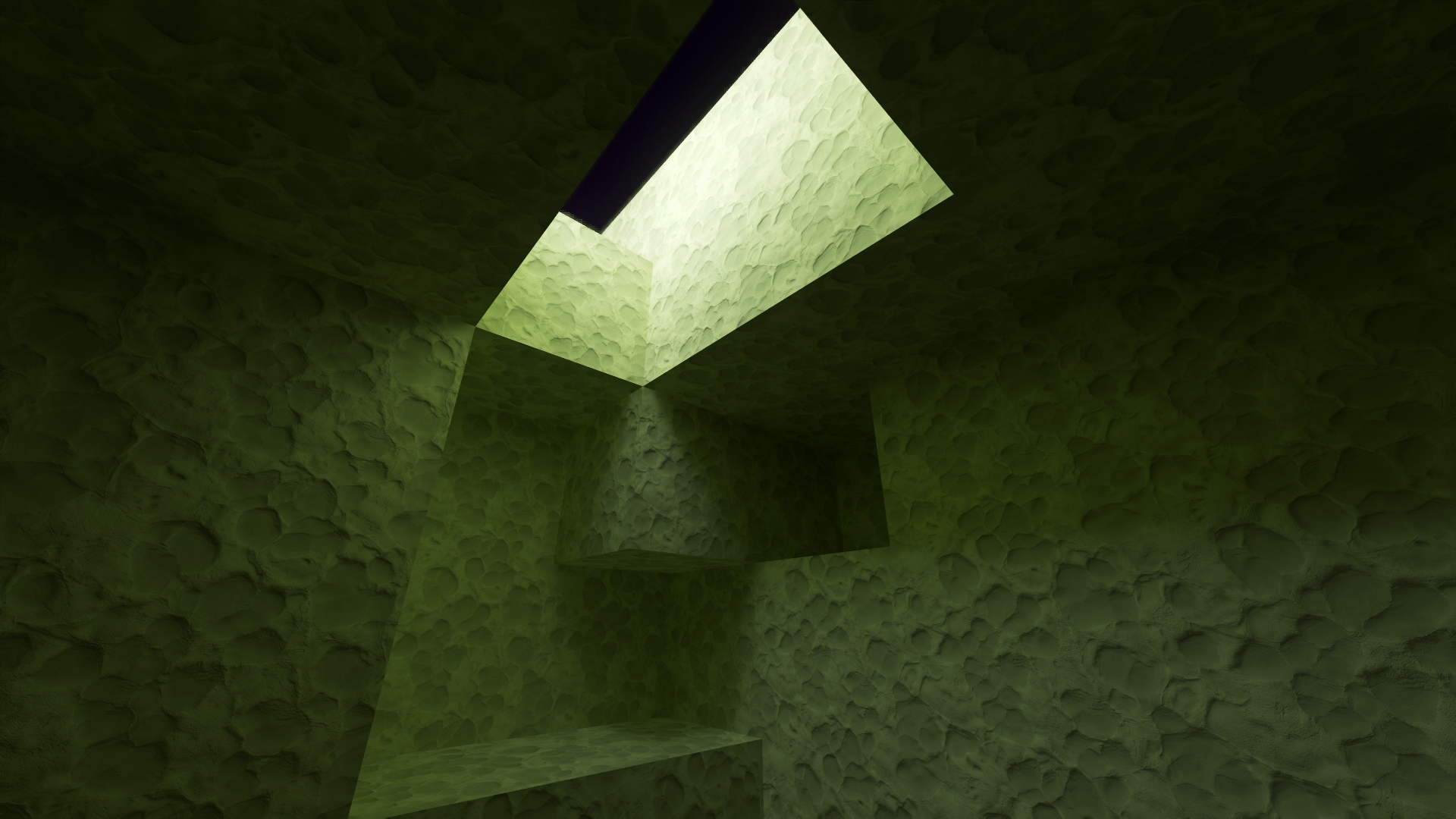
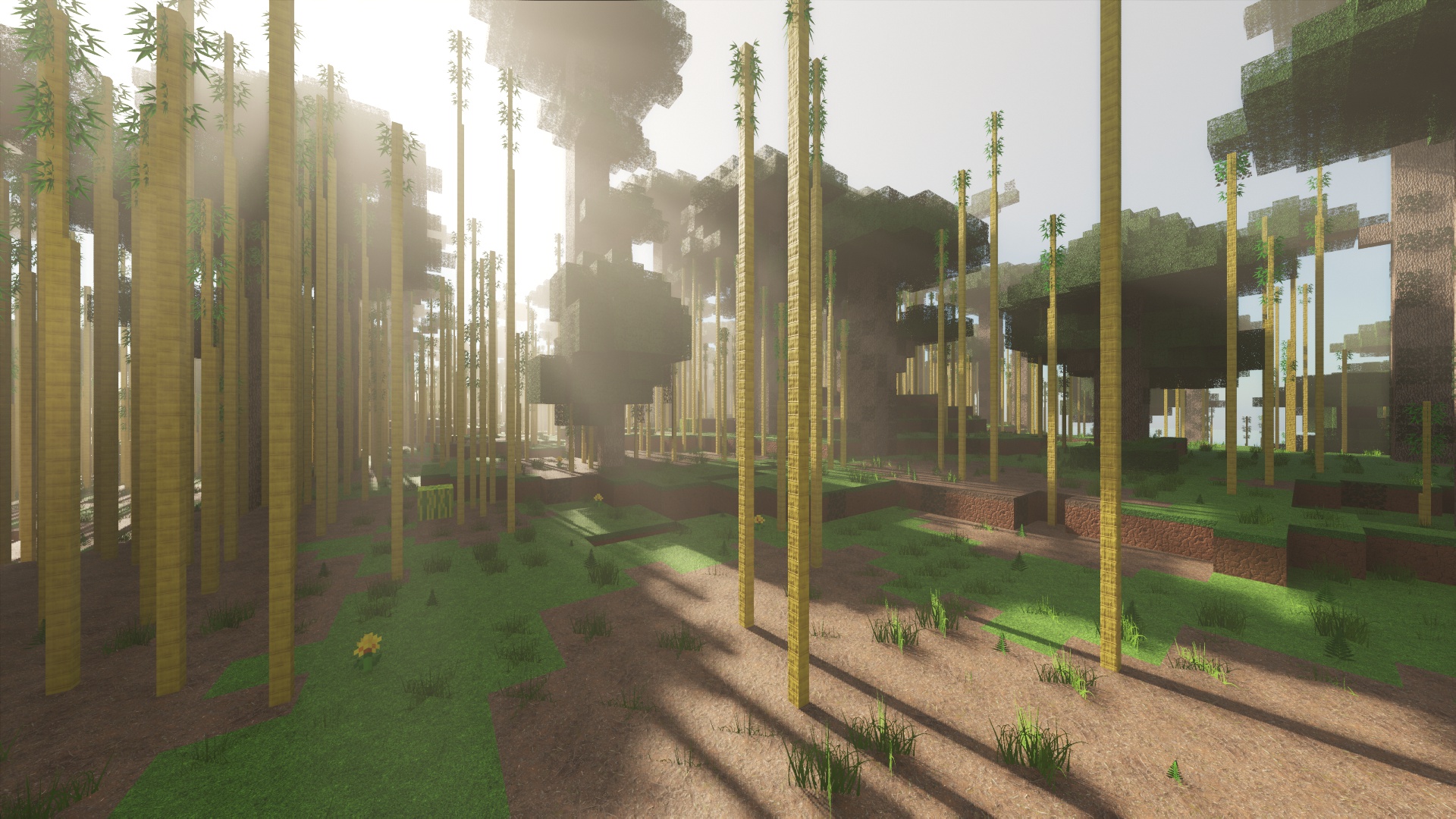
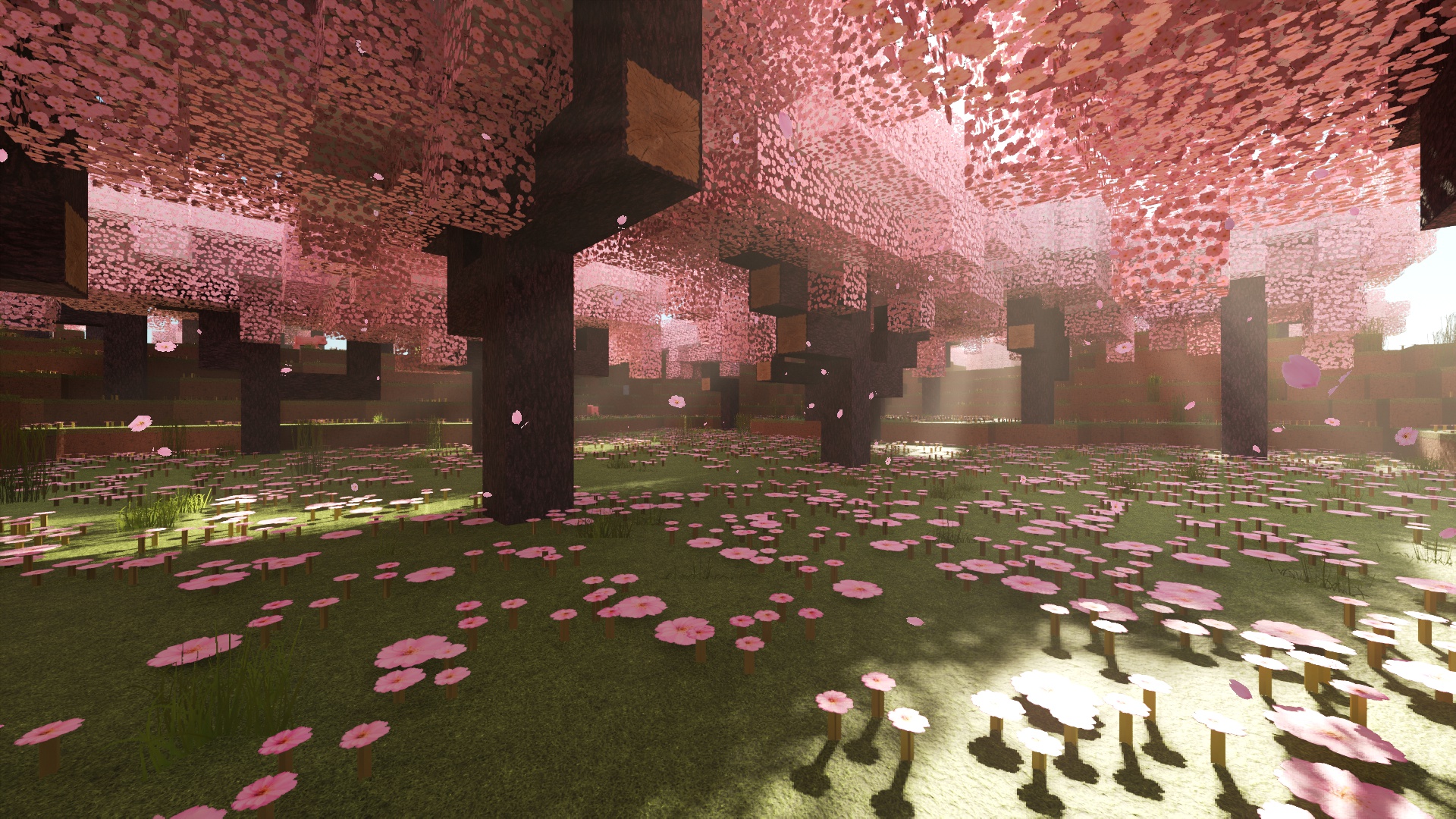
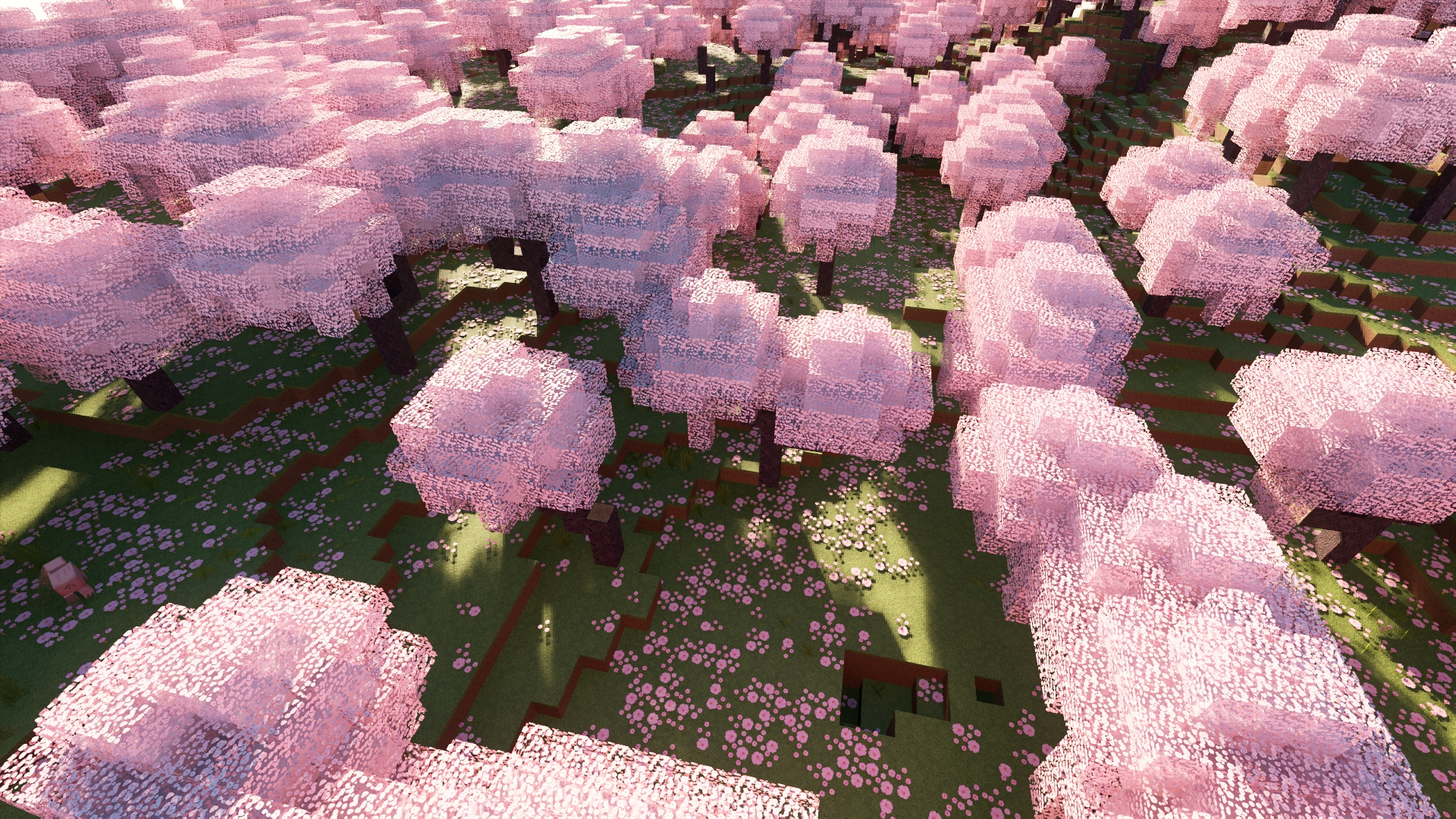
Legendary Bedrock RTX Textures brings physically-based materials and ray tracing to Minecraft: Bedrock Edition (Windows). Every surface ships with PBR maps (specular / roughness / metallic), plus subtle height for depth and optional emissives—so light, reflections, and shadows behave convincingly with RTX on.
OFFICIAL WEBSITE
Why it looks so good
- True PBR workflow: Specular, roughness, metallic, and matte maps tuned for Bedrock’s RTX pipeline.
- Depth & micro-detail: Height information adds believable 3D relief without extra geometry.
- Emissive accents: Select textures glow for cinematic night scenes.
What you get
- Resolutions: LOW (free), HD (paid), and FHD (paid) — match visuals to your hardware.
- Changelog & updates: Ongoing versioned releases with new blocks and tweaks.
Requirements (Bedrock RTX)
- Platform: Minecraft for Windows (Bedrock)
- GPU: NVIDIA GeForce RTX (RTX 2060 or better recommended)
- OS: Windows 10/11 (64-bit)
Note: RTX toggles are part of Bedrock’s Windows ray-tracing features.
Quick install (Bedrock/Windows)
- Download the
.mcpackfor your chosen tier (Demo / LOW / HD / FHD). - Import: Double-click the
.mcpackto import into Minecraft (Bedrock). - Activate: Go to Settings → Global Resources and enable the pack.
- Enable Ray Tracing: Settings → Video → Ray Tracing → RTX: ON.
Performance tips
- Start with LOW or HD; move to FHD if frame rate is stable.
- Reduce render distance for heavier scenes.
- Keep GPU drivers up to date and close background apps before high-res sessions.
To Download Higher Resolution Like HD/FHD Visit Here: https://legendaryrttextures.com/project/legendary-bedrock-rtx-textures/
LEGENDARY RTX TEXTURE PACK | BEDROCK RTX EDITION | Team

Owner

