Java hitbox
- By
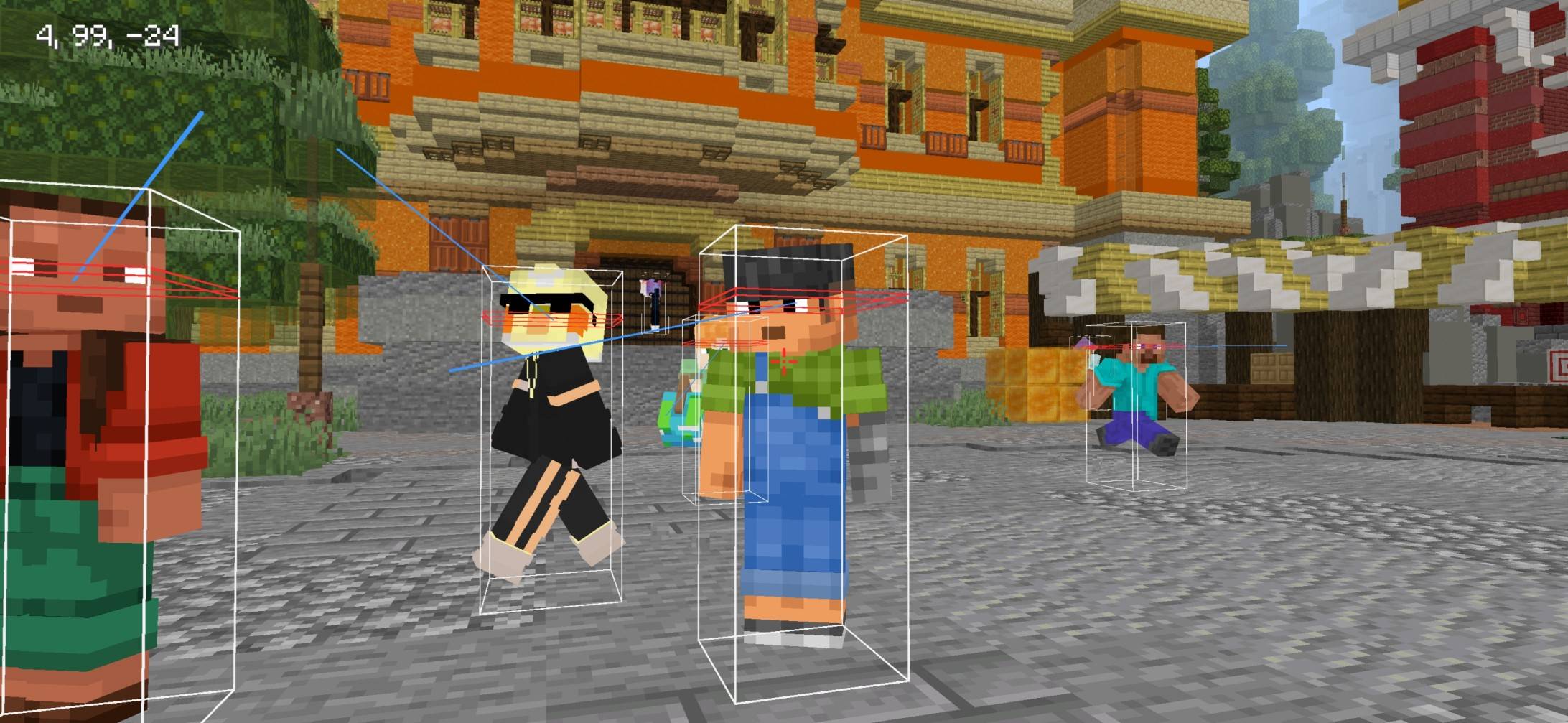
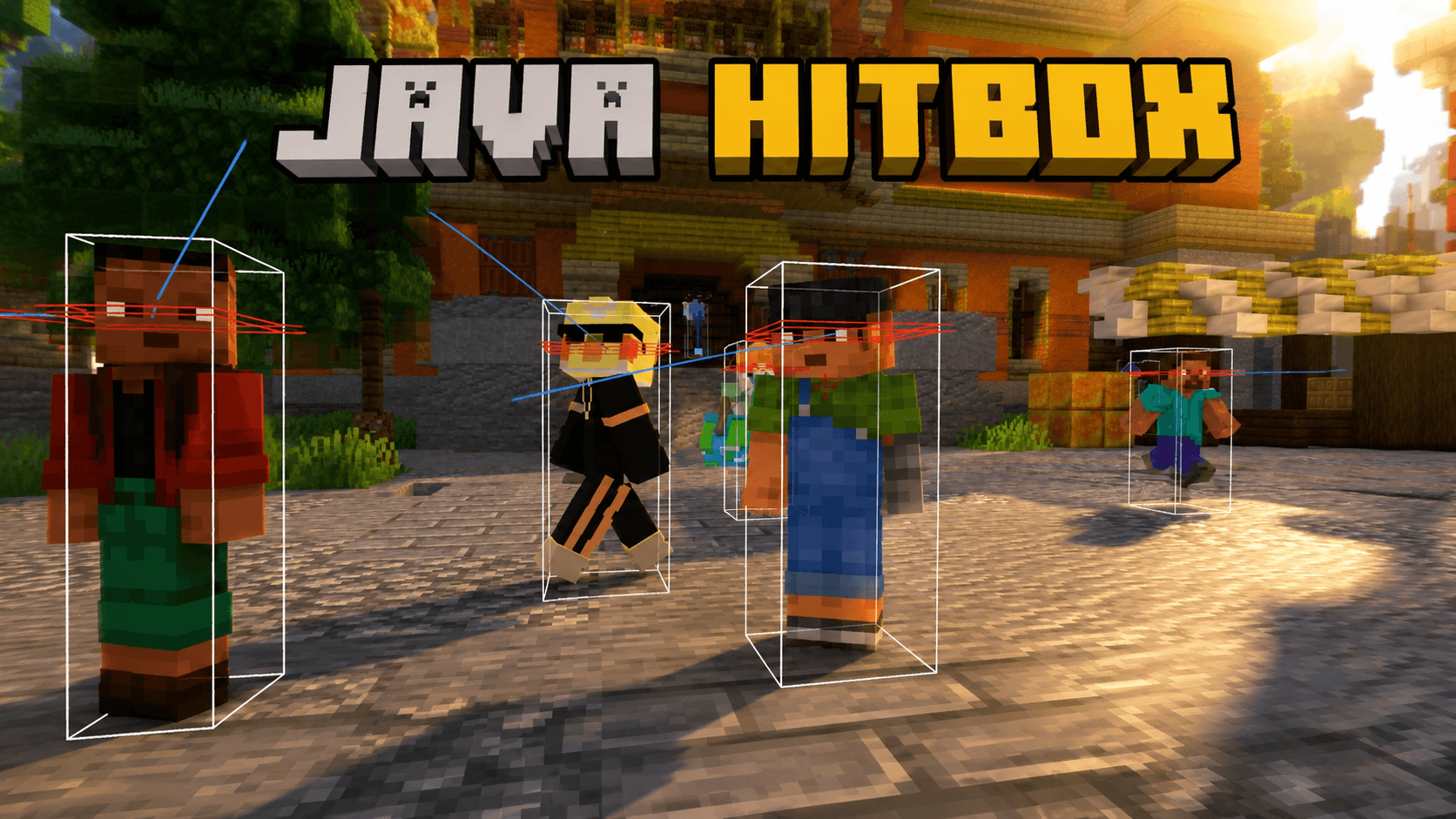
Java Hitbox is a clean and simple PvP texture pack that makes player hitboxes visible without F3+B. Designed for better aim, cleaner fights, and a smooth Java-style PvP experience. By Baku.
Screenshot_20260708-134335.jpg
MCPEDL
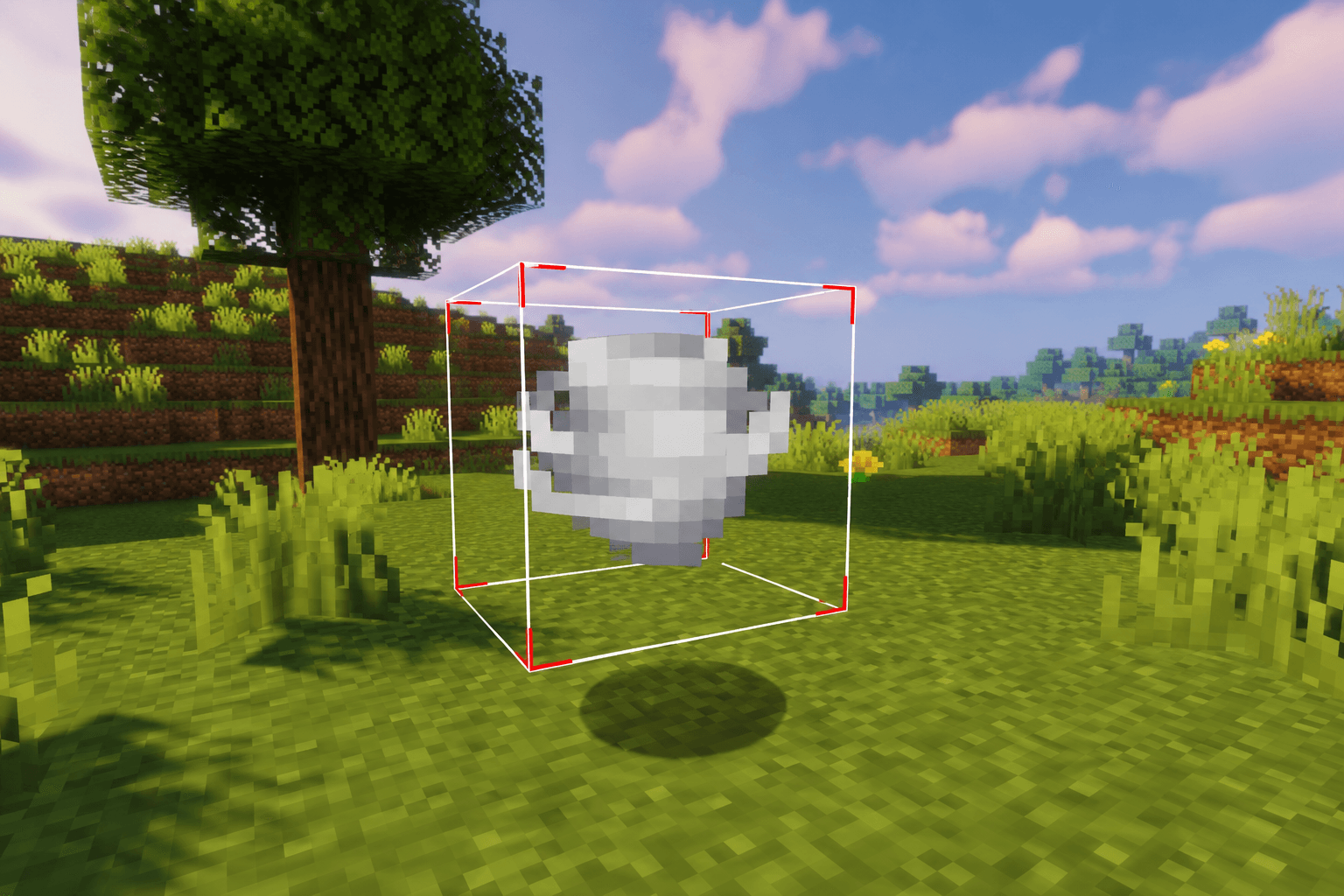
file_00000000196471fab488cd5126f6a778.png
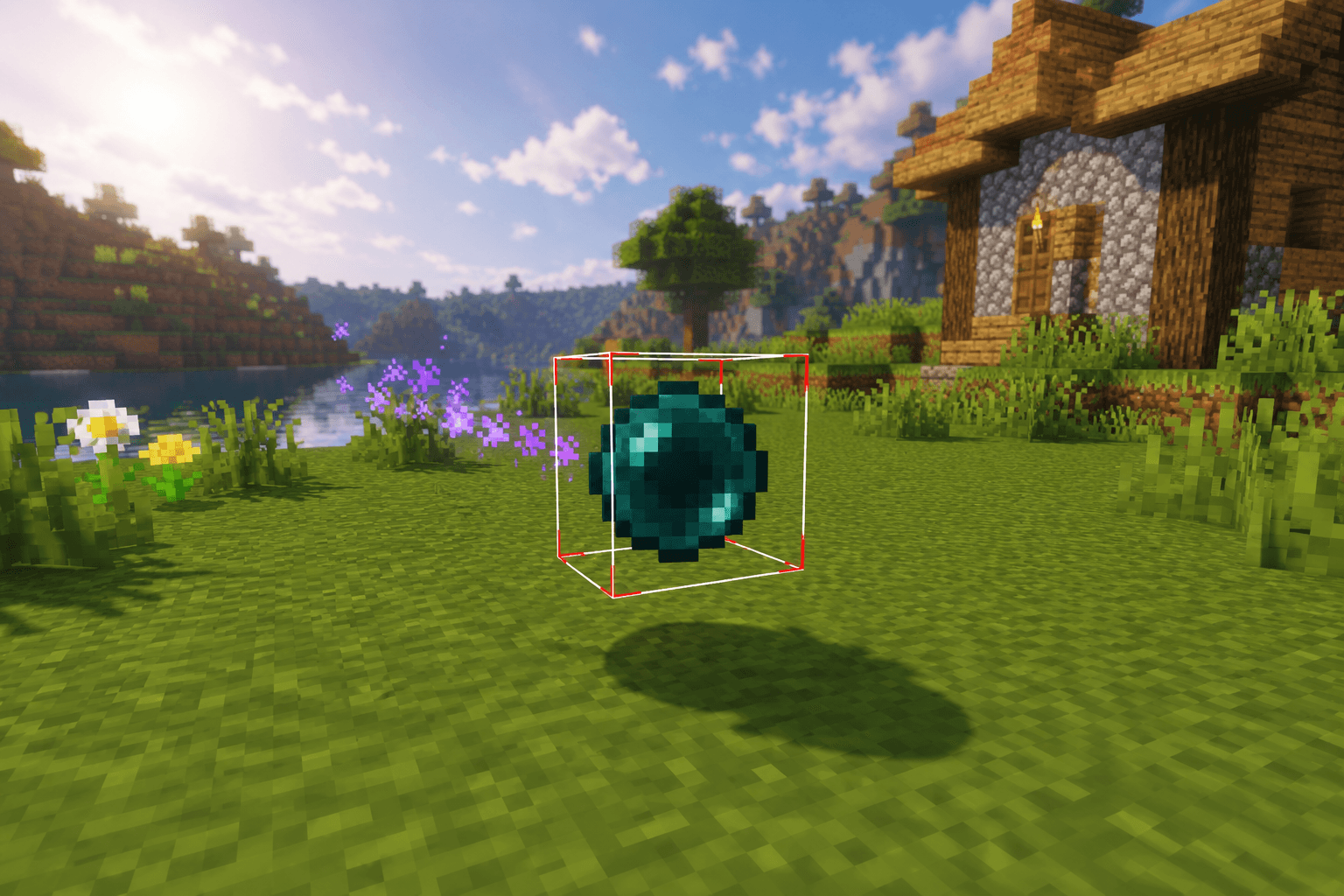
file_000000000c6871fa80233ef212bb62b7.png
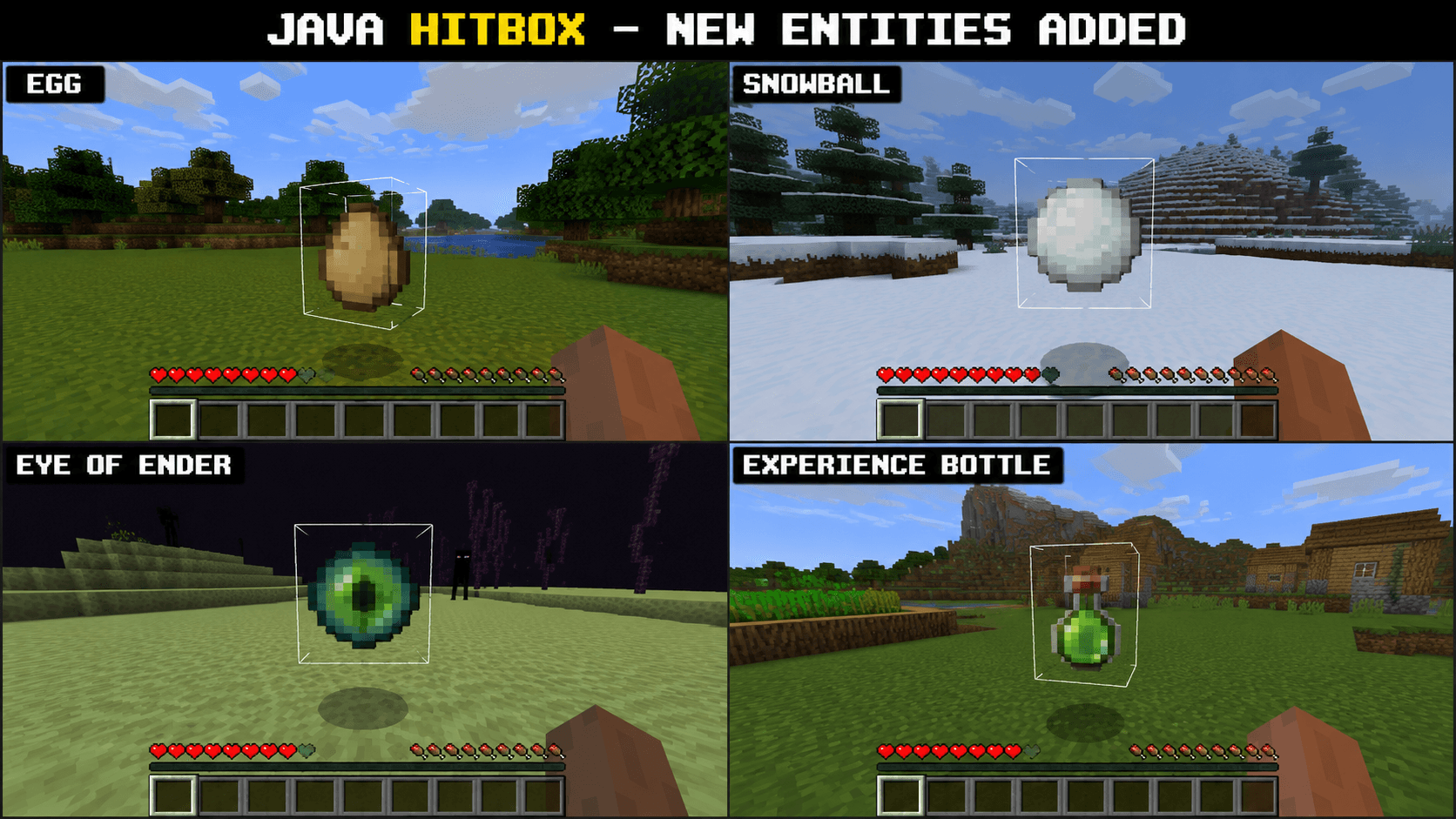
file_0000000081fc82088c59485bb94b5c6b.png
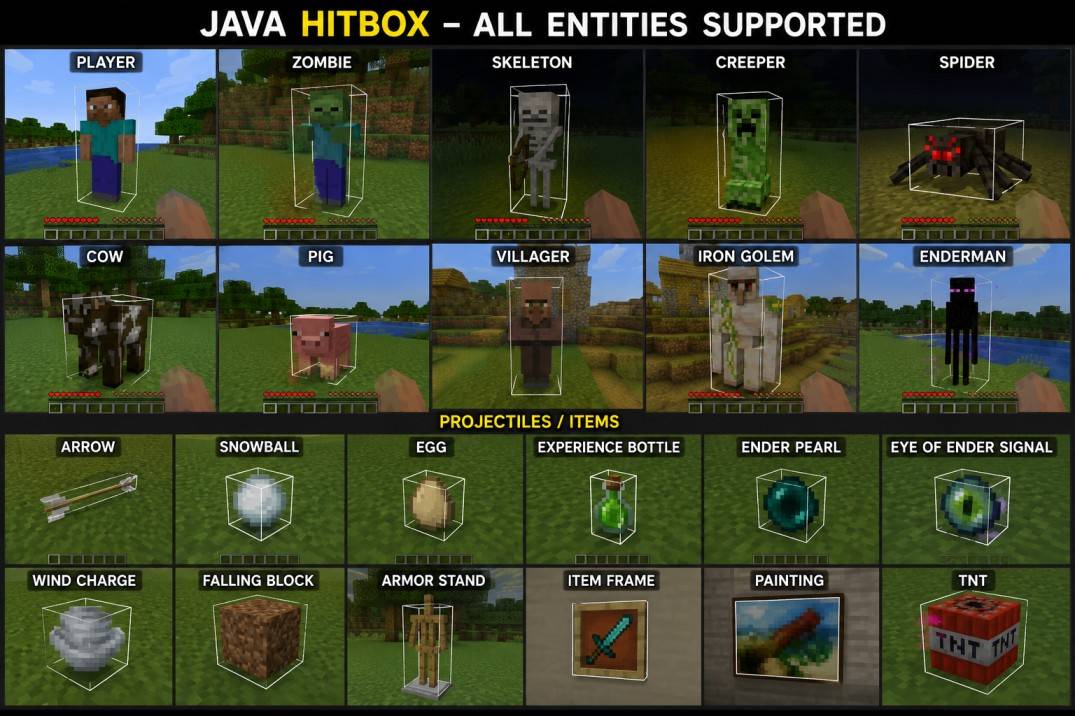
file_0000000014708208bfc20cf53d8cd98d.jpg
Screenshot_20260804-160537.jpg
Description
⚔️ BAKU JAVA HITBOX PRO
Java-Style Hitbox Visuals for Minecraft Bedrock & MCPE
Bring Java-inspired hitbox visualization to Minecraft Bedrock Edition with Baku Java Hitbox PRO! This lightweight resource pack is designed to display hitbox outlines around players, passive animals, and hostile mobs.
✨ KEY FEATURES
- ✅ Java-inspired hitbox visualization
- ✅ Player hitbox outlines
- ✅ Passive and hostile mob hitbox definitions
- ✅ Horse hitbox support
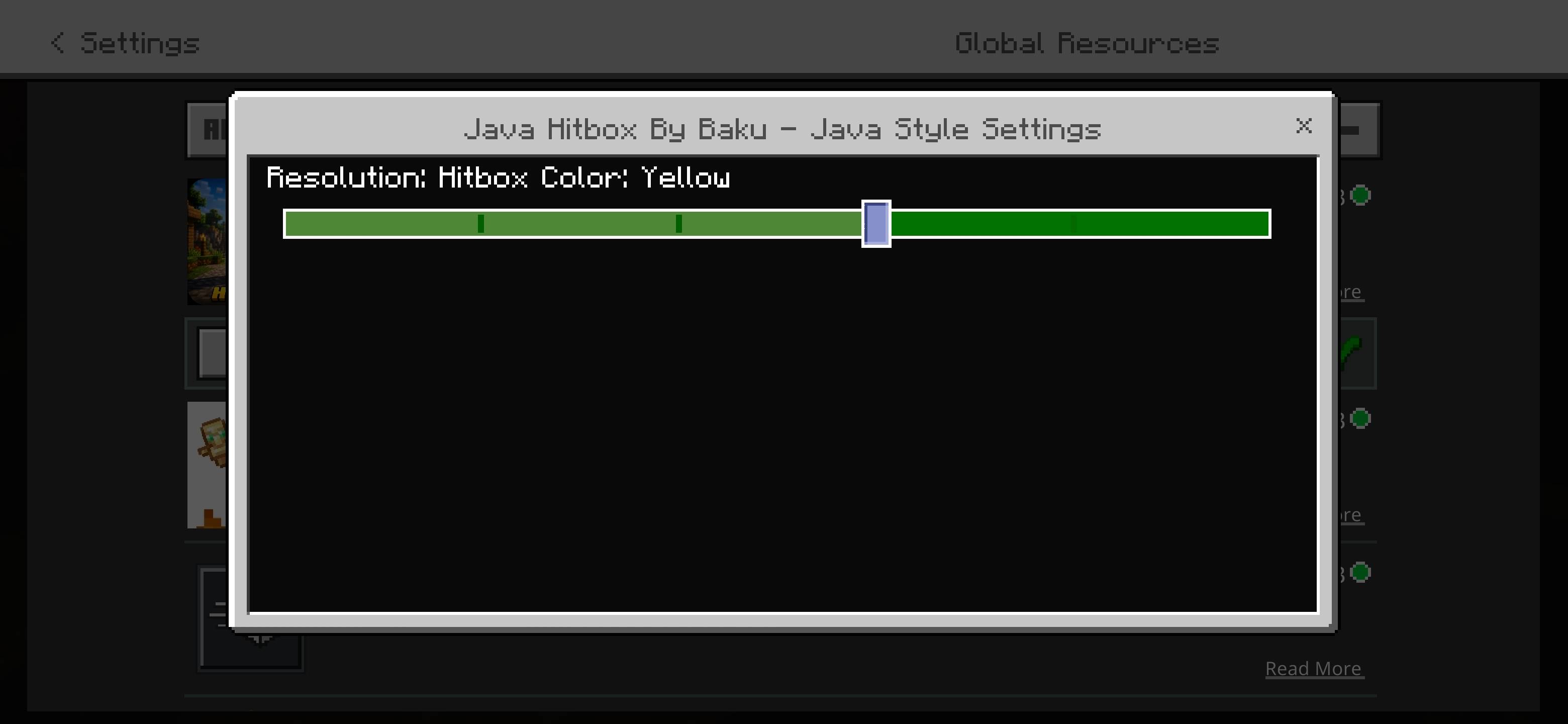
- ✅ Nine different color presets
- ✅ 13 customizable subpack settings
- ✅ BoxOnly and PlayerOnly options
- ✅ Mobile-friendly resource pack
- ✅ No Behavior Pack required
- ✅ Clean visuals with minimal glow
🐾 SUPPORTED MOBS
🌿 Passive Animals
| Mob | Support |
|---|---|
| 🐄 Cow | ✅ Included |
| 🐷 Pig | ✅ Included |
| 🐑 Sheep | ✅ Included |
| 🐔 Chicken | ✅ Included |
| 🐎 Horse | ✅ Included |
💀 Hostile & Aggressive Mobs
The pack includes visual hitbox definitions for enemies such as:
- 🧟 Zombie, Husk, Drowned and Zombie Villager
- 🏹 Skeleton, Stray, Bogged and Wither Skeleton
- 💥 Creeper
- 🕷️ Spider and Cave Spider
- 👁️ Enderman and Endermite
- 🔥 Blaze, Ghast and Magma Cube
- ⚔️ Pillager, Vindicator, Evoker and Ravager
- 🌊 Guardian and Elder Guardian
- 🐗 Piglin, Piglin Brute, Hoglin and Zoglin
- 🌪️ Breeze, Phantom and Vex
- 👑 Warden and Wither
- ✨ Additional hostile enemies
Note: Some hostile-mob overlays may not display correctly on every device or version. In-game compatibility is still being verified.
🎨 CUSTOMIZATION
| Option | Description |
|---|---|
| All Hitboxes ON | Show supported player and mob hitboxes. |
| PlayerOnly | Display player hitbox visuals only. |
| BoxOnly | Focus on hitbox boundary outlines. |
| Color Presets | Choose from nine outline colors. |
📱 COMPATIBILITY
- 🎮 Edition: Minecraft Bedrock / MCPE
- 📱 Target Platform: Android
- ⚙️ Target Version: Minecraft Bedrock 26.60
- 📦 Pack Type: Resource Pack (.mcpack)
- 🧩 Behavior Pack: Not required
- 🧪 Experiments: Not required
📥 INSTALLATION GUIDE
- Download the Baku Java Hitbox PRO .mcpack file.
- Open the downloaded file with Minecraft.
- Go to Settings or World Settings.
- Open the Resource Packs section.
- Activate Baku Java Hitbox PRO.
- Select the All Hitboxes ON preset.
- Place this pack above conflicting entity resource packs.
- Enter your world and test the hitbox outlines.
🎥 WATCH VIDEO
Watch the video below for more information about the project!
Video Link: https://youtu.be/_UQ9ljI_c6c?si=r5x0OMWIHh9rR1wq
🛡️ IMPORTANT INFORMATION
- Visual hitbox outlines do not increase actual attack reach.
- The pack does not intentionally change mob health, damage, or AI.
- Some dynamic mob hitboxes may not align perfectly.
- The Ender Dragon is not currently supported.
- Avoid enabling multiple hitbox resource packs together.
- Resource-pack priority may affect visibility.
👑 CREATOR & CREDITS
| Role | Credit |
|---|---|
| Creator | BAKU |
| Project | BAKU JAVA HITBOX PRO |
| Pack Identity | BAKU |
| Official Creator Credit | BAKU |
🔥 Created by BAKU
Thank you for supporting this Minecraft Bedrock resource pack!
⚔️ BAKU JAVA HITBOX PRO — SEE THE BOX. MASTER THE HIT.
Java hitbox Team

Owner