Invisible UI+
A cleaner interface for Minecraft Bedrock Edition.
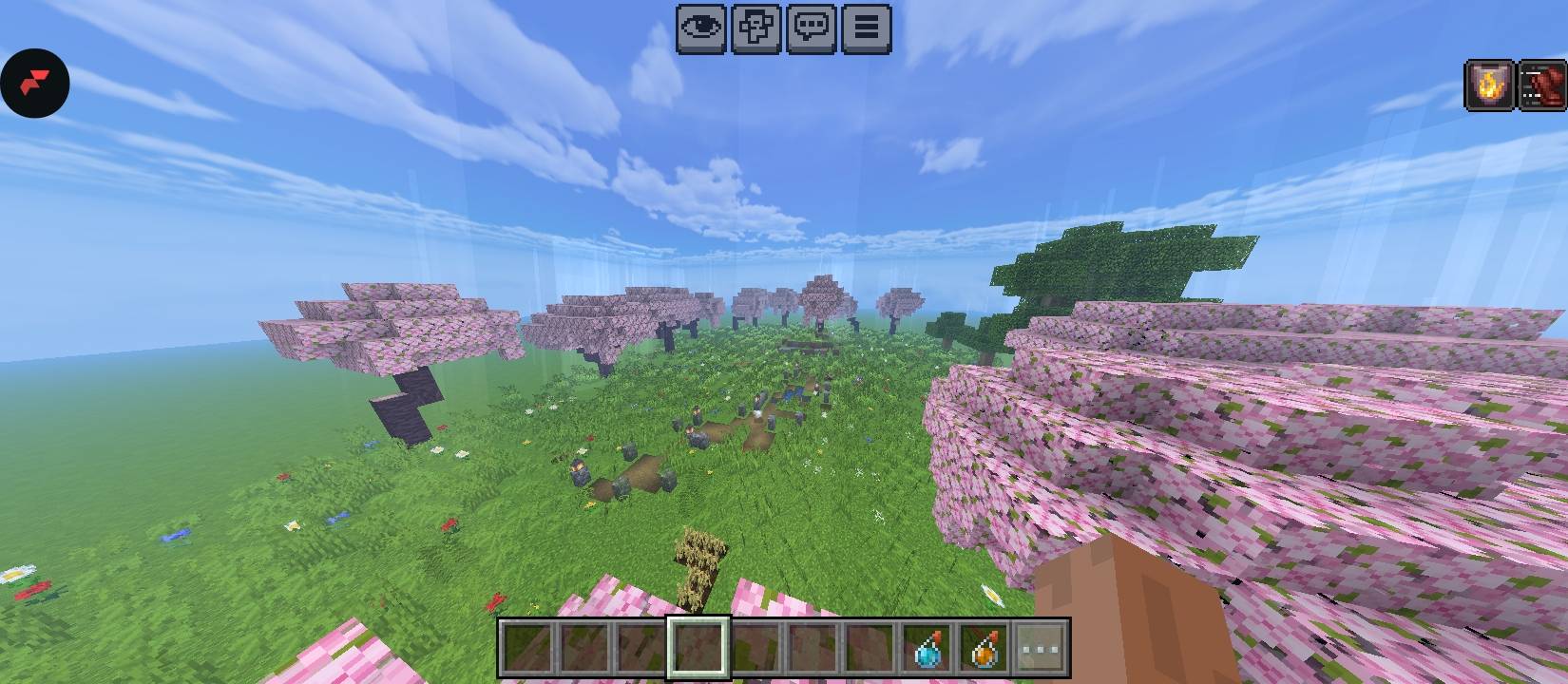
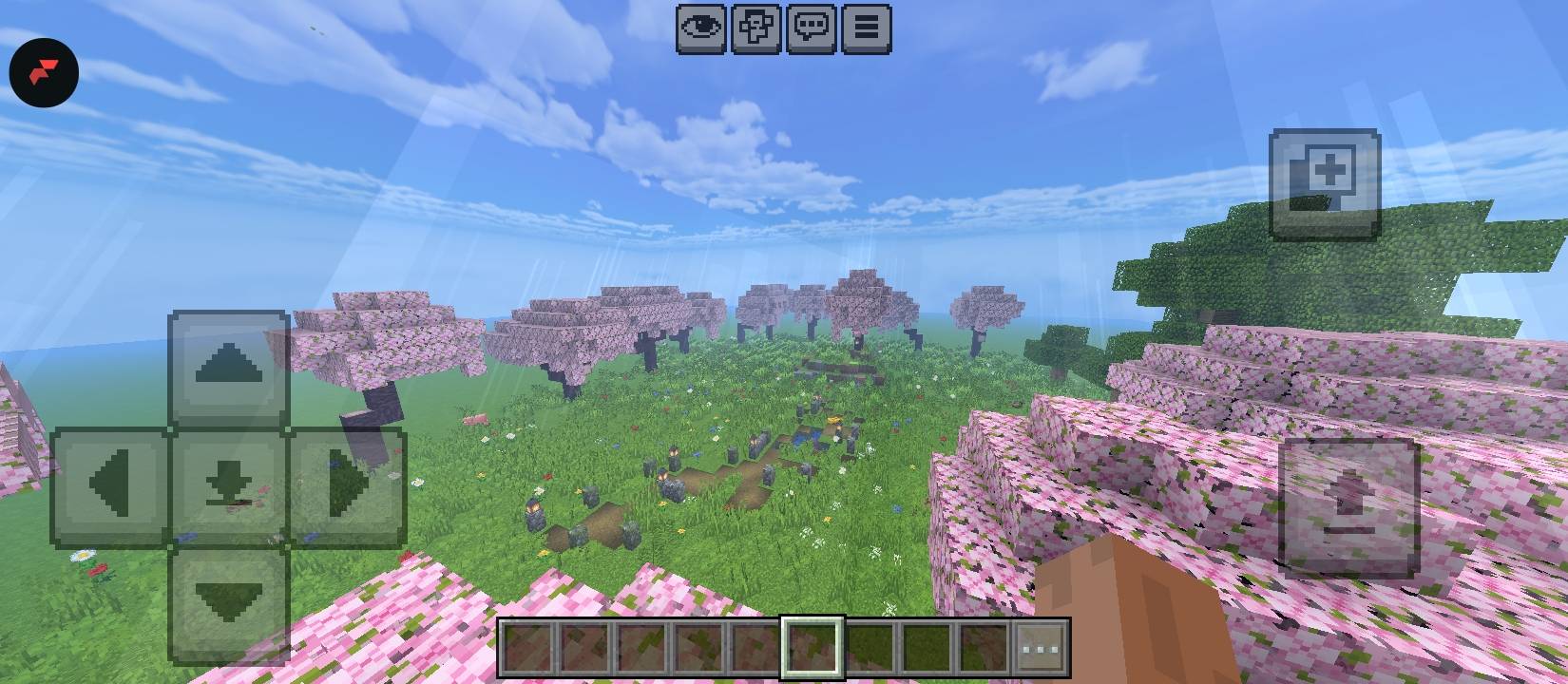
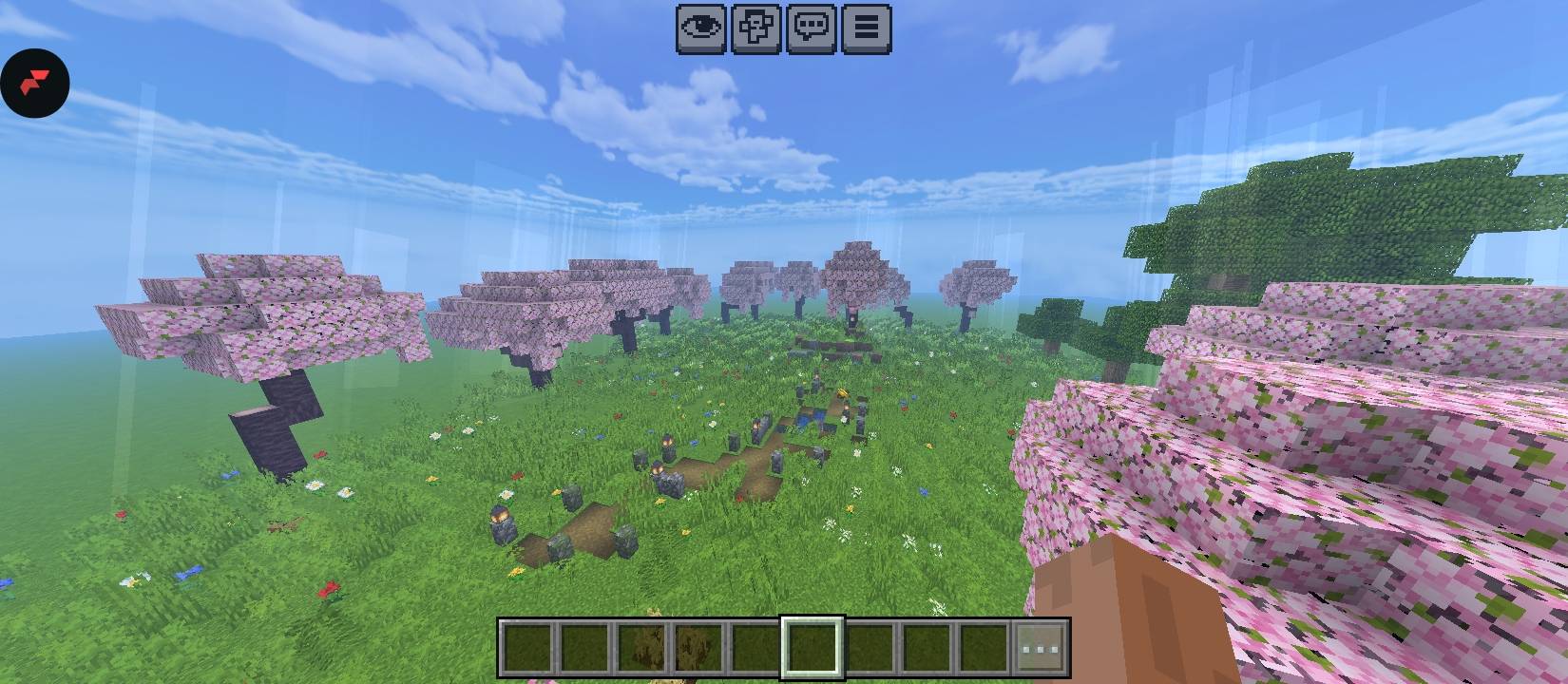
Invisible UI+ is a UI texture pack designed to make selected interface elements invisible for a cleaner, less cluttered gameplay experience.
Whether you're capturing screenshots, recording gameplay, or simply prefer a minimal interface, Invisible UI+ helps keep your screen looking clean while retaining important HUD elements.
✨ Features
- Invisible UI Elements — Hides selected interface elements for a cleaner screen.
- Essential HUD Preserved — Keeps the hotbar and effects icon visible.
- Clean Gameplay — Reduces unnecessary visual clutter.
- Easy to Use — Import the pack and activate it through Minecraft's resource pack settings.
📦 Installation
1. Download the Invisible UI+ ".mcpack" file.
2. Open the downloaded file with Minecraft.
3. Wait for the import confirmation.
4. Open your world settings.
5. Navigate to Resource Packs and activate Invisible UI+.
6. Enter your world and enjoy a cleaner interface.
⚠️ Important Notes
- This is a resource pack for Minecraft Bedrock Edition.
- The appearance of certain interface elements may vary between game versions.
- Activate the pack in your world settings before playing.
🌿 Created by LeafyStudio
LeafyStudio creates Minecraft Bedrock content focused on clean designs and practical gameplay improvements.
Enjoy a cleaner Minecraft experience with Invisible UI+!