HUD HIDER FOR MCPE
- By
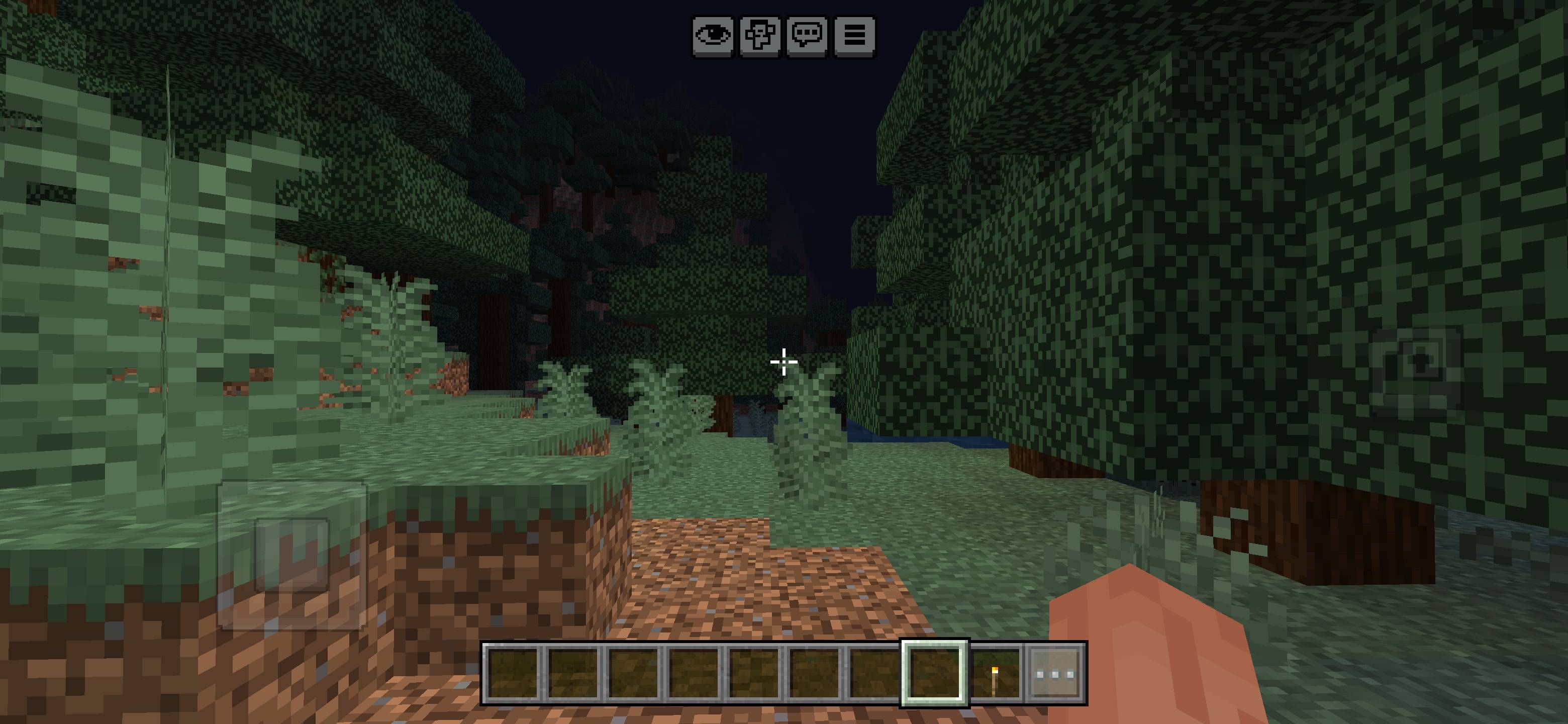
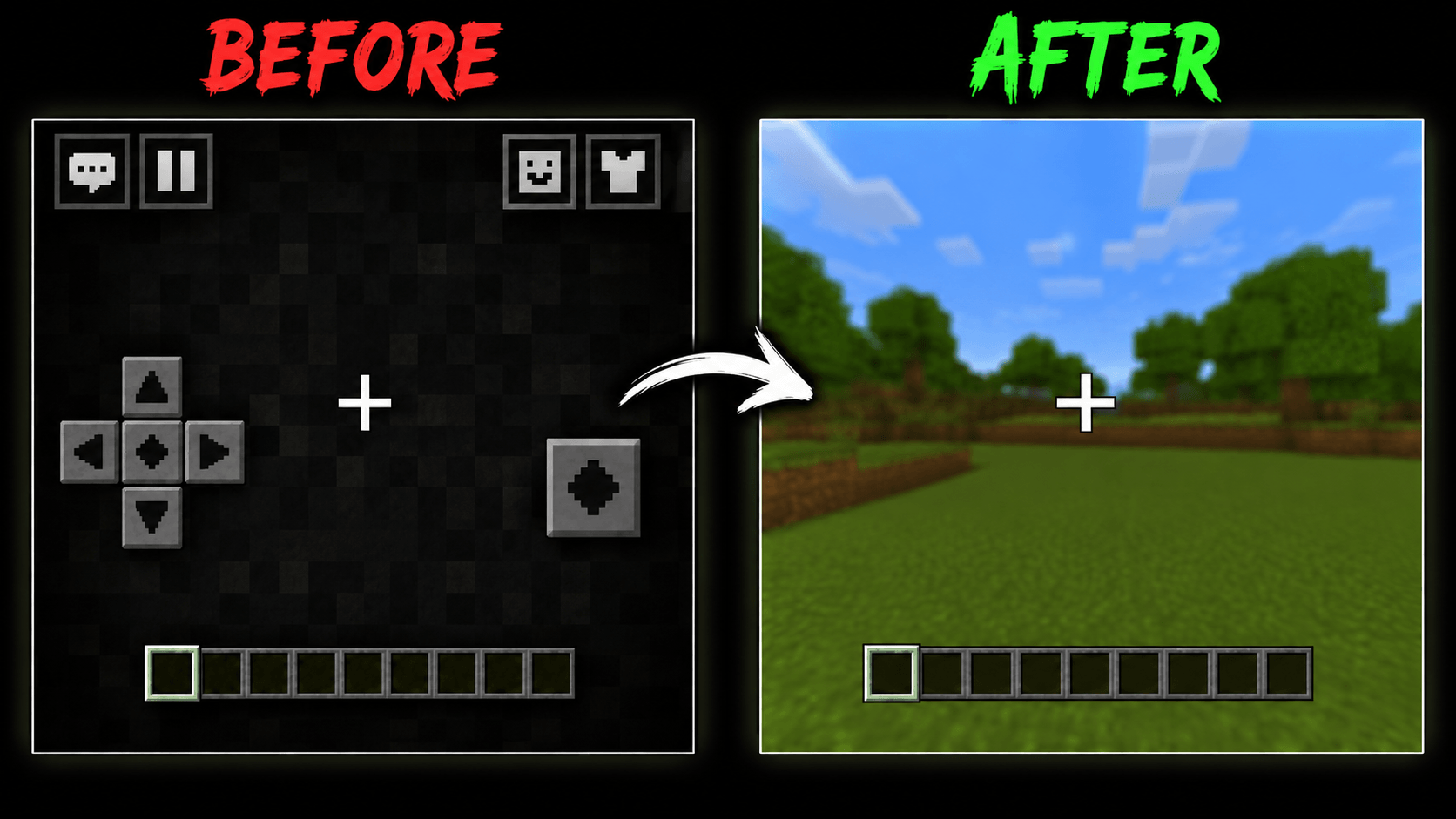
Hide all mobile control buttons for distraction-free recording while keeping only the crosshair, chat, settings, emote, and hotbar visible for a clean Minecraft gameplay experience.
Screenshot_20260718-151446.jpg
MCPEDL
Description
🎥 Clean Recording HUD Pack
Make your Minecraft Bedrock gameplay recordings cleaner and more professional with the Clean Recording HUD Pack. This resource pack hides unnecessary mobile control buttons while keeping the important HUD elements visible.
It is designed especially for YouTubers, mobile players, livestreamers, tutorial creators, and showcase videos. No commands, cheats, or operator permission are required.
✨ Main Features
- 🎮 Hides unnecessary mobile control buttons
- 🎯 Keeps the crosshair visible
- 📦 Keeps the hotbar and inventory HUD visible
- 💬 Keeps the chat button visible
- ⚙️ Keeps the settings and pause button visible
- 😀 Keeps the emote button visible
- 🚫 No commands required
- 🔓 No operator permission required
- ✅ No cheats required
- ⚡ Lightweight and easy to use
- 🎬 Perfect for clean gameplay recording
📥 How to Install
- Download and open the .mcpack file.
- Wait for Minecraft to import the resource pack.
- Open your world settings.
- Go to the Resource Packs section.
- Activate the Clean Recording HUD Pack.
- Place it above other HUD or UI packs for best results.
- Enter the world and start recording.
▶️ More Information & Preview
Watch the full preview and setup guide to see how the pack works in Minecraft Bedrock:
Click here to watch the video guide
ℹ️ Pack Information
Edition: Minecraft Bedrock Edition
Pack Type: Resource Pack
Best For: Mobile recording, YouTube videos, Shorts, tutorials, and livestreams
Commands Required: No
Cheats Required: No
Operator Permission Required: No
Note: Hidden touch controls will continue to work normally, but their textures will not be visible. The crosshair, chat, settings, emote, and hotbar will remain visible.
The HUD HIDER FOR MCPE Team


Owner