Update #6 | Jul 22, 2026
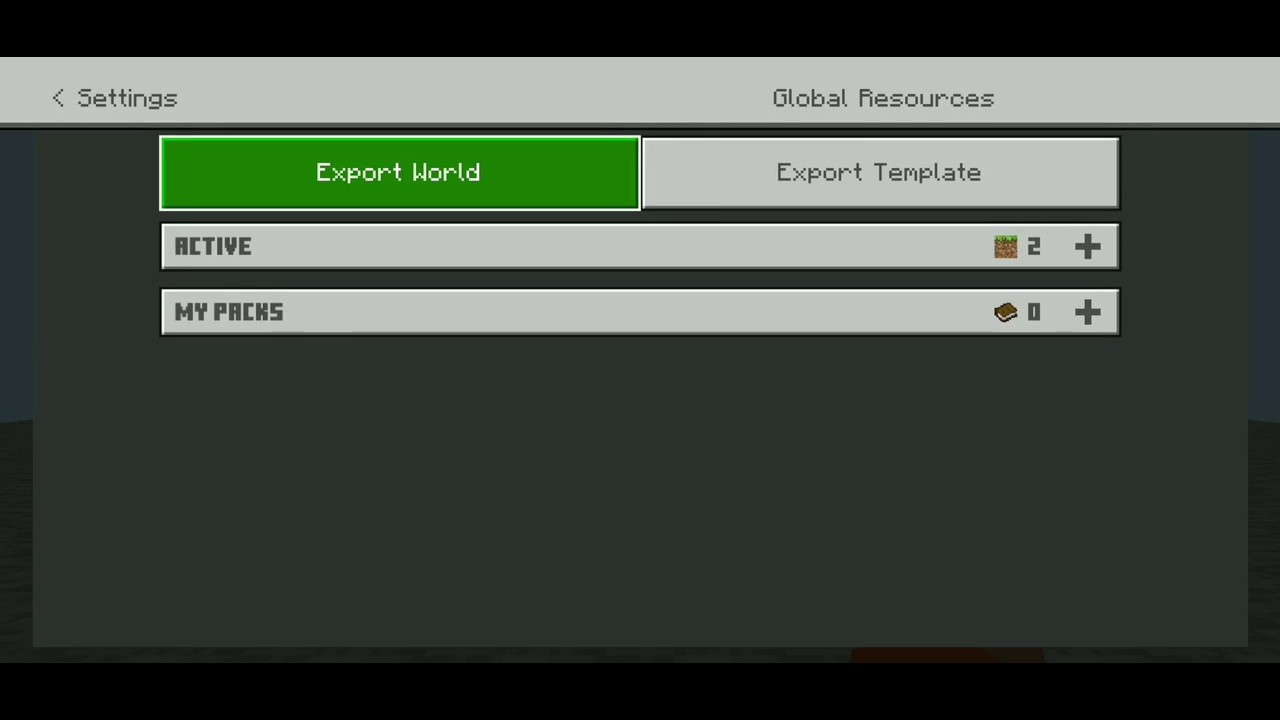
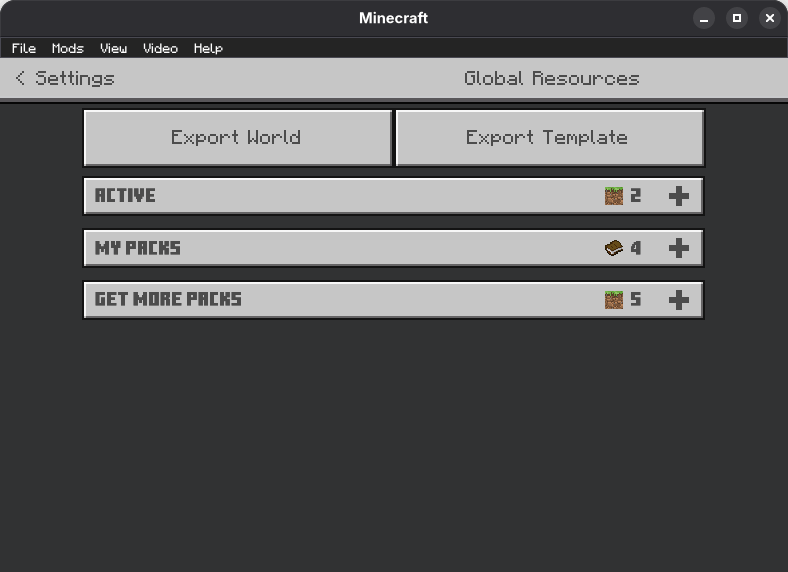
As of MC v26.33, the "Global resources" settings section still uses JSON UI, so I have added world export and world template export button there in the v3 update. From my testing normal world export DOES NOT work but the template export does. So you can use those by pausing the game then going to Settings -> Global resources.
Special thanks to user_8ftdym1iv2g3cdlu in comments for giving me this idea.
While structure import/export buttons are still there but those stopped working after Mojang removed the core functionality of it in around Minecraft v1.21.120.
So, if you want full functionality of this texture pack use it in v1.21.31 or lower.
Update #5 | Apr 20, 2026
Starting from v1.26.13, world edit screen while in-game is now replaced with OreUI which IS NOT modifiable using any resource packs as it's hardcoded into the game now. Even cache clear + offline trick doesn't work anymore.
So, this texture pack is fully obsolete from now on. It's been an honor serving you for last 2 years :>
I HIGHLY recommended that you start using something like MB Loader as it makes game files easily accessible with some fancy features. (How to use)
If you can't, at least use 'External' as file storage location so you can backup the world later with help of Shizuku (Android 11+) or PC.
If you have file storage location set to 'Application' and have a PC, maybe you can use adb backup to backup your game data which will include your worlds. I will write a detailed guide on this later.
If you can't even do that and have a world that you need to export urgently, get yourself a 2 player Realm for a month, upload your world there, login in MB Loader or anything which will let you get world files later, then download the world.
I will write a detailed guide on all methods later.
Update #4
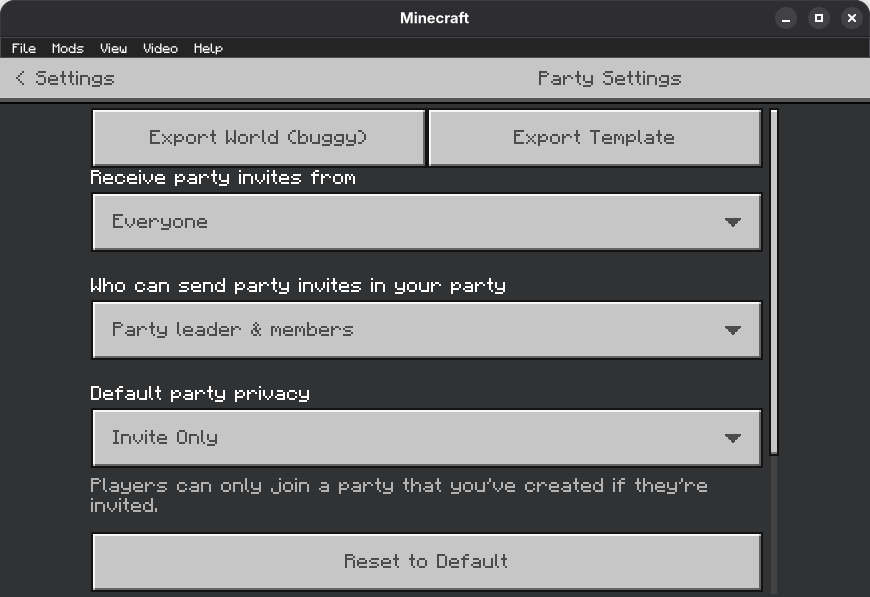
In v2 I have added export world button in world pause settings but it's may not work.
Update #3
Structure import/export stopped working around v1.21.120
Update #2
World import stopped working on v1.21.51
Update #1
World export stopped working on v1.21.40
Only world template export in world pause settings screen works for now.
Please don't update to 1.21.40+ if you want to keep using this.