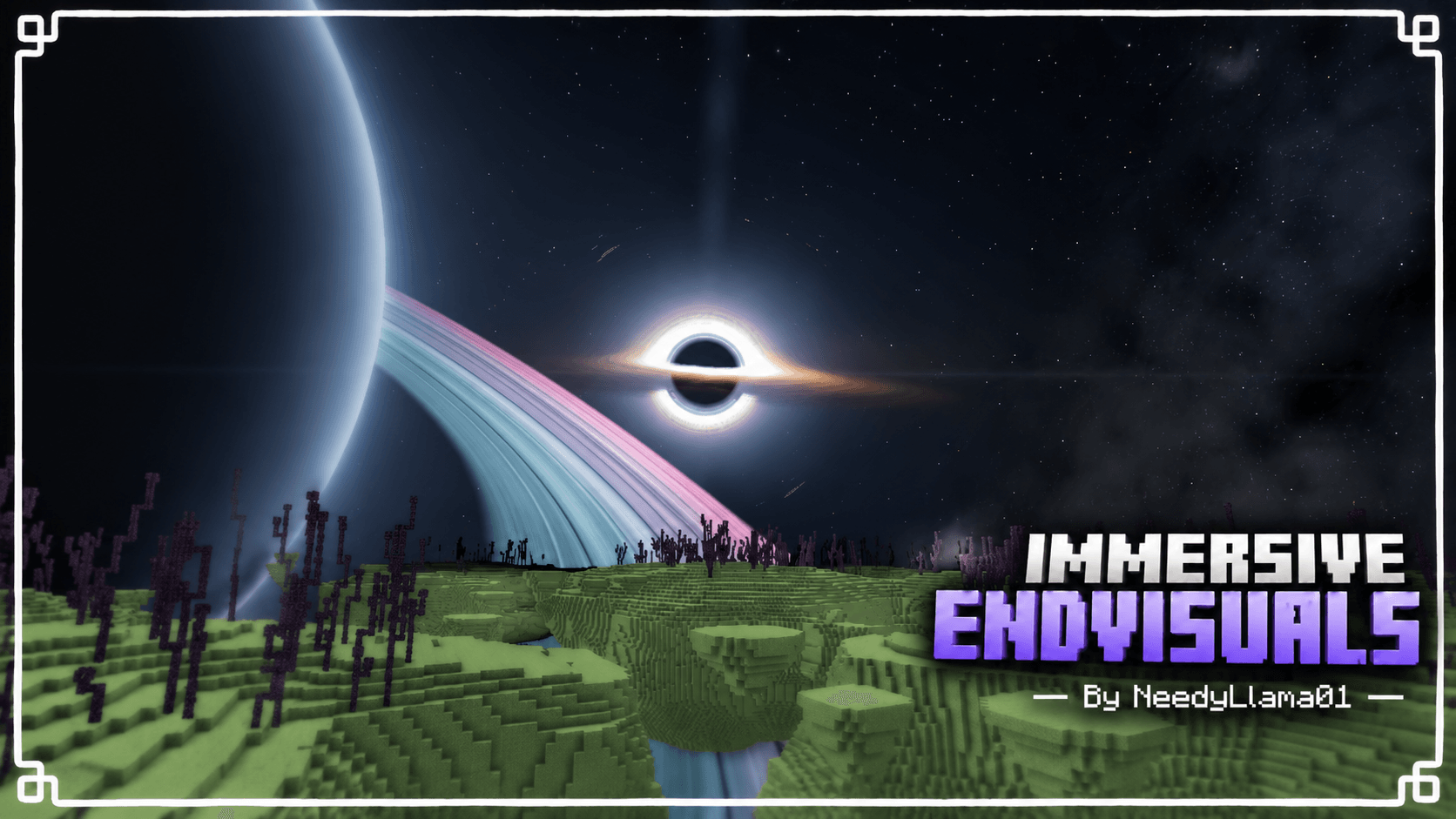
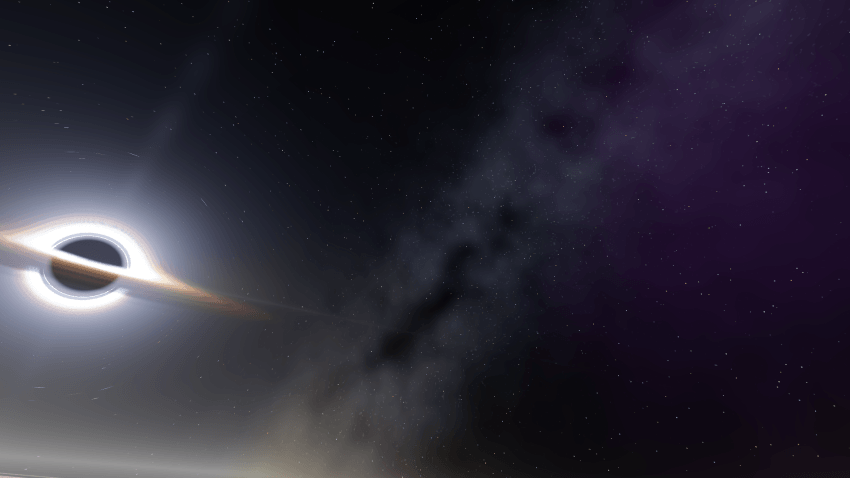
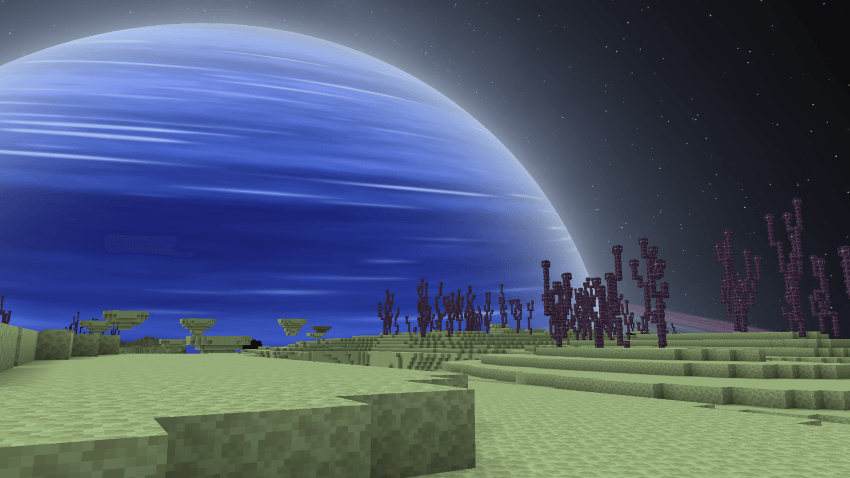
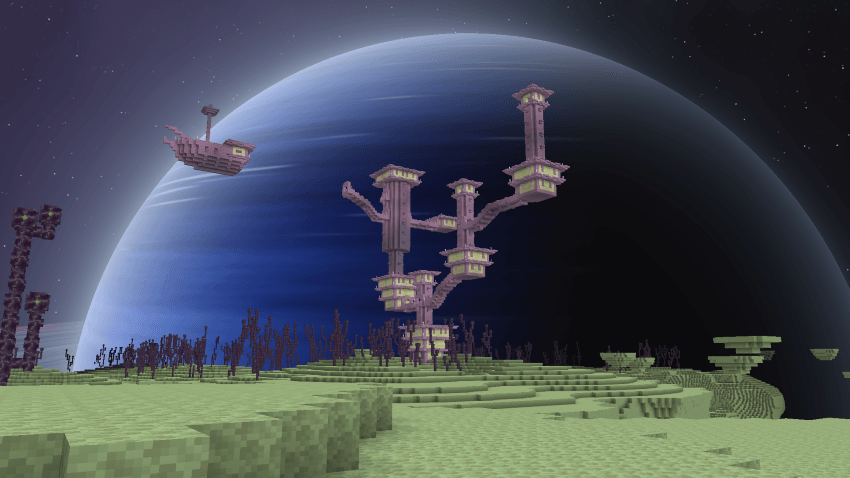
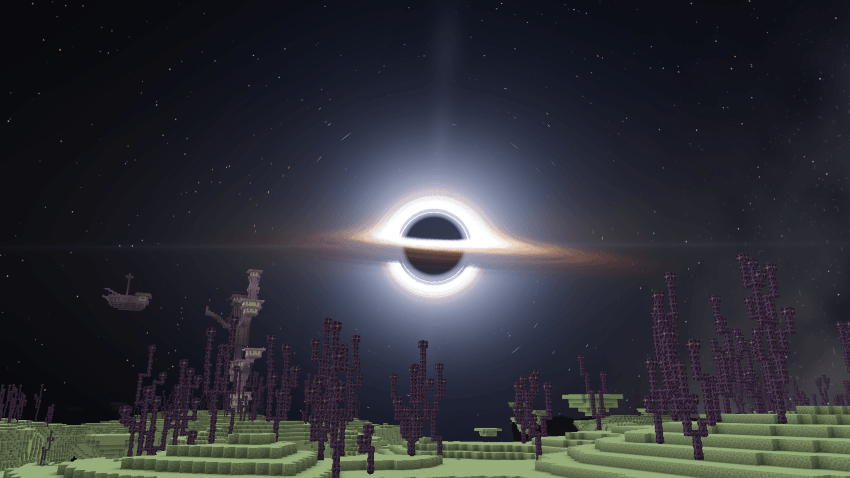
Replace the dark, empty End sky with a dynamic cosmic sky featuring different planets, atmospheric effects, the Milky Way, and a dynamic black hole based off Interstellar.
Warning: This pack modifies Minecraft's materials. A compatible material loader is required for it to work properly.
May affect performance on weaker devices.
Before getting into the details, here's a short gameplay clip showcasing the shader: (5x Speed) (Lower quality because of curseforge)
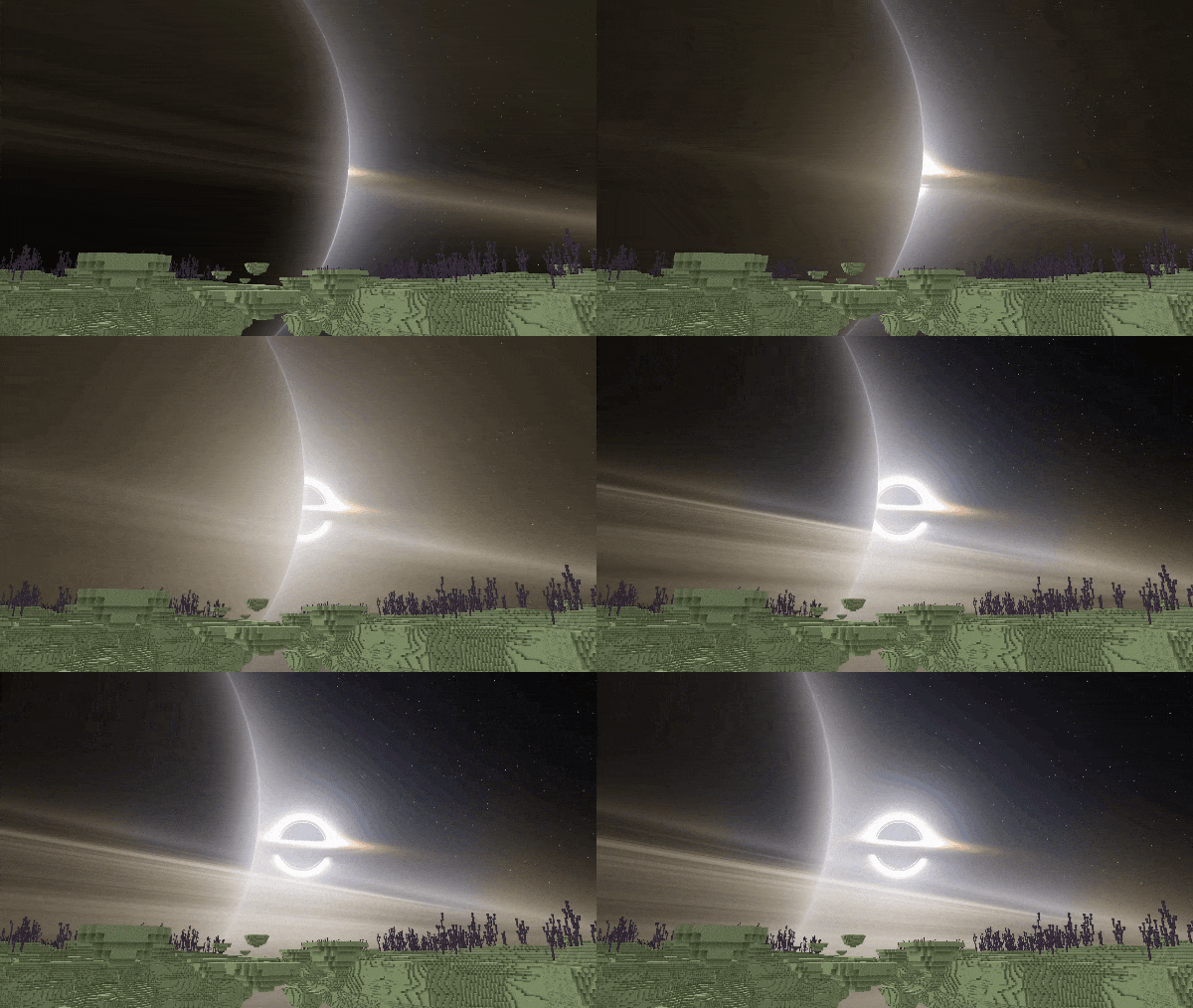
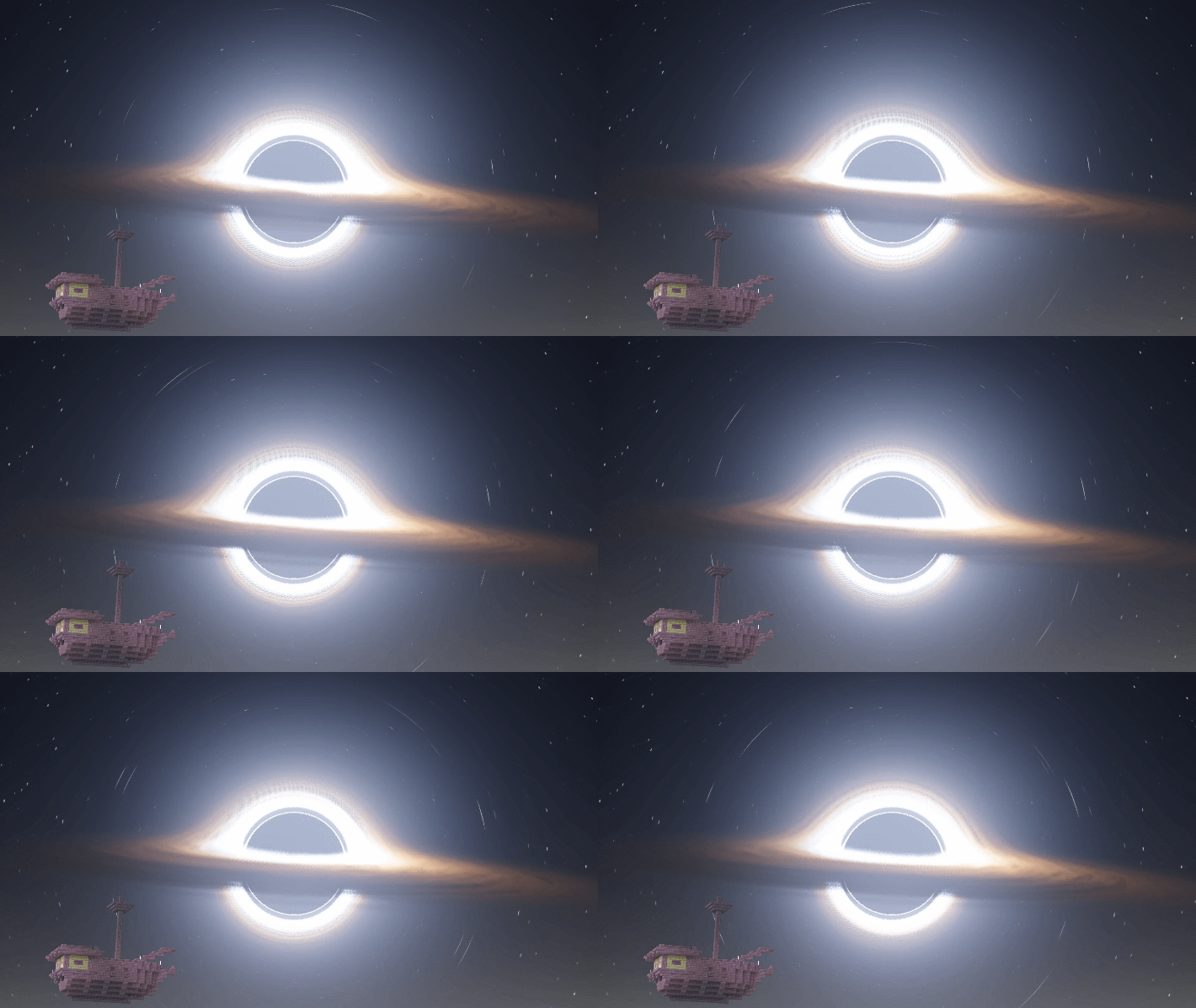
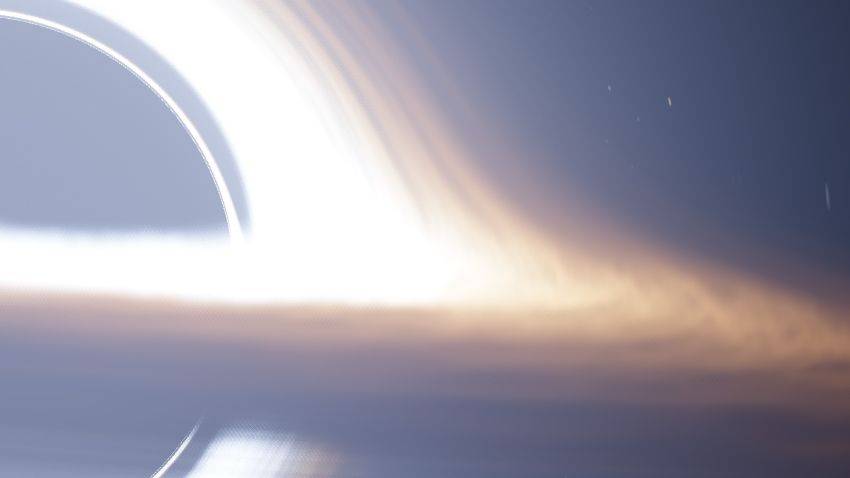
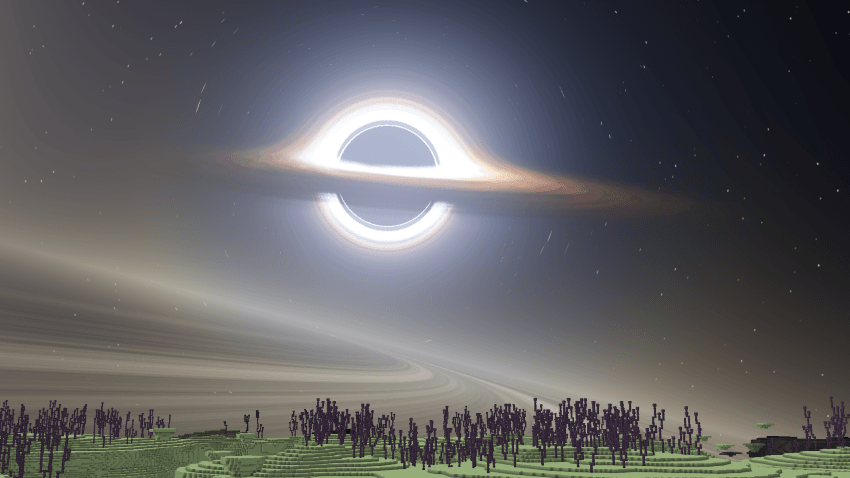
Black hole with a glowing, glare, faint blue jets, lensing, animated disc and a soft halo of light around it (5x speed):
Main features:
What you see in the sky
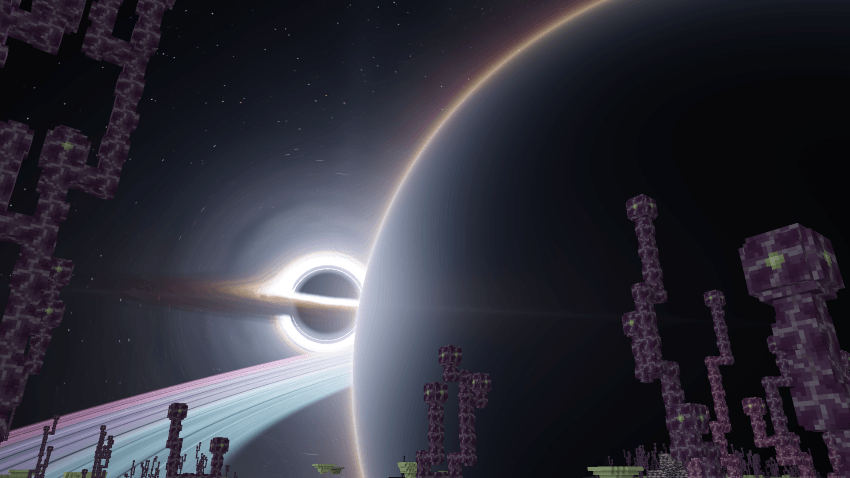
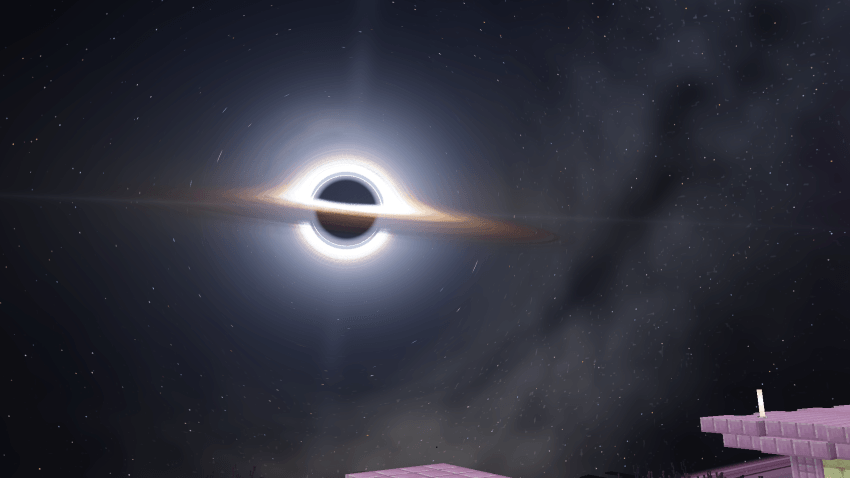
- A black hole with a glowing, animated disc, gravitional lensing and a soft halo of light around it.
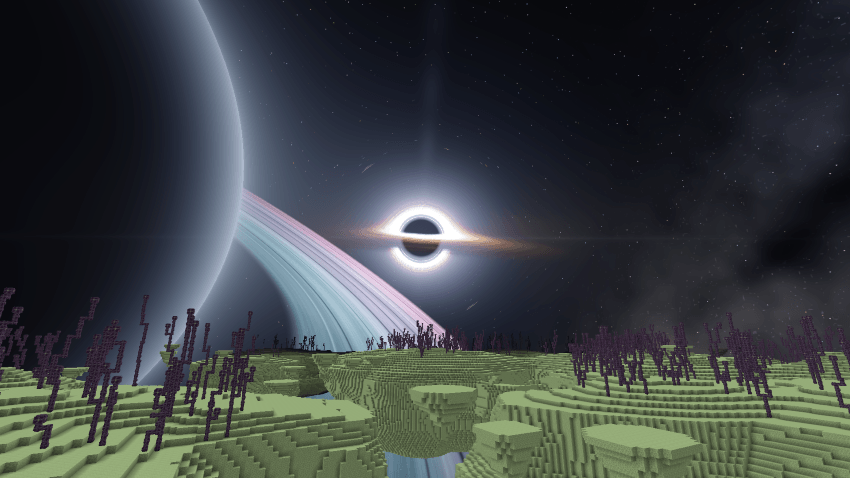
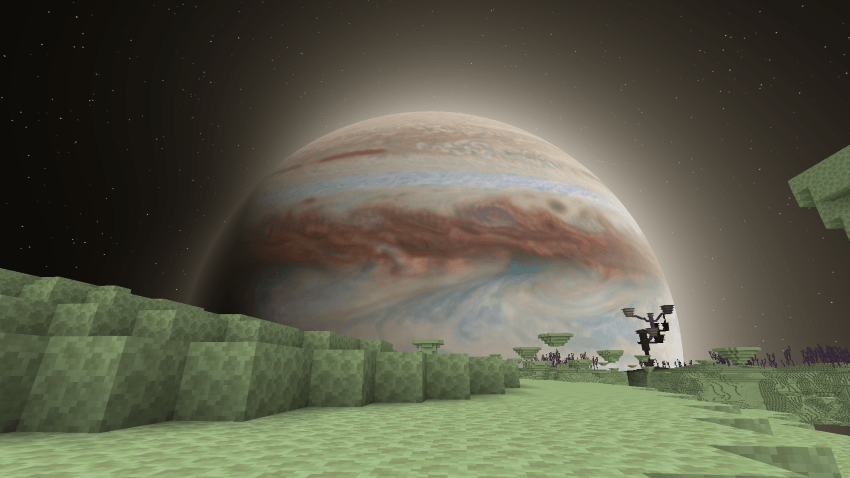
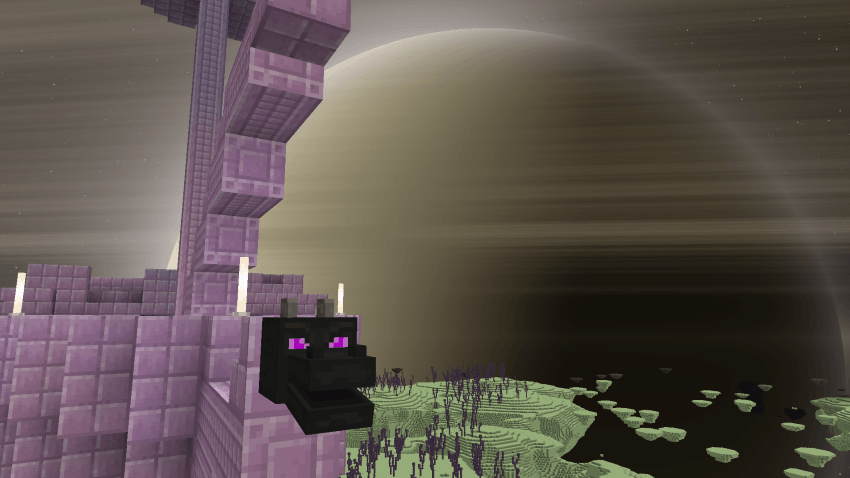
- A giant planet that moves across the sky with the in-game clock. It has an atmosphere glow and casts light into the scene.
- Rings around the planet, with a hazy glow along them, and they cast dynamic shadows onto to the planet's surface.
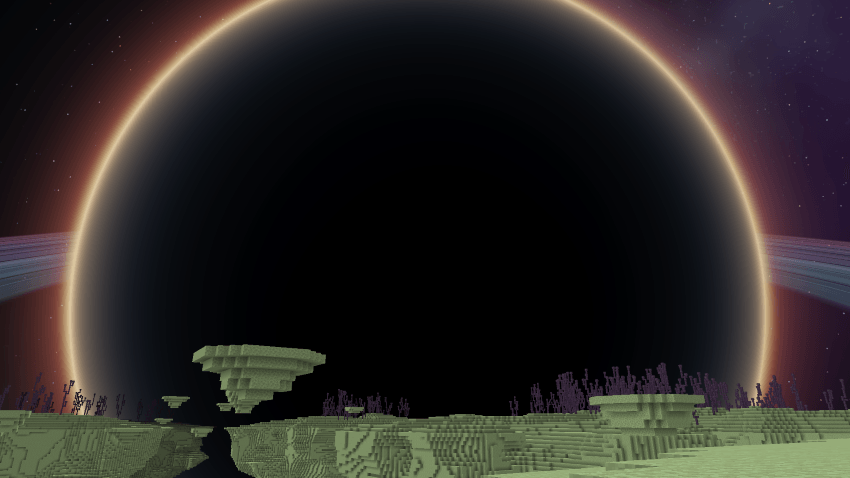
- Bloom, Eclispe and glare effects that make the black hole and the bright edges of the planet glow.
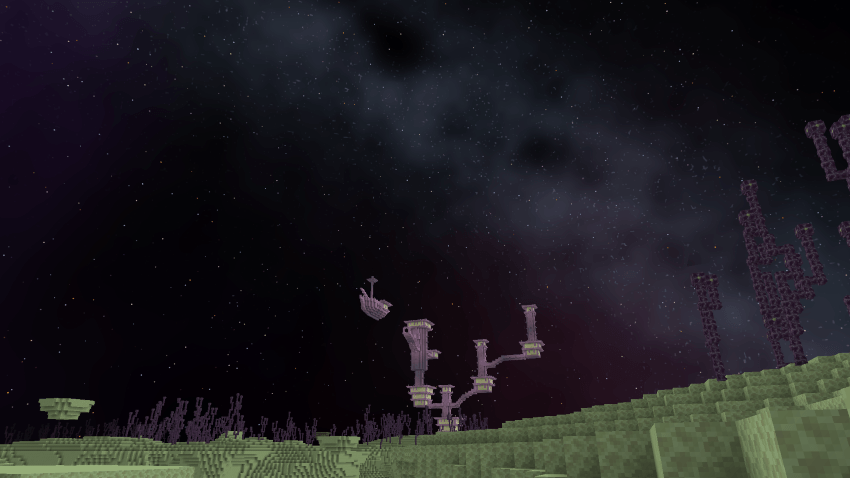
- Colored Stars, Milky Way and Faint Nebulas replace the entire empty black end sky.
Extra features:
Five planets to choose from (subpacks)
- Classic: the original ringed planet.
- Saturn: banded clouds and detailed rings.
- Neptune: blue atmosphere with faint rings.
- Jupiter: a realistic cloud map, with faint dust rings.
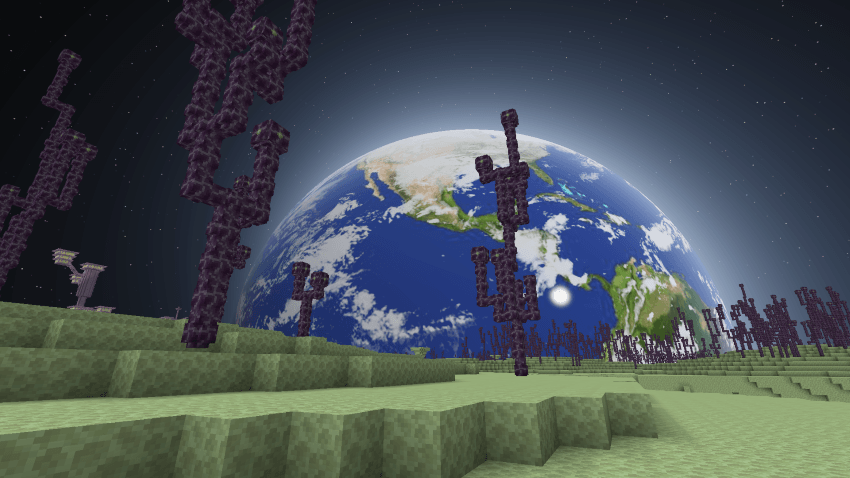
- Earth: 8k Earth, dynamic clouds and oceans textures. The night side shows city lights, the day/night boundary glows hazy orange and red, and the oceans reflect the black hole’s light.
IMAGES:
More Images:
Installation:
Android/IOS:
Using MB Loader
-
Download the android version of the pack and Install MB loader
-
Open MB Loader and launch Minecraft through it.
-
Import Immersive End Sky (.mcpack). (Android Version)
-
Open Minecraft Settings → Global Resources.
-
Activate Iteration End Sky.
6. Select your preferred planet subpack.
Windows:
(None of the loaders work, not that I know of, so you have to manually replace material files!)
-
Download and extract the windows version of the pack.
-
Choose your preferred planet version from any one subpack.
-
Locate the corresponding EndSky.material.bin file.
-
Back up Minecraft's original material file!!
-
Replace the original material file with the pack's modified version in the following path: C:\XboxGames\Minecraft for Windows\Content\data\renderer\materials
-
Launch Minecraft, activate the pack, and don't forget to change the subpack to your preferred option.
Check out my other resource packs!
Glimmering Armor Trims:
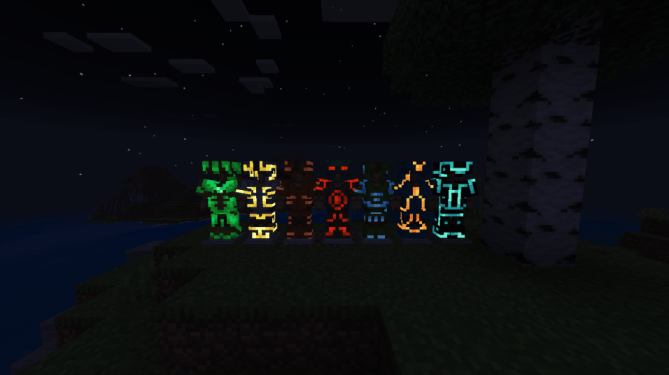
Glimmering Armor Trims Resource Pack
Dynamic Boat Trails:

Dynamic Boat Trails Resource Pack
Join my Discord server for early updates and more resource packs!
Click here to join my discord server
Want to play on a survival realm? Join this Discord server!
Click here to join survival realm discord sever
Enjoy : )