
Immediately Clean
- By
1000514363.jpg
1000514342.jpg

1000514354.jpg
Description
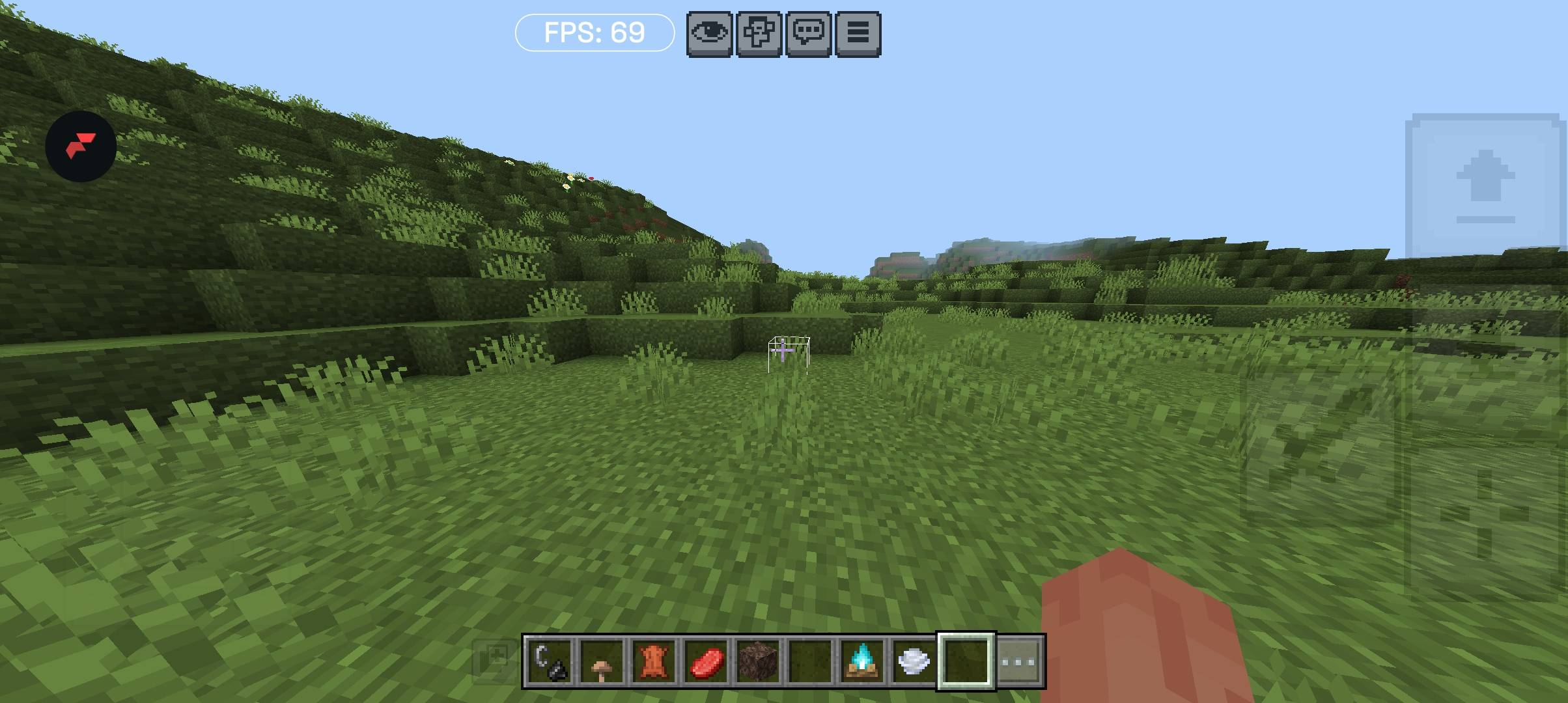
This is an FPS Boost pack focused on removing particles, fog, and unnecessary animations.
It works on all devices and can help reduce lag for a smoother gameplay experience.
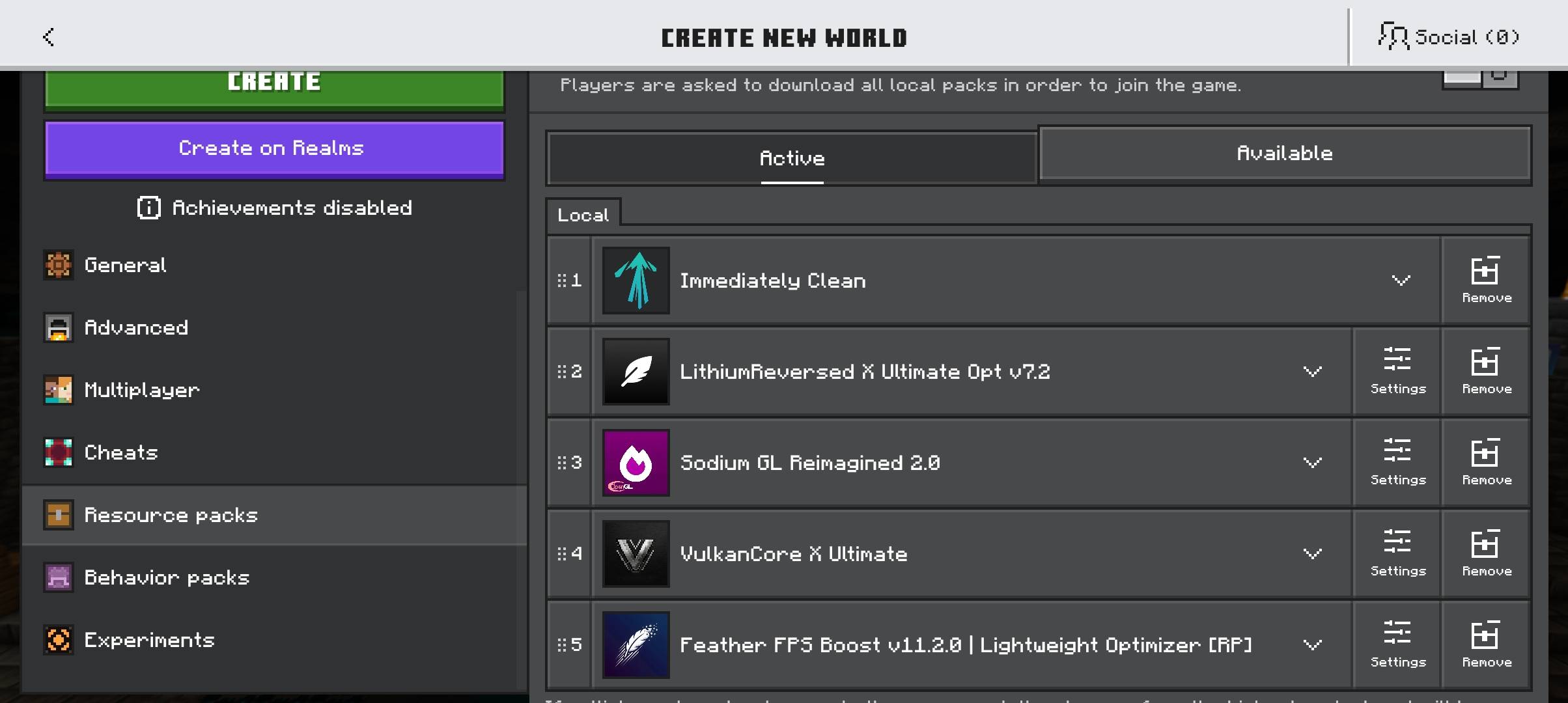
For the best performance, I recommend using it together with Lithium Reversed and Sodium GL to get even higher FPS.
What Does This Pack Remove?
This pack removes unnecessary animations and effects such as campfire smoke, fire, stonecutter animations, underwater bubbles, Nether particles, and more.
Don't worry. No player or mob animations have been removed.
This pack does not replace any textures, so it should not cause conflicts with other texture packs. You can safely use it with Bare Bones and other texture packs.
Only two textures, water and lava, have been optimized.
Fast Better Grass
This pack also includes Fast Better Grass to optimize the rendering of the ground.
I did not create Fast Better Grass myself, but I decided to use it because of its quality and accuracy. It works well with different texture packs and keeps the ground rendering optimized.
Thanks to the original creator of Fast Better Grass.
Key Features
Fog:
More than 102 fog effects have been removed or optimized, including Nether fog, underwater fog, lava fog, rain fog, and other environmental fog effects.
Particles:
More than 199 particles have been removed from the game, which is more than most FPS Boost packs.
All particle amounts are set to 0, so you don't have to worry about any particles remaining.
Animations:
More than 40 unnecessary animations have been removed, including lava, water, fire, campfire, Warden Sonic Boom, rain, and more.
Why Remove These Effects?
Particles:
Heavy particle effects, such as explosions, can cause performance issues on weaker devices. Large amounts of particles may even cause crashes in some situations.
By removing them, situations such as fighting the Wither can become much smoother and more optimized.
Fog:
Removing annoying fog effects, such as Nether fog, underwater fog, lava fog, rain, and storms, can make the game clearer and more enjoyable to play.
Animations:
Some animations and effects, such as Nether particles and campfire smoke, can contribute to lag.
Removing them makes the game cleaner, lighter, and smoother.
Credits
Made by Grave Herald.
I hope you can enjoy Minecraft with less lag.
Immediately Clean Team
