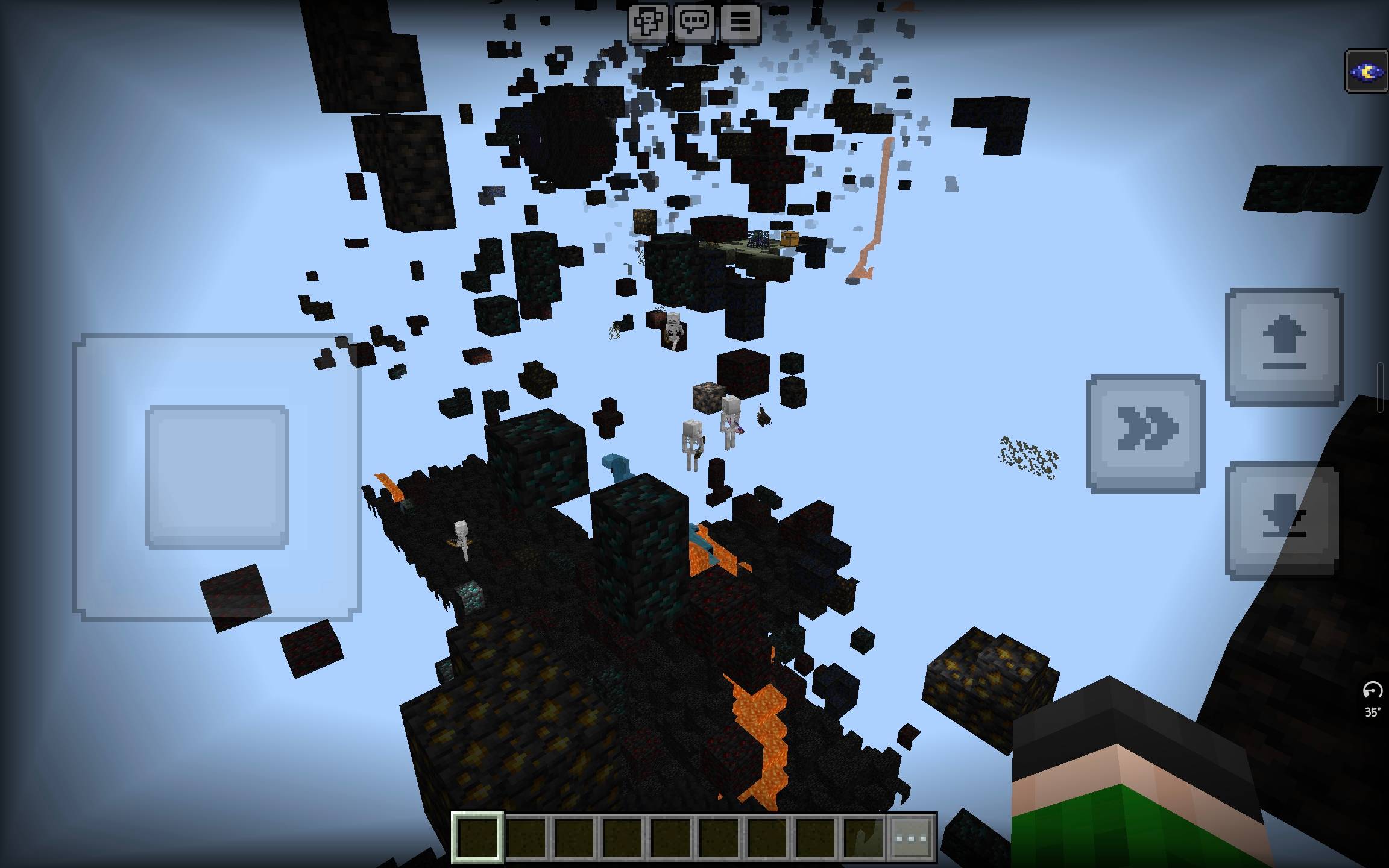
61965.jpg
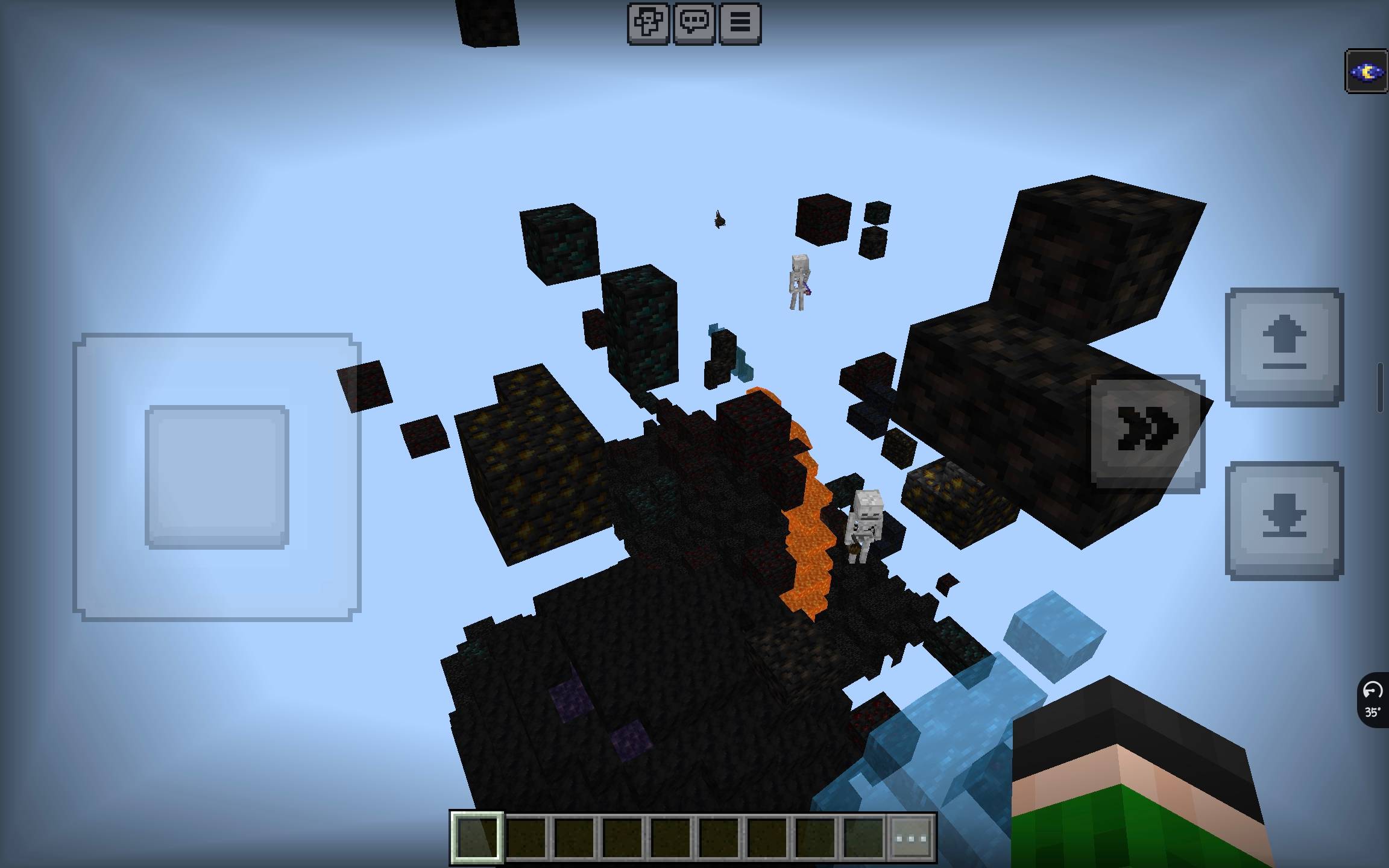
61963.jpg
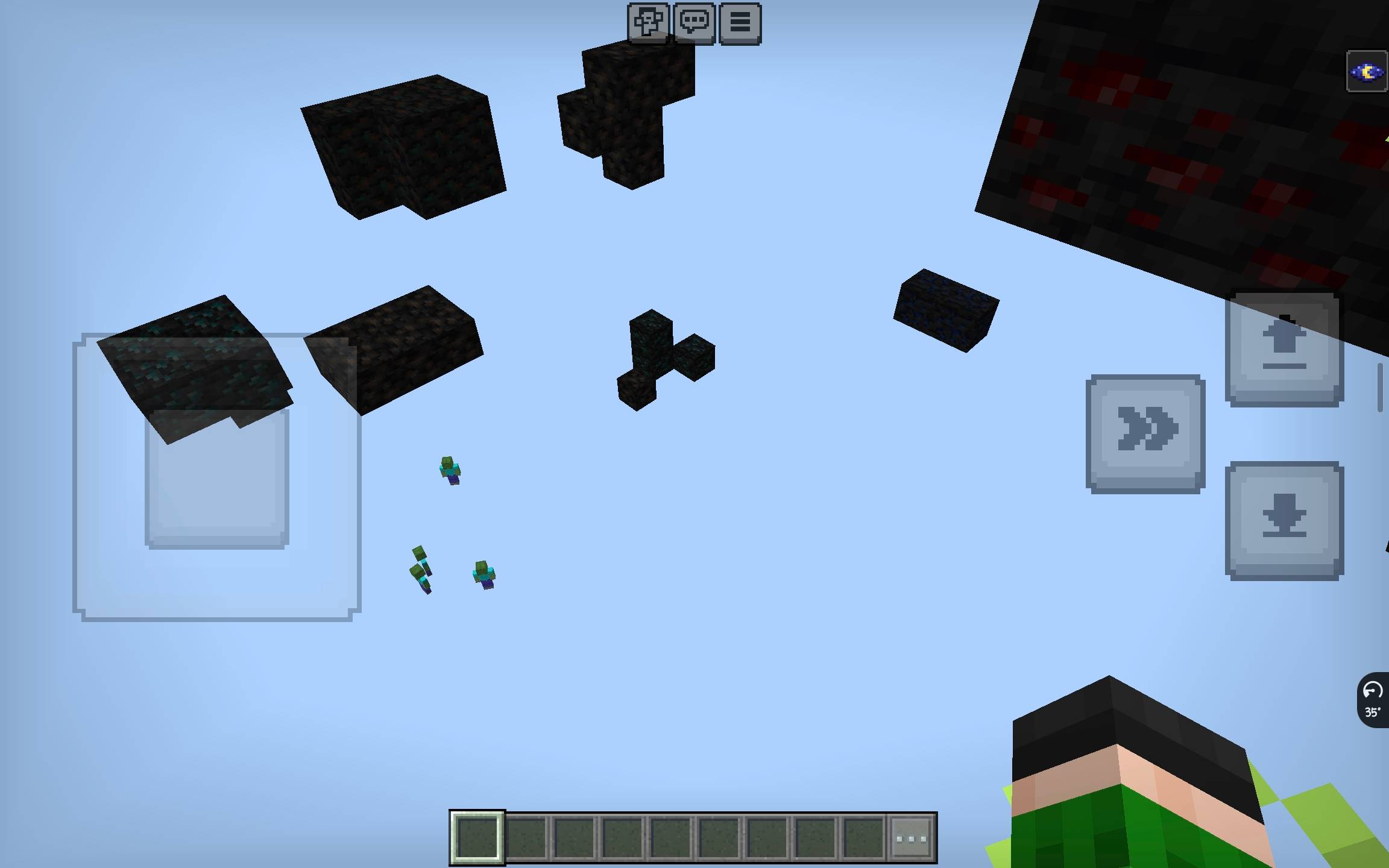
61959.jpg
61967.jpg
61957.jpg
Description
X-Ray Pack for Minecraft Bedrock Edition
[ ]()
[
]()
[ ]()
]()
📖 Overview
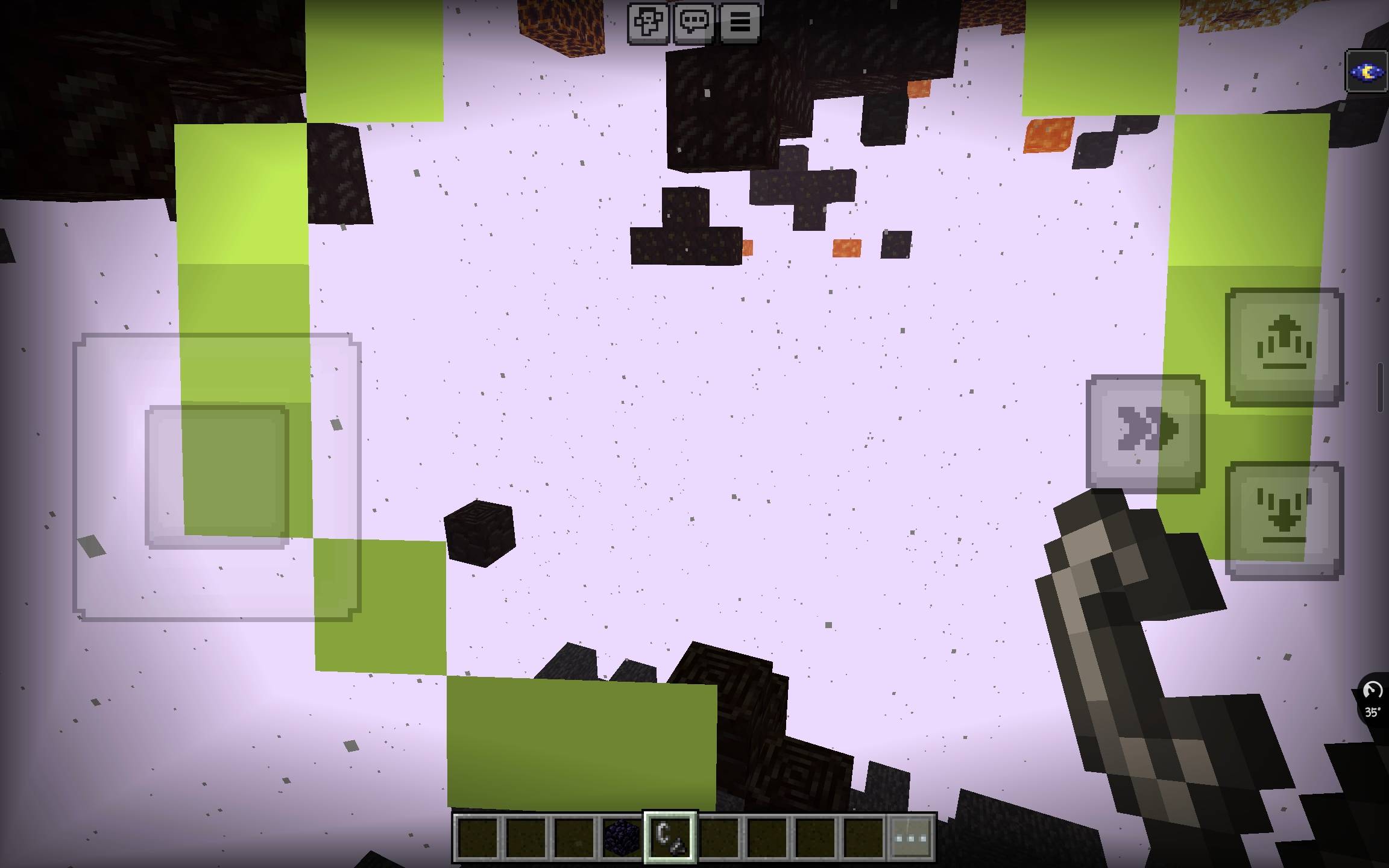
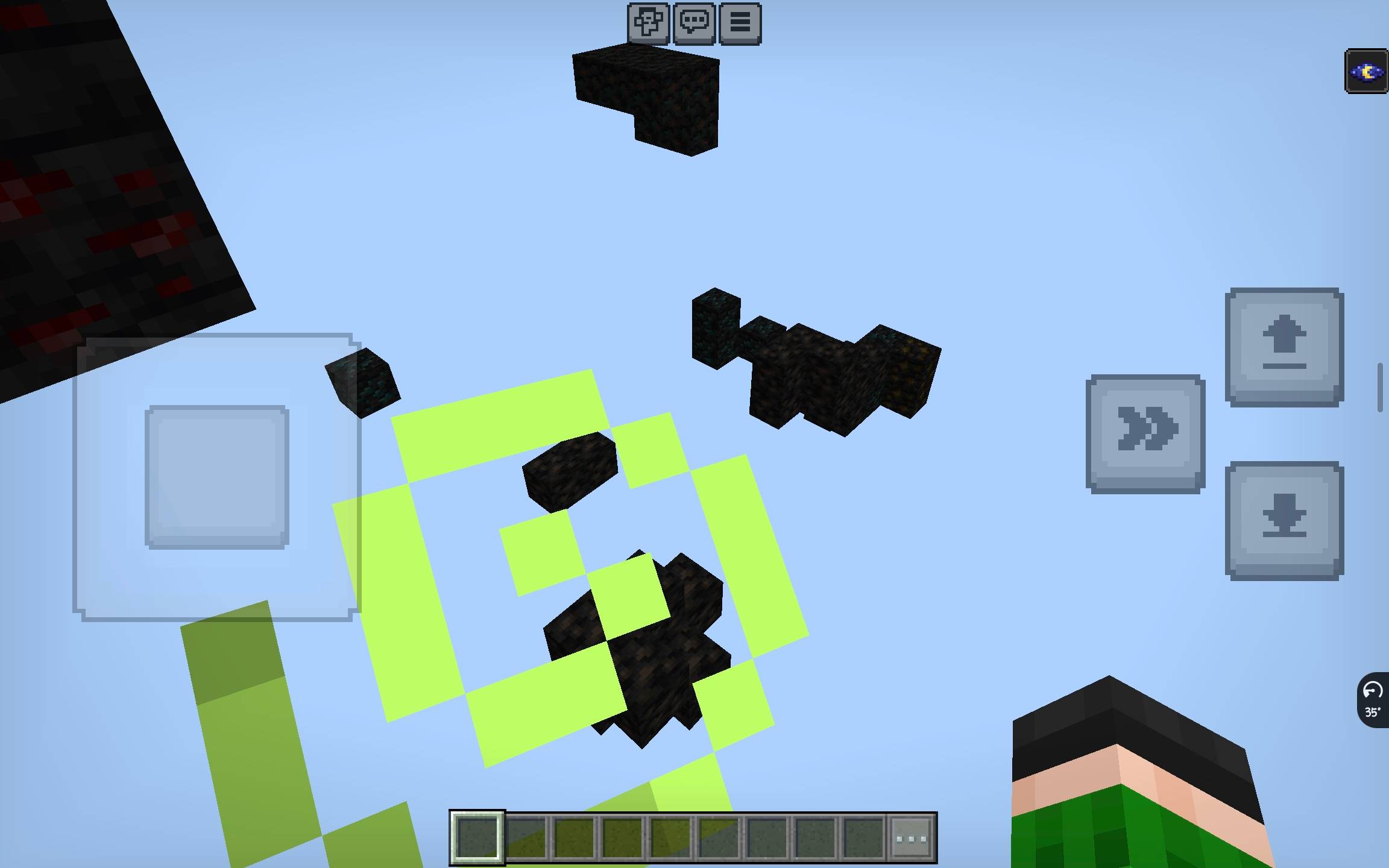
This resource pack makes all underground blocks completely invisible, allowing you to see ores, caves, dungeons, and structures through solid ground. Perfect for mining efficiently or exploring cave systems.
No mods required — works purely as a resource pack.
✨ Features
- ✅ Makes stone, deepslate, dirt, gravel, sand, tuff, basalt, netherrack, and end stone invisible
- ✅ Keeps all ores visible (diamond, iron, gold, emerald, copper, lapis, redstone, coal, netherite)
- ✅ Works in Overworld, Nether, and End dimensions
- ✅ No achievements disabled — works as a vanilla resource pack
- ✅ Lightweight — no performance impact
📋 Blocks Made Invisible
| Category | Blocks |
|---|---|
| Overworld Stone | stone, cobblestone, granite, diorite, andesite |
| Deepslate | deepslate, cobbled_deepslate, deepslate_bricks, deepslate_tiles, polished_deepslate |
| Soil & Sand | dirt, grass, podzol, mycelium, coarse_dirt, rooted_dirt, gravel, sand, red_sand |
| Cave Blocks | tuff, calcite, dripstone_block, clay |
| Nether | netherrack, nether_bricks, blackstone, basalt, smooth_basalt, soul_sand, soul_soil, magma, crimson_nylium, warped_nylium |
| End | end_stone |
🔧 Installation
Method 1: Direct Folder (Recommended for Testing)
- Navigate to your Minecraft
resource_packsfolder:
| Platform | Path |
|---|---|
| Windows 10/11 | %localappdata%\Packages\Microsoft.MinecraftUWP_8wekyb3d8bbwe\LocalState\games\com.mojang\resource_packs |
| Android | games/com.mojang/resource_packs |
| iOS | Minecraft/games/com.mojang/resource_packs |
Copy the entire
Xray_Packfolder intoresource_packsLaunch Minecraft and go to Settings → Storage → Resource Packs
Find X-Ray Pack and click Activate
Method 2: .mcpack File (Easiest)
Zip the pack folder and rename
.zipto.mcpackDouble-click the
.mcpackfile to import automaticallyActivate the pack in World Settings → Resource Packs
⚙️ Required Settings
For the best X-ray experience, adjust these settings:
| Setting | Value |
|---|---|
| Smooth Lighting | OFF |
| Brightness | 100% (Moody slider all the way right) |
| Graphics | Fancy (optional) |
💡 Night Vision Effect (Highly Recommended)
Run this command in-game for full visibility in dark caves: /effect @s night_vision 9999 1
⚠️ Important Notes
Server Compatibility
| Server Type | Works? | Notes |
|---|---|---|
| Singleplayer | ✅ Yes | Perfectly safe |
| Local Multiplayer | ✅ Yes | Works if host has pack enabled |
| Realms | ⚠️ Partial | Some anti-X-ray plugins may block it |
| Public Servers | ❌ No | Using this can get you banned |
Warning: Many public servers (Hypixel, Lifeboat, CubeCraft, etc.) have anti-cheat systems that detect X-ray packs. Use only on singleplayer or private worlds.
🛠️ Troubleshooting
"Blocks are black instead of invisible"
- Cause: The pack is not loading correctly
- Fix: Make sure
blocks.jsonis in the root folder (not inside a subfolder)
"Nothing changed / blocks are still solid"
- Cause: Pack not activated or format version mismatch
- Fix:
- Check that the pack appears in Settings → Storage → Resource Packs
- Ensure it shows as ACTIVATED (green slider)
- Also activate it in World Settings → Resource Packs
"Ores are invisible too"
- Cause: The ore block was accidentally added to the pack
- Fix: Remove ore entries from
blocks.json
"Game looks weird / flickering"
- Cause: Smooth Lighting enabled
- Fix: Turn Smooth Lighting OFF in Video Settings
📝 Customization
To add or remove blocks from the X-ray effect, edit blocks.json:
```json "minecraft:block_name": { "blockshape": "invisible" }
ImHungry's Xray Team