Hydron - Clear Water
- By

Tired of murky water and terrible underwater visibility?
Hydron makes water noticeably clearer — while preserving Minecraft’s vanilla look and feel.





Features
- Clearer underwater visibility
- Reduced blue tint and fog for cleaner oceans, rivers, and caves
- Vanilla-consistent visuals with no FullBright or night-vision behavior
- Fully server-friendly, no gameplay advantages or shaders
Why Hydron?
Underwater exploration shouldn’t feel like looking through fogged glass. Hydron makes oceans, rivers, and flooded caves easier to navigate while keeping water natural and immersive. Lightweight, subtle, and designed to feel native to vanilla Minecraft.
Compatibility with Minecraft Bedrock
Hydron has been fully tested and is confirmed working on Minecraft Bedrock Edition.
⚠️ Note: Since this is a new port from the Java Edition, the Bedrock version is still under active development. You may encounter occasional bugs or visual issues.
Overview
Screenshots
| Hydron | Vanilla |
|---|---|
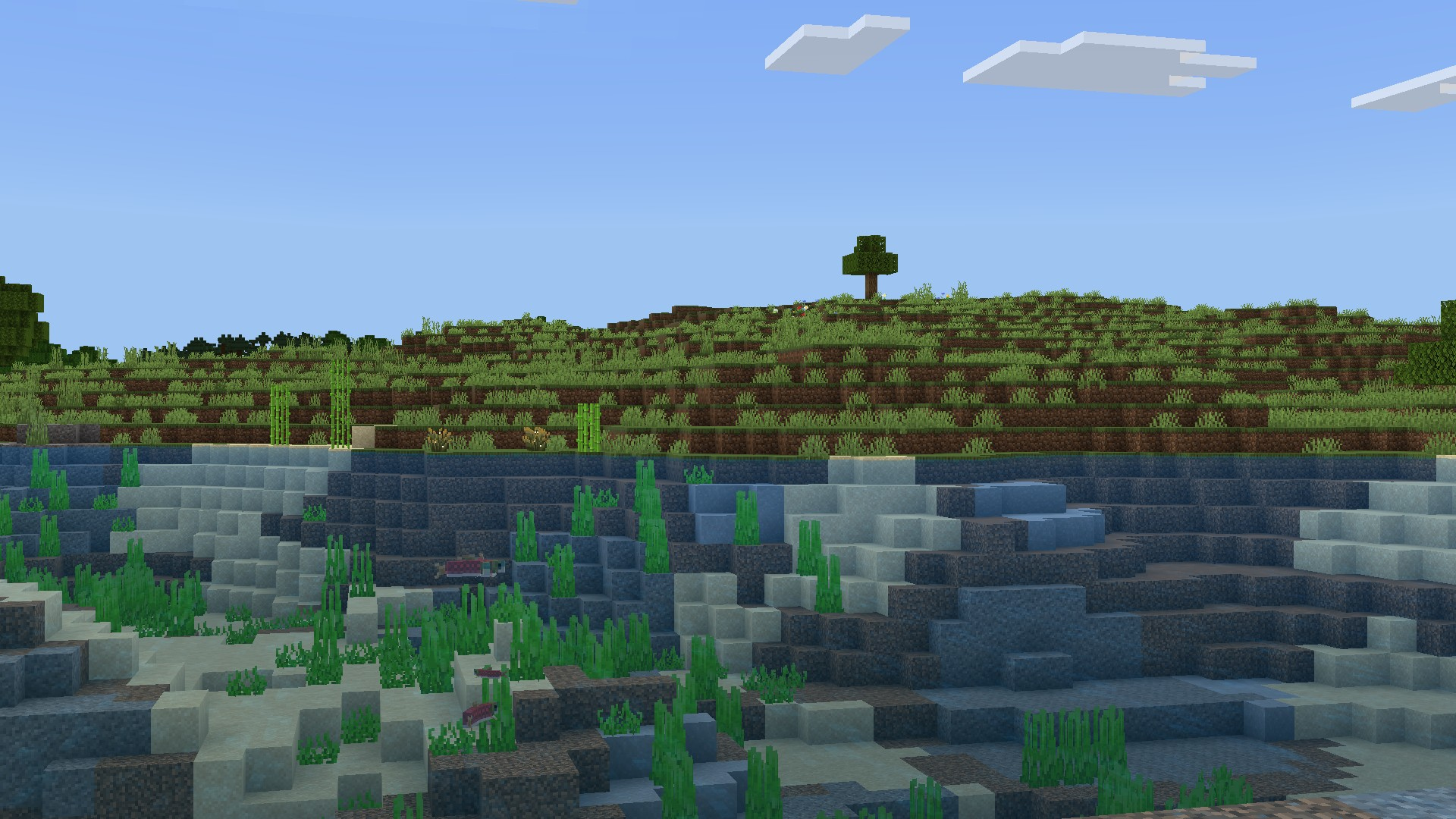 |
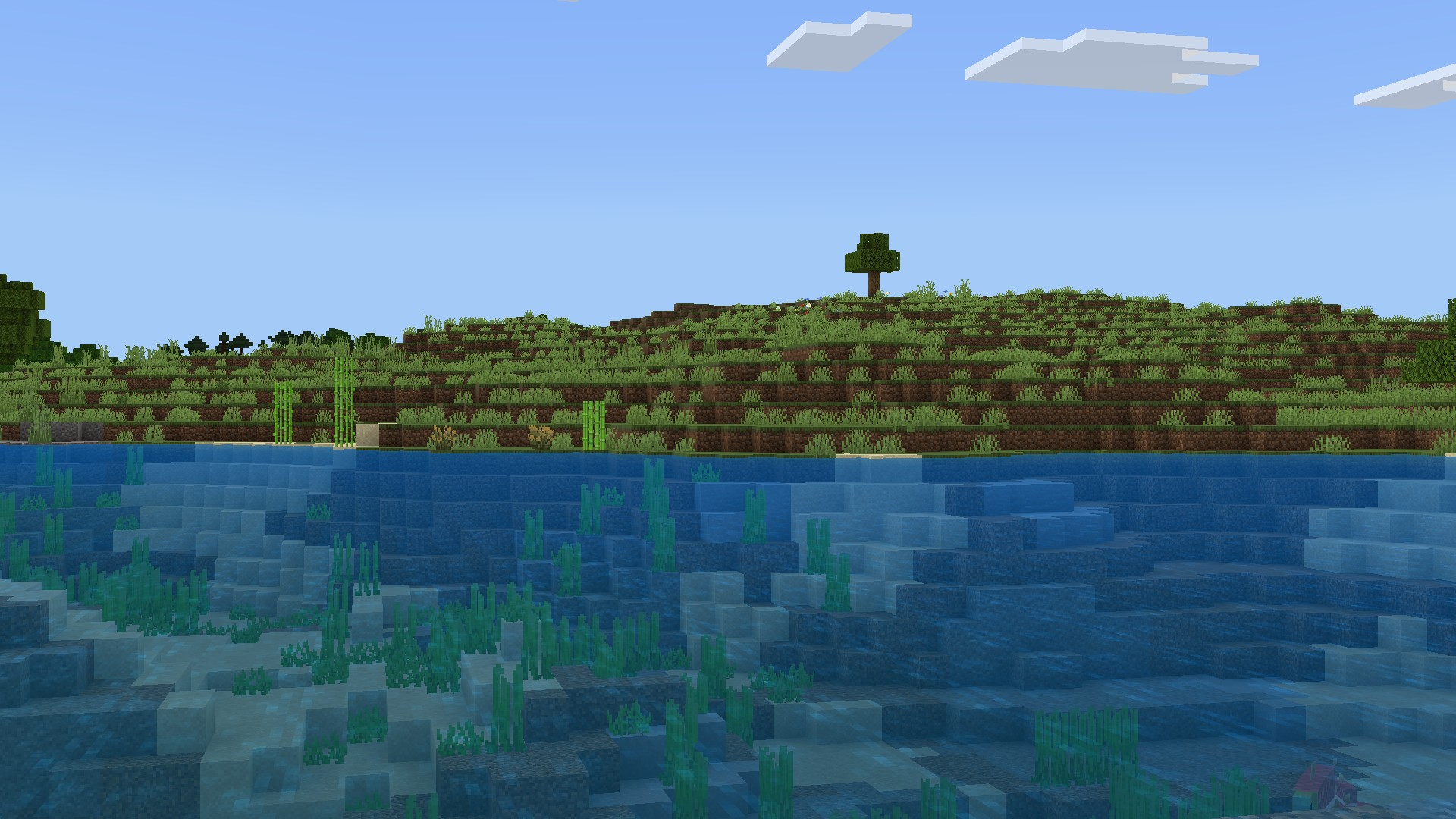 |
| View Full Size | View Full Size |
Technical
Installation
- Download the .mcpack file
- Open or double-click the downloaded file to automatically import it into Minecraft
- In Minecraft Bedrock, go to Settings > Global Resources
- Expand the My Packs menu, select Hydron, and click Activate.
- Exit the settings menu for the texture pack to load, and then you're ready to play Minecraft
Compatibility
- Works with all vanilla-based gameplay
- Compatible with everything as other texture packs don't change the water
- Resource pack only, no add-ons required
Contact
For any concerns regarding Hydron, contact me at: precisionzero.creator@gmail.com
Discord: prec1sionzero
License
All Rights Reserved
The Hydron - Clear Water Team