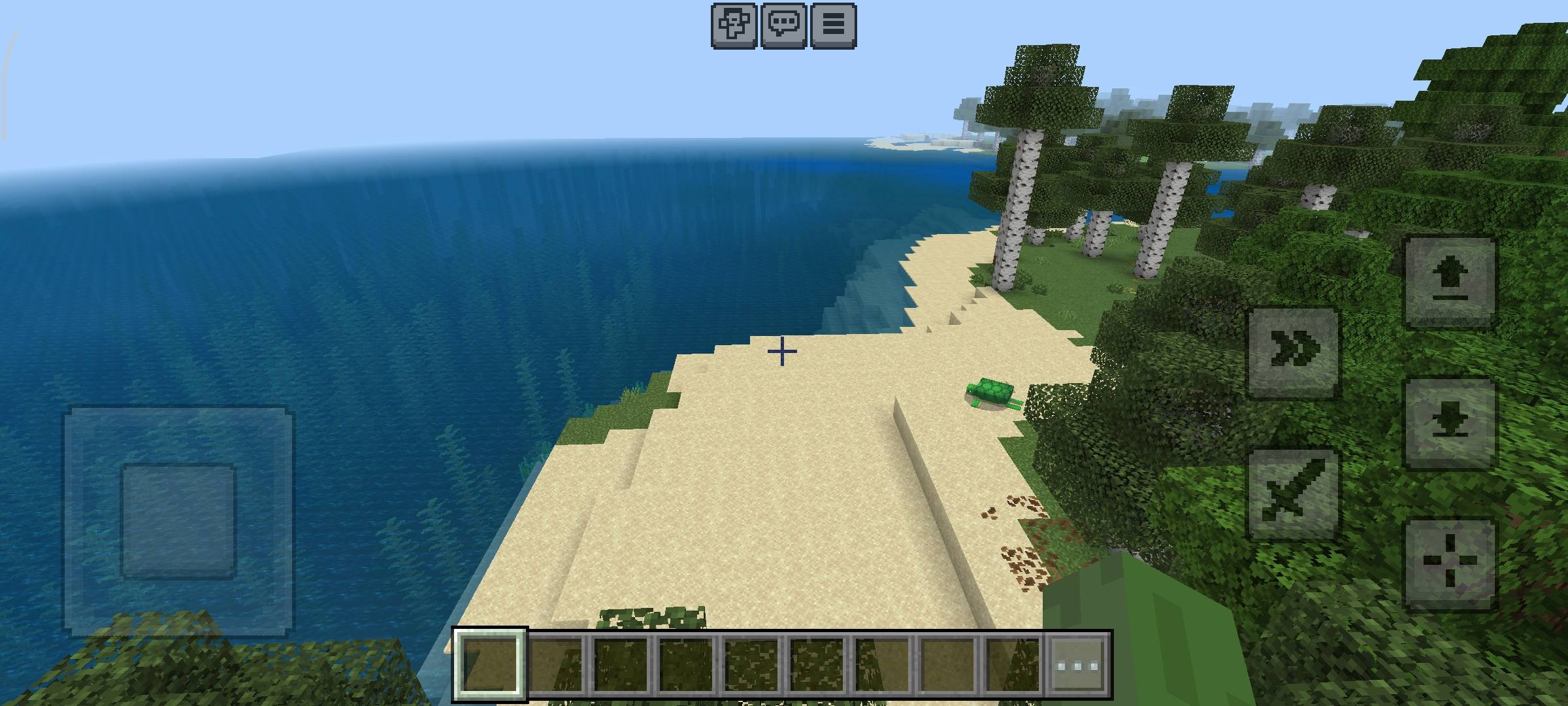
1000287167.jpg
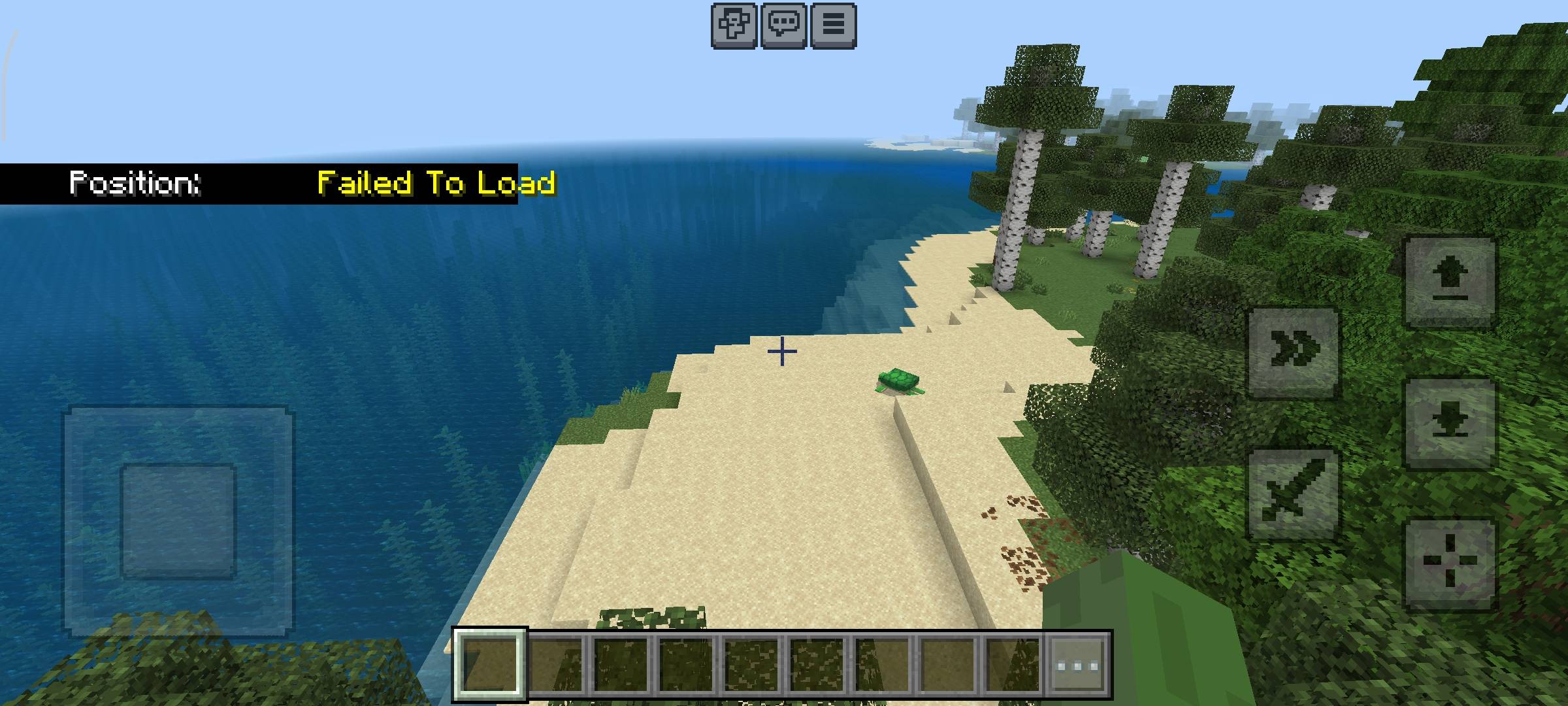
1000287168.jpg
Description
🙈 Hide Me Please — HUD Coordinate Hider
Hide Me Please is a lightweight, utility resource pack for Minecraft Bedrock Edition designed to completely hide the on-screen coordinate display while keeping your game clean and functional. Whether you are a content creator, streamer, or an SMP player, Hide Me Please protects your secret bases, builds, and chest locations from stream snipers and unwanted visitors! ✨ Features
- 🛡️ Base Protection: Prevents stream snipers and recording footage from revealing your coordinates.
- 🎬 Clean & Cinematic HUD: Removes UI clutter for cleaner screenshots, gameplay recordings, and immersive survival.
- ⚡ 100% FPS Friendly: Purely UI-based with zero impact on game performance.
- 🌐 Server & Realm Safe: Safe to use on public servers, custom Realms, and multiplayer worlds.
- 🎨 Fully Compatible: Works seamlessly on top of any custom texture pack or shader setup. ⚙️ Installation Instructions
- Download the latest .mcpack file from the Files tab above.
- Open/Execute the file to import Hide Me Please directly into Minecraft Bedrock Edition.
- Open Settings > Global Resources (or your World Settings).
- Open Settings > Video > Paper Doll Then Activated it
- Activate Hide Me Please and drag it to the top of your Active Packs stack to ensure it overrides default UI elements. ❓ Frequently Asked Questions (FAQ) <details> <summary>Does this turn off coordinates for everyone on the server?</summary>
No, this is a client-side resource pack! It only hides the coordinates on your screen. </details> <details> <summary>Do I need to place it above other texture packs?</summary>
Yes! To ensure the UI override works properly, place Hide Me Please at the very top of your Resource Pack list. </details> 📜 Usage & Permissions
- Personal Use: Feel free to use this pack in videos, live streams, and servers!
- Redistribution: Please do not re-upload or host this file on other websites without linking directly back to this CurseForge page.
Hide Me Please Team