


Chromic Visual
- 1.0K
- Texture Packs
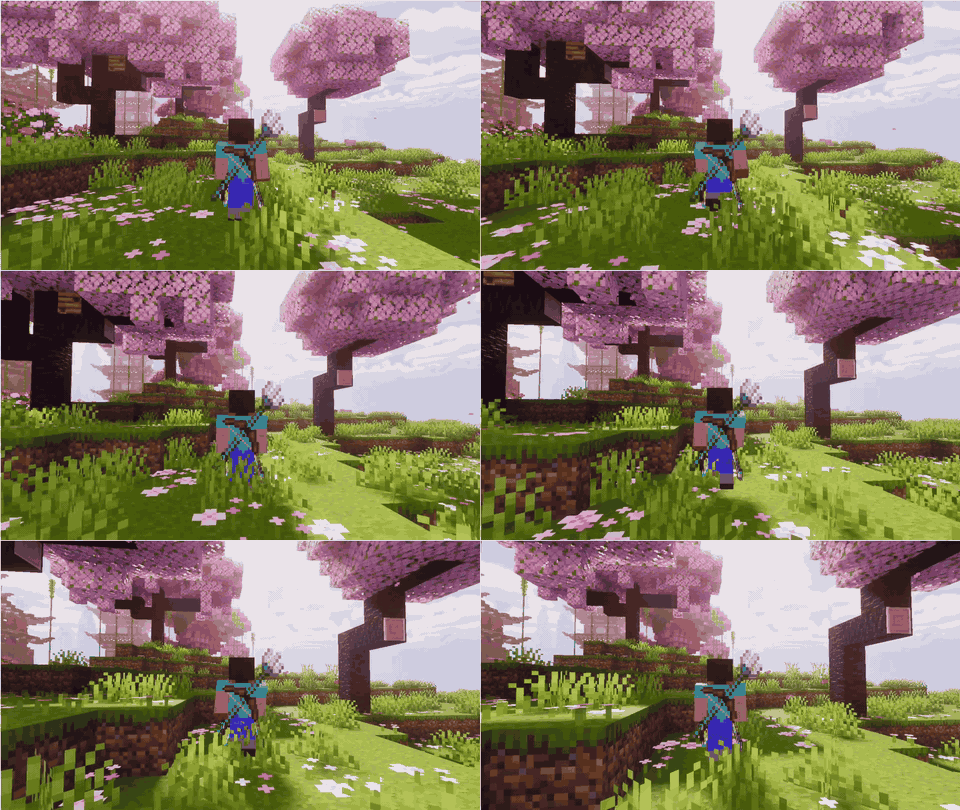
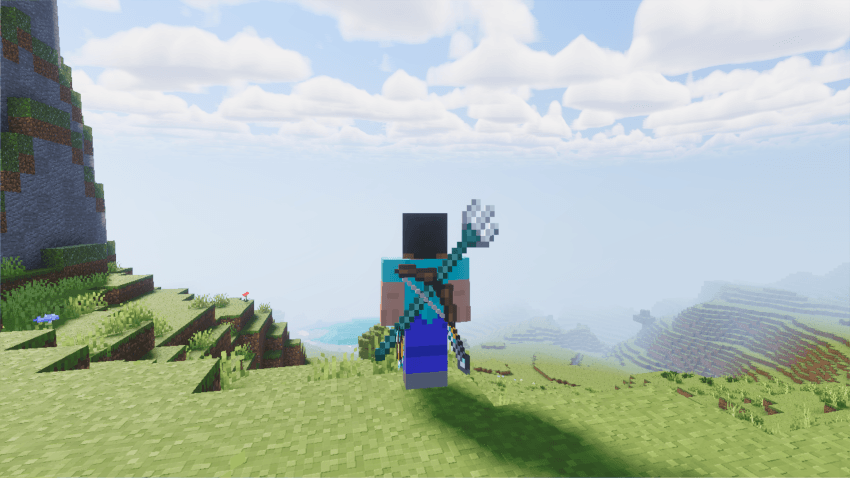
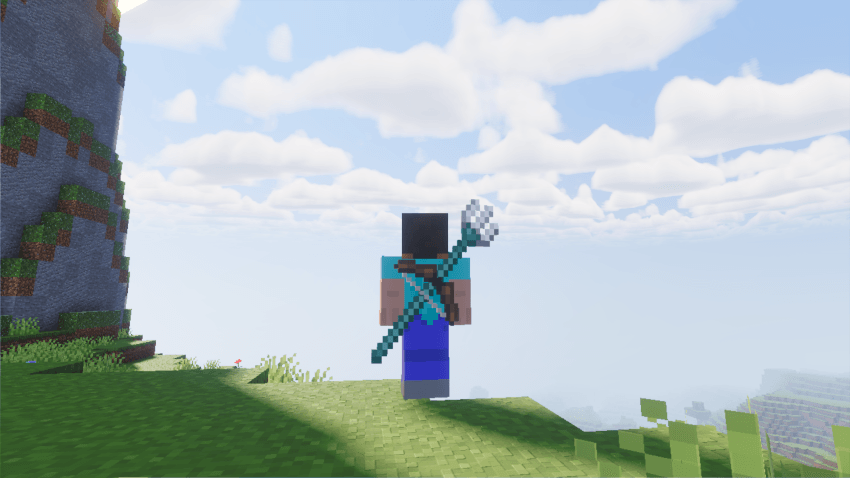
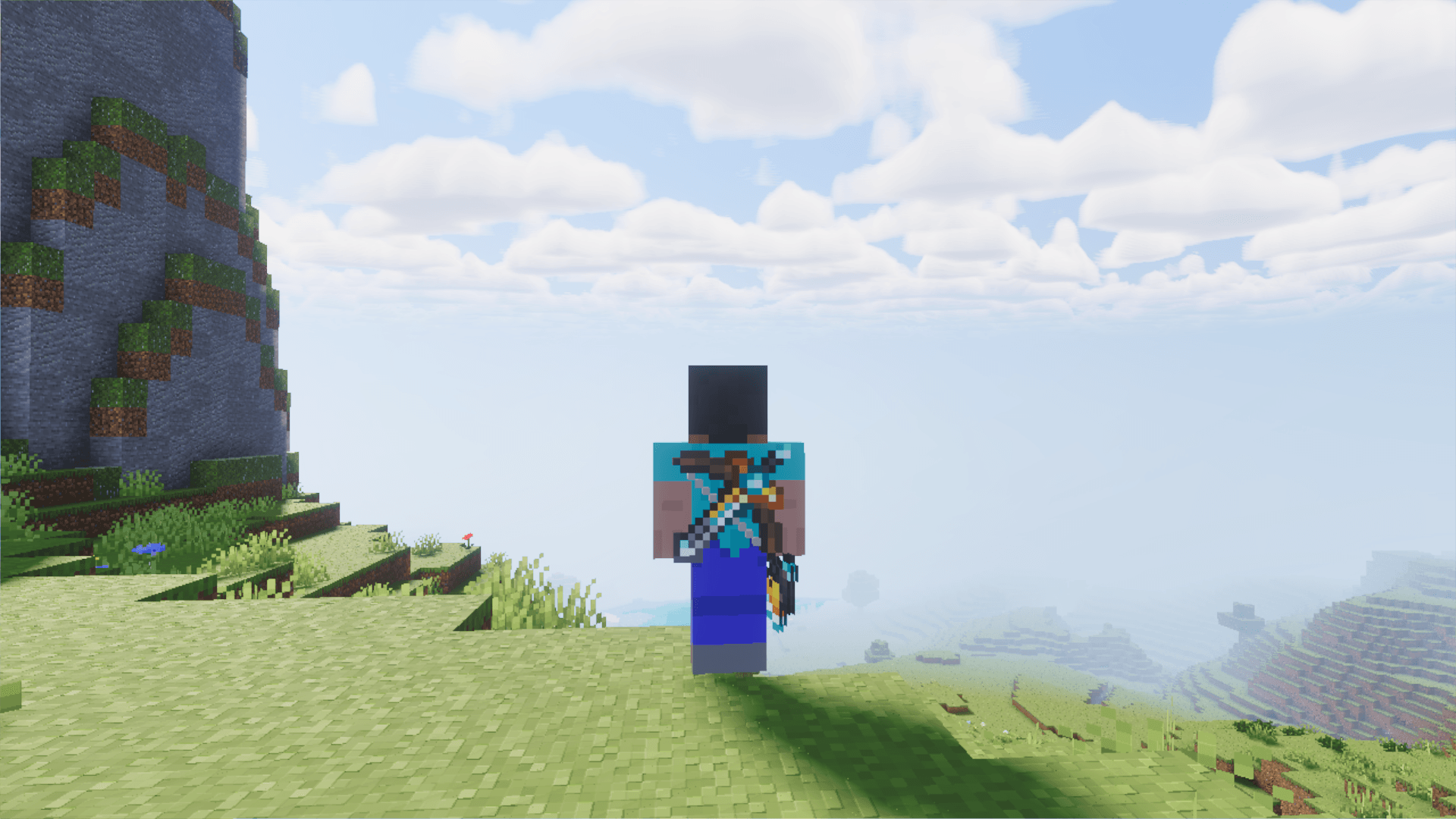
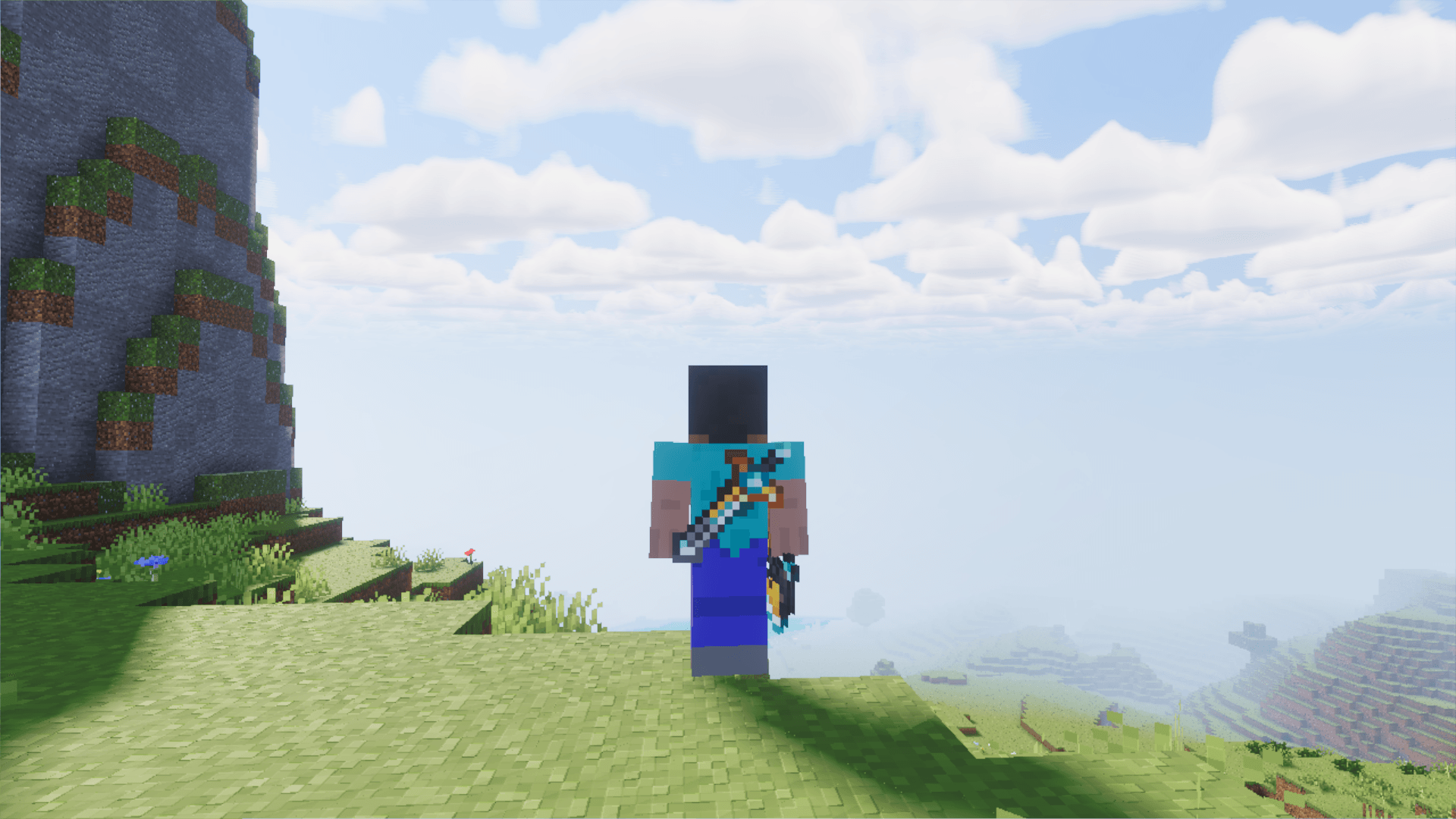
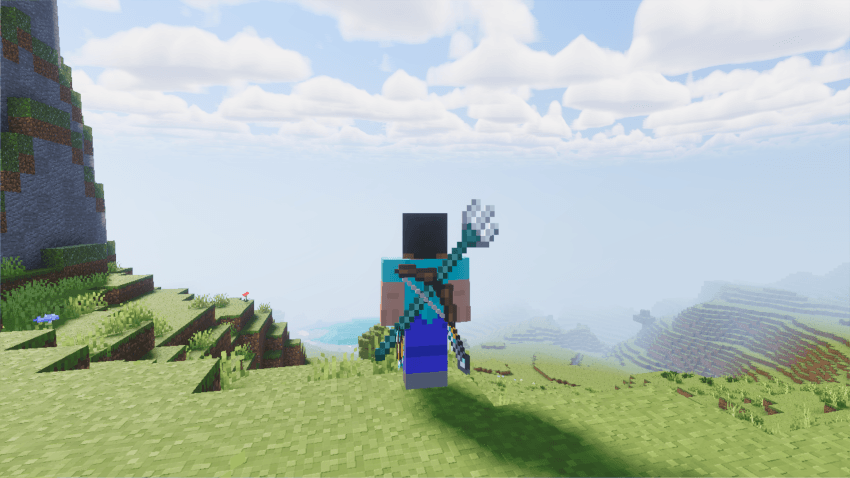
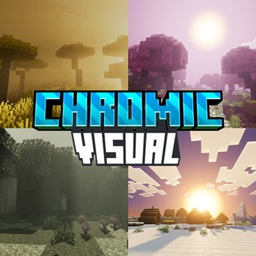
Chromic Visuals is a Minecraft shader pack where every biome gets its own color, from golden savannas to pink groves, misty swamps and pale gardens.
- 1.0K
- November 11, 2026
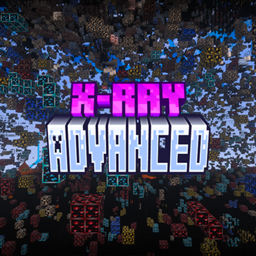
X-Ray Advanced
- 5.5K
- Texture Packs
See every ore, skip the digging. X-Ray Advanced makes the ground invisible and the ores glow.
- 5.5K
- November 10, 2026
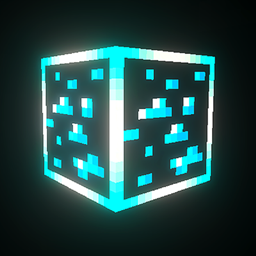
Shiny Glowing Ores
- 2.5K
- Texture Packs
Shiny Glowing Ores gives every ore a dazzling glowing outline and gleaming gems that sparkle in the dark, so you can spot them from far away in even the deepest caves. Made for Bedrock with PBR support.
- 2.5K
- November 9, 2026
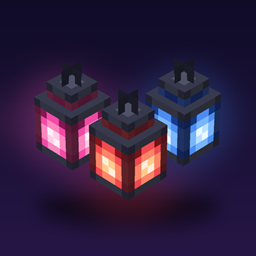
Chromic Visual
- 1.0K
- Texture Packs
Chromic Visuals is a Minecraft shader pack where every biome gets its own color, from golden savannas to pink groves, misty swamps and pale gardens.
- 1.0K
- November 11, 2026
X-Ray Advanced
- 5.5K
- Texture Packs
See every ore, skip the digging. X-Ray Advanced makes the ground invisible and the ores glow.
- 5.5K
- November 10, 2026
Shiny Glowing Ores
- 2.5K
- Texture Packs
Shiny Glowing Ores gives every ore a dazzling glowing outline and gleaming gems that sparkle in the dark, so you can spot them from far away in even the deepest caves. Made for Bedrock with PBR support.
- 2.5K
- November 9, 2026