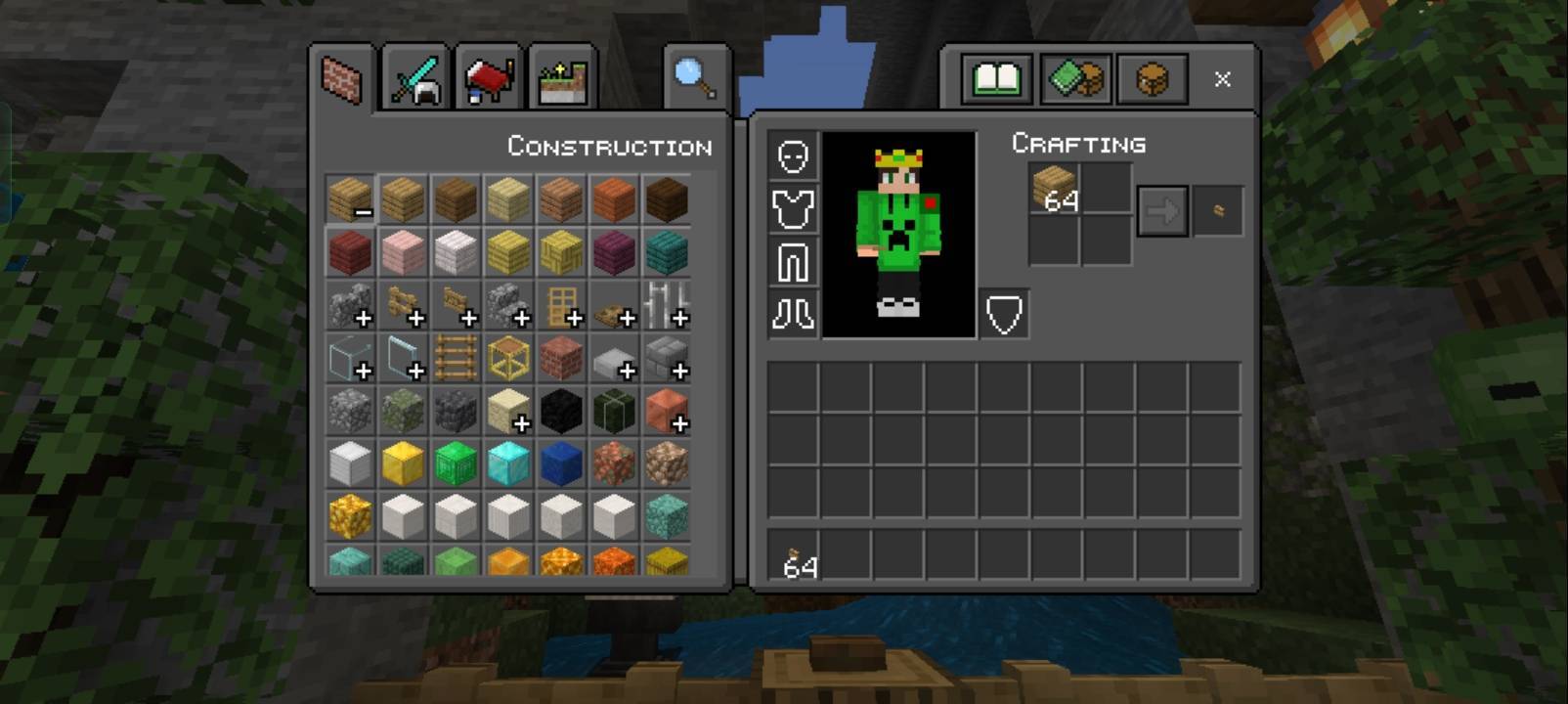
Screenshot_2026-01-19-20-33-03-08_5c8300b655012b1930f2e0a7b81bf6a9.jpg
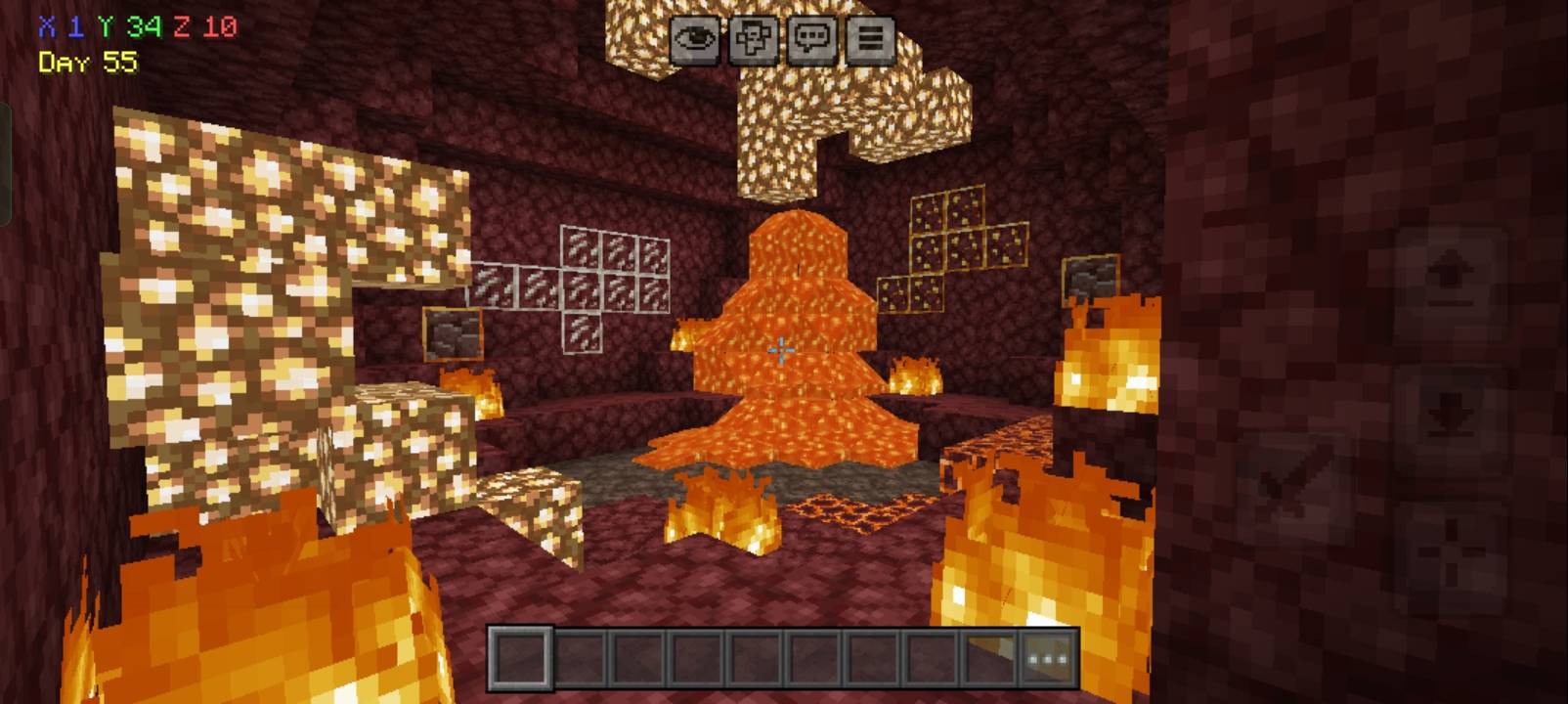
Screenshot_2026-01-19-20-34-02-15_5c8300b655012b1930f2e0a7b81bf6a9.jpg
Screenshot_2026-01-19-20-33-20-48_5c8300b655012b1930f2e0a7b81bf6a9.jpg
Description
Description
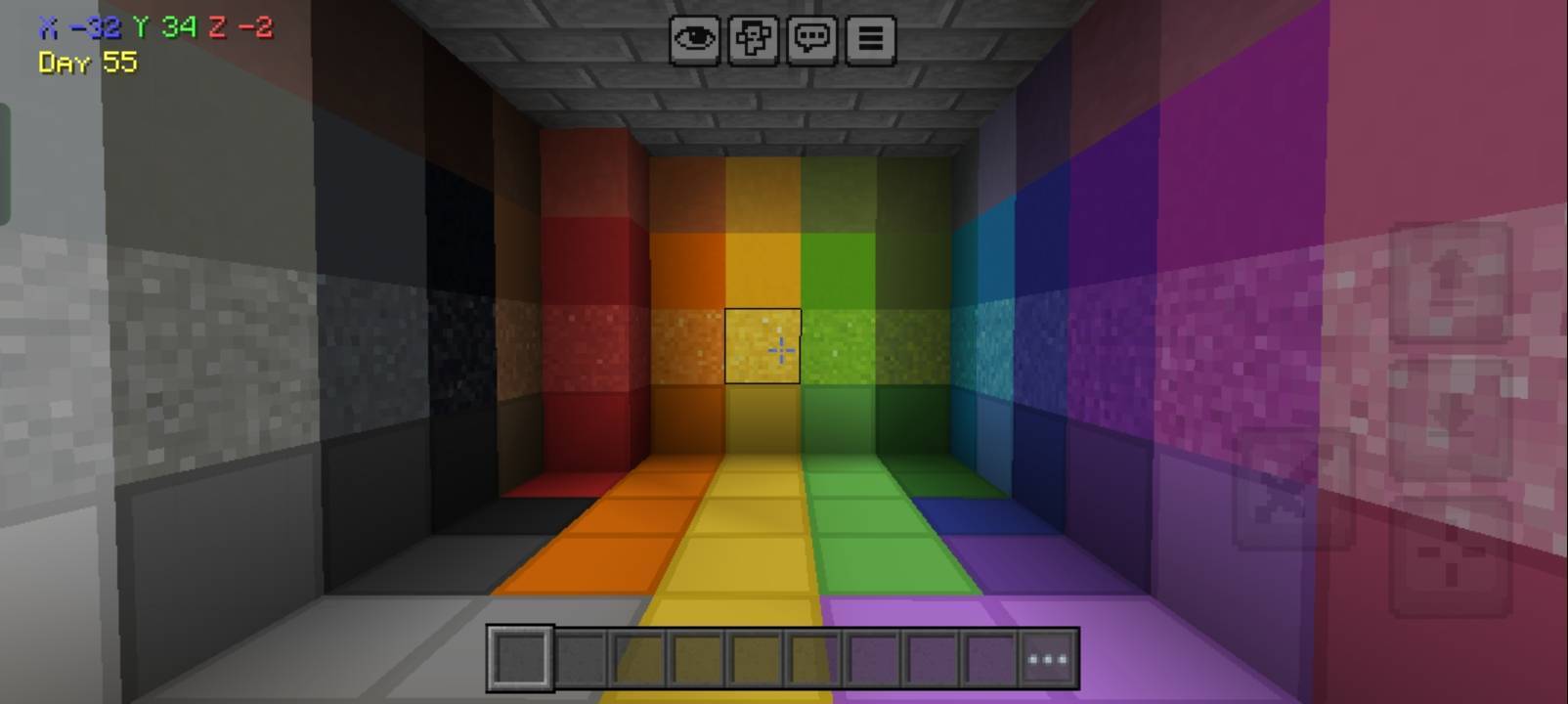
FrameX is a lightweight Minecraft Bedrock resource pack designed to help improve your gaming experience and performance. It focuses on optimization and useful visual improvements while keeping the game simple and smooth.
Whether you're playing on a low-end or mid-range device, FrameX aims to provide a cleaner and more optimized Minecraft experience.
---
Features
• FPS-focused optimization
• Lightweight and performance-friendly
• Helps reduce unnecessary visual elements
• Clean and simple design
• Suitable for low-end devices
• Compatible with multiplayer and servers
• Easy to install and use
---
Compatibility
FrameX is designed for Minecraft Bedrock Edition / MCPE.
✓ Works on the latest supported Minecraft Bedrock versions
✓ Android / iOS / Windows Bedrock Edition
✓ Singleplayer compatible
✓ Multiplayer and server compatible
---
Installation Guide
1. Download the FrameX ".mcpack" file.
2. Open the downloaded file with Minecraft.
3. Minecraft will automatically import the pack.
4. Go to Settings → Global Resources or activate it in your world settings.
5. Activate FrameX and enjoy a smoother Minecraft experience!
---
Credits
Created by: Alpha Studios
Please do not copy, redistribute, or claim this pack as your own without permission.
Thank you for downloading and supporting FrameX! ❤️
The FrameX ||Optimizer||Sodium Team