FerShader.V1.1
- By
1000031133.jpg
1000031135.jpg
1000031127.jpg
Description
FerShader.V1.1
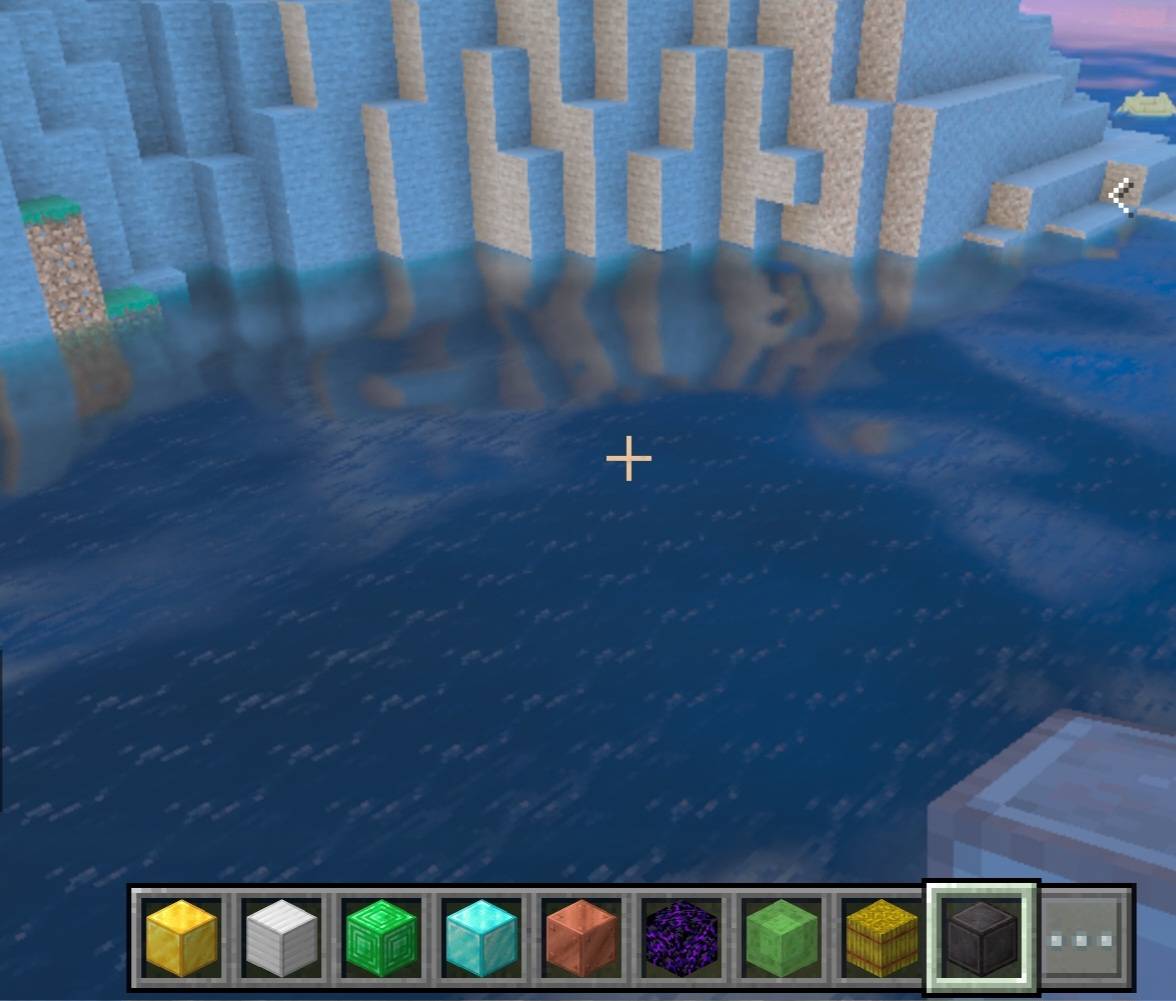
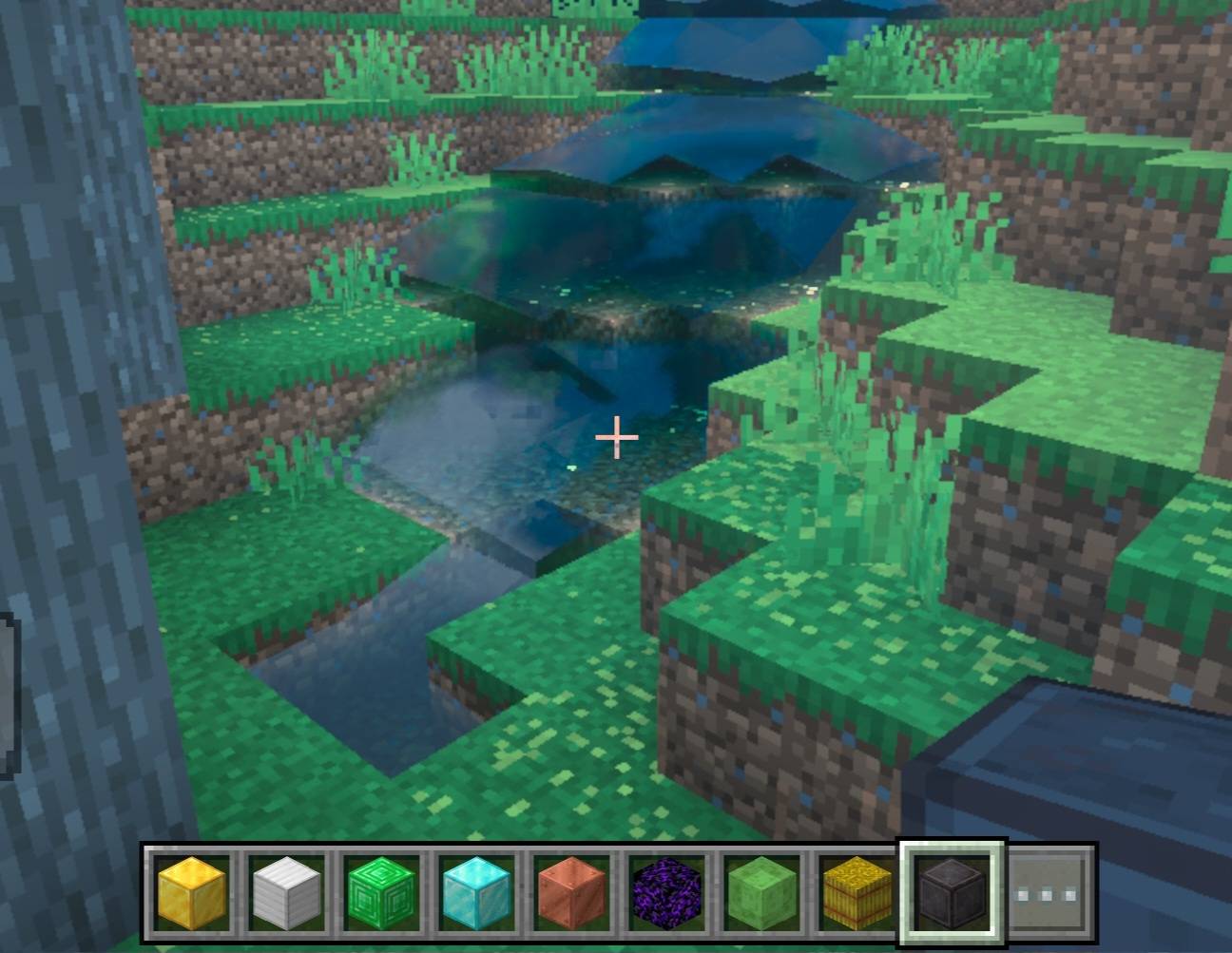
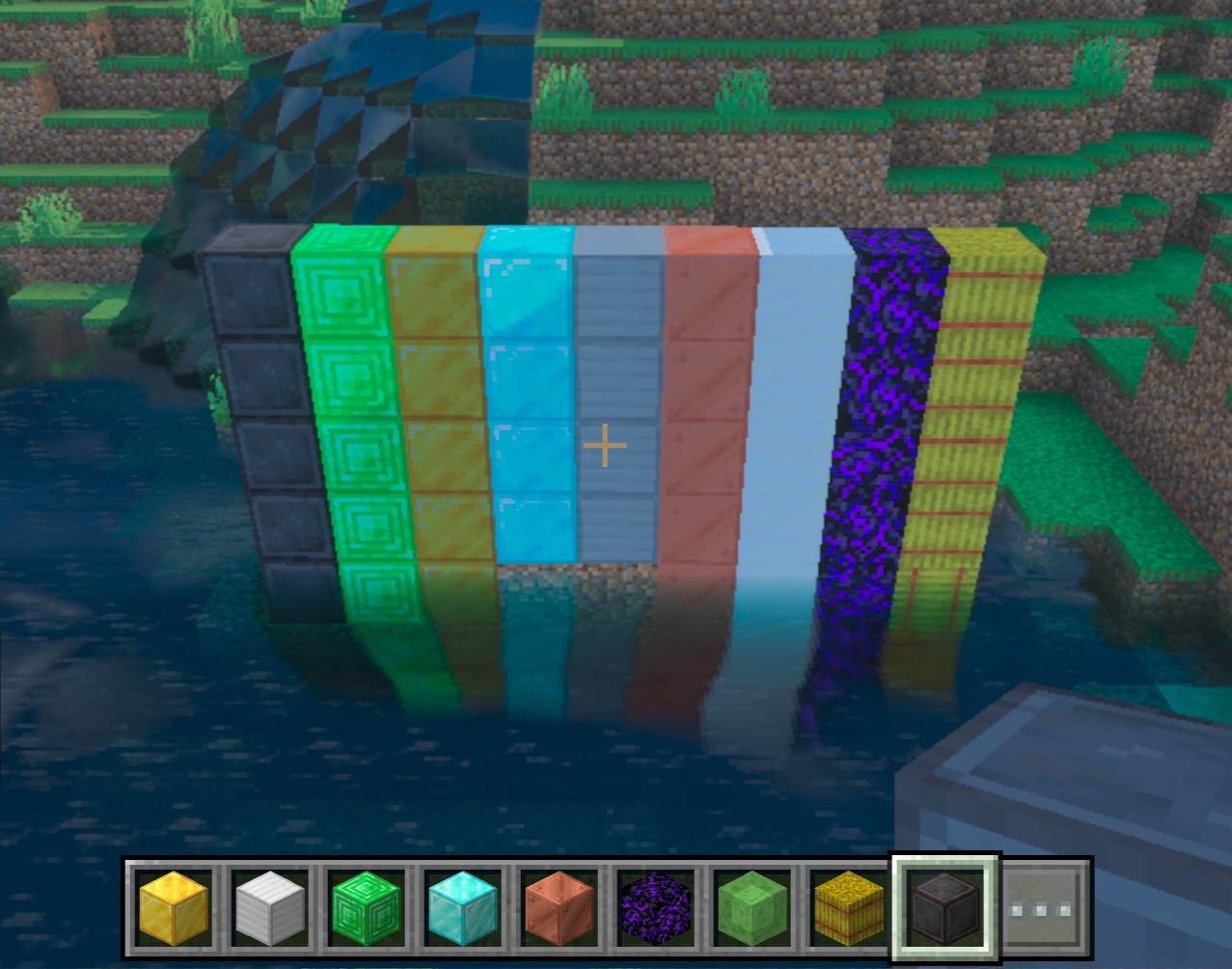
Vibrant Visuals shader for Minecraft Bedrock with warm orange sunlight, a sky-blue sky and realistic animated water with waves and reflections.
Features
- Warm orange sunlight with brighter lighting and visible shadows
- Sky-blue daytime sky and orange sunsets
- Sky-blue water with animated waves, reflections and caustics
- Warm color grading
- Compatible with RenderDragon
How to install
1. Download the .mcpack file.
2. Open it with Minecraft to import it.
3. Go to Settings > Global Resources and activate it.
4. In Settings > Video, set Graphics to Vibrant Visuals.
Tips
- Set Reflections to the maximum to see the water better.
- Enable clouds in the Vibrant Visuals options.
Important
- Works only on Minecraft Bedrock with Vibrant Visuals enabled.
- Close-up reflections depend on the game and may look simpler.
FerShader.V1.1 Team