Ender UI V2
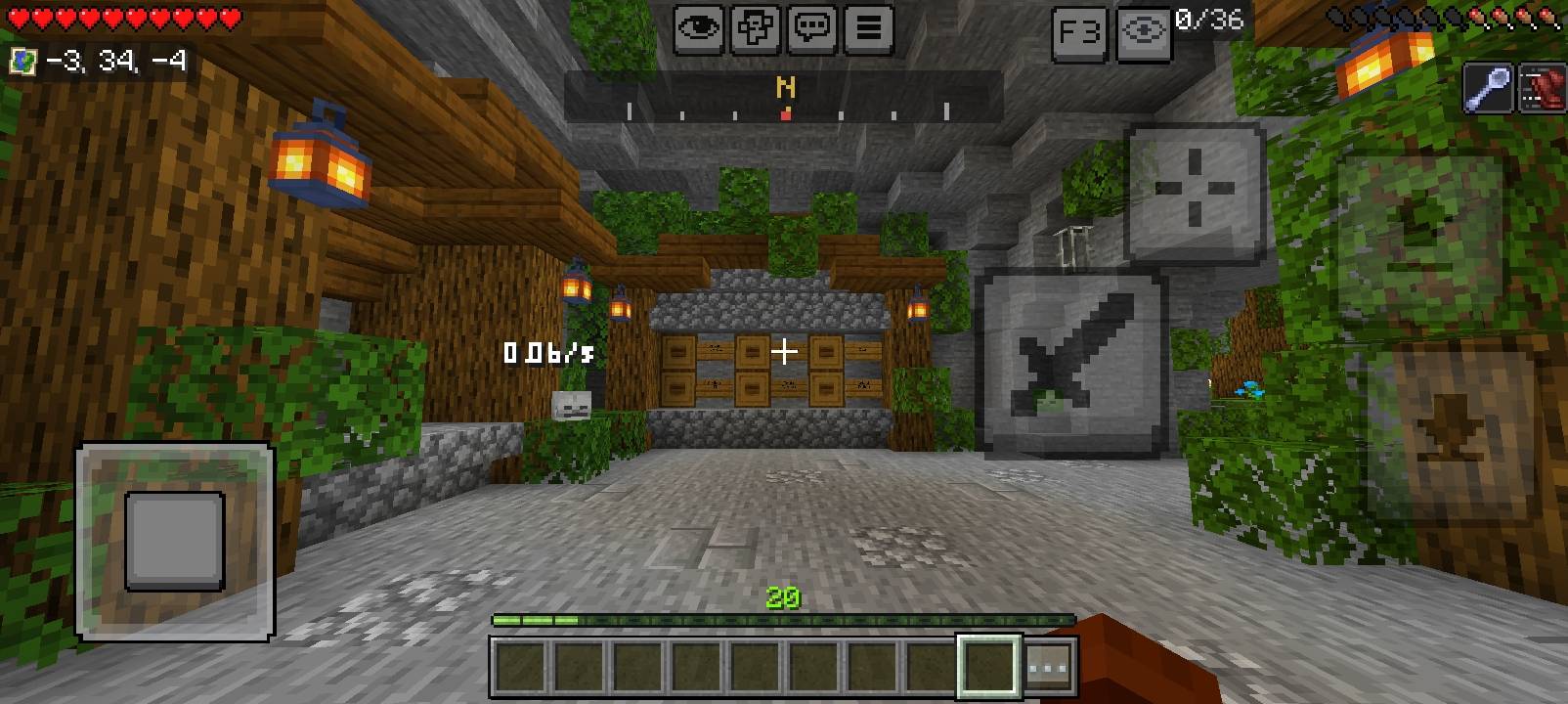
Ender UI is an all-in-one Ore UI style client pack for Minecraft Bedrock, made for touch screens first (keyboard and controller work too). V2 is a full rebuild of V1: almost every screen, menu and feature was remade, and lots of new ones were added.
Open the Mod Menu: pause the game, then double-tap Mod Menu (top left). Every page scrolls, switches are Ore UI style (green = on), and pages only load when you open them.
What's inside
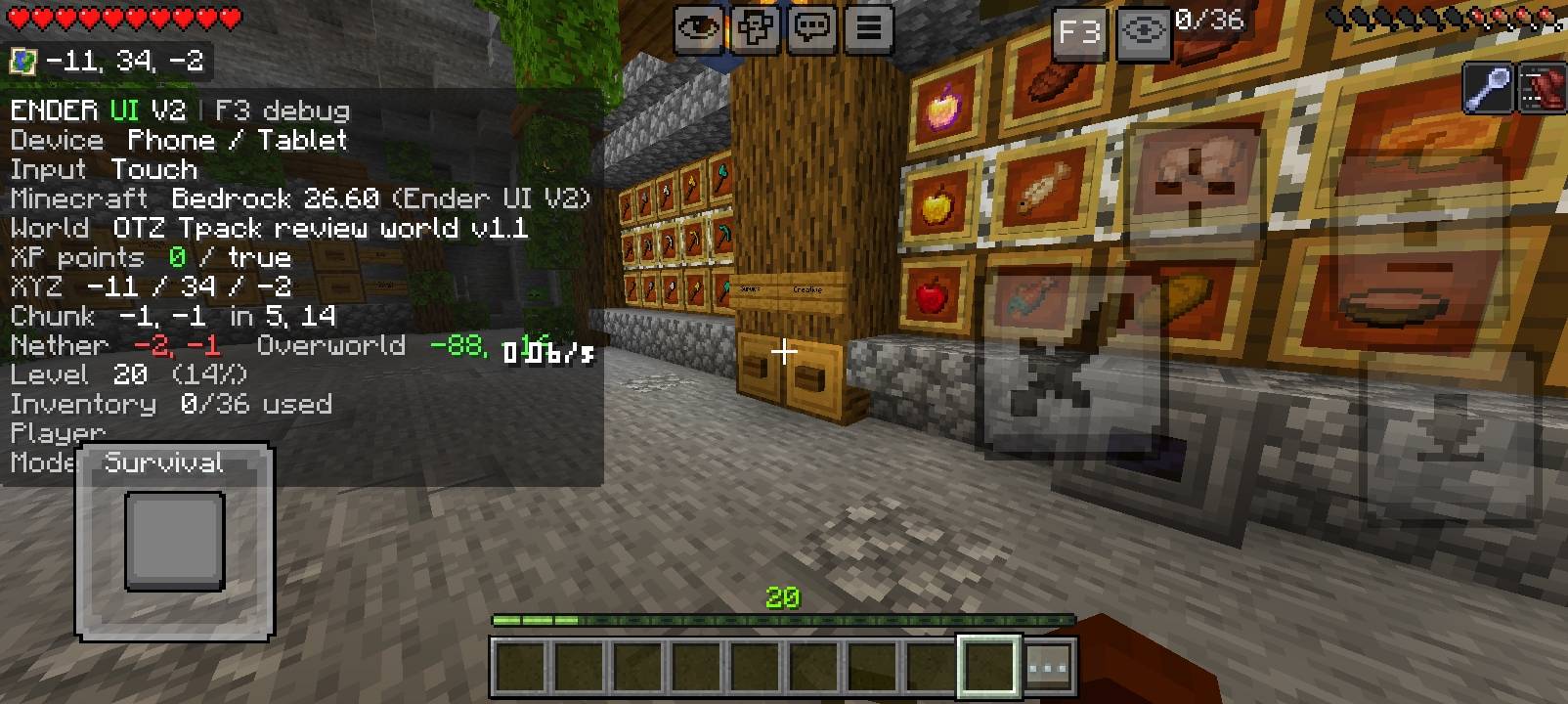
HUD Info: Coordinates, Days Played, Nether Coords, Chunk Info, Play Timer, XP Level, F3 button, Inventory Counter, Inventory Full Alert, Items Counter, Free Slots
Widgets (movable): Speed, Day Clock, Direction HUD, Spectator switch, Inventory HUD, HUD Button
Clean Screen: hide scoreboard, boss bar, titles, actionbar, effects, chat, vignette, touch buttons, held item names
PVP: Armor HUD, Low Health, Slot Switcher, Durability, Item Count, Hotbar Keys, Slot Highlight, Durability Alert, Reach Indicator, Totem Warning. Always on: low fire, low shield, no fog, clear water, better lava vision, clear glass, ore borders
Adjust: move the Day Clock, Items Counter and Speed with sliders
Previews: Armour Trim Preview, Banner Pattern Editor, Chunk Model
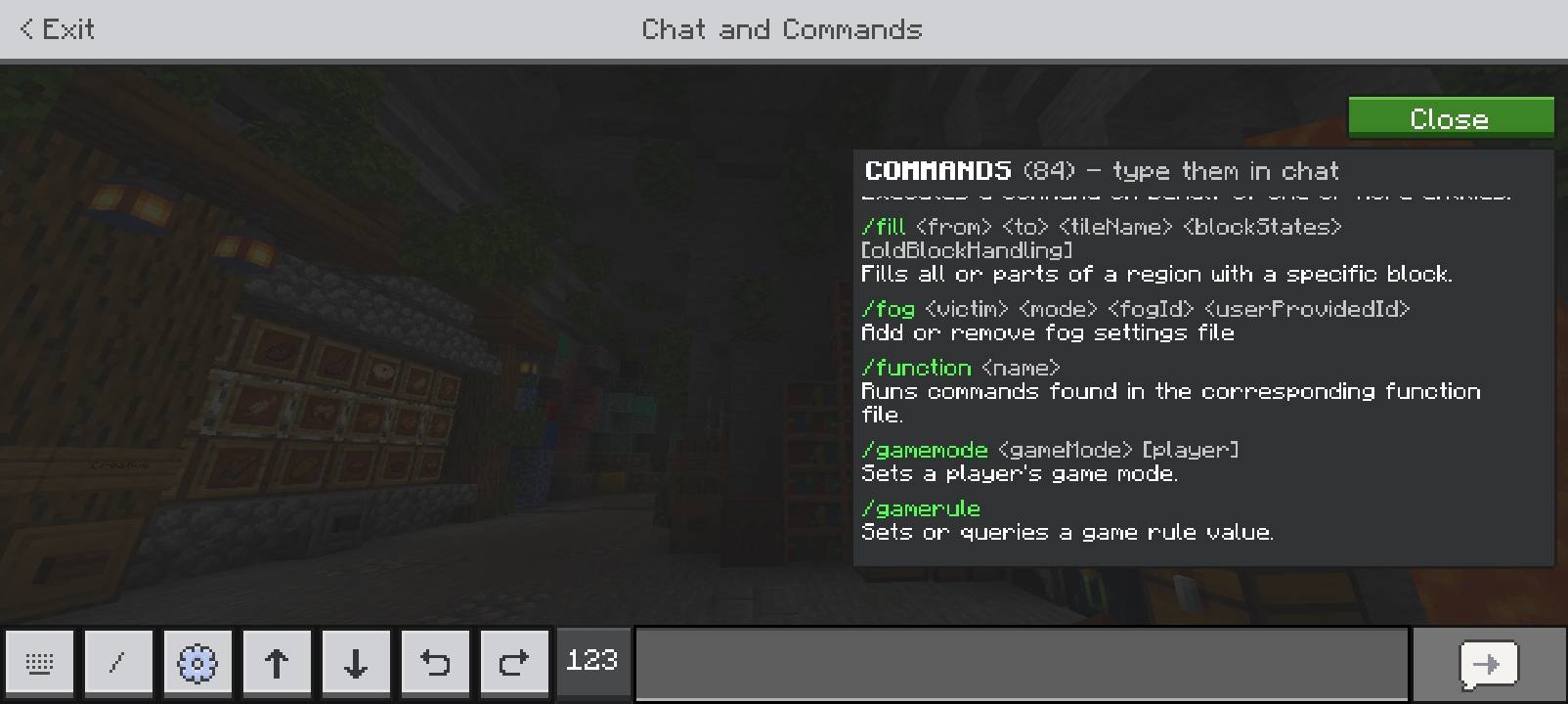
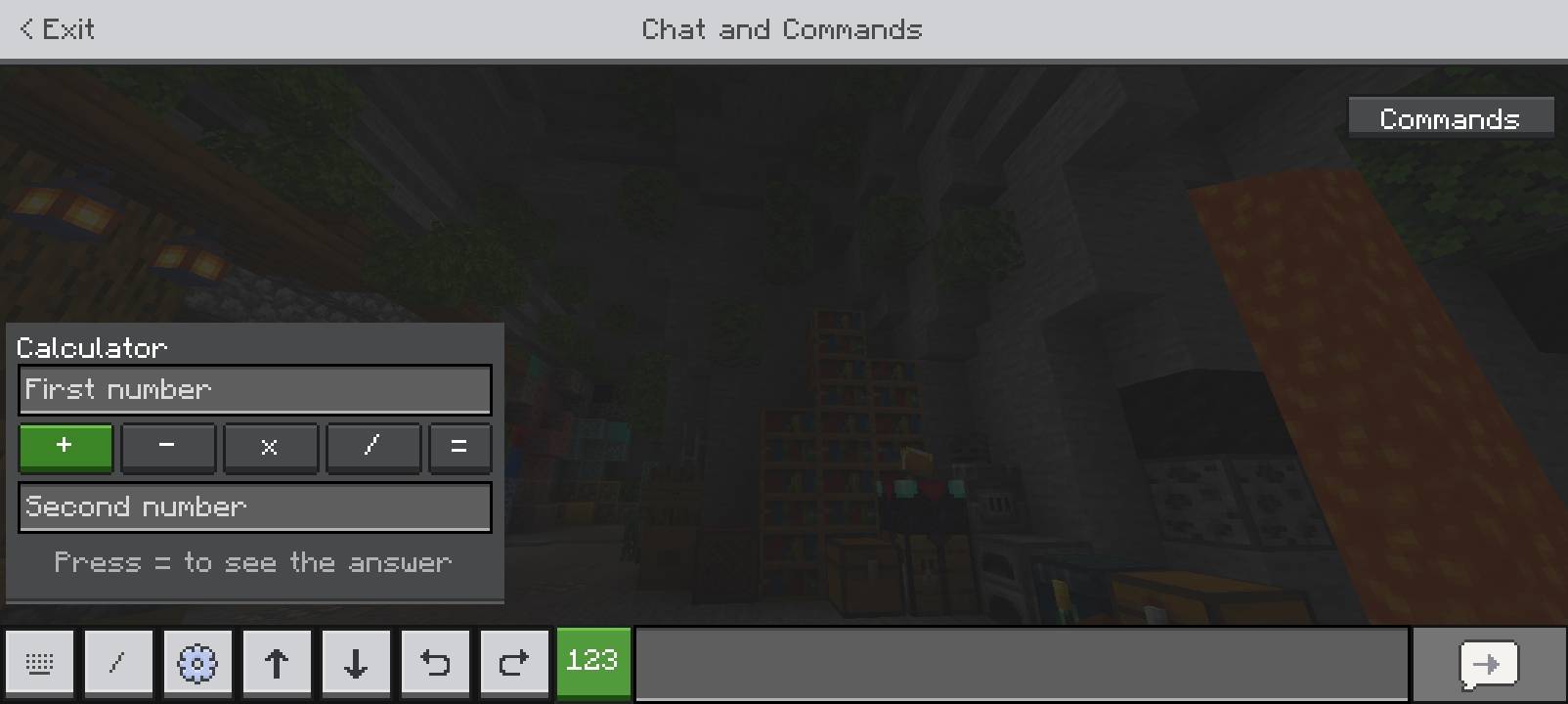
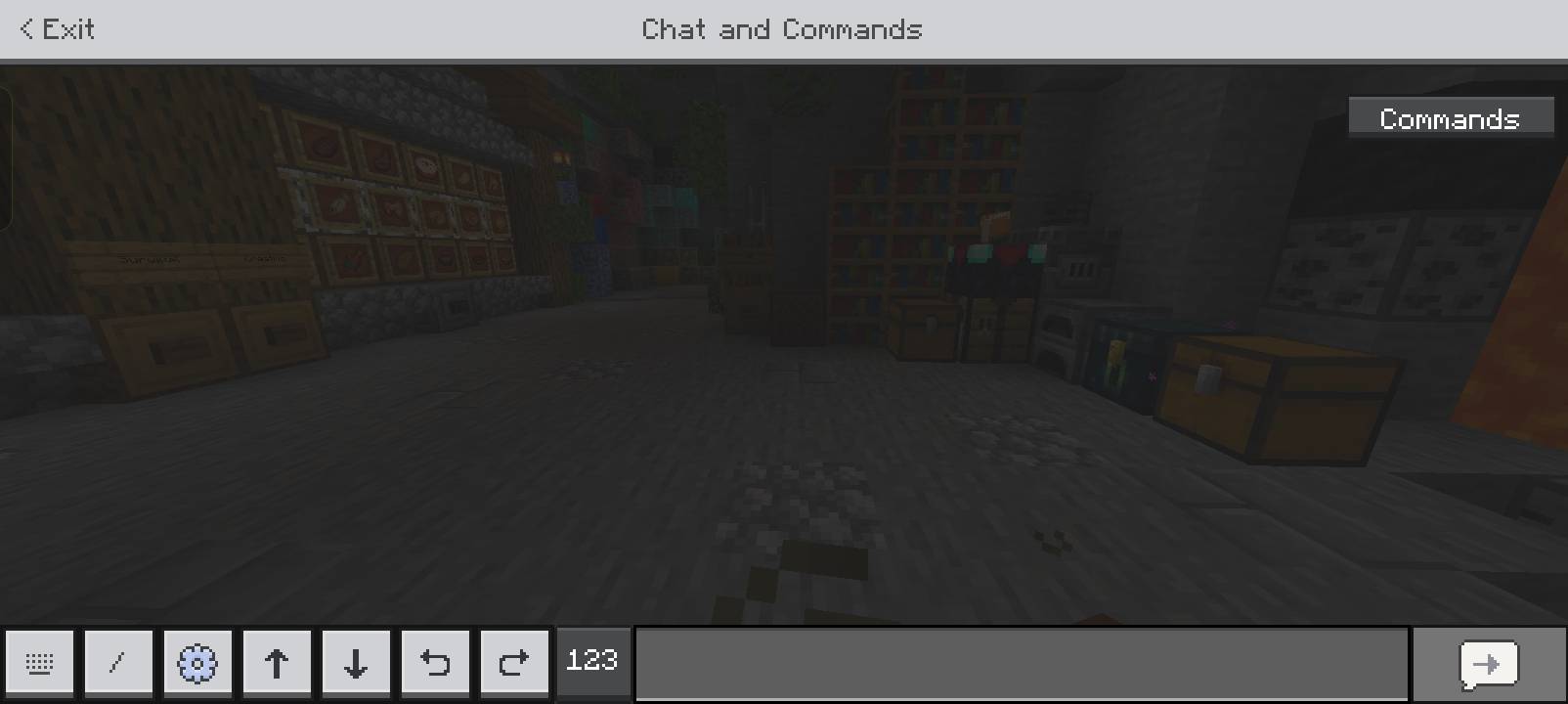
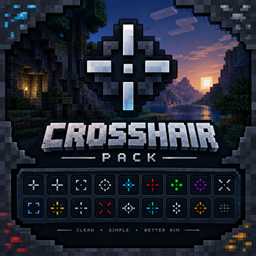
Tools: Piano, Music Player, 16 crosshair styles, Ore UI chat with a commands list, chat calculator, Quick Chat, coordinates sharing
Screens: Quick Loot, craft-max button, furnace and brewing timers, chest search, item rarity colours, bundle count, anvil repair gain, Brewing Guide, live trim preview in the smithing table, Better Loading Screens, Colourful Containers on Classic UI
World and mobs: health numbers above mobs, Java style hitboxes, no water / lava / rain / nether fog
Pack Settings (gear icon): Show hitboxes and Apex Optimizer (adaptive particles below your target FPS, particle percent, thin far particles, hide far mobs, mob render distance, hide XP orbs)
Made for: Minecraft Bedrock 26.60
Terms: use and edit it for yourself, and make videos or reviews with the original CurseForge link. Don't re-upload it (edited or not) without Arshad's permission, don't claim it as your own, and only share the original CurseForge page.
Credits: Vectz (Better Loading Screens), Frostivee (title logo), Redstone Chicken (Colourful Containers), CrisXolt (VDX framework).
Inspired by NeBux UI+, Better Bedrock v8 (AmBro), Desse UI (ItzRiyo157), BAKU, Big's Direction HUD.