🟣 ENDER UI
A clean, Ore-UI styled all-in-one client pack for Minecraft Bedrock.
Mod menu, HUD mods, custom crosshairs, Full Grass, Fast Craft and Fast Loot, all in one resource pack. No add-ons, no experiments, works on every platform! 📱💻
🎛️ MOD MENU
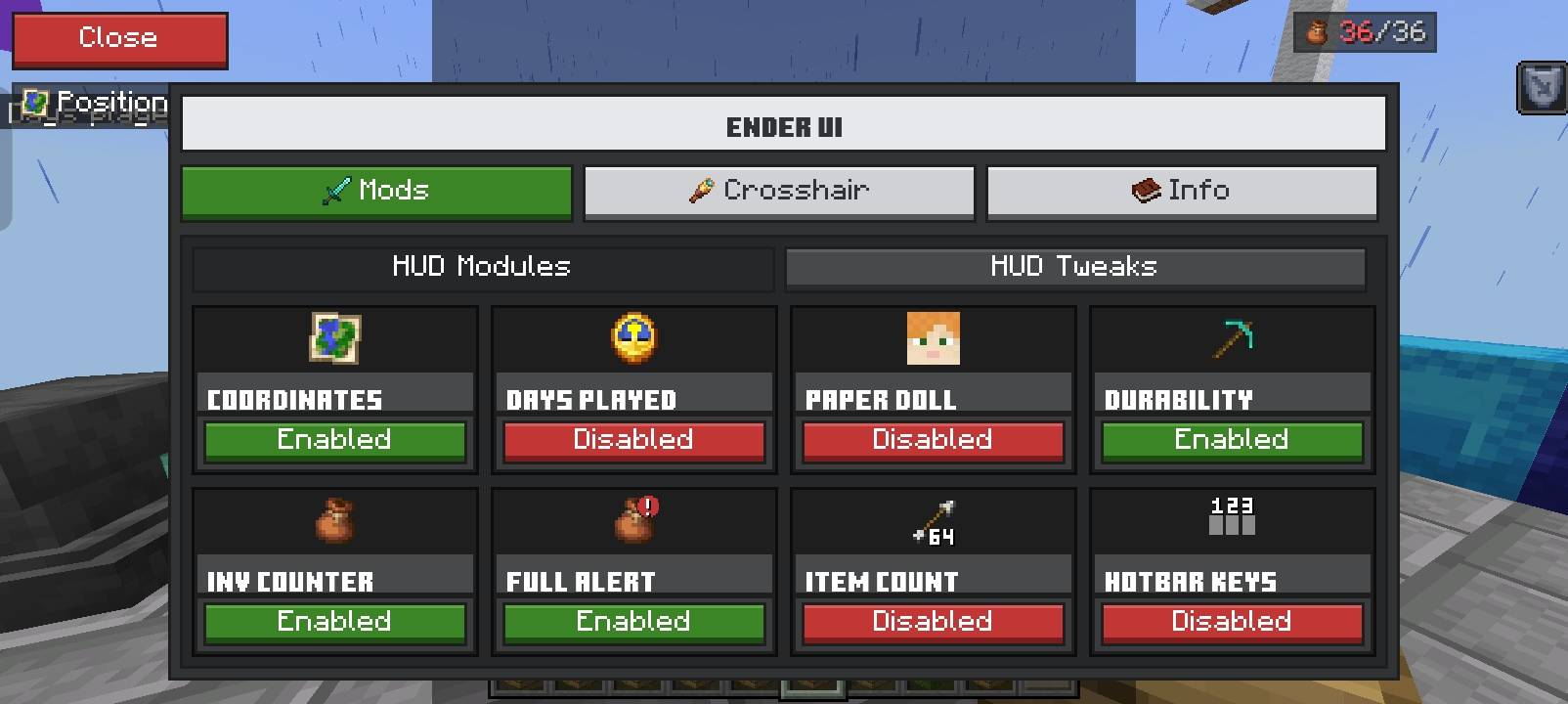
Pause the game and double-click "Mod Menu" (top-left) to open a sleek Ore-UI style menu. Turn every feature on or off live, no restarting.
🧩 HUD MODULES
🗺️ Coordinates - styled coordinate display
📅 Days Played - in-game day counter
🧍 Paper Doll - always-visible player model
🎒 Inventory Counter - shows used slots (x/36)
🚨 Inventory Full Alert - pops up when your inventory is full
🔢 Item Count - stack size next to your crosshair
1️⃣ Hotbar Numbers - slot numbers 1-9 on your hotbar
🧹 HUD TWEAKS
Hide what you don't need: Scoreboard, Boss Bar, Titles, Actionbar, Effect icons, Chat
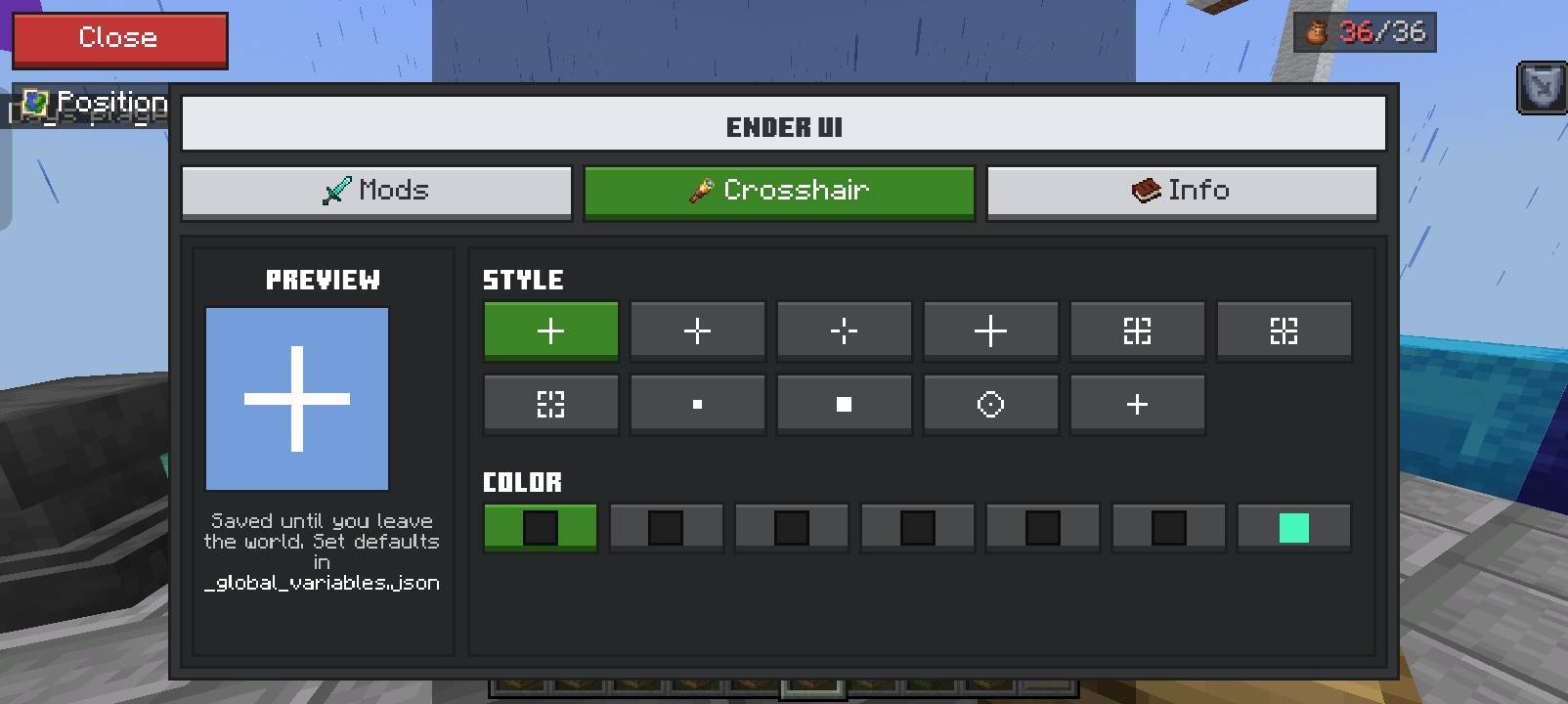
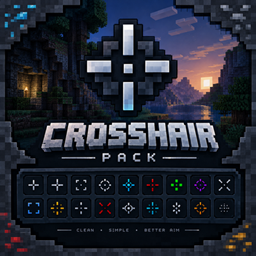
🎯 CUSTOM CROSSHAIRS
11 crosshair styles with a live preview
7 colours including an animated RGB cycle 🌈
✨ BUILT-IN FEATURES
🌱 Full Grass - grass, paths, mycelium, podzol and nylium fully covered on every side
⚡ Fast Craft - green >> button on the crafting arrow crafts the max amount
📦 Fast Loot - toggle in chests, move whole stacks with one click
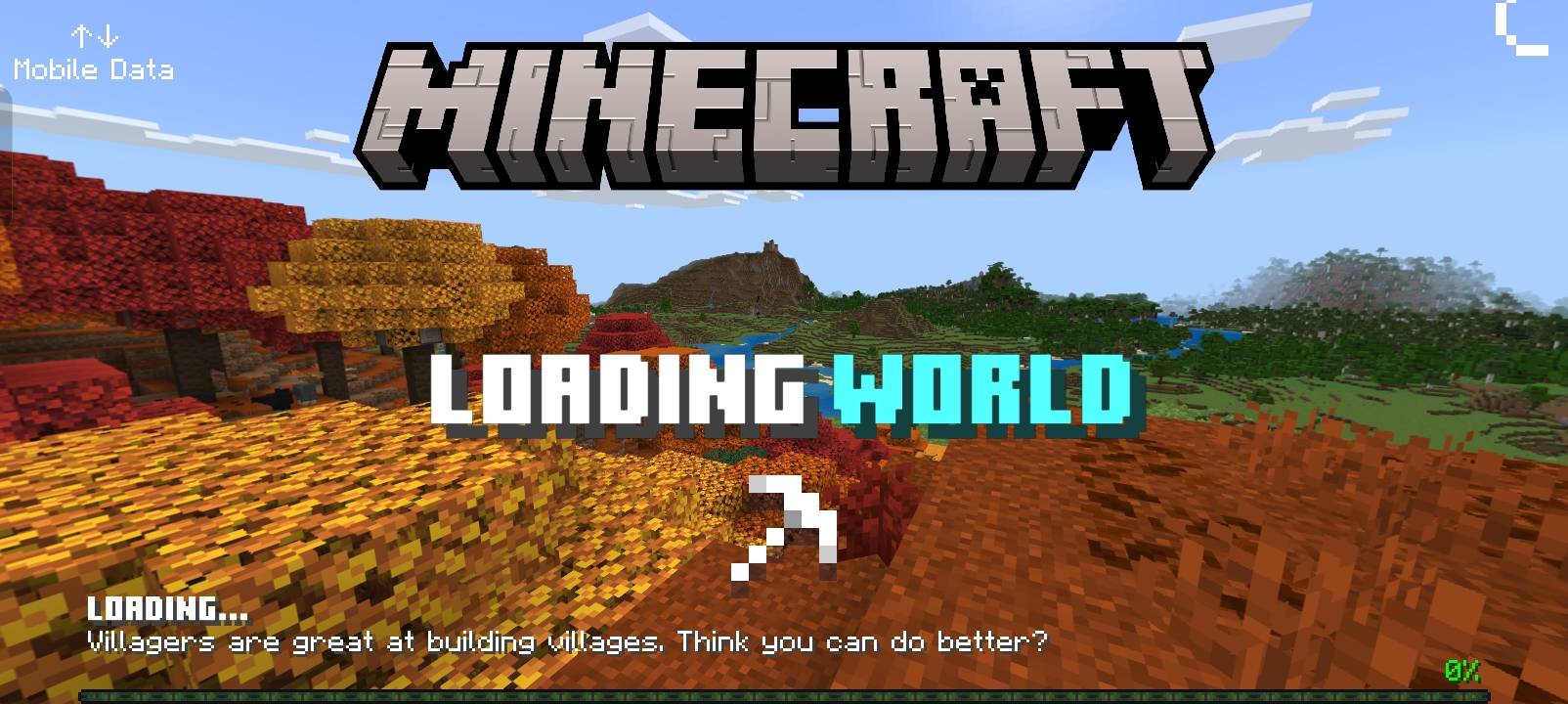
🖼️ Better Loading Screens - "Entering Nether / The End / Overworld" with live % and progress bar
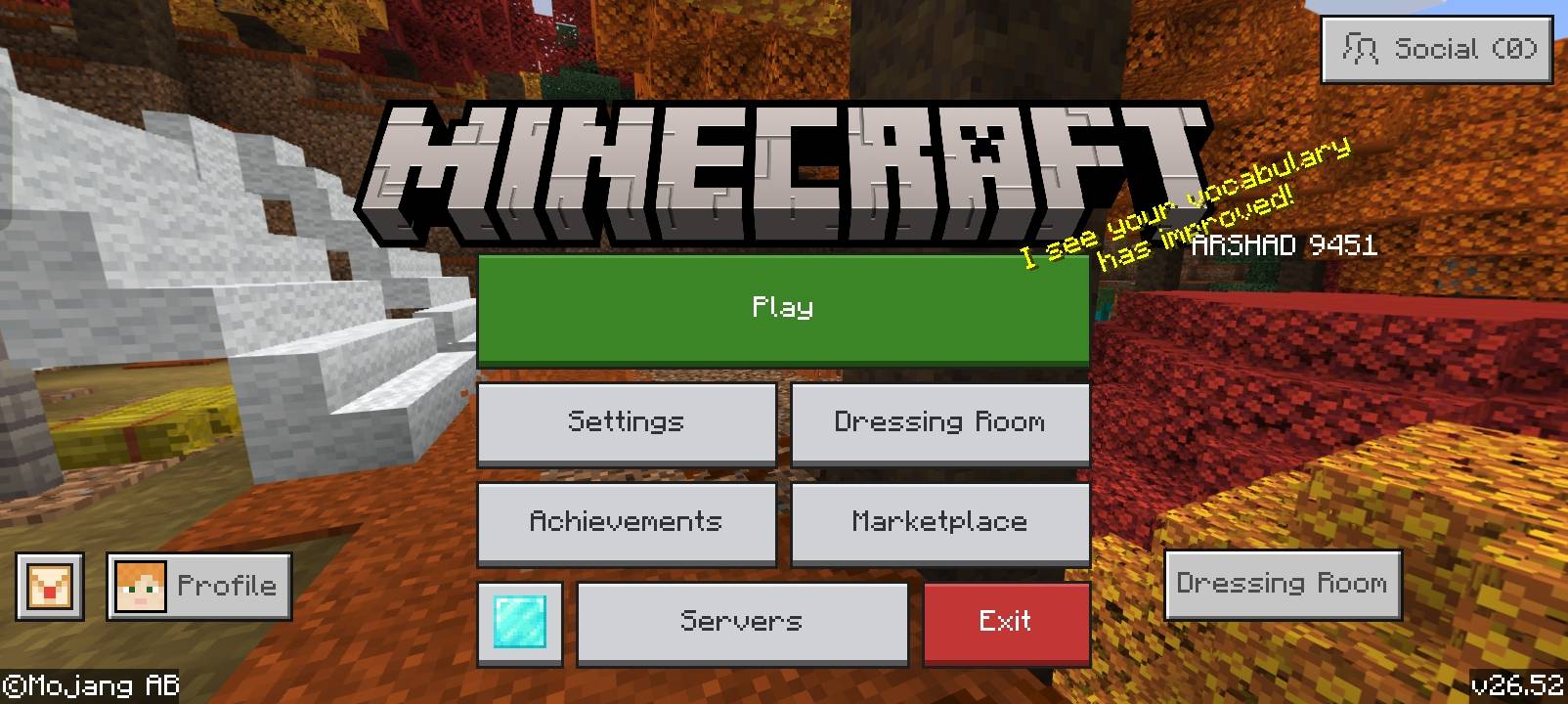
🏠 New Main Menu - Ore-UI style buttons with a 💎 credits button
🎃 No Pumpkin Blur
🌫️ SUBPACKS
Default
Clear Fog - removes water, lava, rain and nether fog
📥 HOW TO INSTALL
1. Download and open the .mcpack file
2. Go to Settings > Global Resources and activate Ender UI
3. Pause in-game and double-click Mod Menu 🎉
💡 Coordinates and Days Played only show if those options are turned ON in your world settings.
💜 CREDITS
Made by Arshad
Loading Screens: Better Loading Screens by Vectz - used with permission. Thanks Vectz! 💜
Inspired by AmBro (Better Bedrock v8) and NeBux (NeBux UI+) - huge thanks for the inspiration! 🙏
⭐ Enjoying Ender UI? Leave a like and share it with your friends!