






Shiny Player - Myloveee
- 2.2K
- Texture Packs
✨ Shiny Player — Myloveee ✨ Bring a fresh and stylish visual effect to your Minecraft Bedrock player with Shiny Player by Myloveee!
- 2.2K
- August 30, 2026
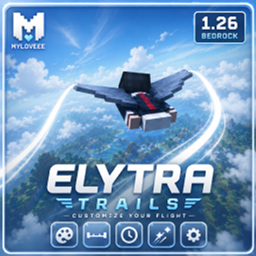
Elytra Trails - Myloveee v2
- 2.2K
- Texture Packs
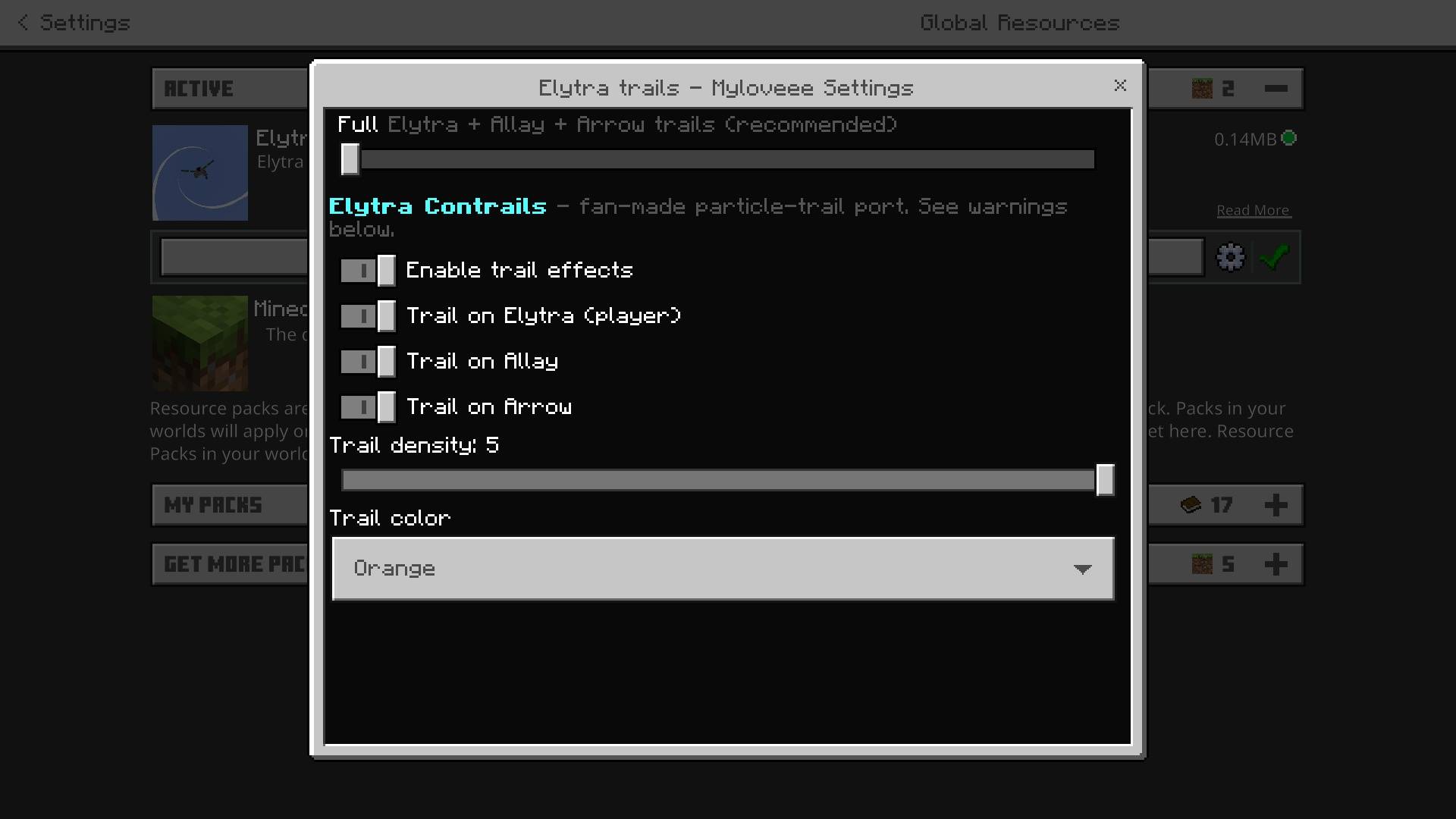
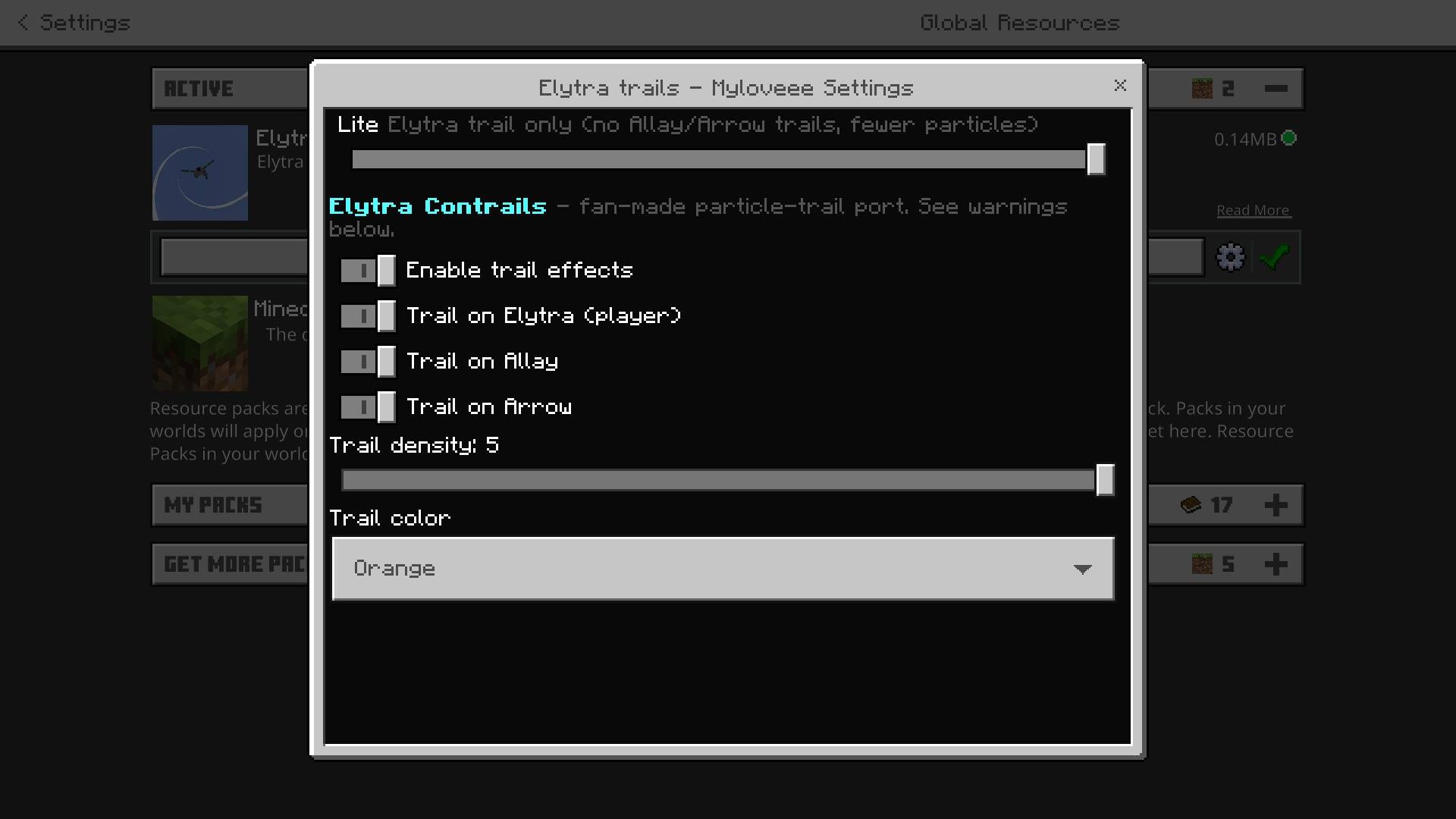
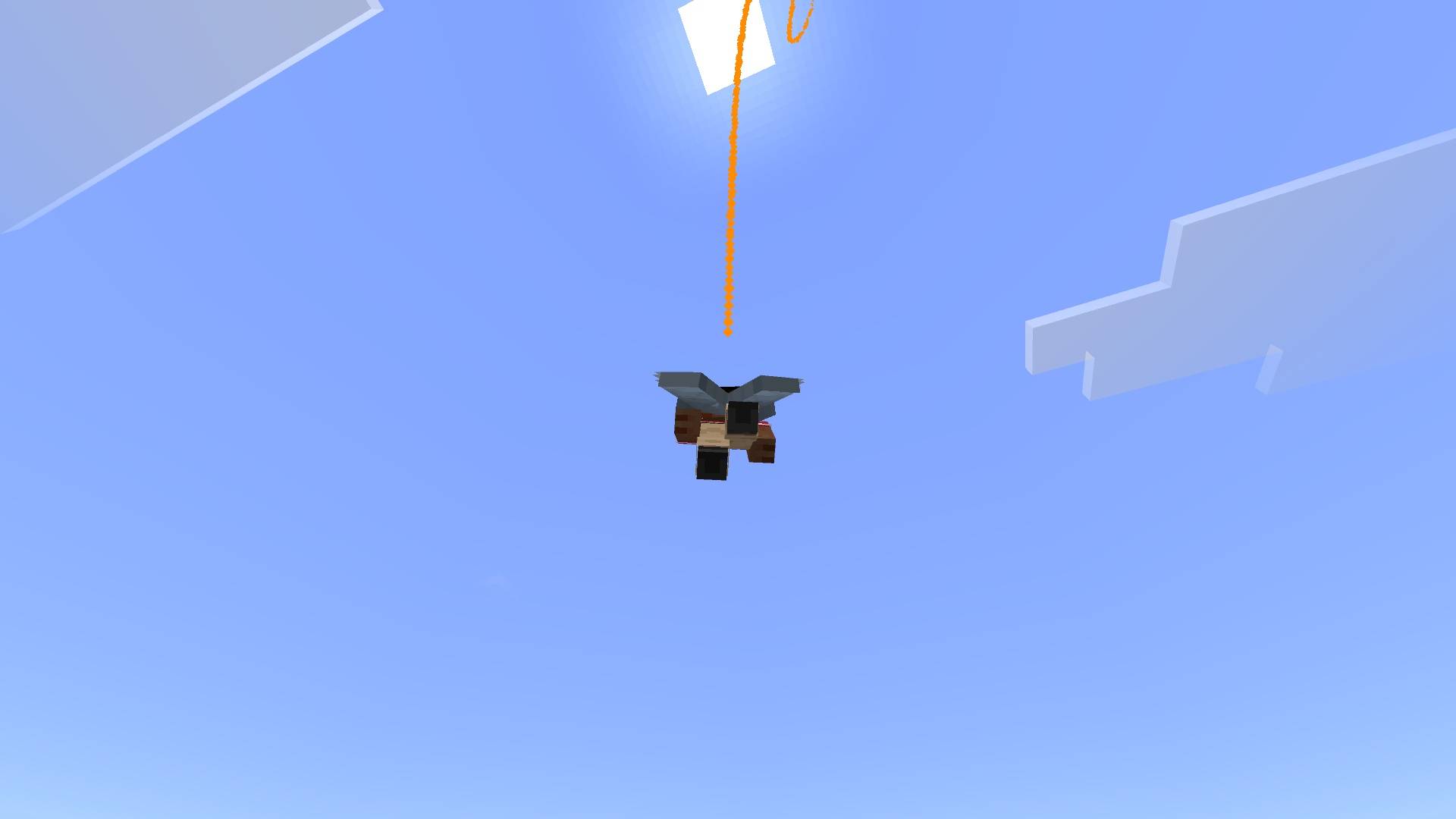
Give your Elytra a whole new flight experience with customizable Myloveee trails! Choose colors, length, lifetime, size, and density, with optional Allay and Arrow effects. A lightweight, resource-pack-only visual enhancement for Minecraft Bedrock Edition.
- 2.2K
- August 20, 2026

Custom Glint_Myloveee
- 6.7K
- Texture Packs
Custom Glint — Myloveee is a premium aesthetic resource pack for Minecraft Bedrock Edition designed to overhaul the enchantment shine on armor, swords, tools, and enchanted books.
- 6.7K
- August 12, 2026
Fresh Outlines Black & White
- 5.9K
- Texture Packs
Fresh Outlines Bedrock is a sleek graphic enhancement resource pack for Minecraft Bedrock Edition designed to give blocks, items, and UI elements clean, vibrant outline highlights.
- 5.9K
- August 5, 2026
Shiny Player - Myloveee
- 2.2K
- Texture Packs
✨ Shiny Player — Myloveee ✨ Bring a fresh and stylish visual effect to your Minecraft Bedrock player with Shiny Player by Myloveee!
- 2.2K
- August 30, 2026
Elytra Trails - Myloveee v2
- 2.2K
- Texture Packs
Give your Elytra a whole new flight experience with customizable Myloveee trails! Choose colors, length, lifetime, size, and density, with optional Allay and Arrow effects. A lightweight, resource-pack-only visual enhancement for Minecraft Bedrock Edition.
- 2.2K
- August 20, 2026
Custom Glint_Myloveee
- 6.7K
- Texture Packs
Custom Glint — Myloveee is a premium aesthetic resource pack for Minecraft Bedrock Edition designed to overhaul the enchantment shine on armor, swords, tools, and enchanted books.
- 6.7K
- August 12, 2026
Fresh Outlines Black & White
- 5.9K
- Texture Packs
Fresh Outlines Bedrock is a sleek graphic enhancement resource pack for Minecraft Bedrock Edition designed to give blocks, items, and UI elements clean, vibrant outline highlights.
- 5.9K
- August 5, 2026