🎯 Dynamic Aim Crosshair
A clean crosshair with dynamic targeting feedback!
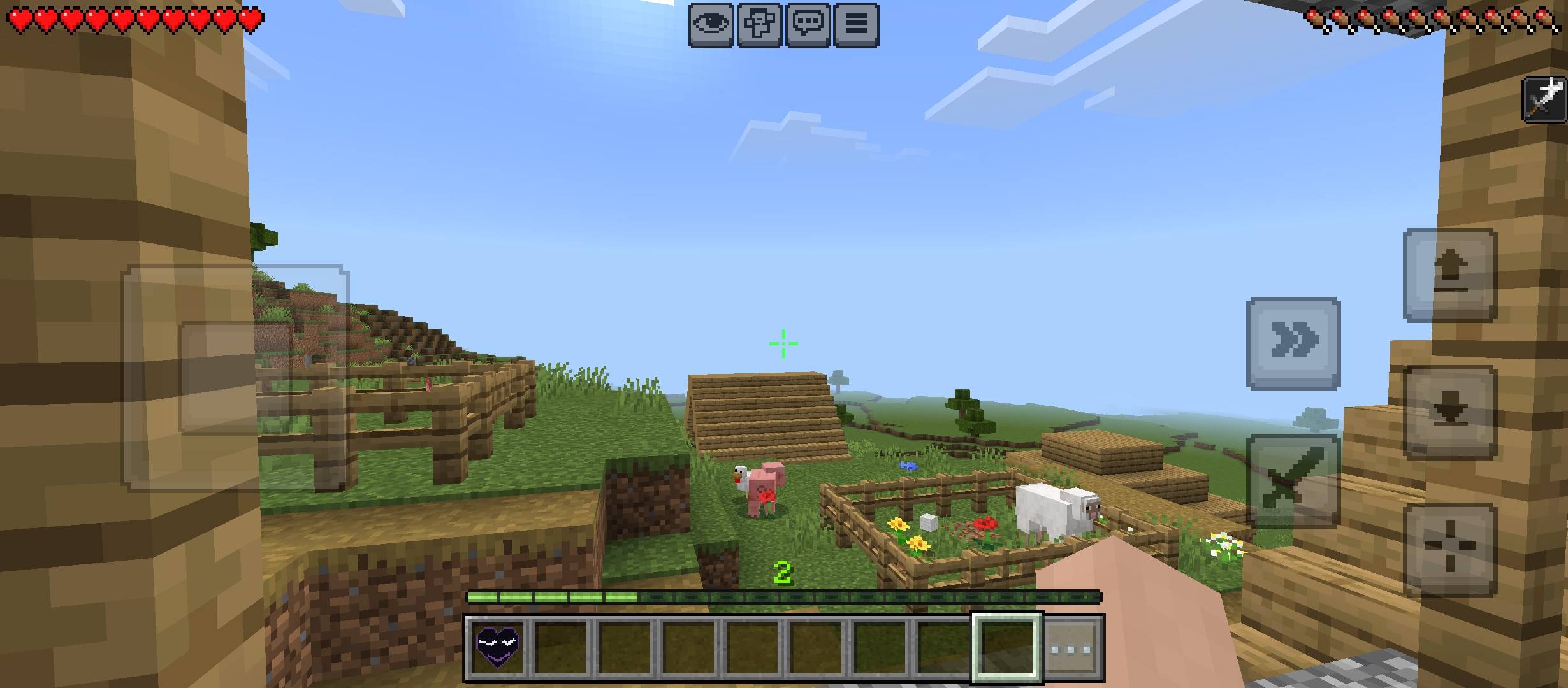
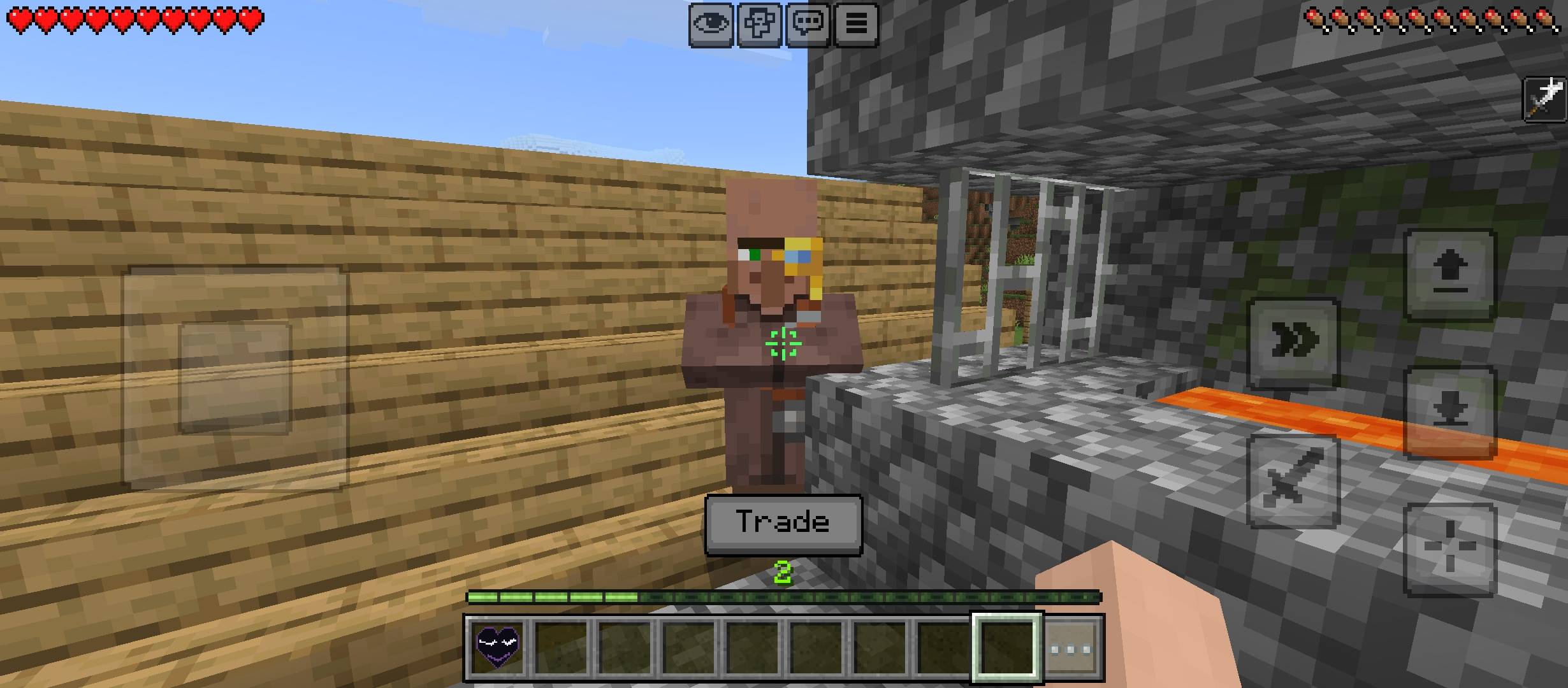
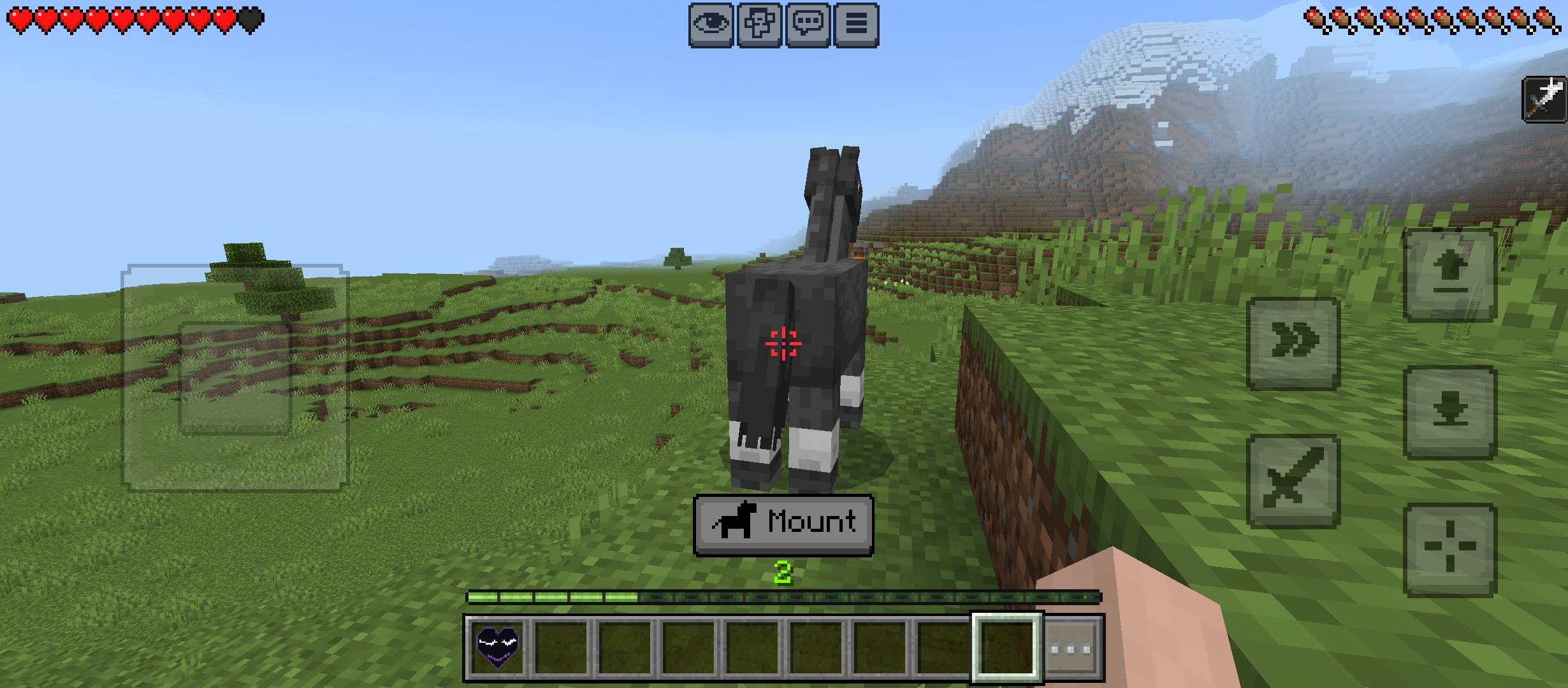
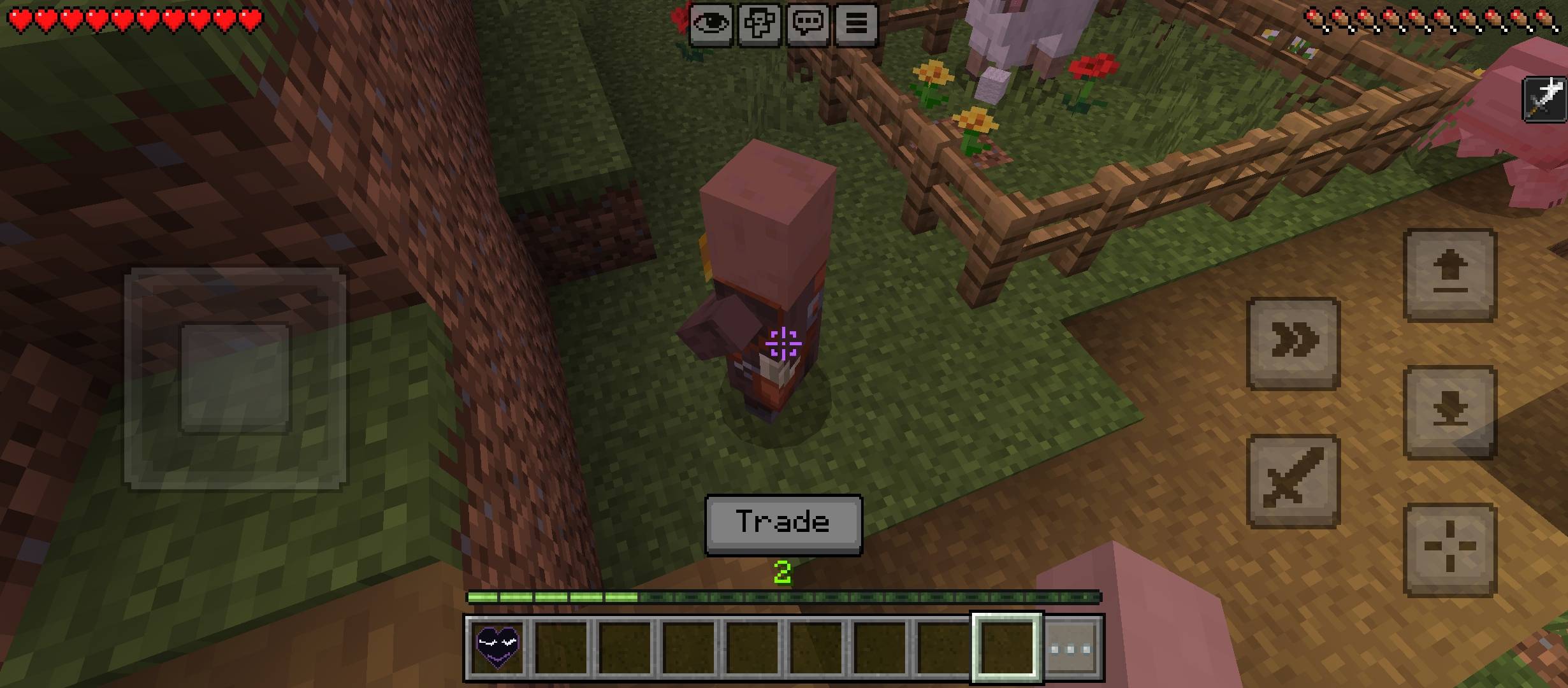
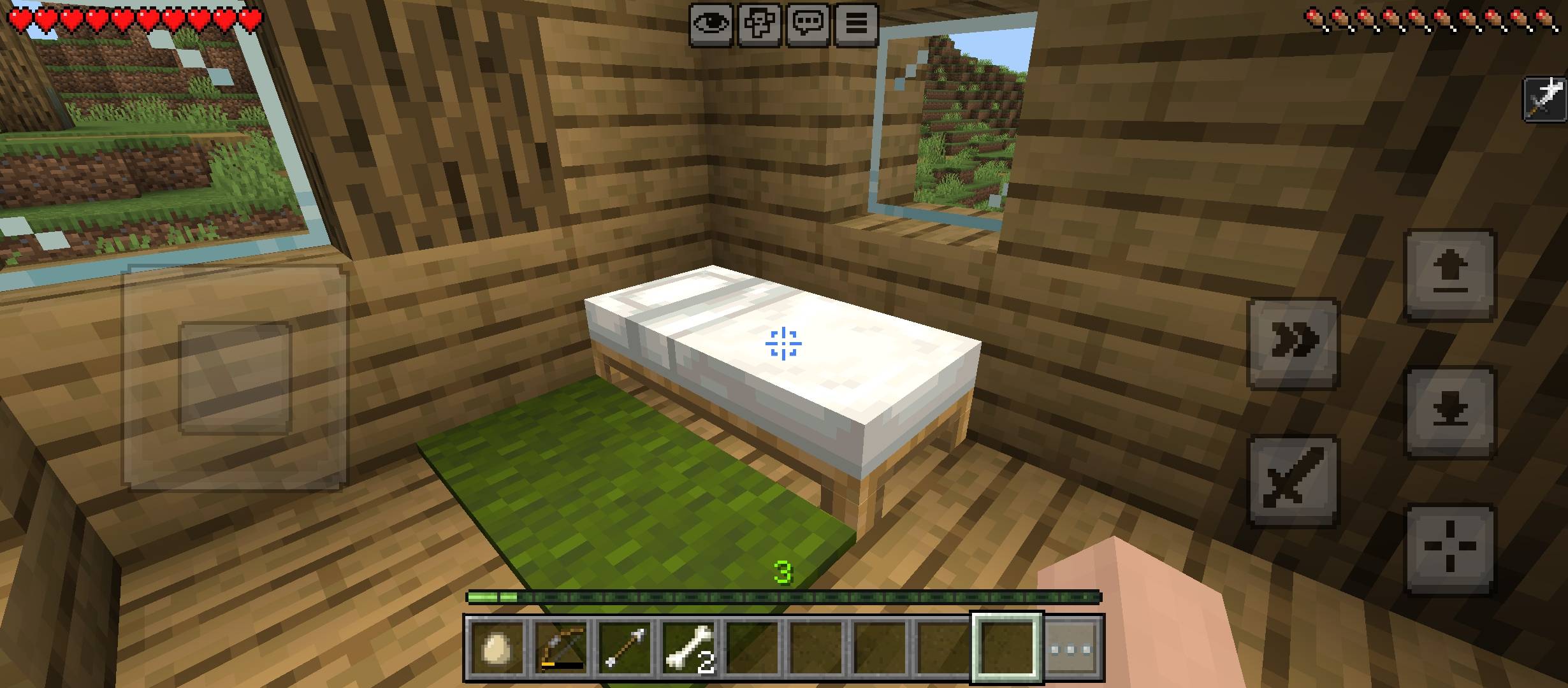
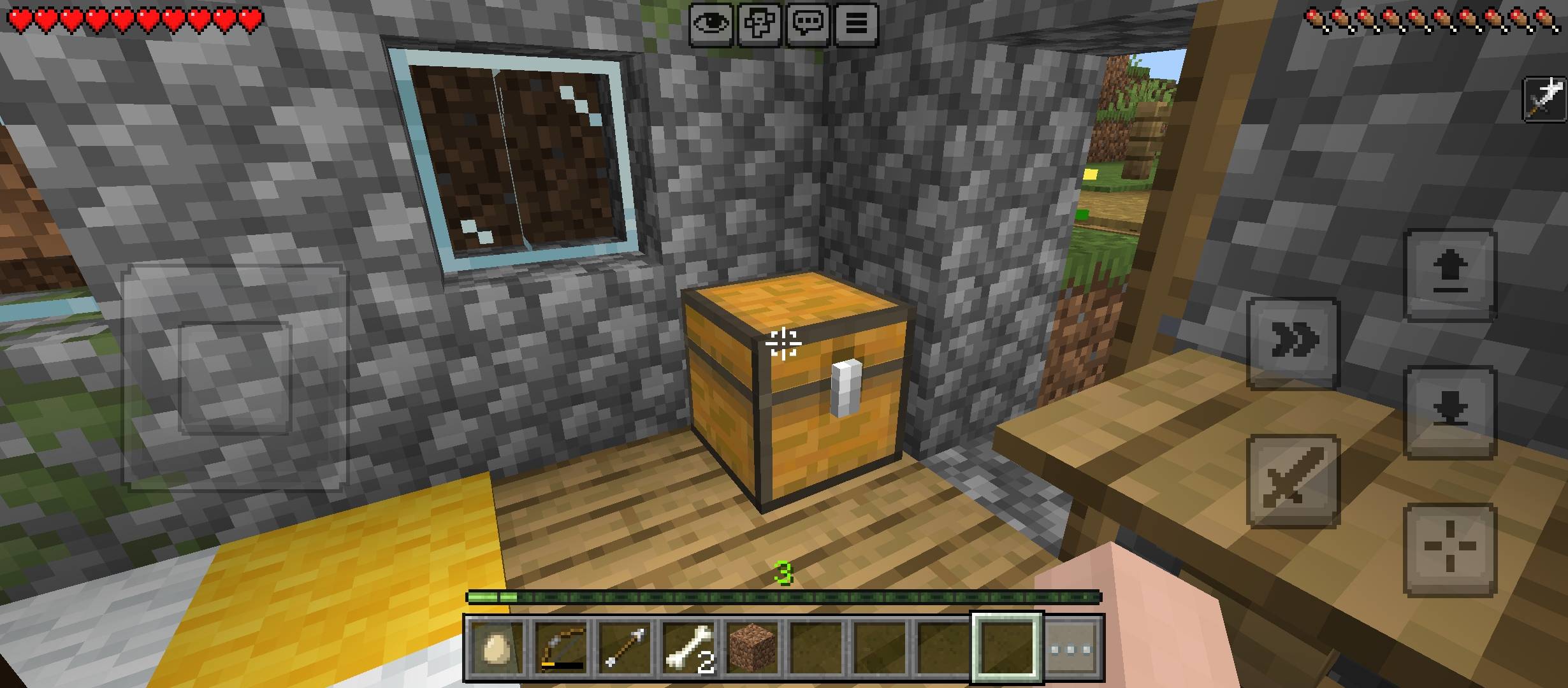
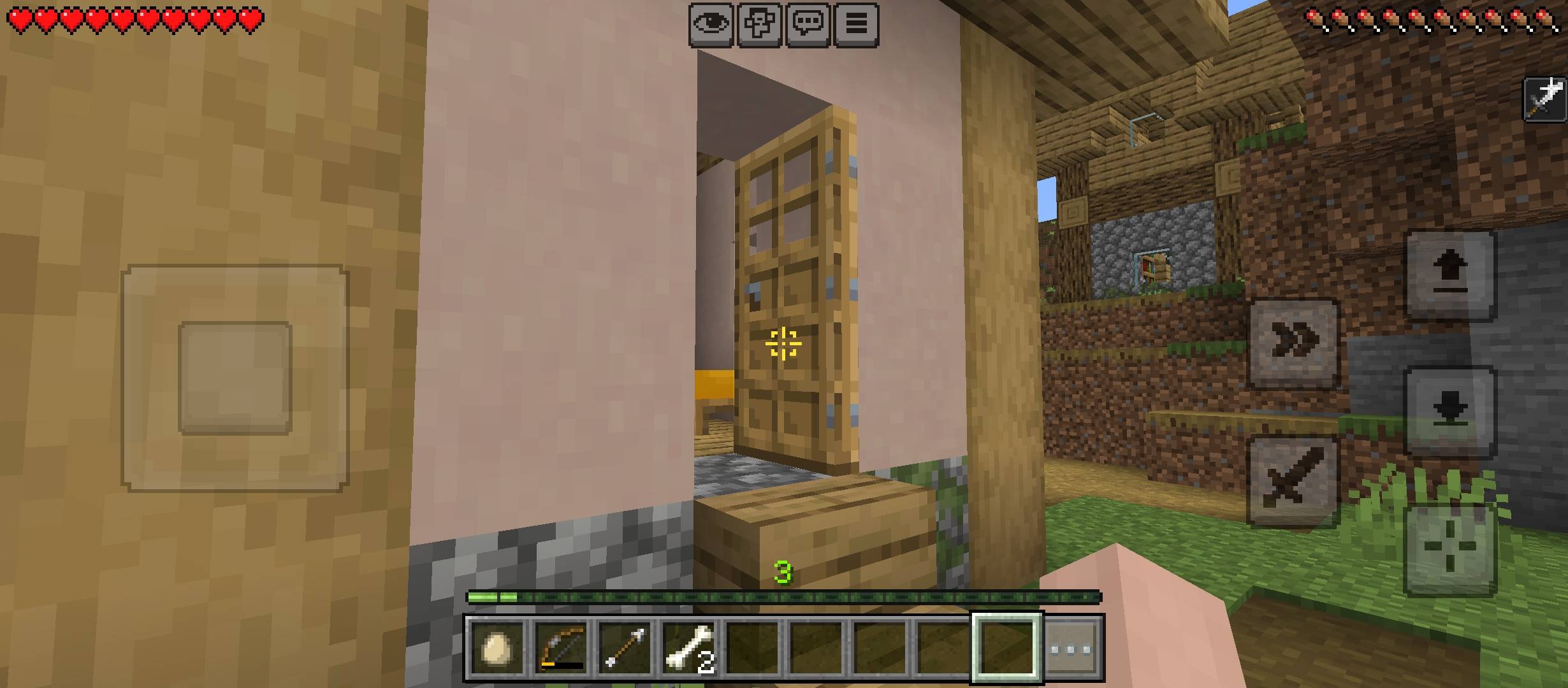
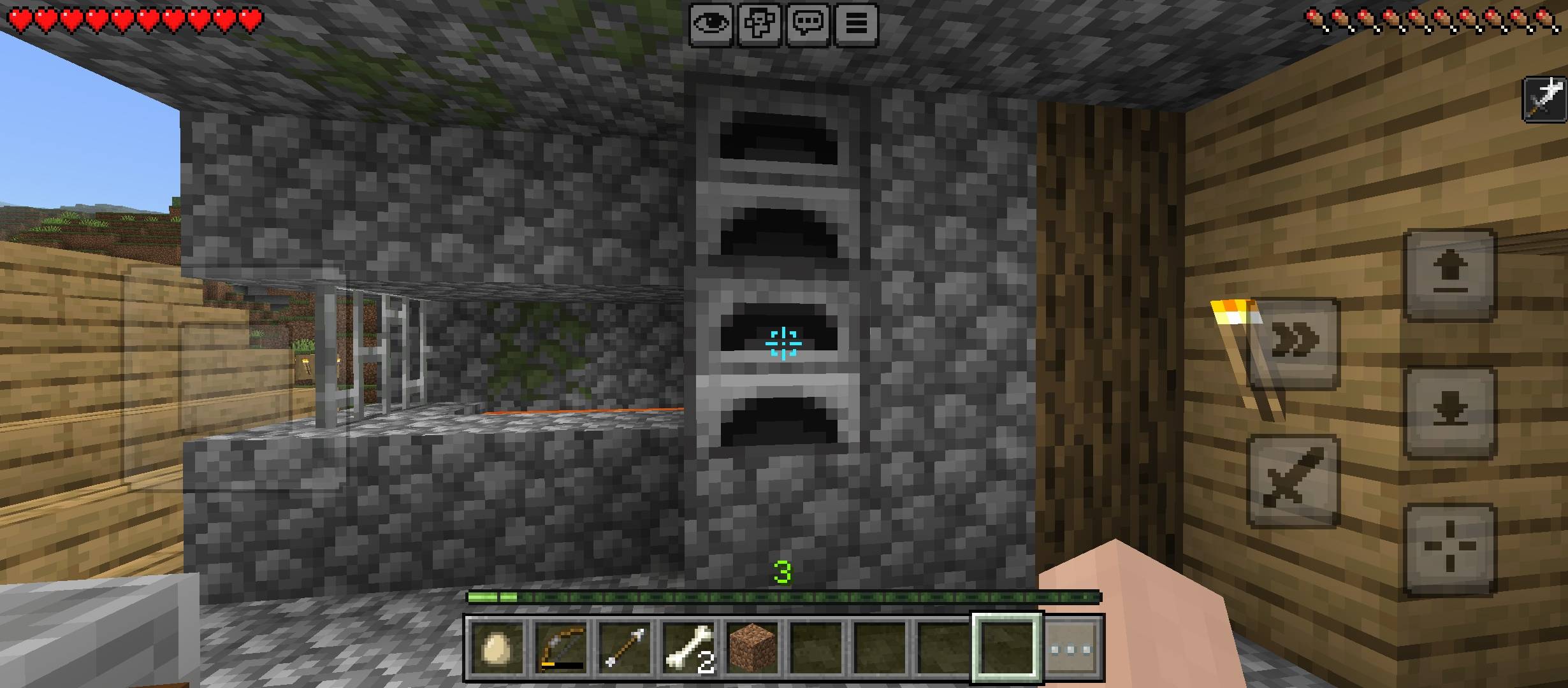
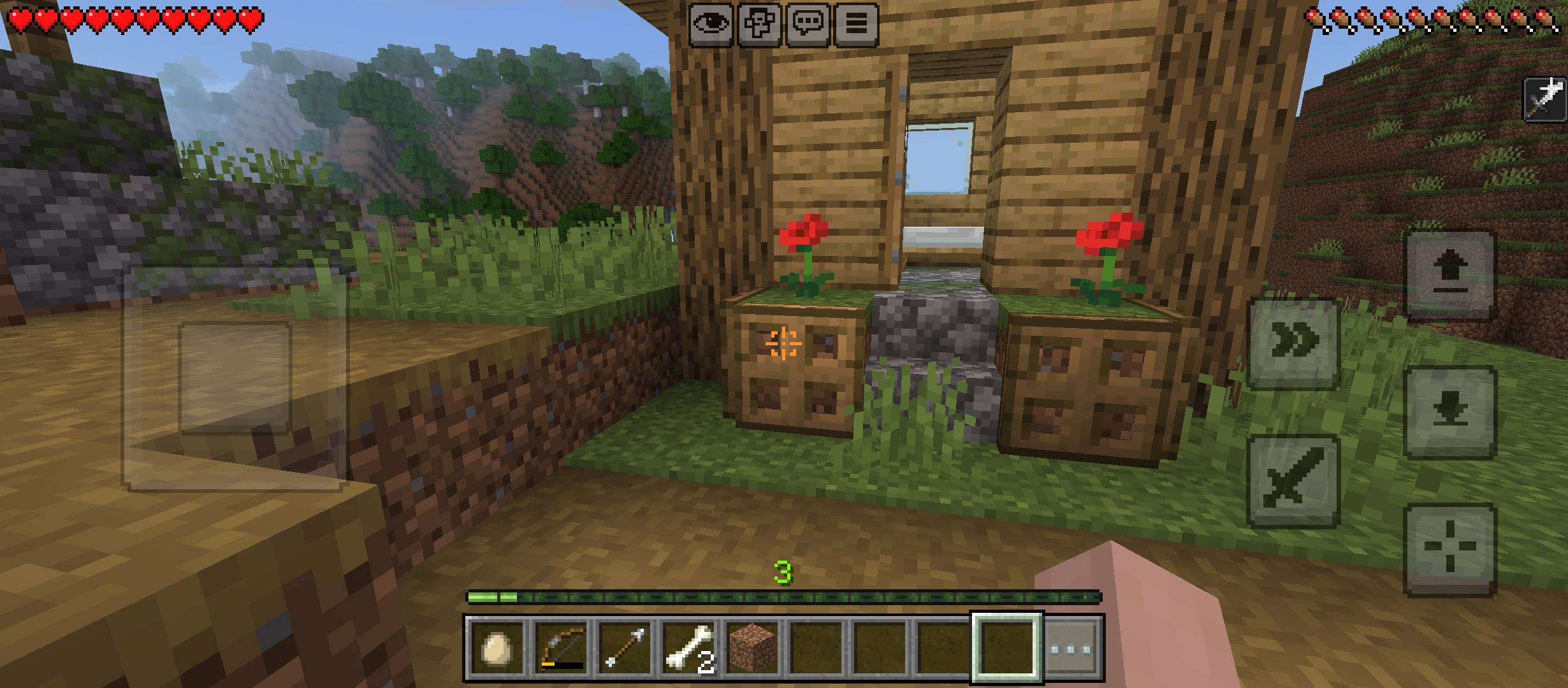
Improve your Minecraft Bedrock experience with a sharp pixel-style crosshair that changes appearance when you aim at mobs and interactive blocks. Its central cross and compact corner markers keep your aim clear without cluttering the screen.
✨ Features
- Dynamic Crosshair: Switches between normal and target appearances.
- Mob Targeting: Provides visual feedback when aiming at mobs within interaction range.
- Interactive Blocks: Responds to contextual actions such as Open, Use, Sleep and more.
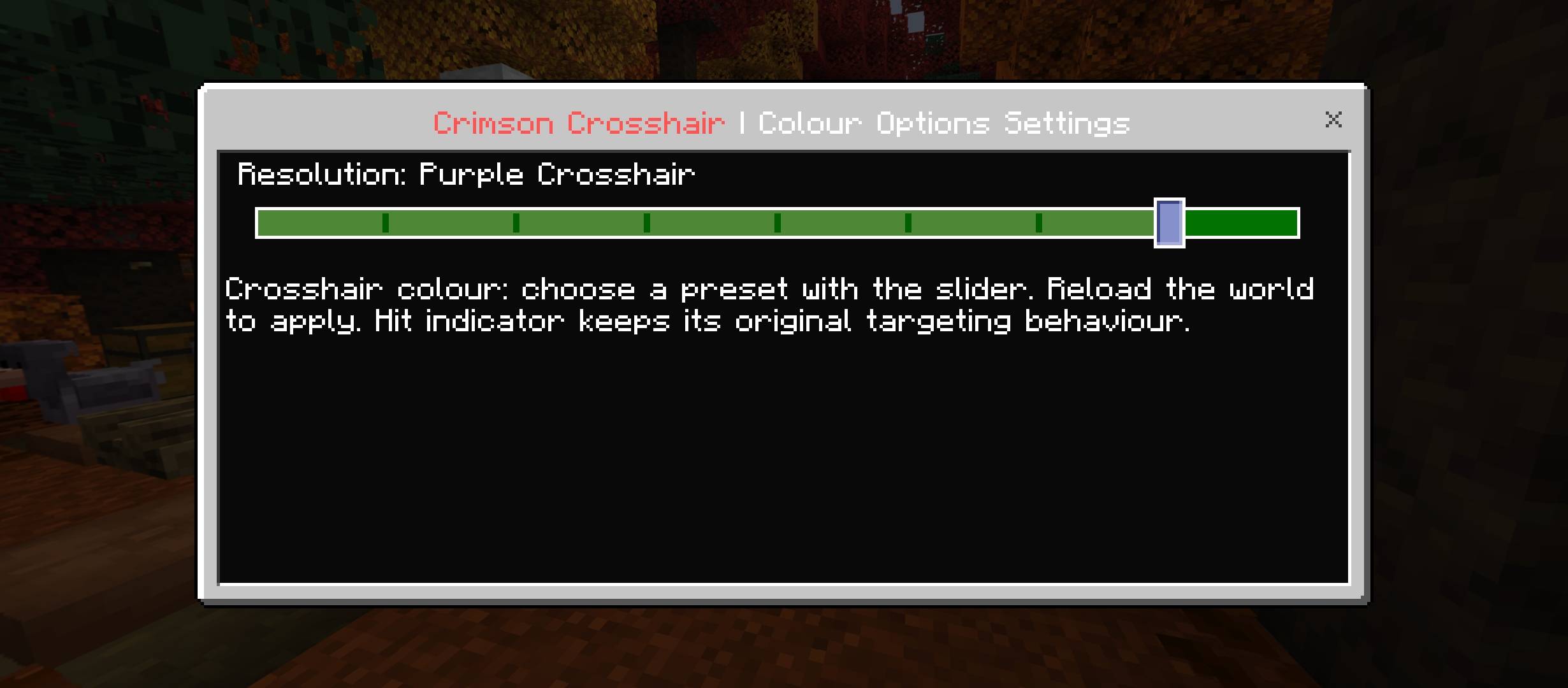
- 9 Colour Options: Pick your preferred crosshair colour through the pack settings.
- Clean Pixel Design: A precise central cross surrounded by small corner markers.
- Resource Pack Only: No behavior pack or experimental features required.
🎨 Available Crosshair Colours
Choose from these 9 presets:
- White
- Green
- Cyan
- Blue
- Yellow
- Orange
- Pink
- Purple
- Red
The selected colour applies to your crosshair.
⚙️ How to Change the Crosshair Colour
- Activate Dynamic Aim Crosshair.
- Open Active Resource Packs and select the pack.
- Tap the settings gear icon.
- Move the slider to select your preferred colour.
- Reopen your world to apply the change.
📥 Installation
- Download the .mcpack file.
- Open it with Minecraft and wait for the import to finish.
- Activate the pack through Global Resources or your world's Resource Packs.
- Place it above other resource packs that modify the HUD.
- Deactivate older versions of this crosshair pack.
- Restart Minecraft after activation.
📌 Compatibility
Designed for Minecraft Bedrock Edition. Target feedback follows the interaction prompts provided by the game. Other resource packs that change the HUD may affect compatibility.
Created by Gavti