Diamond Ore UI
- By
Description
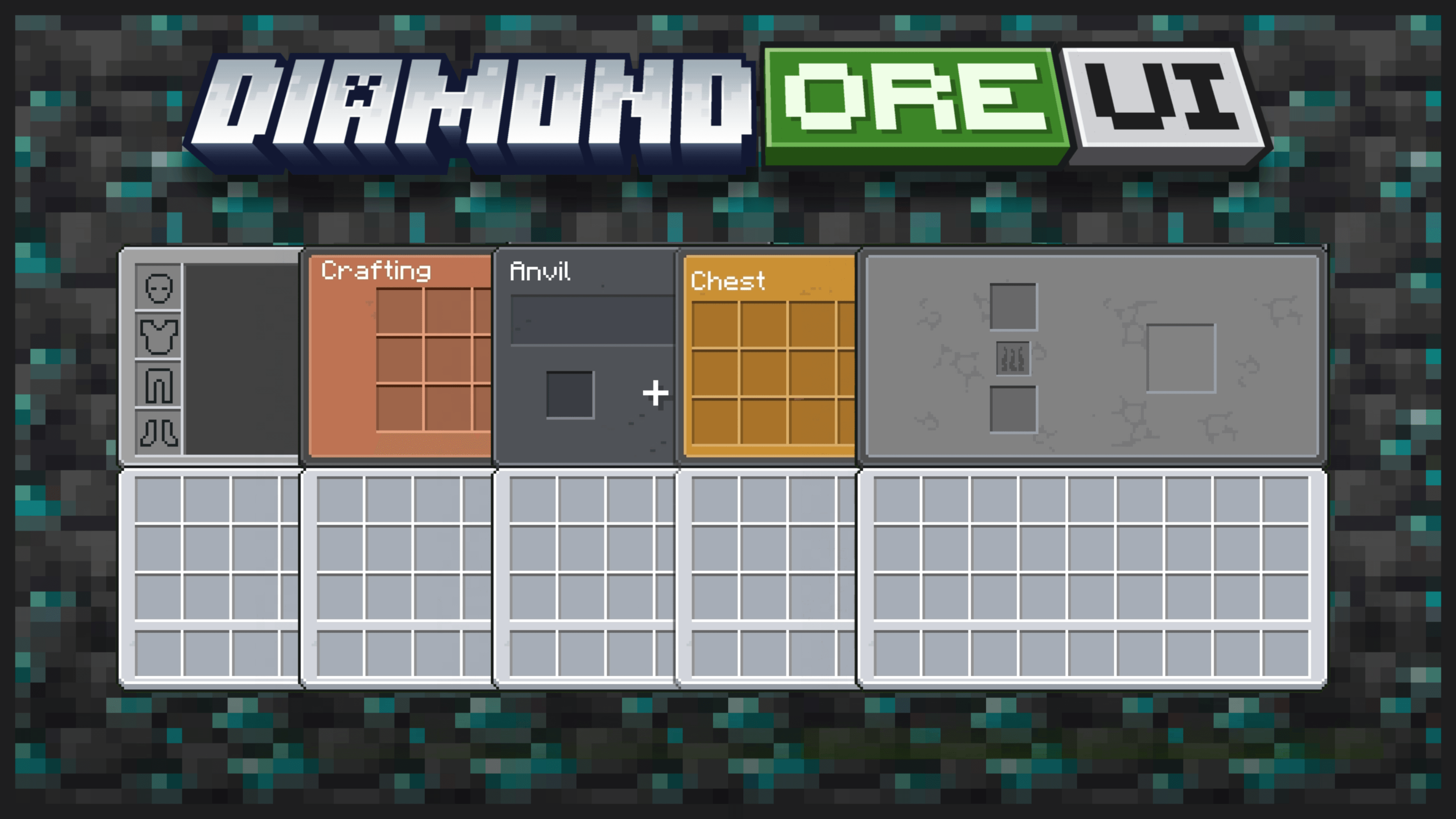
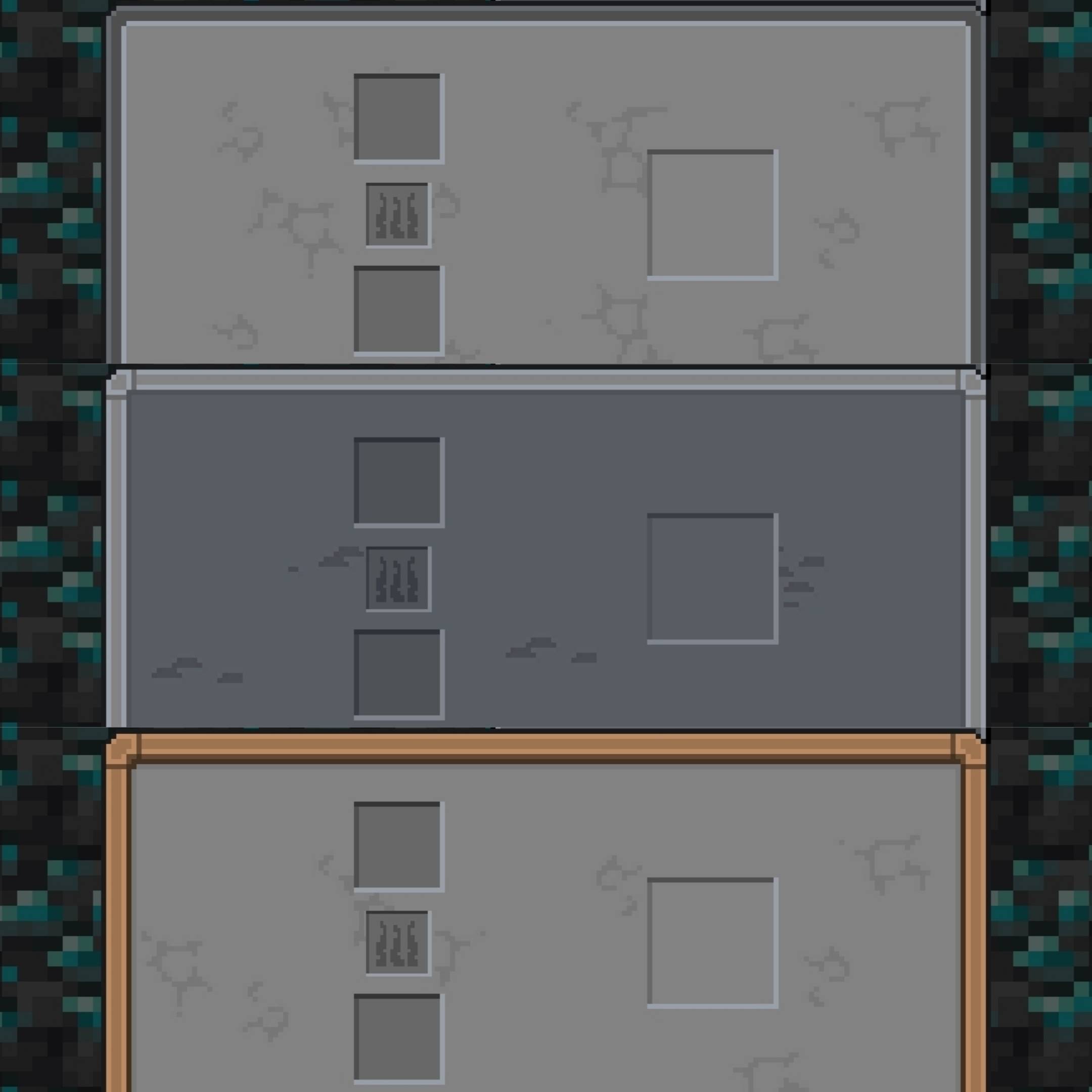
 Diamond Ore UI brings the official leaks, sneak peeks, and design language of Minecraft Bedrock’s upcoming Ore UI system directly into your game. This pack delivers a complete, clean visual overhaul of player menus, container screens, and interface elements, bringing a unified look to every corner of your world.
Main Inventory Screens
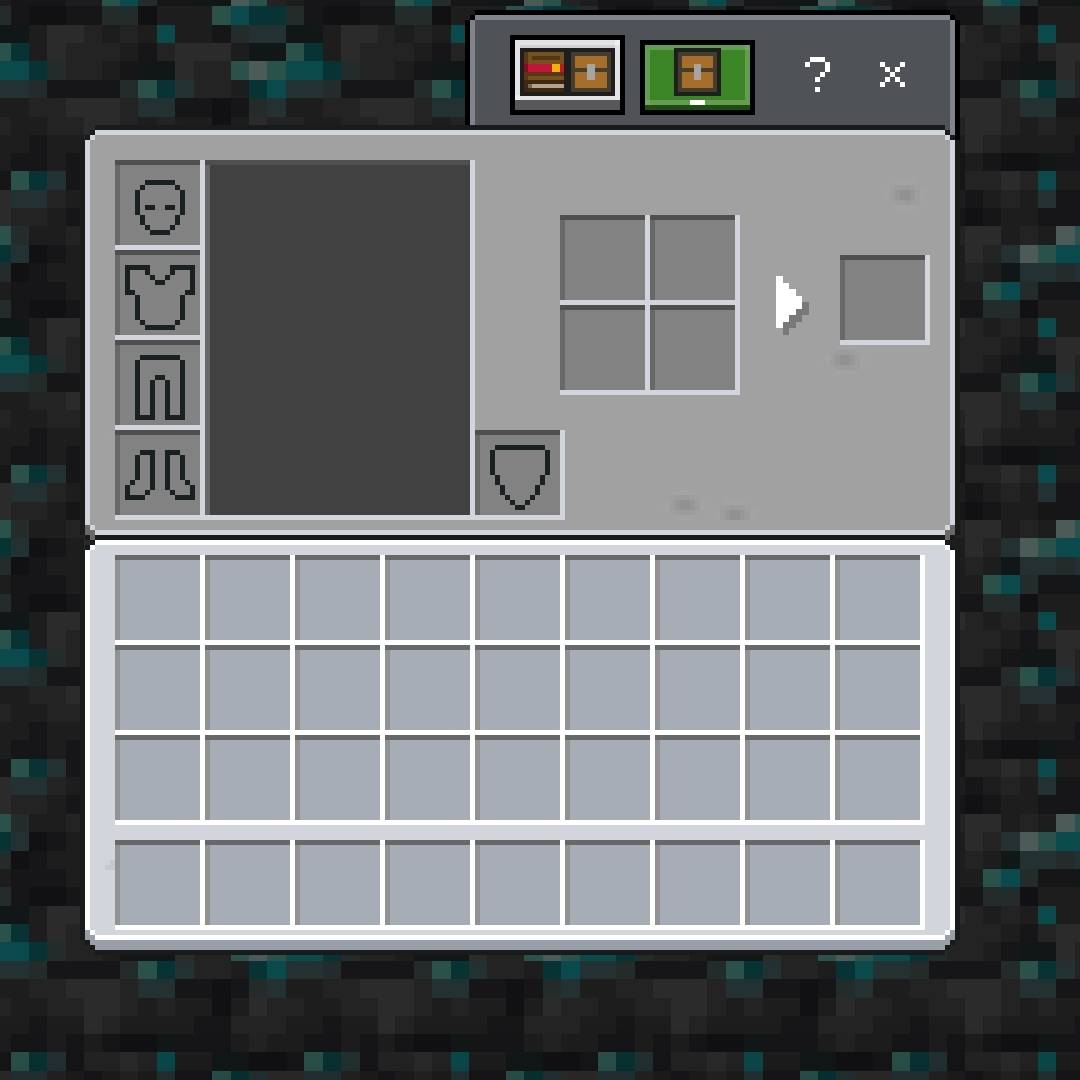
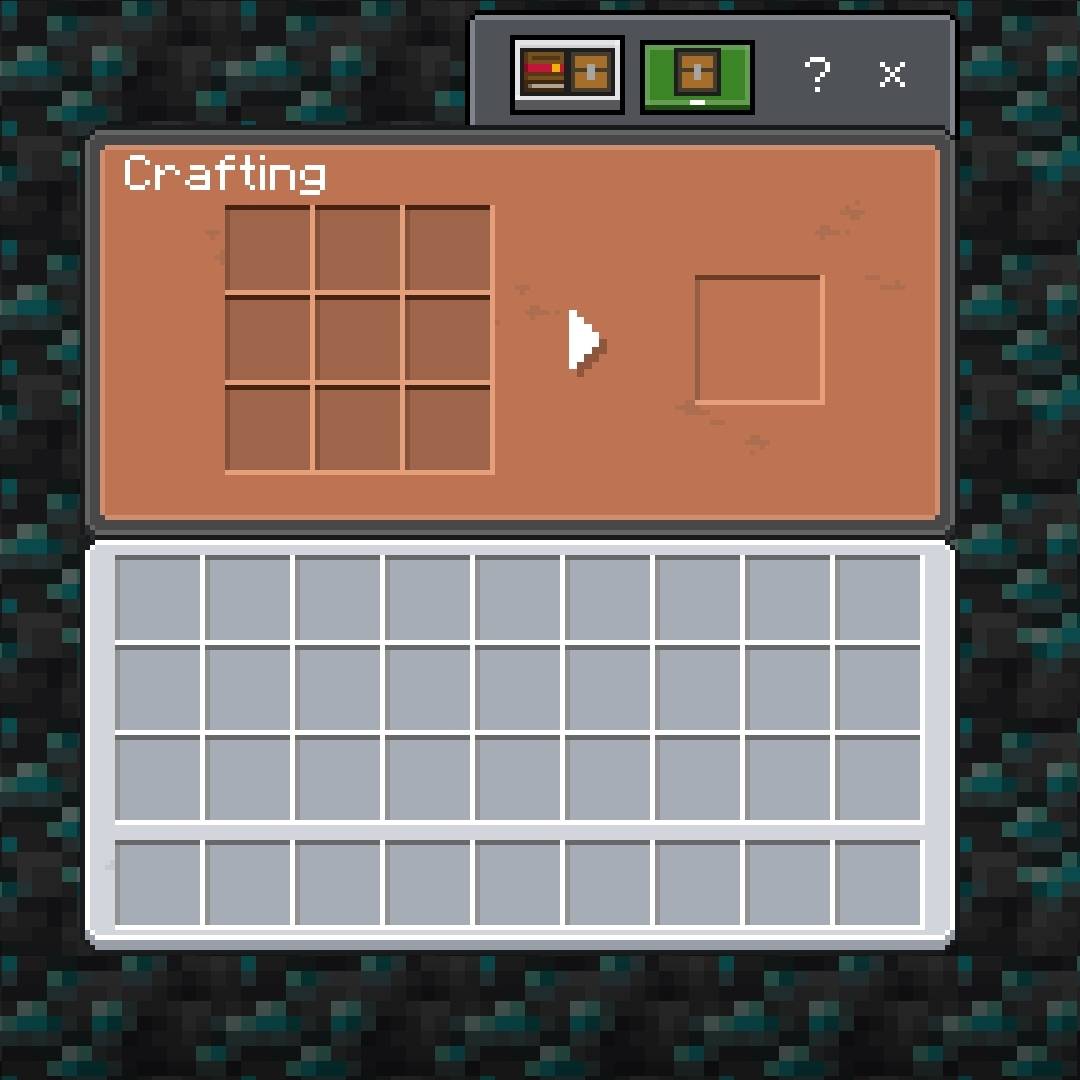
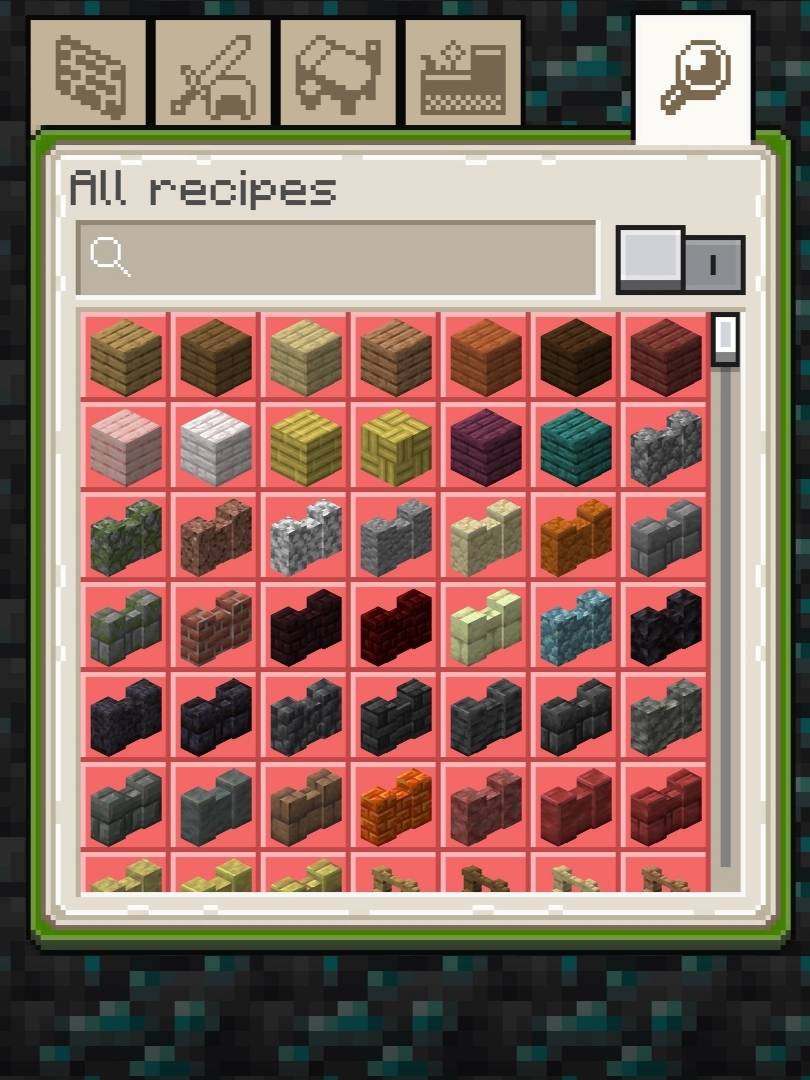
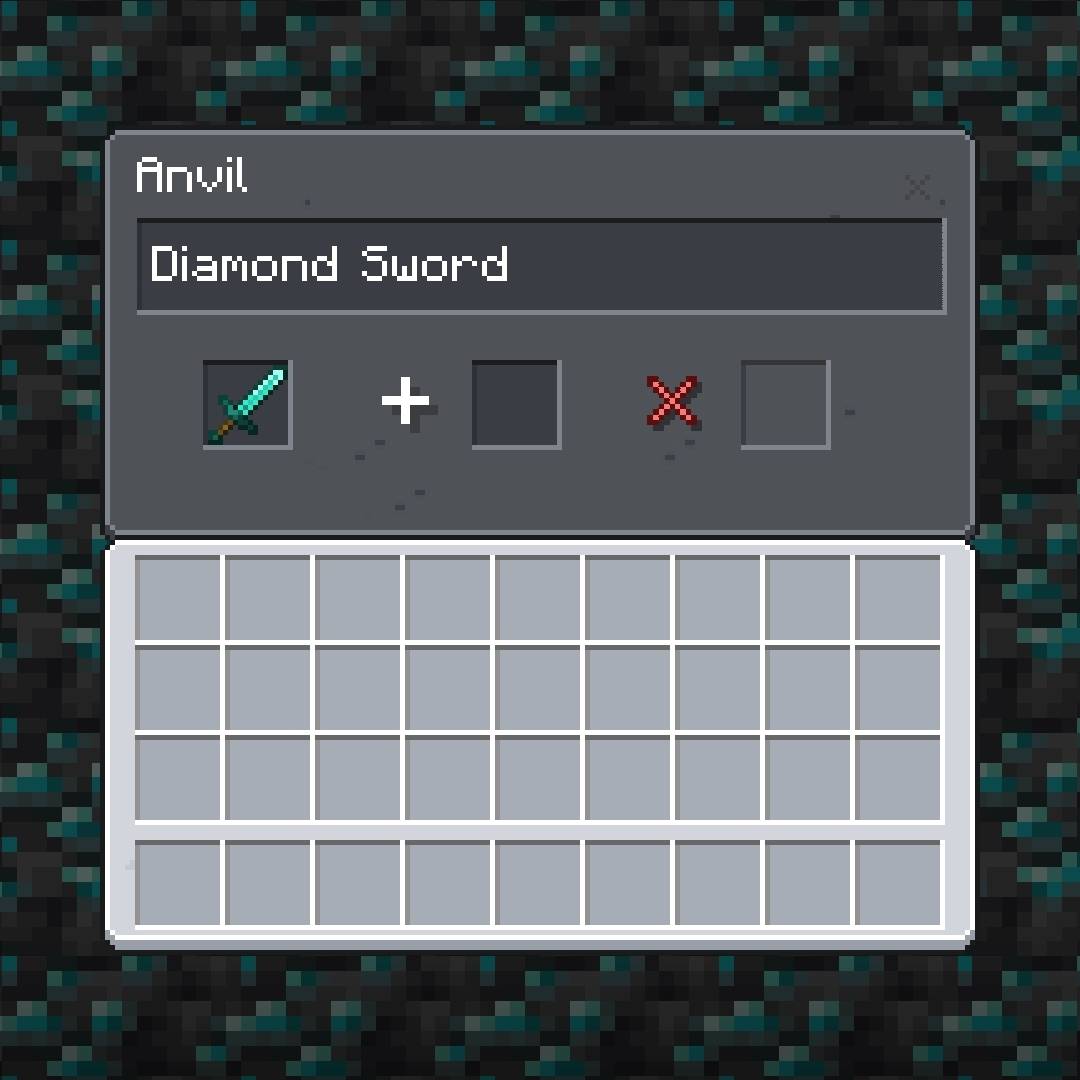
This Pack Changes the following menus to the New Ore UI styled menus from current leaks and updates.
• Player Inventory
• Crafting Table
• Recipe Book
• Furnace
• Blast Furnace
• Smoker
• Brewing Stand
• Anvil
• Grindstone
• Hopper
• Dropper
• Dispenser
Chest Screens
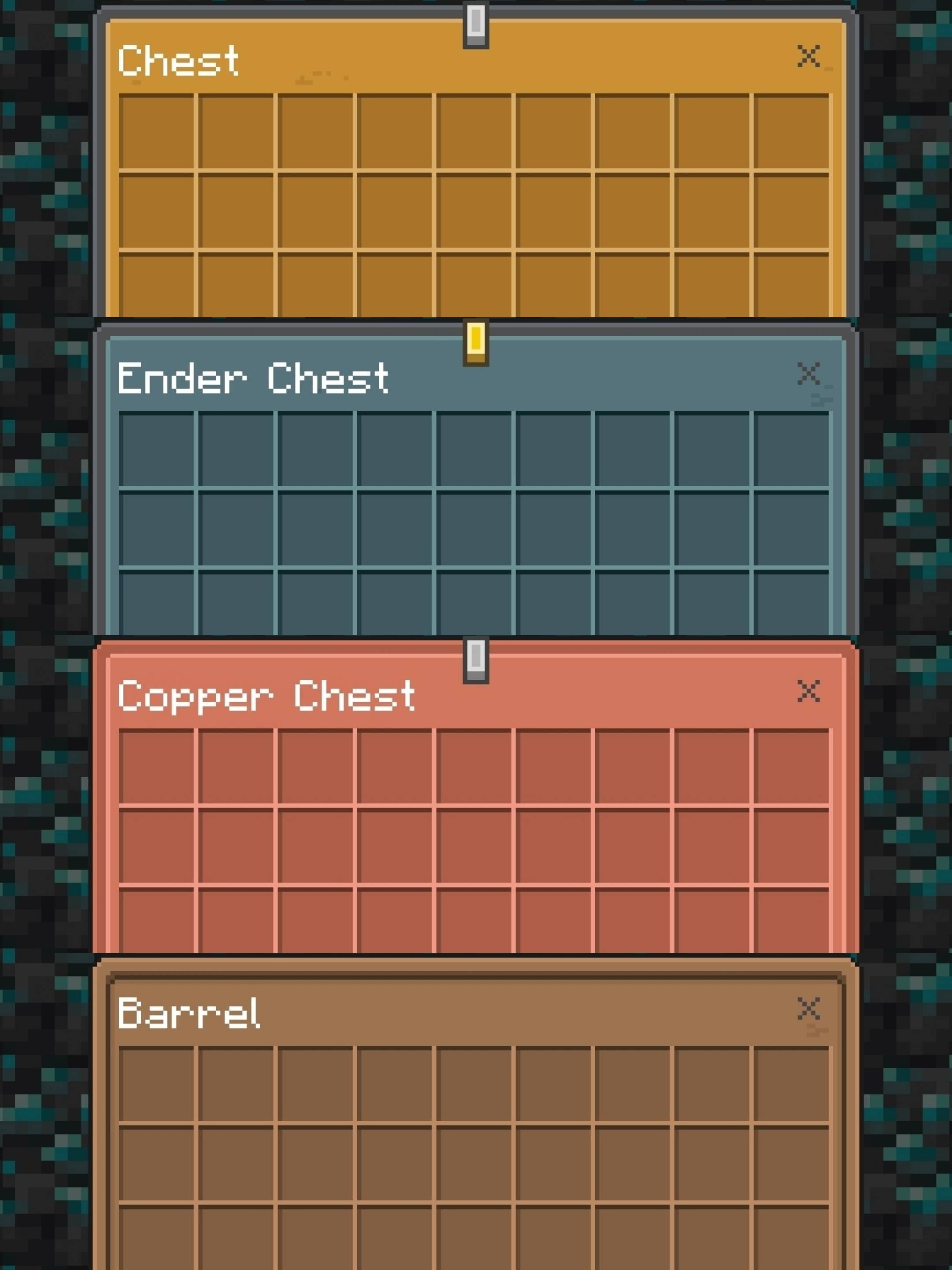
Updated UIs for the following Containers.
• Small and Large Chest
• Small and Large Copper Chest
• Ender Chest
• Barrel
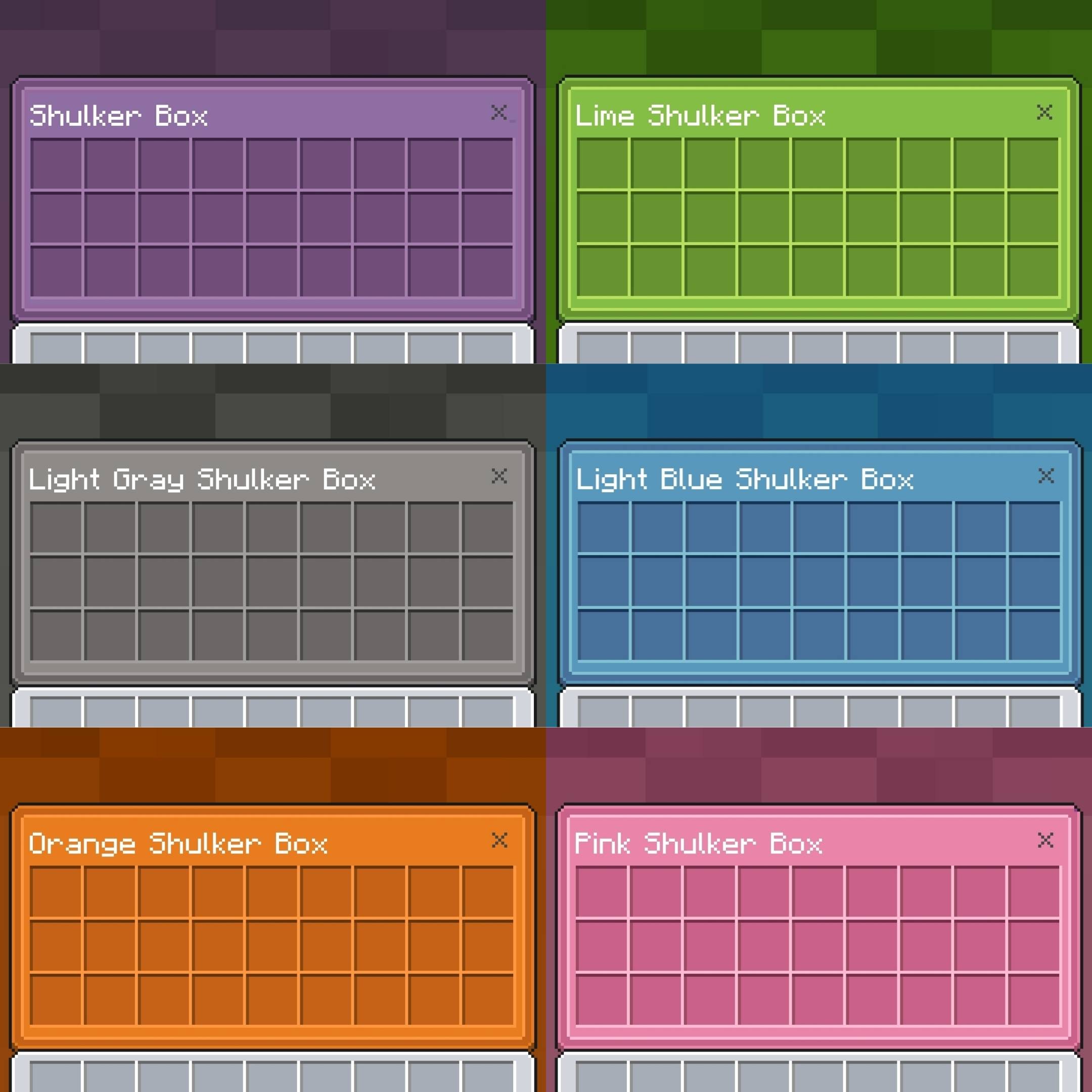
• Shulker Box
Colored Shulker Boxes
Due to Bedrock Edition's limitations, shulker boxes' screens do not automatically inherit their colour. In order to colour shulker boxes, you can either rename them manually with the anvil or download a script to do that automatically. We'll first go the renaming method first. Add one of these prefixes to your shulker box's name. If you want to keep the default formatting, add §r after the prefix. For example, if you want to have a red shulker box display red, you'd have to rename it '§c§rShulker Box'. The text doesn't necessarily need to be 'Shulker Box', it just needs to start with one of the prefixes, otherwise it will display the default colour. Here is the full table. Some colours have multiple colour codes:
Black: §0 or §j
Blue: §9 or §1
Brown: §n
Cyan: §3 or §s
Grey: §8
Green: §2 or §q
Light Blue: §b
Light Grey: §7, §h or §i
Lime: §a
Magenta: §5
Orange: §p, §6 or §v
Pink: §d
Purple: §u
Red: §c, §4 or §m
White: §f
Yellow: §e or §g
Alternatively, in order to automate this process you can use a script. One that I tested and therefore recommend is CC Script
Deepslate Mode (New)
Added a new subpack for the pack in the resource pack's settings, which makes UIs a little darker. Made for the players who love to play in dark themes.
and much More...
The Diamond Ore UI Team