🧪 Death's Effect Display Overlay Offical
A New Way to See Your Active Effects!
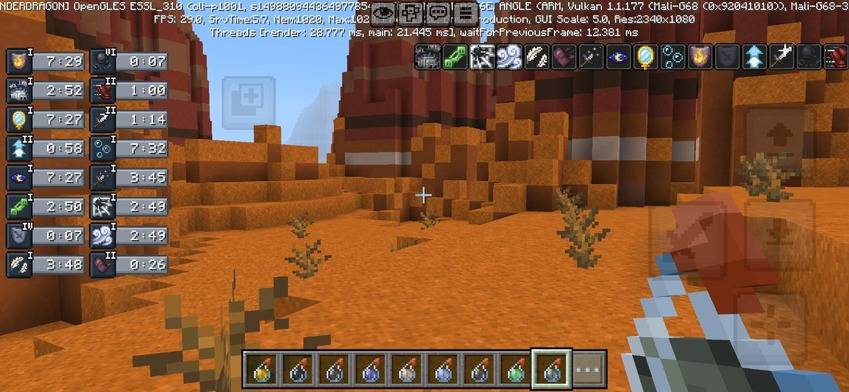
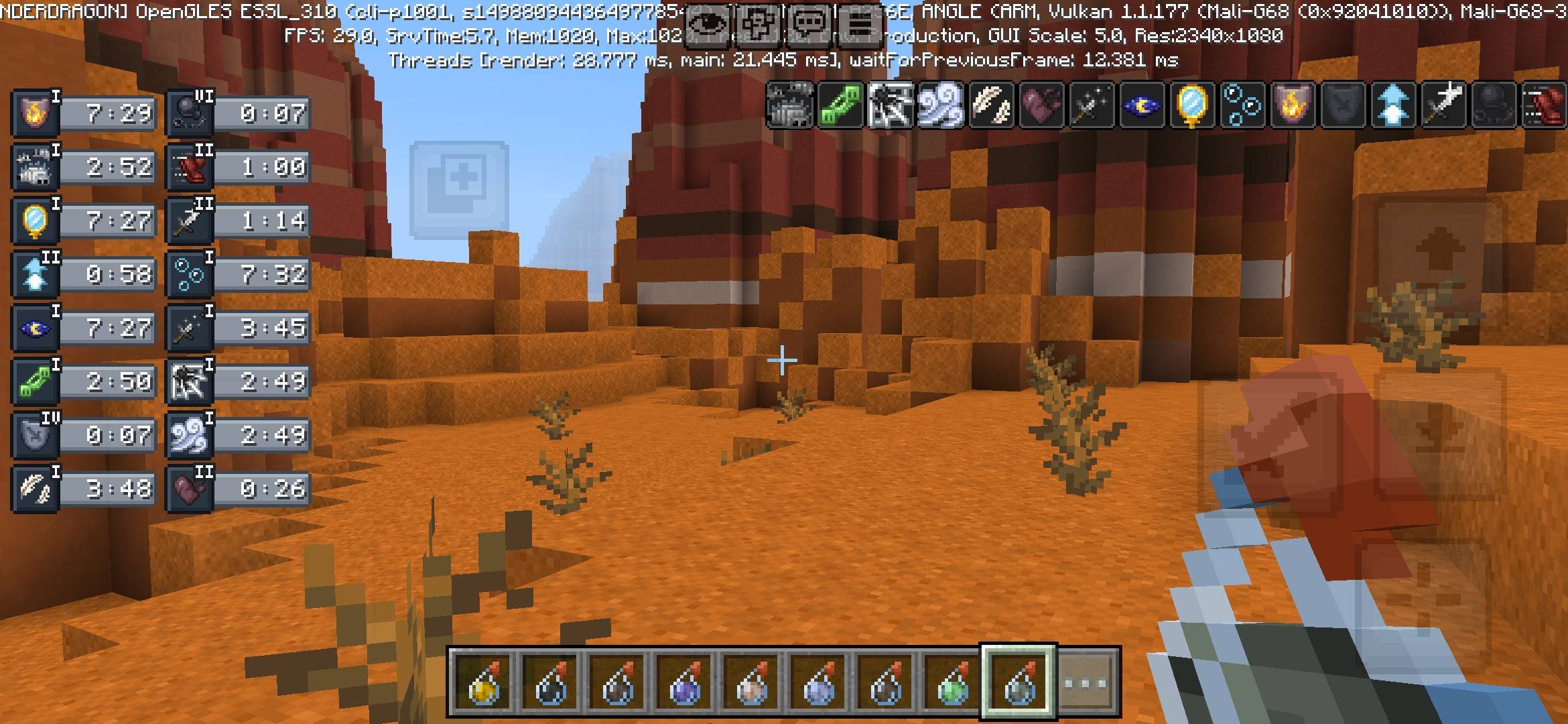
Tired of the default Minecraft Bedrock effect display? Introducing Death's Effect Display Overlay Offical, a custom HUD addon that makes tracking your active potion effects easier and more convenient!
This addon replaces the traditional effect display with a custom-designed overlay featuring effect icons, remaining time, and effect levels.
✨ Features
- 36 Effect Slots: Display up to 36 active effects on your screen.
- Custom Effect Icons: Easily recognize your active potion effects with visual icons.
- Effect Timers: See the remaining duration of your effects in minutes and seconds.
- Effect Levels: Check the amplifier level of your active effects.
- Custom HUD Design: A dedicated overlay integrated into the Minecraft interface.
- Special Infested Icon: Includes a custom icon for the Infested effect.
- Automatic Updates: The HUD updates automatically as your active effects change.
- Clean Display: Empty effect slots remain hidden.
🎮 Supported Effects
The addon includes icon support for effects such as:
Speed, Strength, Haste, Regeneration, Resistance, Fire Resistance, Night Vision, Invisibility, Poison, Wither, Absorption, Jump Boost, Slow Falling, Water Breathing, and many more!
📦 Installation
1. Download the ".mcaddon" file.
2. Open it with Minecraft Bedrock Edition.
3. Import both the Behavior Pack and Resource Pack and Open the Beta API
4. Activate both packs in your world settings.
5. Enter your world and enjoy the new effect HUD!
👑 Credits
Created by: DEATH
Project: Death's Effect Display Overlay Offical
Thanks for downloading and supporting my addon!
Enjoy a better Minecraft HUD! 💚