Dawn light
- By
Soft, natural graphics for Minecraft Bedrock with no shader needed. Hazy distance, clear water, fluffy clouds, a warm sun, a detailed moon, richer plants and 50+ new block textures. Four look
59990.png
59991.png
59992.png
Description
# Dawnlight - Soft Nature Graphics
Make Minecraft Bedrock look softer and more natural, with NO shader and NO Vibrant Visuals needed. Dawnlight works on phones, tablets, consoles and PC.
## What it changes
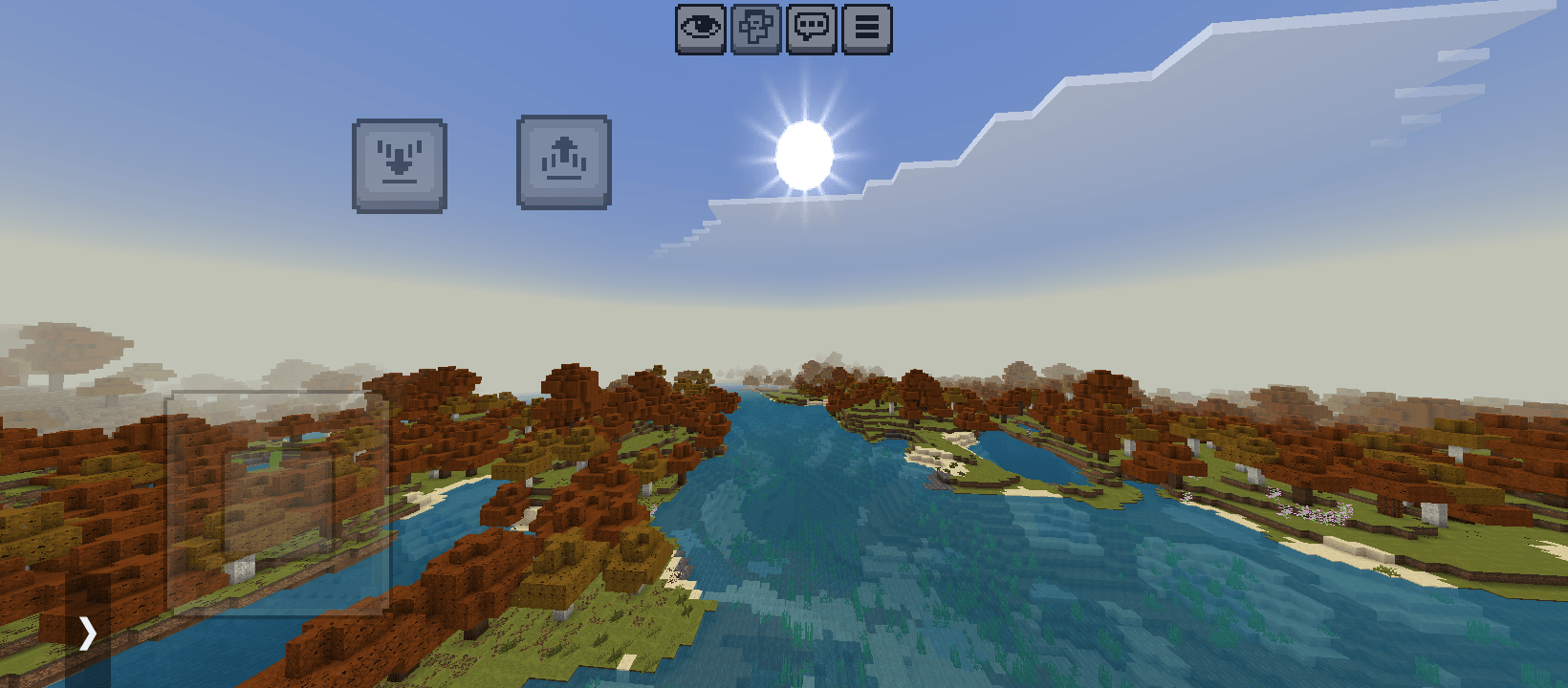
- Soft atmosphere: gentle blue haze in the distance instead of a hard fog edge. Every biome has its own tint, from warm sand in deserts to green mist in swamps and jungles, pink haze in cherry groves and cool white in snowy places.
- Clear, colorful water: each biome has its own water color, from deep ocean blue to murky swamp green.
- Richer plants: more natural greens for grass, leaves and trees that change with the biome.
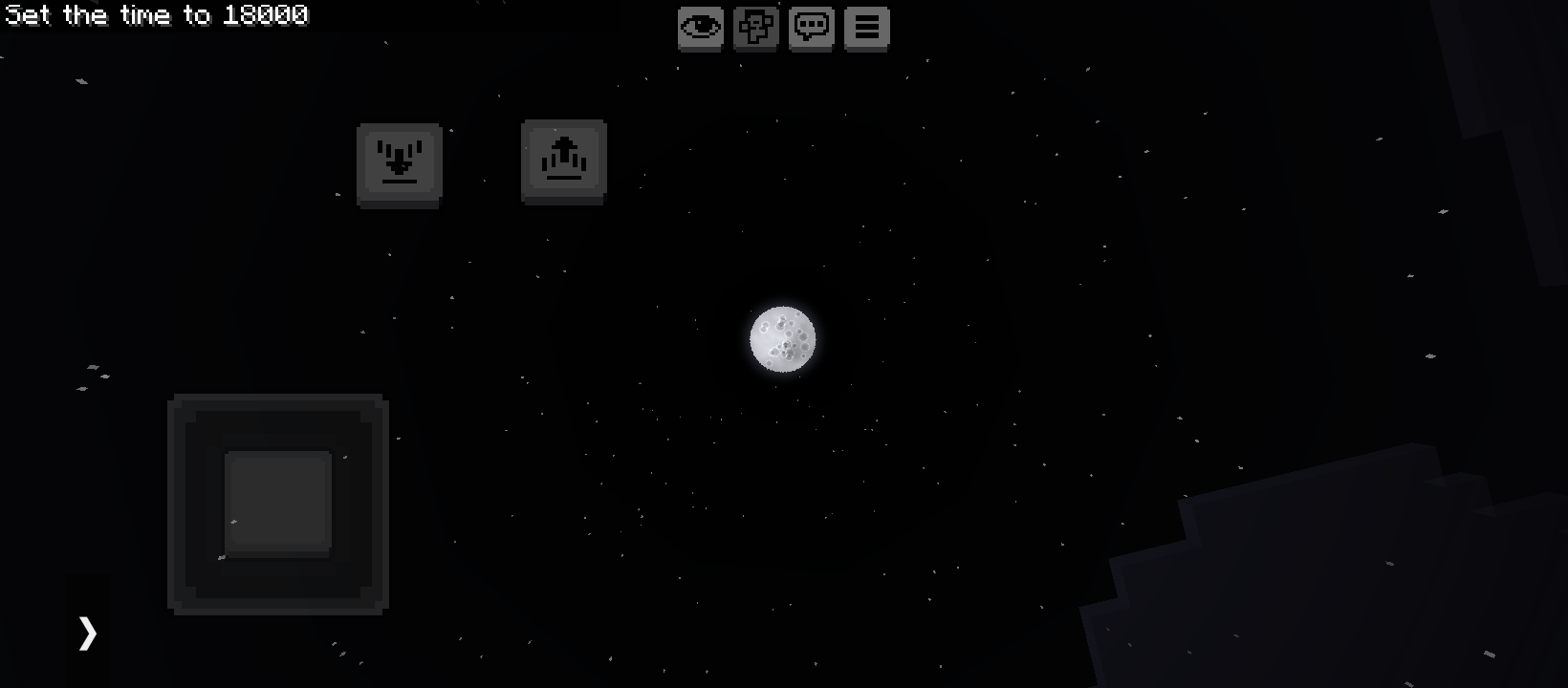
- Sky: a warm sun with soft rays, a detailed moon with craters in all 8 phases, and fluffy clouds.
- Soft weather: thin, light rain and round, fluffy snowflakes.
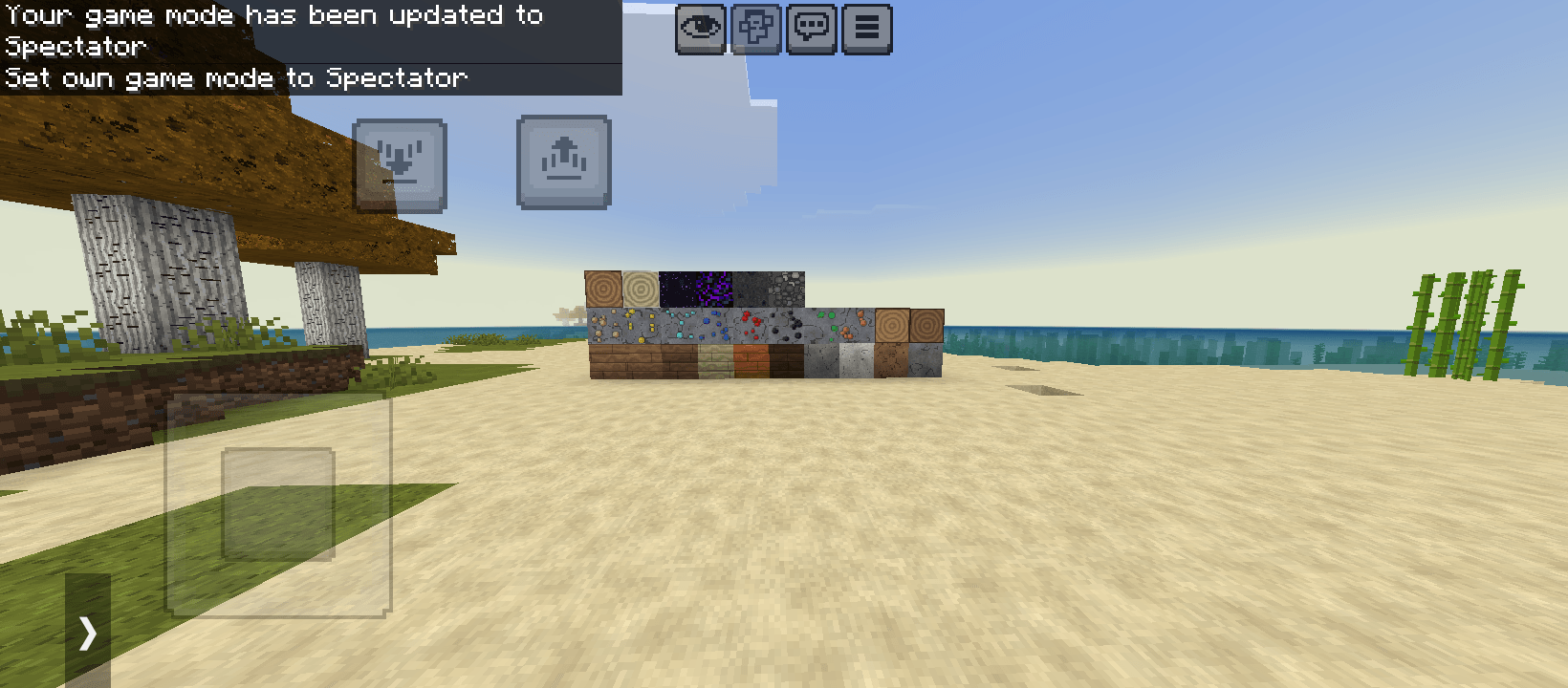
- New block textures at 32x32: stone, dirt, grass, sand, gravel, cobblestone, mossy cobblestone, stone bricks, bricks, all wood types (planks, logs and log tops), leaves, snow, glass, obsidian, netherrack, end stone, bedrock and all the ores.
## Four looks to choose from
Open the pack in Global Resources, tap the gear icon and pick a look:
- Clear Sky: no haze, so you can see far
- Misty Morning: thick, cinematic fog
- Golden Hour: warm, golden-toned light and plants
- Autumn: orange and red leaves and yellow grass
If you pick nothing, you get the normal Dawnlight look.
## How to install
1. Download and open the .mcpack file. Minecraft will import it.
2. Go to Settings, then Global Resources, and activate Dawnlight.
3. Optional: tap the gear icon to pick a look.
## Good to know
- This is a texture pack, not a shader, so it cannot add real shadows, reflections or light rays. It improves colors, sky, water, weather and blocks.
- Blocks that are not redrawn keep their normal look, so some blocks may look sharper than others.
- Works best with Fancy graphics on. Some of the effects may look different on very old versions of Minecraft.
## Feedback
Found a bug or have an idea? Leave a comment. I read them all and use your ideas for updates.
By Kreative Blocks
Dawn light Team