




Simplistic Shader
- 44.8K
- Texture Packs
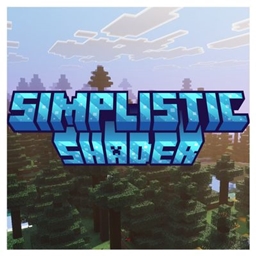
A clean, natural Vibrant Visuals pack for Minecraft Bedrock. Soft realistic lighting, balanced fog and atmosphere, and gentle filmic color grading.
- 44.8K
- October 22, 2026
snake heart
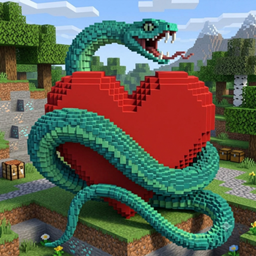
Replaces the health hearts with snake-wrapped hearts and plays a snake hiss whenever you take damage.
- 529
- October 21, 2026
Truesky
- 23.6K
- Texture Packs
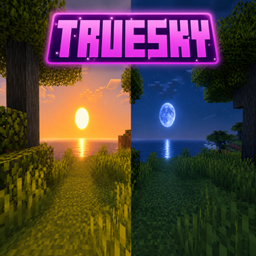
Transform Minecraft Bedrock with realistic sun, moon, dynamic sky colors, atmospheric fog, sunset lighting and cinematic sun rays — optimized for smooth performance.
- 23.6K
- October 21, 2026
water wave
- 47.2K
- Texture Packs
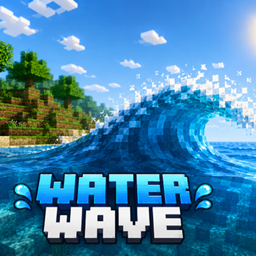
Water Wave is a Minecraft Bedrock resource pack that adds realistic animated water waves. Choose Smooth mode for better performance or Dynamic mode for bigger, more visible waves.
- 47.2K
- October 21, 2026
Simplistic Shader
- 44.8K
- Texture Packs
A clean, natural Vibrant Visuals pack for Minecraft Bedrock. Soft realistic lighting, balanced fog and atmosphere, and gentle filmic color grading.
- 44.8K
- October 22, 2026
snake heart
Replaces the health hearts with snake-wrapped hearts and plays a snake hiss whenever you take damage.
- 529
- October 21, 2026
Truesky
- 23.6K
- Texture Packs
Transform Minecraft Bedrock with realistic sun, moon, dynamic sky colors, atmospheric fog, sunset lighting and cinematic sun rays — optimized for smooth performance.
- 23.6K
- October 21, 2026
water wave
- 47.2K
- Texture Packs
Water Wave is a Minecraft Bedrock resource pack that adds realistic animated water waves. Choose Smooth mode for better performance or Dynamic mode for bigger, more visible waves.
- 47.2K
- October 21, 2026