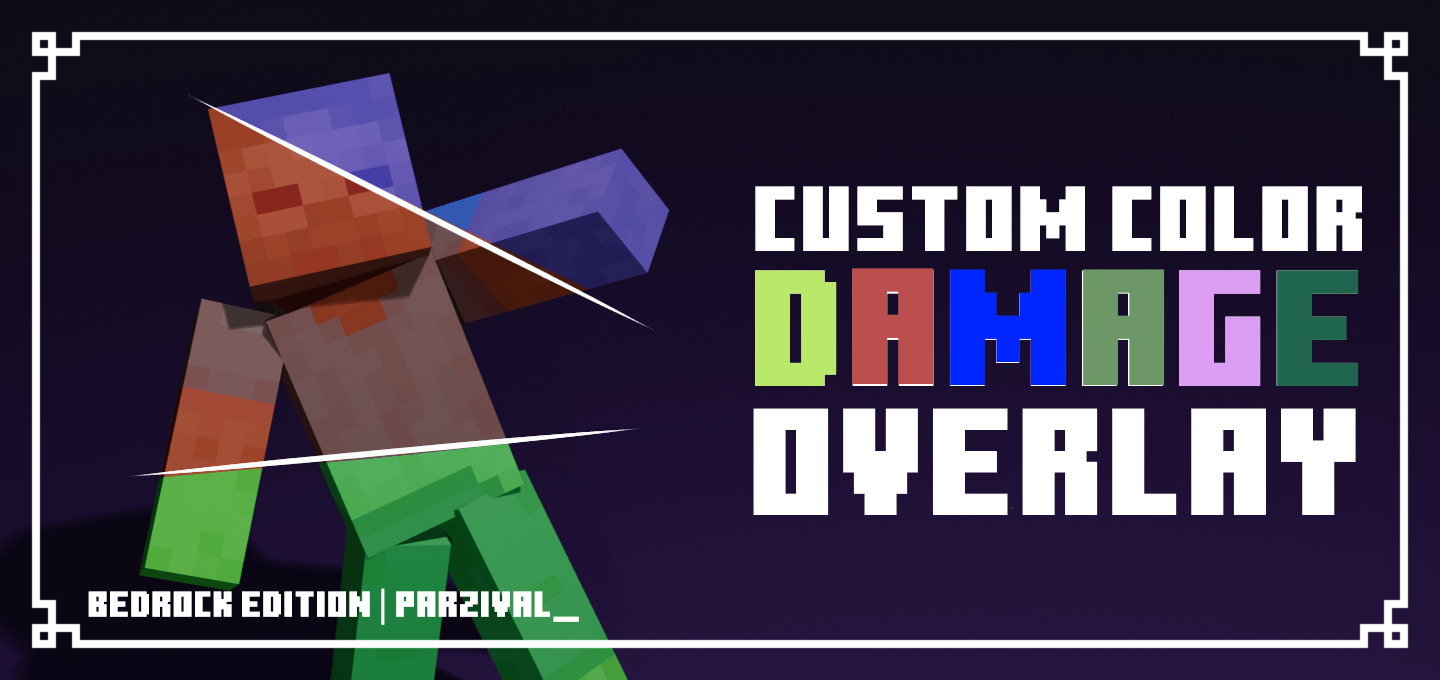


Custom Damage Overlay Color

Change hit color (tint) of all entities to ANY color!
Untitled3_20260430030415.png

Untitled3_20260430030415.png

Description

Screenshot 2026-05-21 180940.png

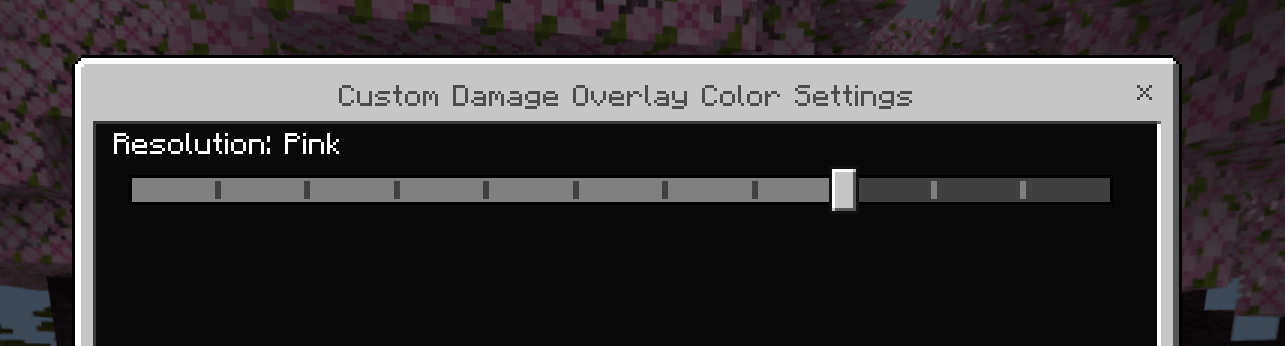
This resource pack allows to change overlay color of all entities when they take damage. By default this resource pack changes it to red, as an example. There are also preset colors at settings for those who don't want to customize. Java Edition pack by SuperAnt_, Bedrock Edition by Parzival_


Custom Damage Color Instructions (PC Only)

This provides information on how to set up custom damage colors. Unfortunately, custom colors setup currently only work on PC. If you don’t have a PC, you can DM me on Discord and I’ll try to help. For PC users, make sure you have Python installed before starting: https://www.python.org/downloads/


  1. Go to "C:\Users\YourUsername\AppData\Roaming\Minecraft Bedrock\Users\Shared\games\com.mojang\resource_packs\CustomDamage\subpacks\custom"
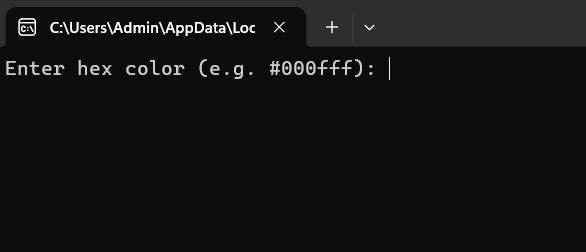
  2. Find "change_color.py" then run
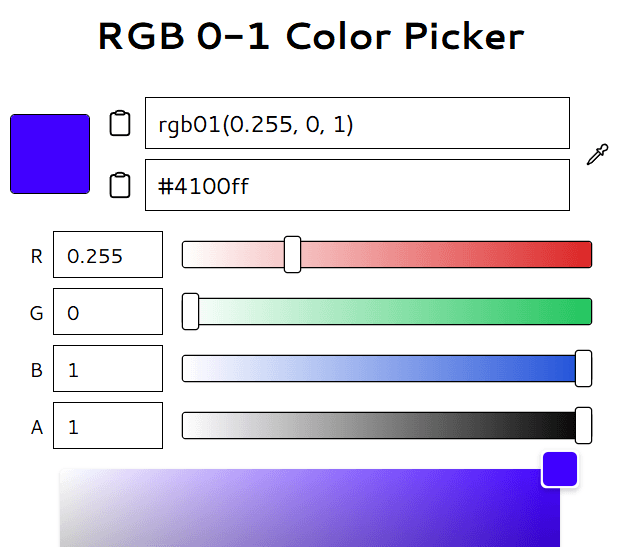
  3. Get hex color codes at: https://rgbcolorpicker.com/0-1

  4. Enter hexcode at step 2 then run Minecraft
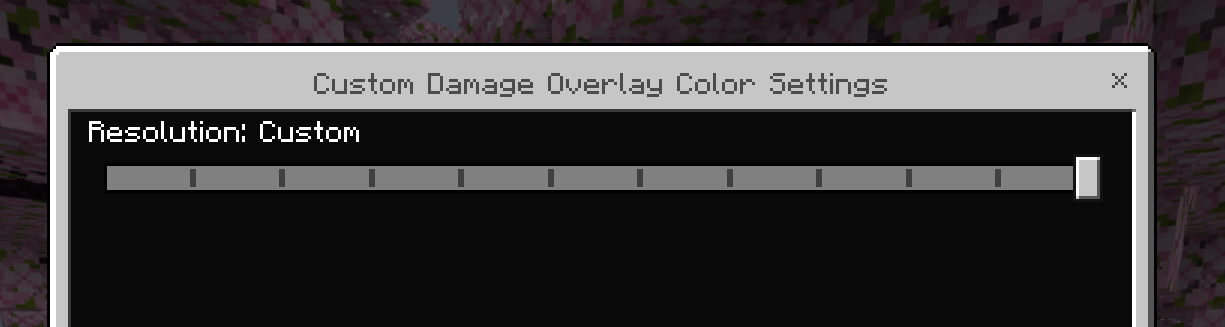
  5. Change resulotion settings to "Custom"
    Screenshot 2026-05-21 180957.png
  6. FINISH!


For the original Java Version:
Java Edition | Java Author's Profile


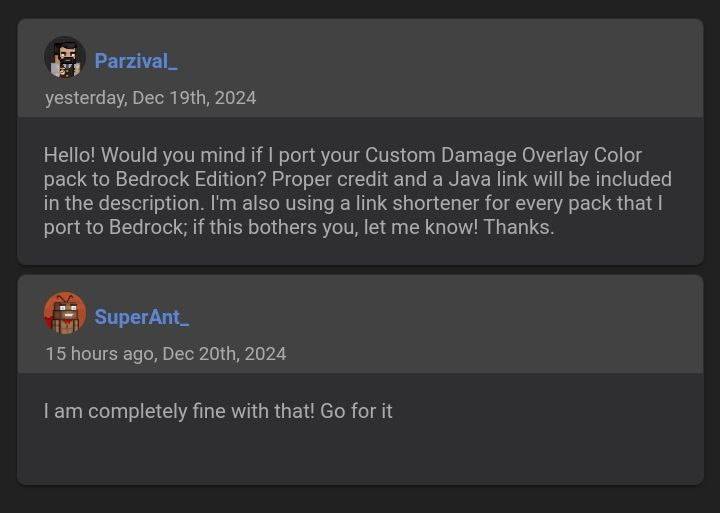
Owner's Permission:

The Custom Damage Overlay Color Team

HighCrafter tier frameprofile avatar
  • 929
    Followers
  • 176
    Projects
  • 1.7M
    Downloads

heh, minecraf

More from parzival0312View all