CUMULUS is a PvP-oriented resource pack for Minecraft Bedrock Edition that provides a wide range of optional visual, HUD, and gameplay-enhancing features. All features are client-side visual modifications and can be individually enabled or disabled through the pack's settings interface.
Included Features (v1.7)
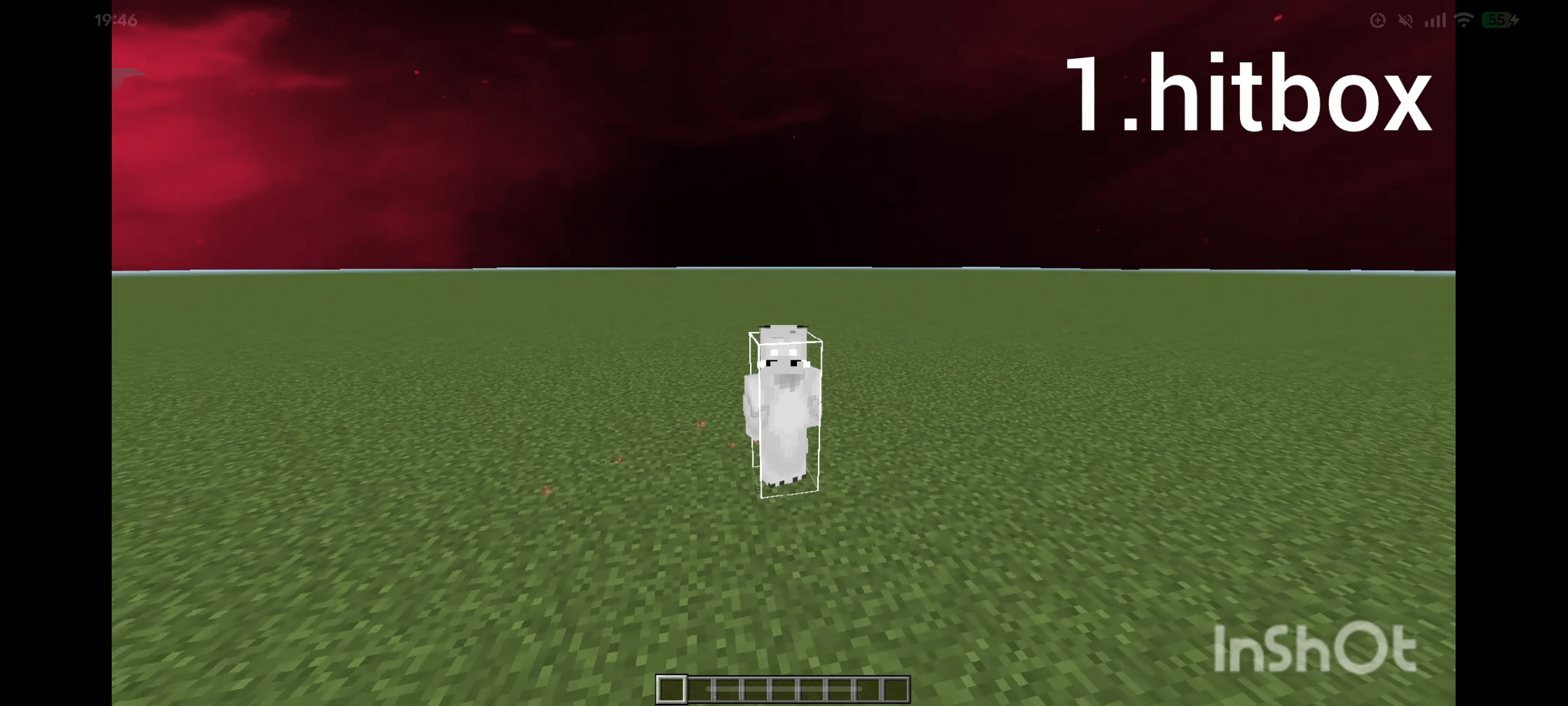
- Hitbox Display
- Footprints
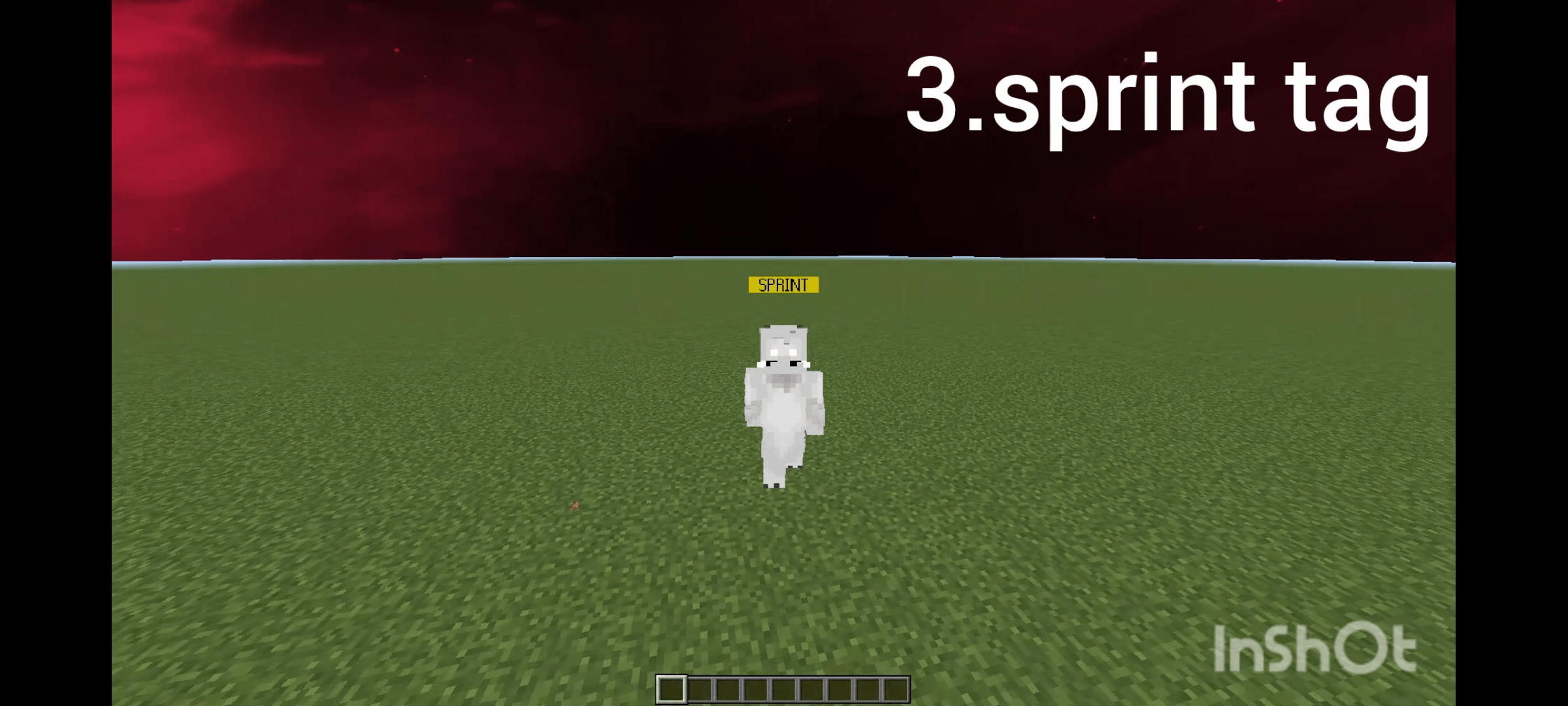
- Sprint Tag
- Kill Effects (excluding Hive)
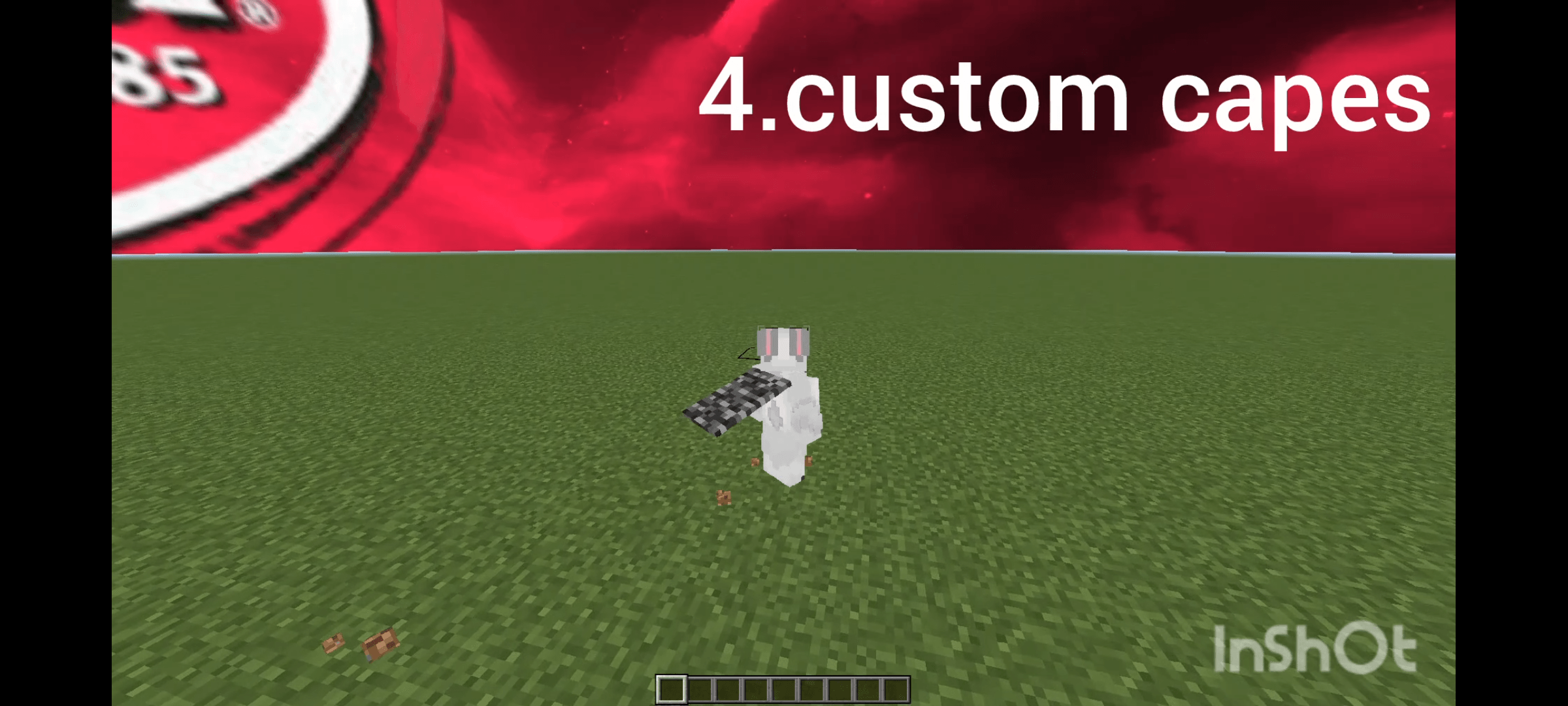
- Custom Capes
- Custom Cubemaps
- 3D Projectiles
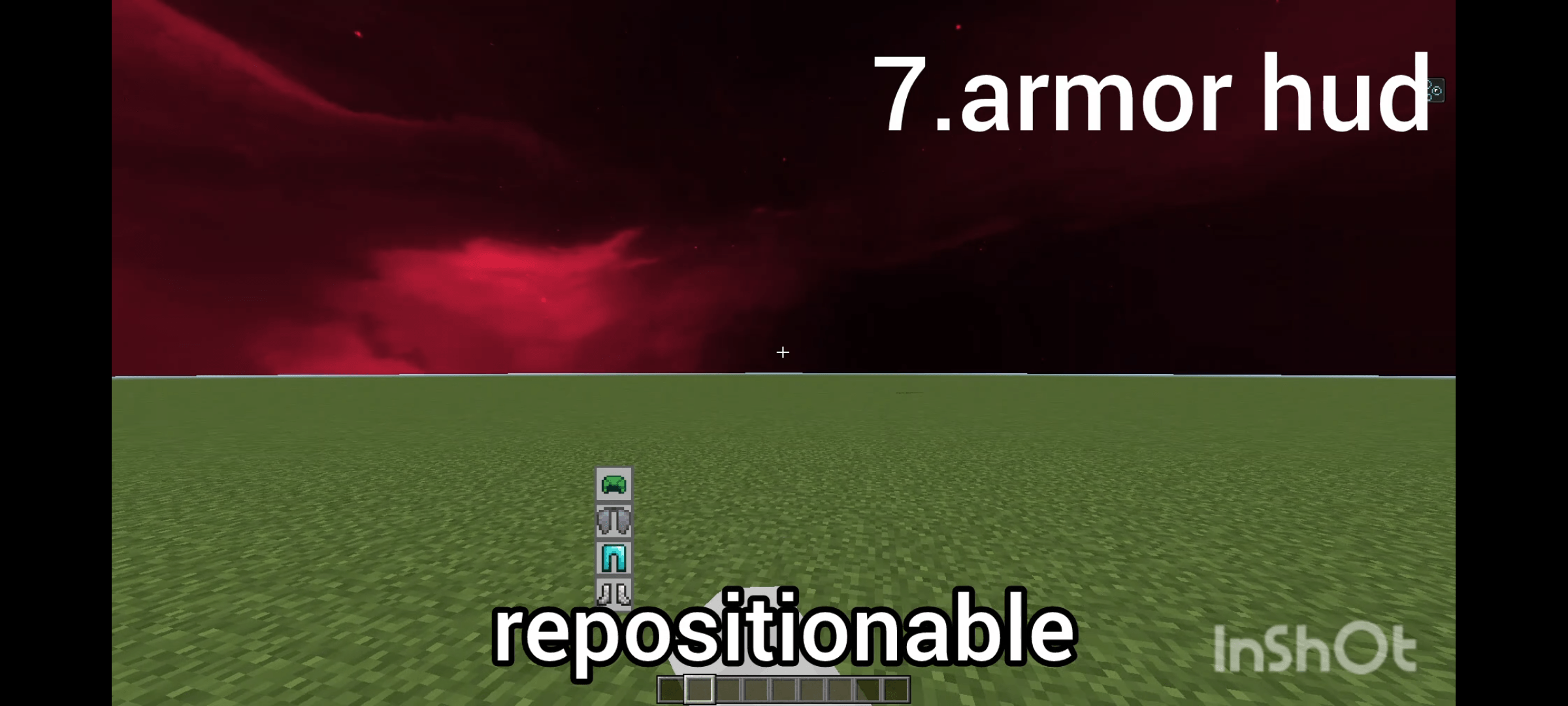
- Movable Armor HUD
- Pinch Alert (customizable health threshold)
- Reach Visibility
- Auto Swing Animation
- Waypoints (with customizable duration)
- Hurt Particles
- Using Particles
- Custom Hurt Color (RGBA)
- Rings
- Hand Animations (Vanilla / Java / RTX)
- Custom Hand Positions
Feature Configuration
All features can be enabled, disabled, or customized through the included settings interface.
Update History
v1.8
- Added Better Chat
- Added Custom Kill Effects
- Improved Swing Animations
- Added Custom Screen Colors
- Improved BetterSky
v1.9
- Expanded Armor HUD movement range
- Fixed Armor HUD clipping issues
- Added Keystrokes Display
- Added Hide Armor option
- Added Java Swing Animation
- Improved UI Layout
- Added foundation for custom screens
- Improved compatibility between Hitbox and Reach Visibility
v1.9.3
- Added Fire Hurt Particles
- Improved Chat Stability
- Fixed Crosshair Visibility Issues
v2.0
- Added Custom Hurt Particles
- Display Hotbar While Inventory Is Open
- Added Chunk Borders
- Added RGB Crosshair Indicator (toggleable)
- Redesigned Settings Interface
v2.0.1
- Crosshair Indicator can now be overridden using a custom crosshair texture.
- If the crosshair appears as a square, remove the black area from the default crosshair texture located in the top-left section of icons.png, leaving only the white crosshair before applying the custom texture.
How to change settings Enable the resource pack, then change the settings in your world or on the server by navigating to `/resourcepacks/cumulus/` and selecting the gear icon.
v2.1
-Added a list of enabled features
-Fixed footprint textures
-Changed crosshair to a format where the appearance is specified initially
-Modified the improved sky cubemap to activate only when a sky cubemap from another texture pack is in use
-Improved swing animations for swords and the Java-style hand
-Crosshair now visible in third-person view
-Thinned the hitbox outline
v2.2
-Fixed typo and bugs
-added Particle Disabler
-changed hurtParticle
v2.3
-Added hitboxes for projectiles
-Added a Rainbow option for Hurt Color
-Redesigned the Keystrokes UI
-Updated the pack icon
-Added a player model to chest inventories
-Added the End Crystal to 3D projectiles
CUMULUS v2.4 Changelog
- Improved Chunk Border texture
- Improved sword animations
- Fixed Keystrokes texture
- Added Armor HUD background toggle (show/hide)
- Added Mini Armor HUD size
- Added sound effects to Kill Effects
- Added FPS Counter
- Added Fullbright Player option
V2.5 Changelog
New Features
Added a button to display the HUD while editing the HUD layout, making it easier to adjust positions.
Added an option to apply the Hurt Color effect to armor.
Added Entity No render.
Bug Fixes
Fixed an issue where capes were always visible.
Fixed an issue where the End Crystal model was not applied correctly.
Fixed an issue where the Java animation fixes were not being applied.
Comment
Thank you for 10,000 total downloads! 🎉
We're getting close to the limit on the number of available toggles. Because of this, future updates may remove less-used features or move older features into a separate resource pack to make room for new features.
CUMULUS v2.6 Changelog
Added
Added Crosshair Changer
Added HUD Size Changer (Modlist and Armor HUD)
Added an option to include tools in Swing Animation (Improved tool swing animations)
Fixes & Changes
Improved Crosshair Indicator compatibility with all servers and other texture packs
Temporarily removed Screen Color due to reaching the limit of available settings. It may return as a separate resource pack in the future depending on development progress.