











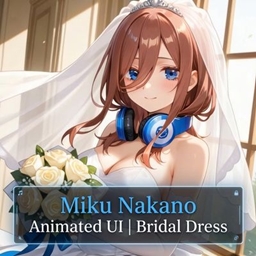
Miku Nakano Animated UI|Bridal Dress
Bring the ultimate waifu to your Minecraft start screen! The Miku Nakano Animated UI | Bridal Dress pack completely overhauls your game’s user interface, giving it a clean, elegant, and beautifully animated aesthetic inspired by Miku’s iconic bridal look.
- 320
- October 27, 2026
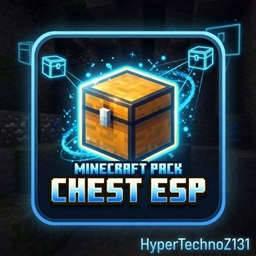
Chest ESP With many esp
Chest ESP is the ultimate utility resource pack designed to give you flawless X-ray vision specifically targeted at locating chests.
- 987
- October 14, 2026
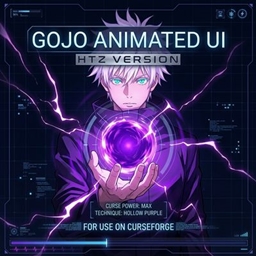
Gojo Animated UI HTZ Version
Bring the power of the strongest Jujutsu Sorcerer straight to your game!
- 202
- October 13, 2026
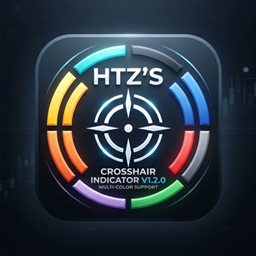
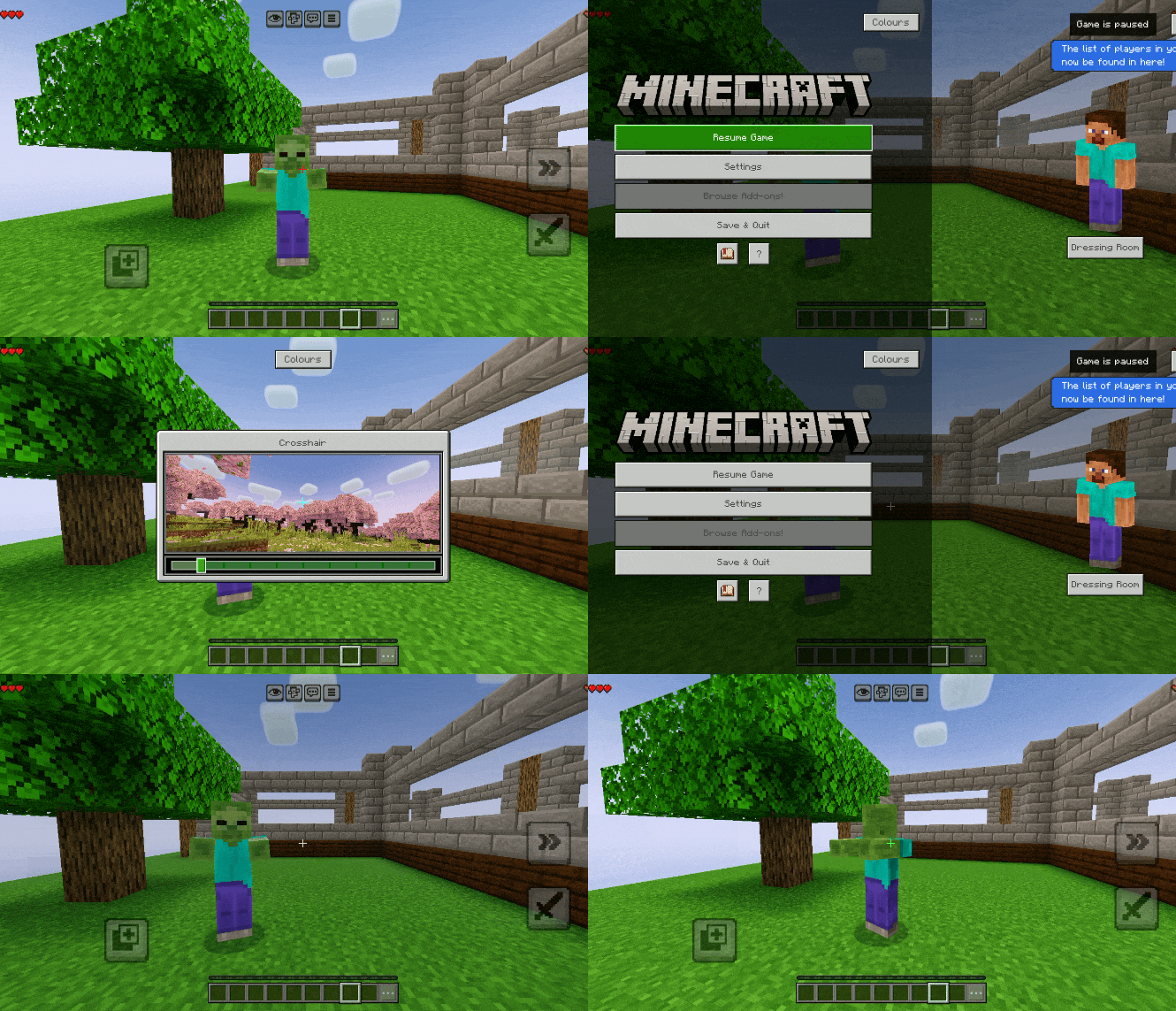
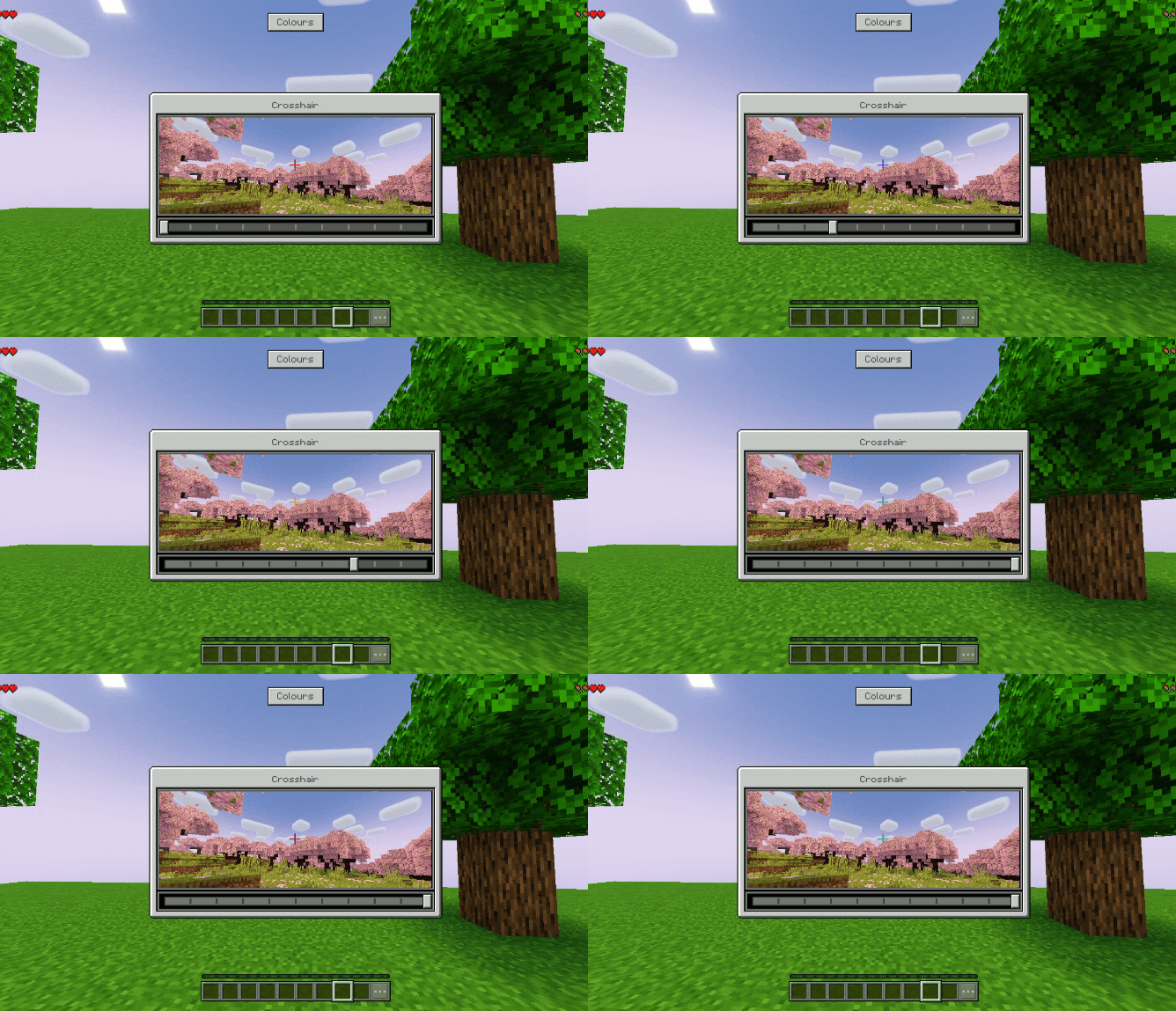
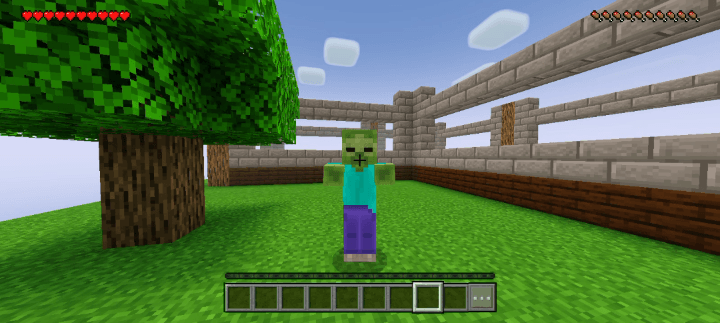
HTZ's Crosshair Indicator V1.2.0
HTZ'S Crosshair Indicator, the ultimate utility texture pack designed to revolutionize your aiming, combat, and interaction precision in Minecraft.
- 300
- October 13, 2026
Miku Nakano Animated UI|Bridal Dress
Bring the ultimate waifu to your Minecraft start screen! The Miku Nakano Animated UI | Bridal Dress pack completely overhauls your game’s user interface, giving it a clean, elegant, and beautifully animated aesthetic inspired by Miku’s iconic bridal look.
- 320
- October 27, 2026
Chest ESP With many esp
Chest ESP is the ultimate utility resource pack designed to give you flawless X-ray vision specifically targeted at locating chests.
- 987
- October 14, 2026
Gojo Animated UI HTZ Version
Bring the power of the strongest Jujutsu Sorcerer straight to your game!
- 202
- October 13, 2026
HTZ's Crosshair Indicator V1.2.0
HTZ'S Crosshair Indicator, the ultimate utility texture pack designed to revolutionize your aiming, combat, and interaction precision in Minecraft.
- 300
- October 13, 2026