🎮 CraftEdge Client V1.1
The most feature-packed utility client for Minecraft Bedrock Edition
Built from the ground up by CraftEdge Productions
No mods. No launchers. Just install and play.
💬 Join our Discord
🧩
30+ Modules
Fully toggleable HUD |
🎨
Deep Customization
Editors for every element |
👗
Cosmetics
Stand out in-game |
⚡
Zero Setup
Works on vanilla servers |
✨ Overview
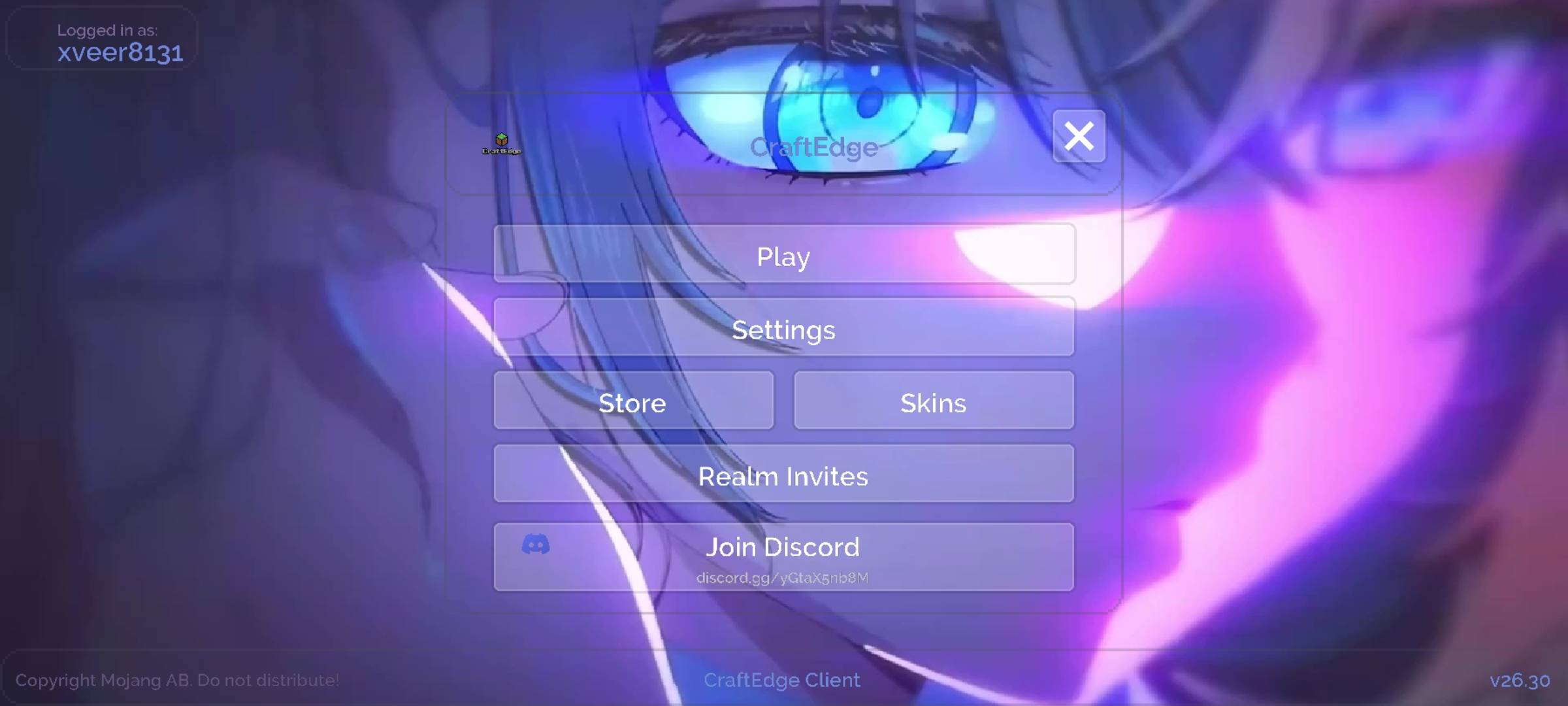
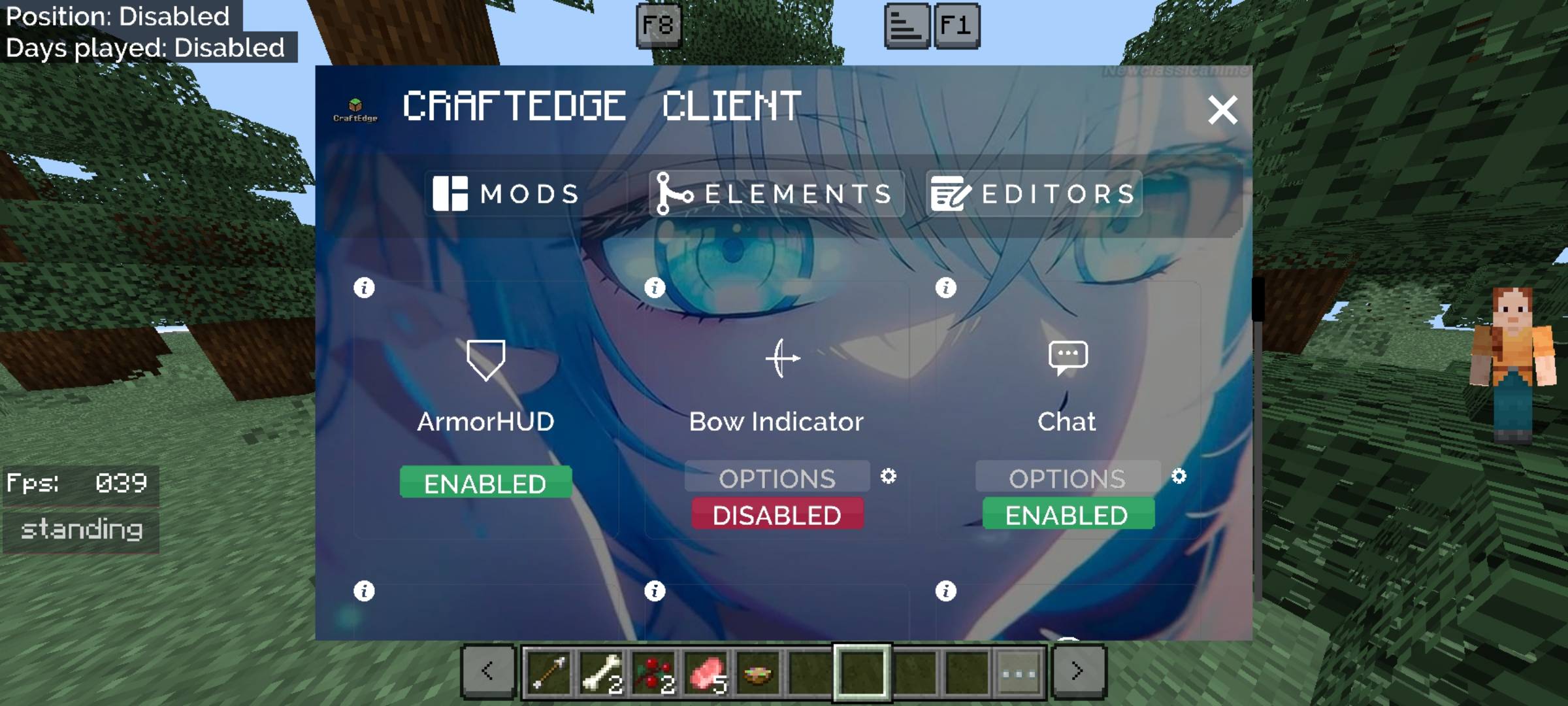
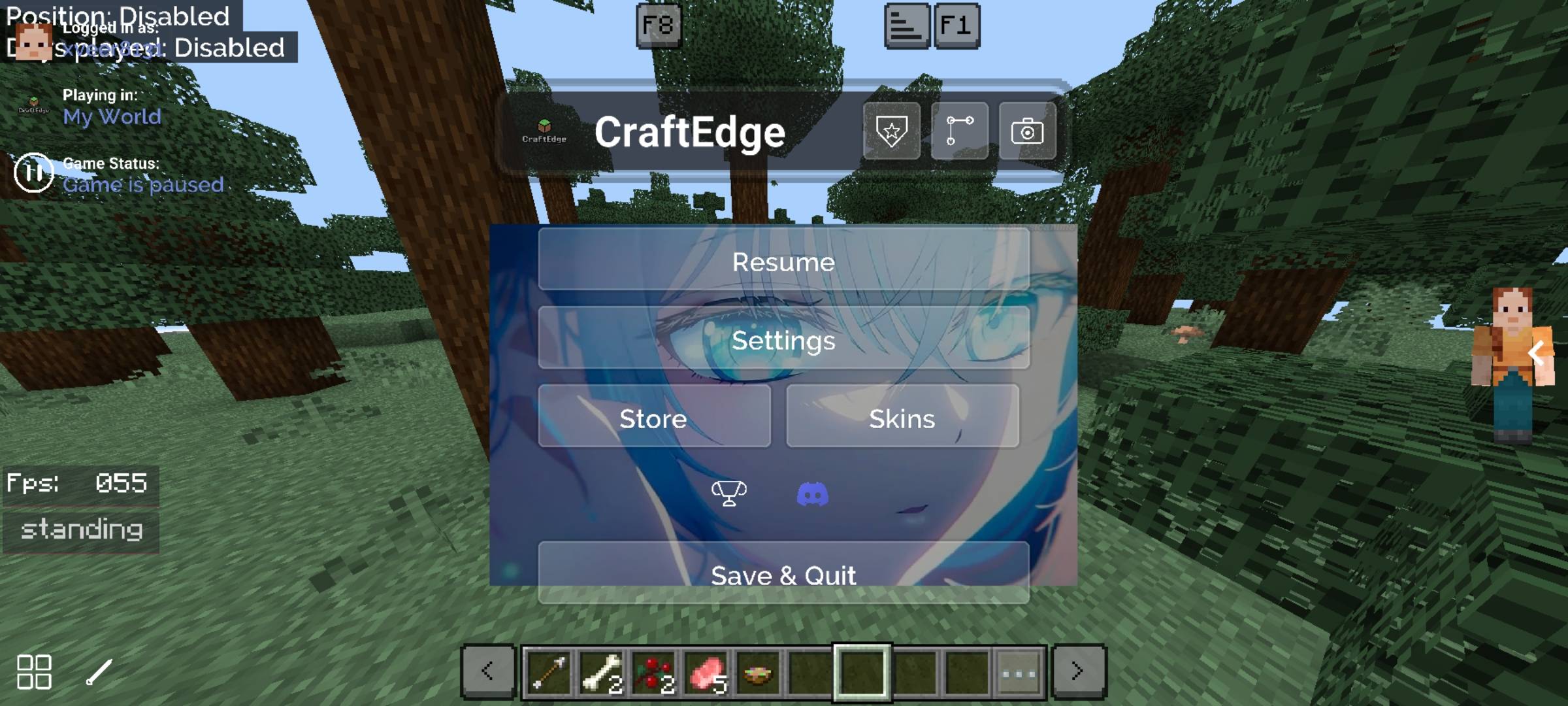
CraftEdge Client transforms your vanilla Bedrock experience with a powerful in-game mod menu, fully customizable HUD modules, a cosmetics system, and deep game enhancements — all packed into a single resource pack. Open the in-game menu, toggle what you need, and play.
🧩 Modules — Toggle 30+ HUD Features In-Game
📊 Info & Stats
| Module |
Description |
| Debug HUD |
Version, OS, gamemode, moon phase, XP, item ID and more |
| Coordinates |
XYZ coords with Nether conversion support |
| Force Coords |
Shows coords even when disabled in settings |
| FPS Counter |
Real-time frame rate display |
| Clock & Compass |
In-game compass and clock overlay |
| TimerHUD |
Real-time clock in h/m/s format |
| Day Event |
Current in-game time of day |
| Exp Calculator |
XP needed for next level |
| Speedometer |
Your movement speed in m/s |
| Walk Distance |
Tracks blocks walked |
| StatusHUD |
Current player activity indicator |
| DirectionHUD |
Camera direction indicator |
⚔️ Combat & Gear
| Module |
Description |
| Armor HUD |
Displays your current armor and durability |
| MainhandHUD |
Shows held item with durability |
| OffhandHUD |
Offhand item display |
| Bow Indicator |
Shows bow charge progress |
| Low Durability |
Alert when your gear is about to break |
| TargetHUD |
Health and distance of nearest player |
| Items Counter |
Track potion, totem, and arrow counts |
| Shiny Potions |
Adds a glint effect to potions |
🗺️ World & Server
| Module |
Description |
| Chunk Map |
Visual map with normal and slime chunks |
| Safe Zone Viewer |
Visual box around the safe zone |
| Server Display |
Shows current world or server name |
| Player Tab List |
See player names in world/server |
| Fullbright |
Removes darkness — see everything clearly |
📦 Inventory & UI
| Module |
Description |
| Inventory HUD |
View your inventory on the HUD |
| Slot Counter |
Free inventory slot tracker |
| Chat |
Repositionable top/bottom chat display |
| Mobile Shortcuts |
Quick-access buttons for touch players |
| HUD Popup |
Toggle the startup advertisement popup |
🎨 Elements Tab
Fine-tune vanilla UI elements to fit your style:
- Reposition Bossbar & Scoreboard
- Toggle item name text, jukebox text, tip text, action bar
- Show or hide boss health values
✏️ Editors Tab
Deep customization for the HUD components you use most:
- Hotbar Editor — item count, slot numbers, inventory button
- Crosshair Editor — size, color presets, outline toggle
- XP Bar Editor — color presets, percentage display, creative mode bar
- Display Filter — Fullbright + color overlays (Aqua, Red, Yellow, Blue, Orange, Purple, Green)
👗 Cosmetics System
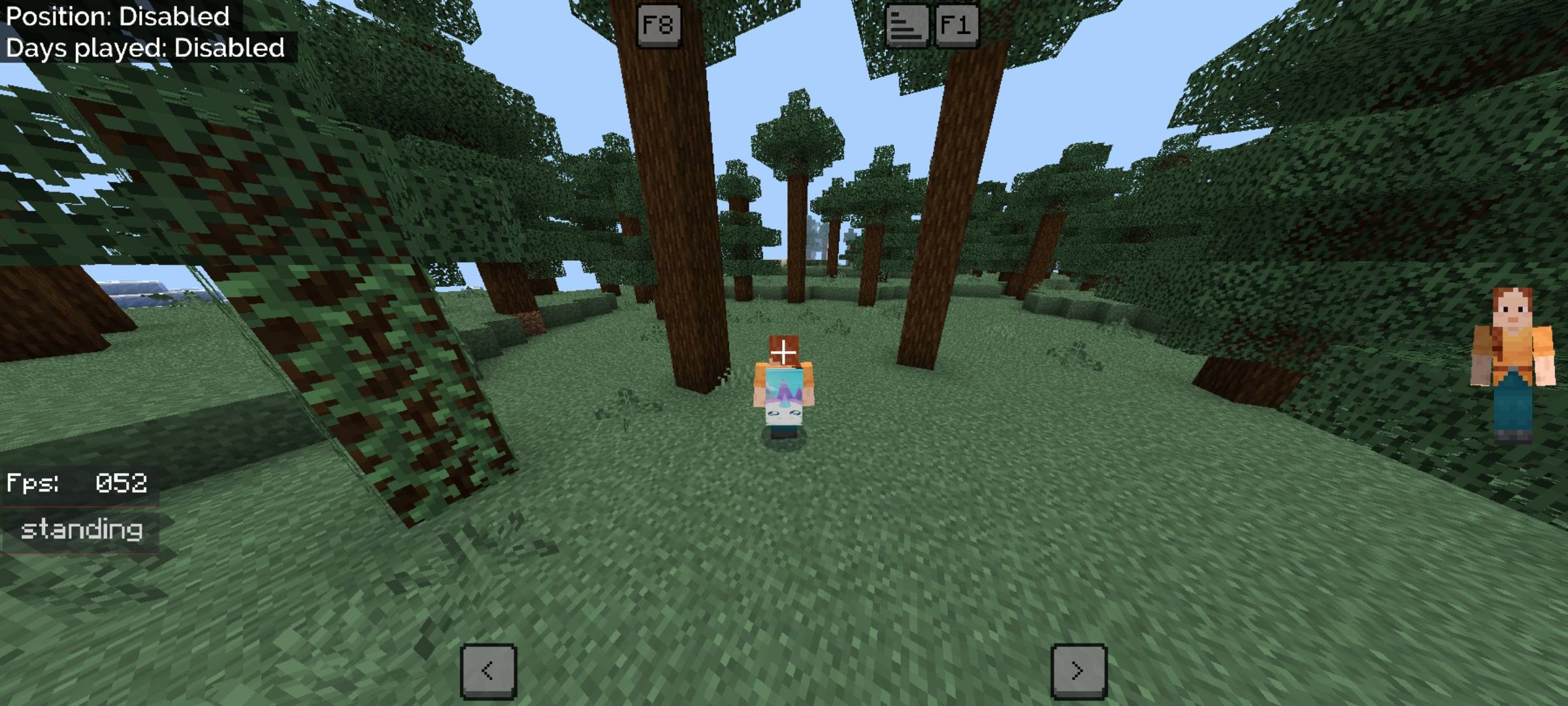
Express yourself in-game with CraftEdge's built-in cosmetics system — unique visual customizations that make your character stand out, with no external tools required.
📦 Installation
- Download the
.mcpack file
- Open it — Minecraft will auto-import it
- Apply the pack to your world or global resources
- Join any world and double-tap the menu button to open CraftEdge
ℹ️ Info
| Version |
1.1.0 |
| Game Version |
Minecraft Bedrock 1.21.0+ |
| Type |
Resource Pack (Client-side only) |
| Platform |
Mobile, Windows, Console |
| By |
CraftEdge Productions © 2026 |
CraftEdge Client is a resource pack — it does not modify game files or require external software, and is fully compatible with vanilla servers.
💜 Made with care by CraftEdge Productions
Enjoy the client? Leave a rating — it helps a lot!
Need help or found a bug? Join our Discord for support.