INTRODUCTION
This Copper Golem Statue is a decorative Minecraft Bedrock build inspired by the original Copper Golem concept.
It’s designed to be simple, clean, and easy to place in any world — perfect for players who love detailed statues and themed builds.
Built in vanilla Minecraft with care and attention to shape and proportions.
Perfect For:
- Decoration builds
- Town centers & plazas
- Base entrances
- Inspiration for statue designs
- Survival or Creative world Builders
What’s Included:
- A detailed Copper Golem structure statue
- One ready-to-use world download
- A ready-to-use Holoprint, which works similarly to the Minecraft Java Litematica mod, but for Minecraft Bedrock
Why This Build?
With the Copper Golem recently added, many YouTubers have started building Copper Golems in their survival worlds.
This build was created so fans can easily enjoy building their own Copper Golem statue using a ready-made template, whether for decoration, practice, or inspiration.
How To Use?
It is important to understand how each included file works in order to use the pack efficiently.
Follow the steps below for each included item:
1. CopperGolem(structure).mcaddon
This is an addon that can be imported directly into Minecraft.
Steps:
- Import the addon into Minecraft
- Activate it in the Behavior Packs section of your world
- Make sure cheats are enabled
- Use the command below to load the statue: /structure load copper_golem ~ ~ ~
2. coppergolem.mcworld
This is a world download that can be imported directly into Minecraft.
- Import the world
- Join the world
- The build will be located near the world spawn, , see reference image in the media section
3.Copper Golem.holoprint.mcaddon
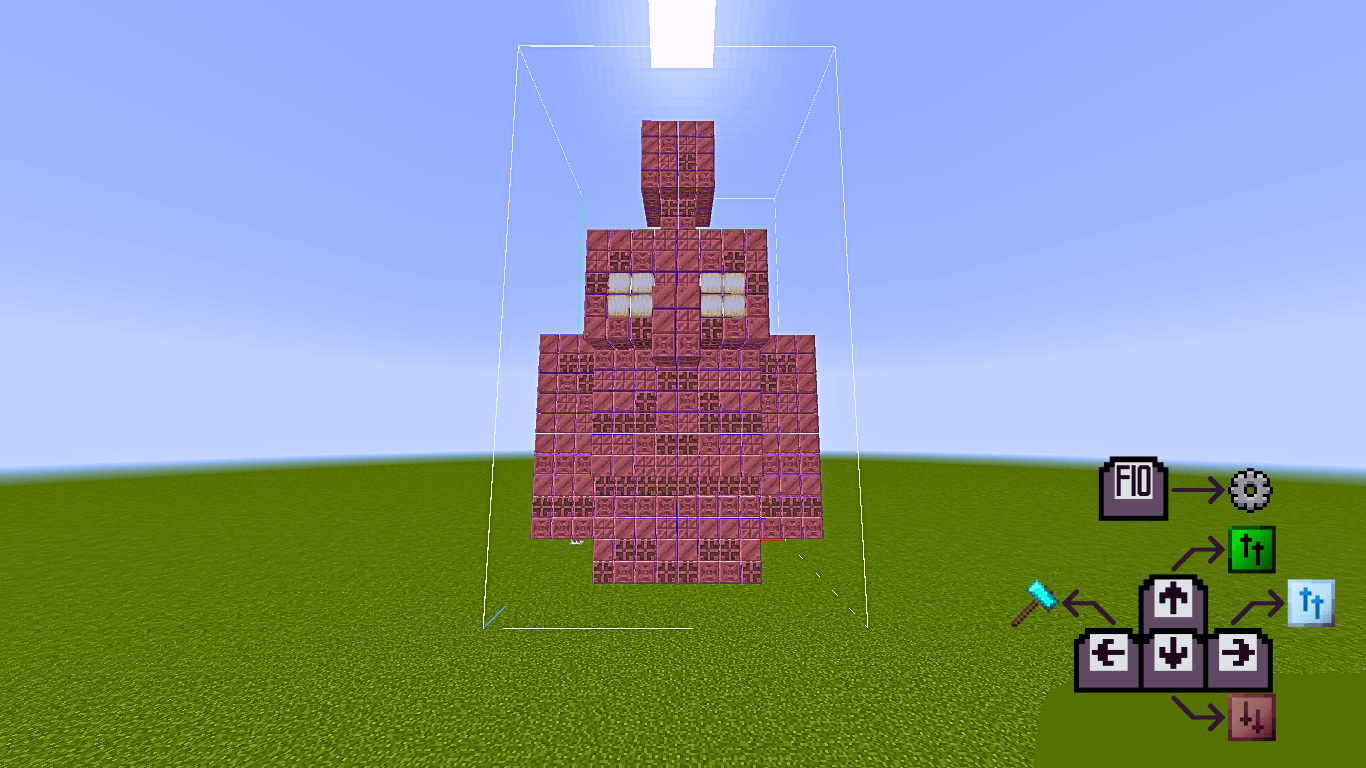
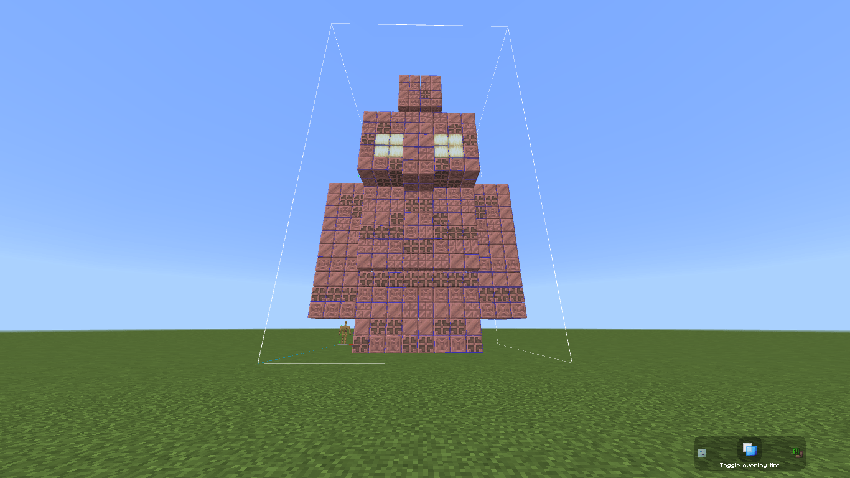
This is a Holoprint pack of the build. It displays a hologram of the statue, making it much easier to build in survival mode.
How to use:
- Activate the pack in Resource Packs
- Place an armor stand in your world to access the Holoprint options
Controls:
- For Mobile - Use arrows to modify the options, see reference image in the media section
- For Windows - Use F10 and arrow keys for more controlls as shown below, see reference image in the media section
Want to Support Me More?
- Leave your ⭐ ratings
- Comment your feedback or suggestions
- Share this project with friends
Every bit of support helps me create more builds like this.
TIP - Use Honeycomb on copper blocks to wax them and prevent oxidation.
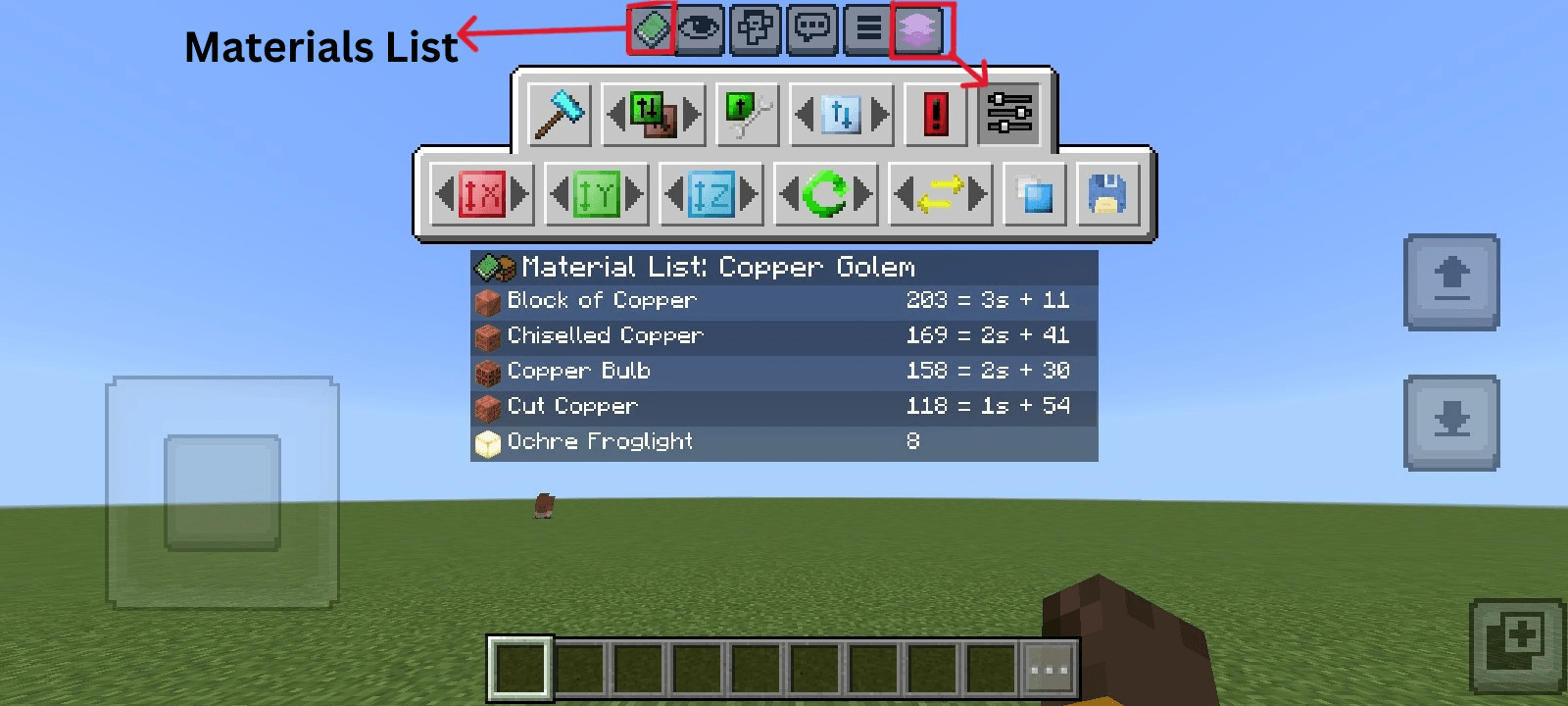
Material List
- Block of Copper - 203
- Chiseled Copper - 169
- Copper Bulb - 158
- Cut Copper - 118
- Ochre Froglight - 8
Total block count: 656