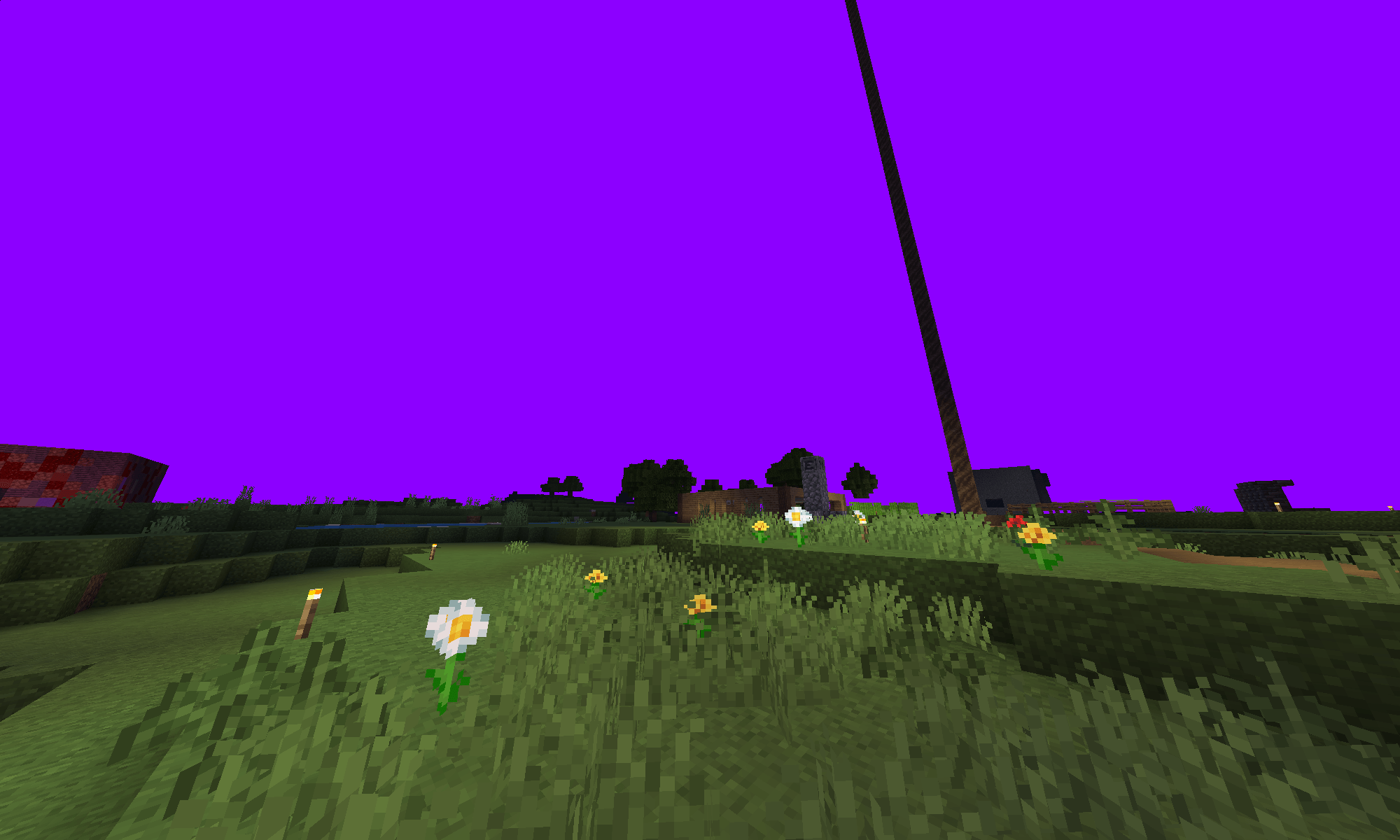
purple sky
Description
its pretty simple. just:
- download the mod
- import it to minecraft
- click the little gear icon next to the pack once enabled in global resources or a world
- it should show a draggable line with colors, defaulting to yellow. (i think)
- drag that line to what color you want and then click the x in the top right corner
it even works in servers if you enable it in global resources.
--------------
colors:
black | gray | white | red | orange | yellow | lime green (labeled as "green") | green (labeled as "dark green") | sky/baby blue (labeled as "blue") | blue (labeled as "dark blue") | purple | pink |
thats a lot of colors (12 colors)
no need to restart game after changing color, because some other packs require you to do that.
what you can do
✅you CAN edit this pack for PERSONAL USE
✅you CAN credit me if used in a showcase for other projects
✅you CAN download :)
what you cant do
❌you CANT post this on other websites even as to putting me on other websites
❌you CANT edit this pack for PUBLIC use
❌you CANT use it in a showcase for another project and not credit me
LEAVE A COMMENT IF
⚠️if you want to make an addon to this or combine this with your own projects
⚠️you change the mod a ton and post it publicly (make sure to l
eave credit)
The Colored Cubemaps Team


Owner