Clean UI
- By
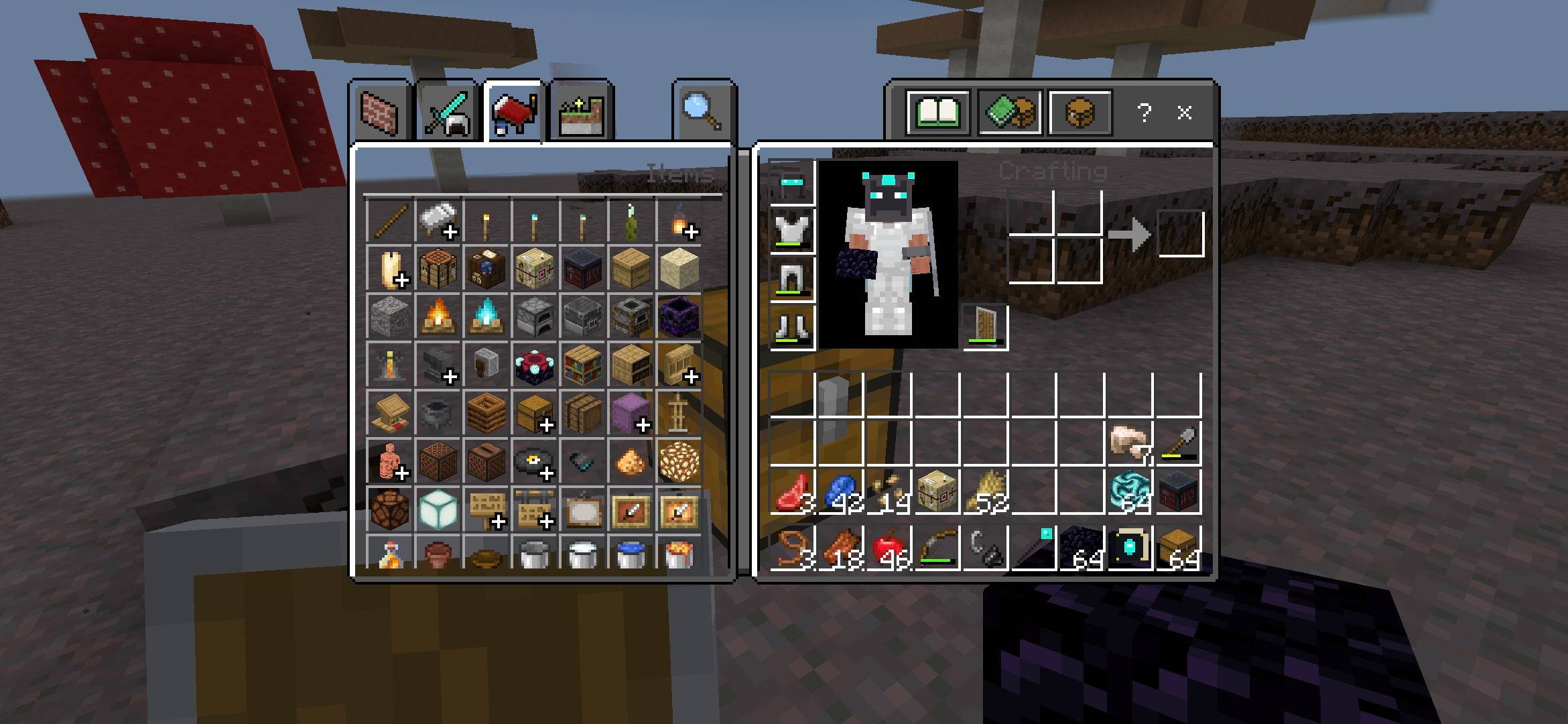
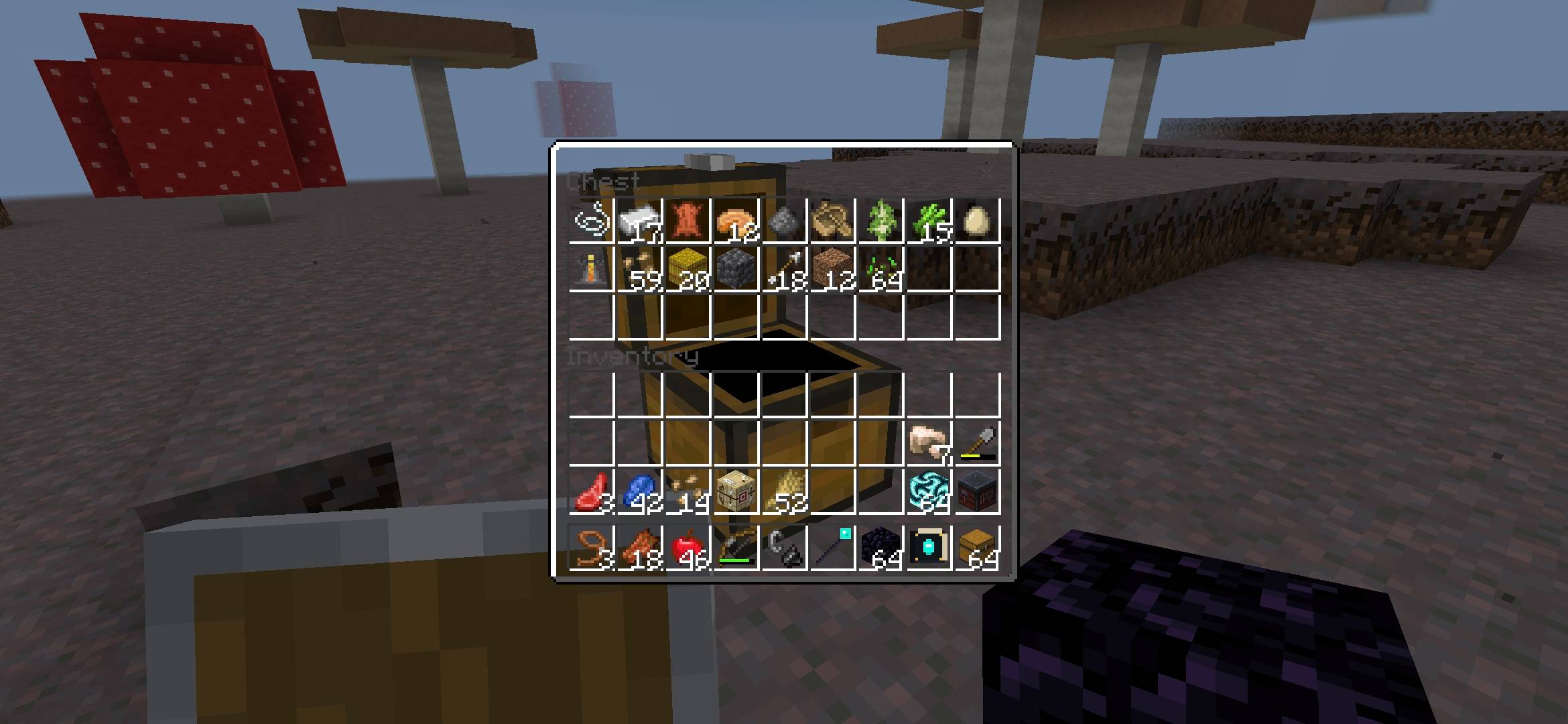
Clean, transparent interface for containers and menus, offering an unobstructed view of your surroundings during gameplay.
1000050840.jpg
1000050842.jpg
Description
🎮 CLEAN UI - BEDROCK & POCKET EDITION
Clean UI gives Minecraft Bedrock and Pocket Edition menus a clean, transparent redesign. Open your inventory, chests, crafting tables, and furnace menus without blocking your view of the surrounding environment.
✨ KEY FEATURES
🔹 Transparent Interfaces: Minimalist, translucent background styling across all primary container and menu screens.
🔹 Situational Awareness: Keep sight of approaching hostile mobs, hazards, and other players while organizing gear.
🔹 Lightweight: Pure resource pack with zero scripts required.
📱 COMPATIBILITY
🔹 Target Platform: Minecraft Bedrock Edition (Windows 10/11, iOS, Android, Consoles).
🔹 Minimum Engine Version: Minecraft Bedrock v1.20.0 or higher.
📥 HOW TO INSTALL
1️⃣ Download the .mcpack file from the Files tab.
2️⃣ Open or tap the downloaded .mcpack file to launch Minecraft and import it automatically.
3️⃣ In Minecraft, navigate to Settings › Global Resources (or your World Settings › Resource Packs).
4️⃣ Select Clean UI and click Activate.
👤 CREDITS & INFO
🔹 Creator: Technical Pro[Aryan]
🔹 Format Version: Bedrock Resource Pack v2
The Clean UI Team