MCPEDL.png
Screenshot_20260721_151323.jpg
Screenshot_20260721_151521.jpg
Screenshot_20260721_153204.jpg
Screenshot_20260721_151604.jpg
Screenshot_20260721_151723.jpg
Screenshot_20260723_172730.jpg
Screenshot_20260723_173421.jpg
Description
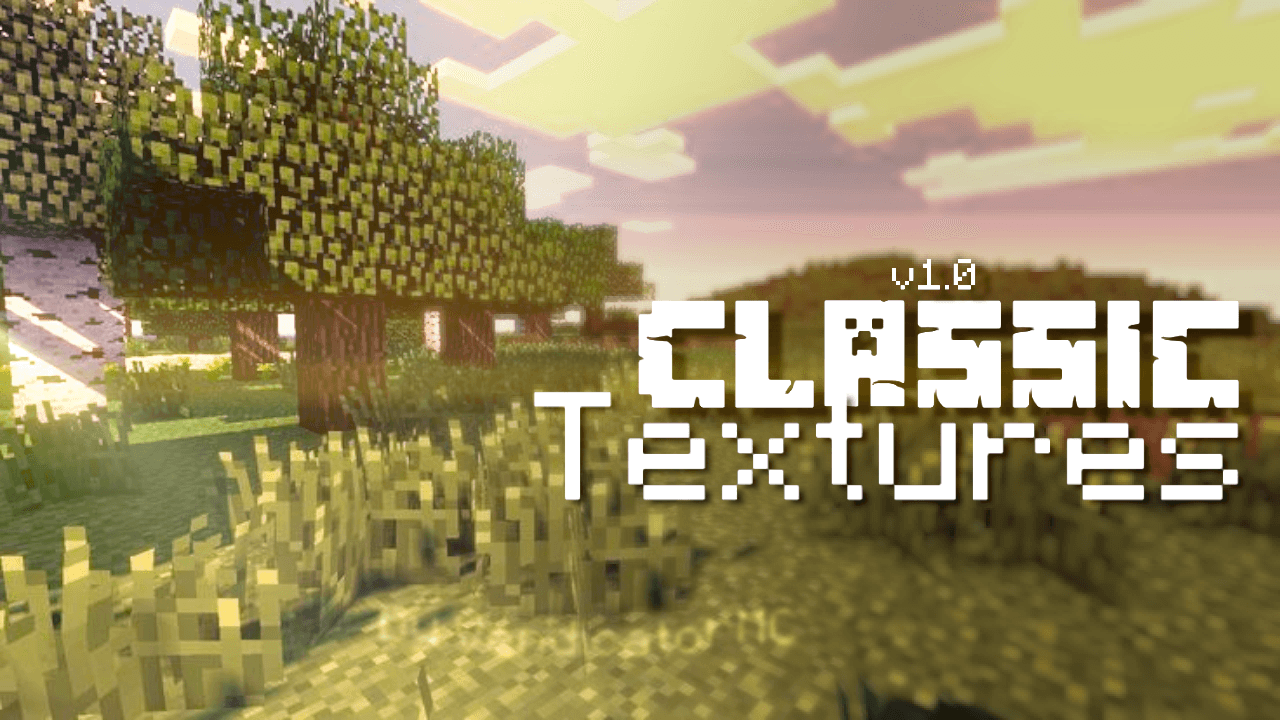
Classic Textures (v1.0)
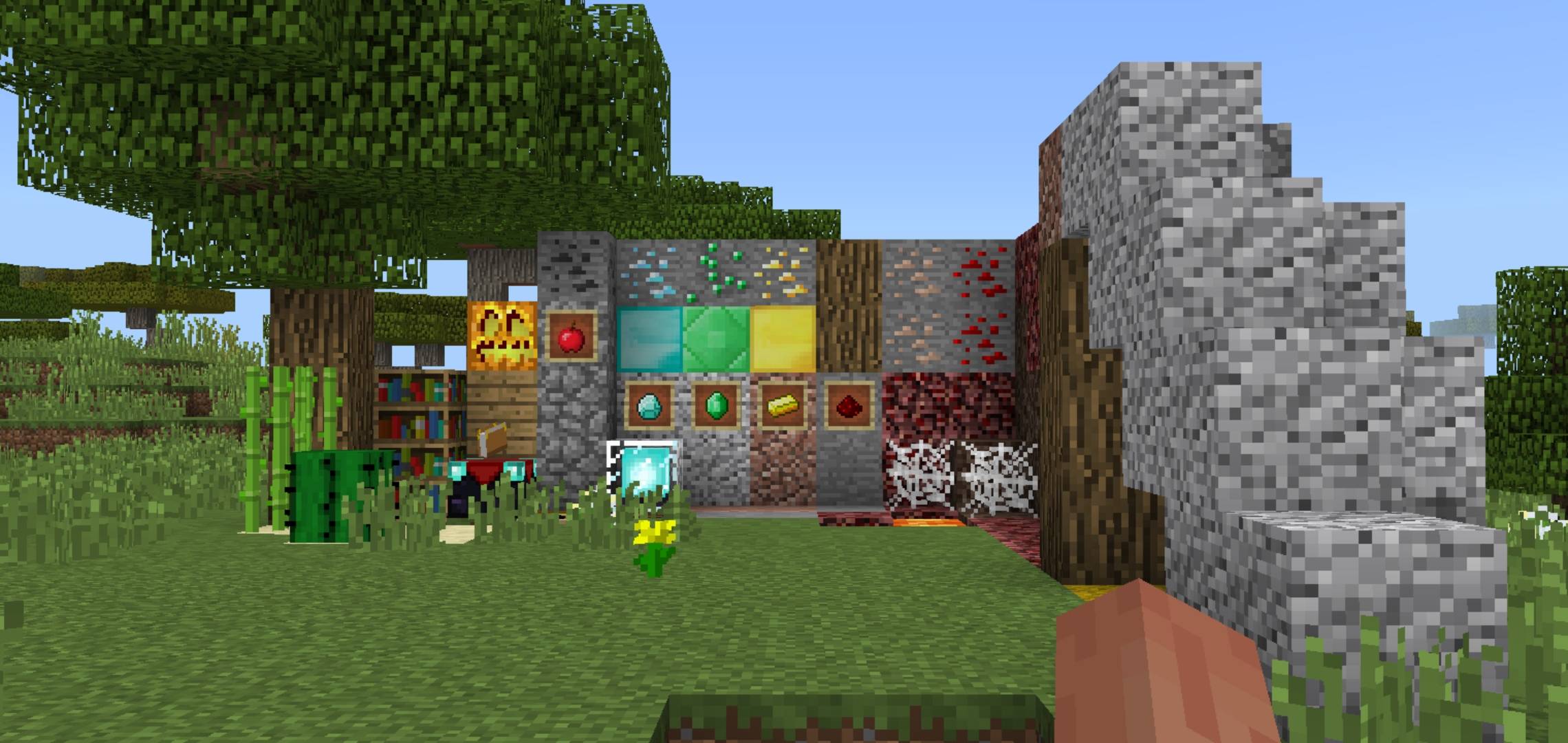
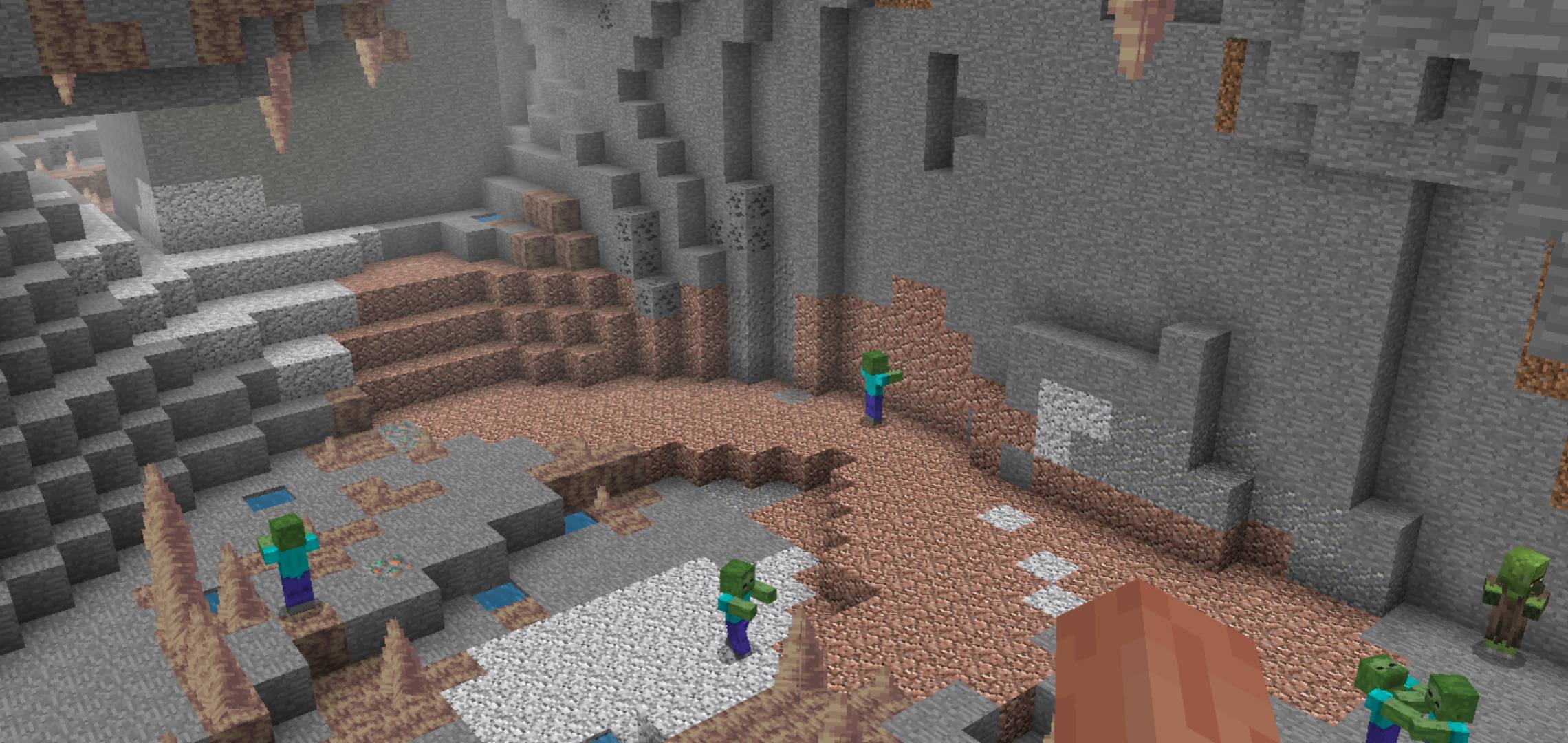
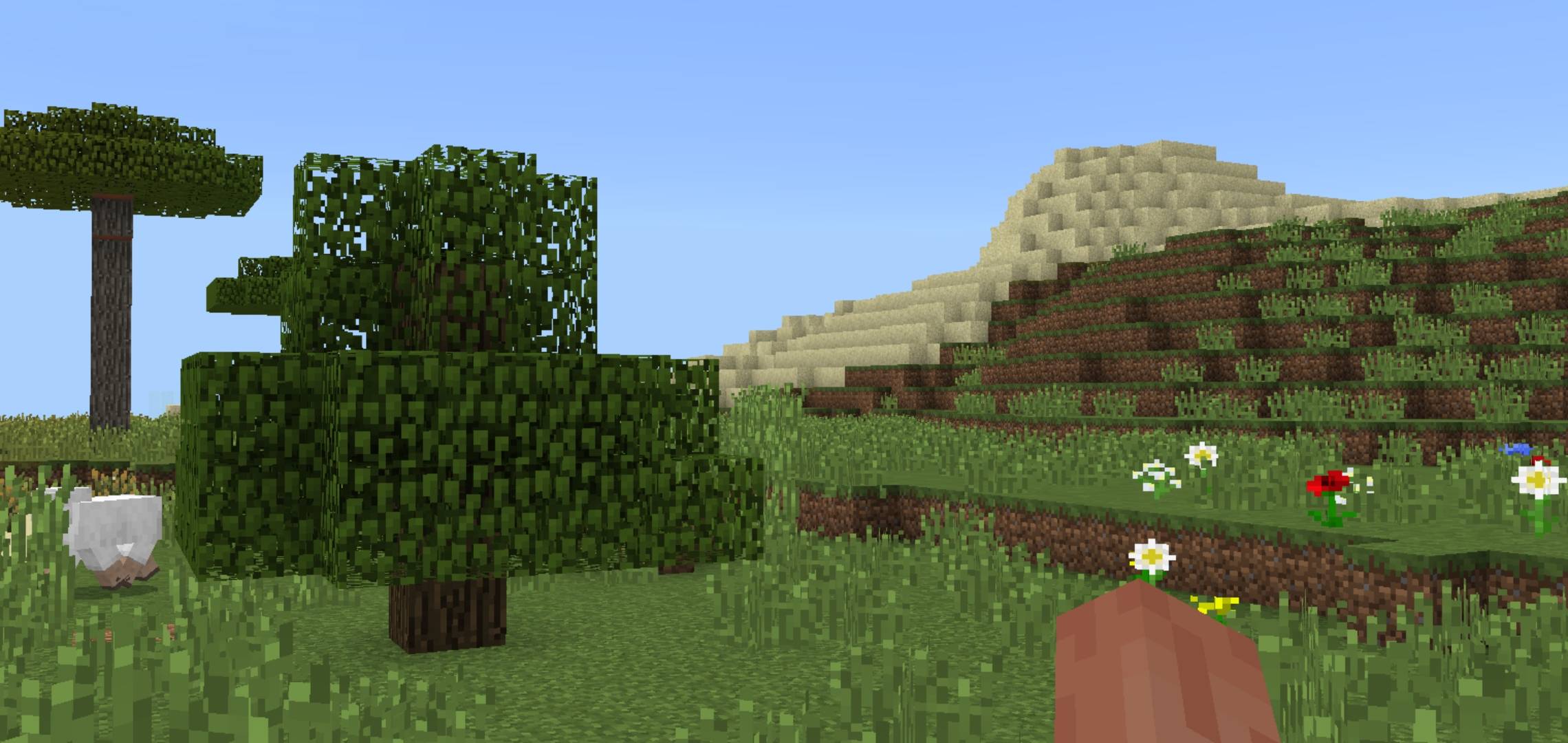
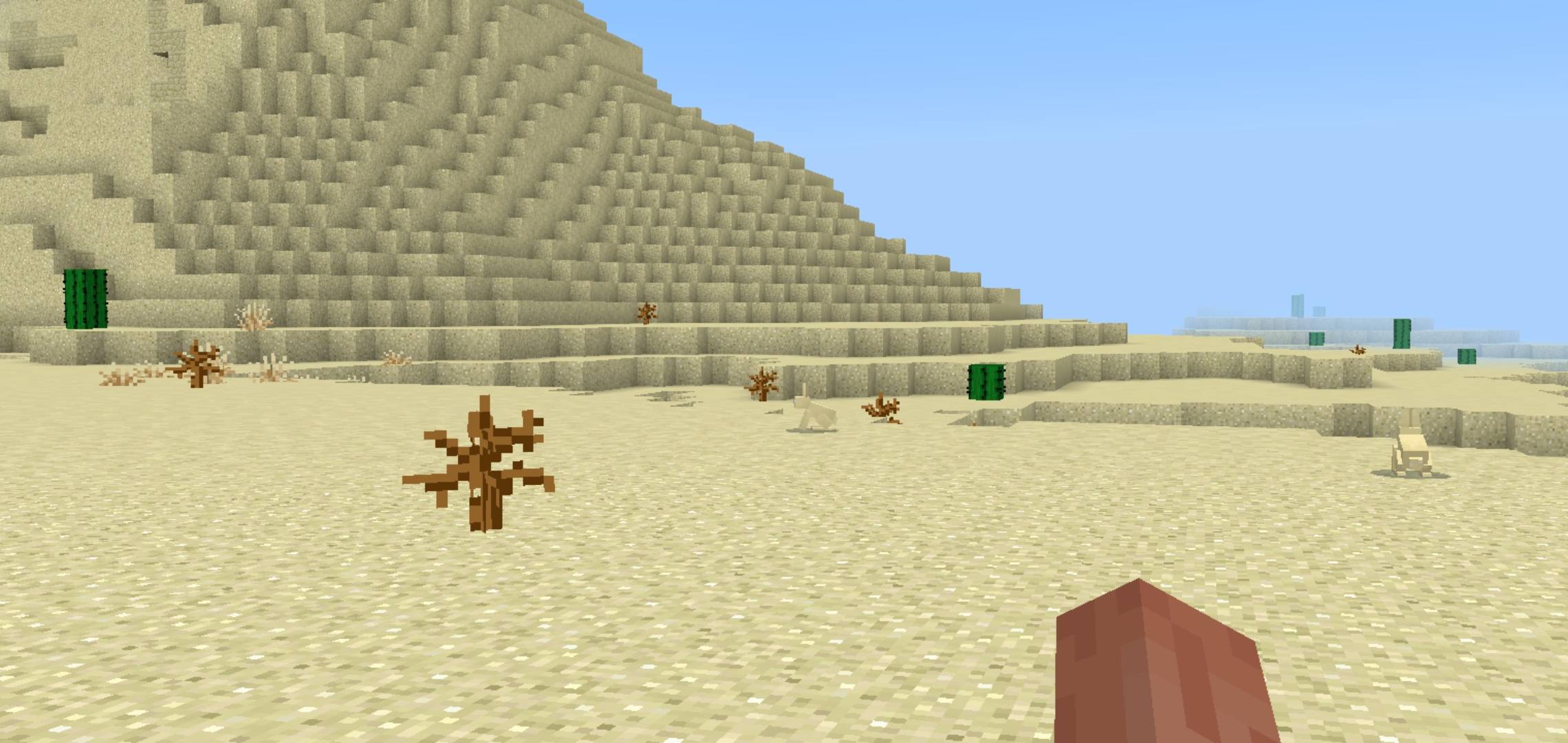
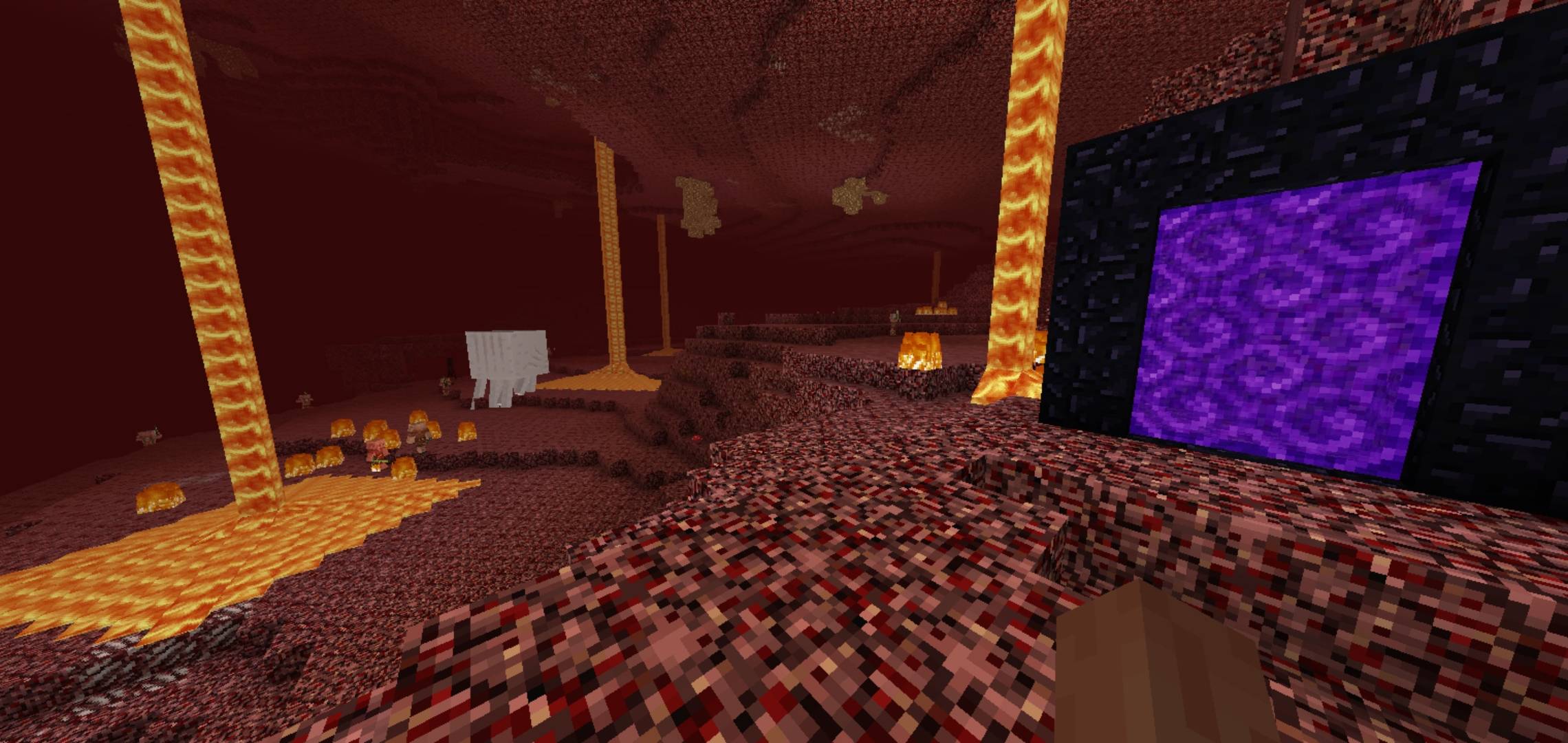
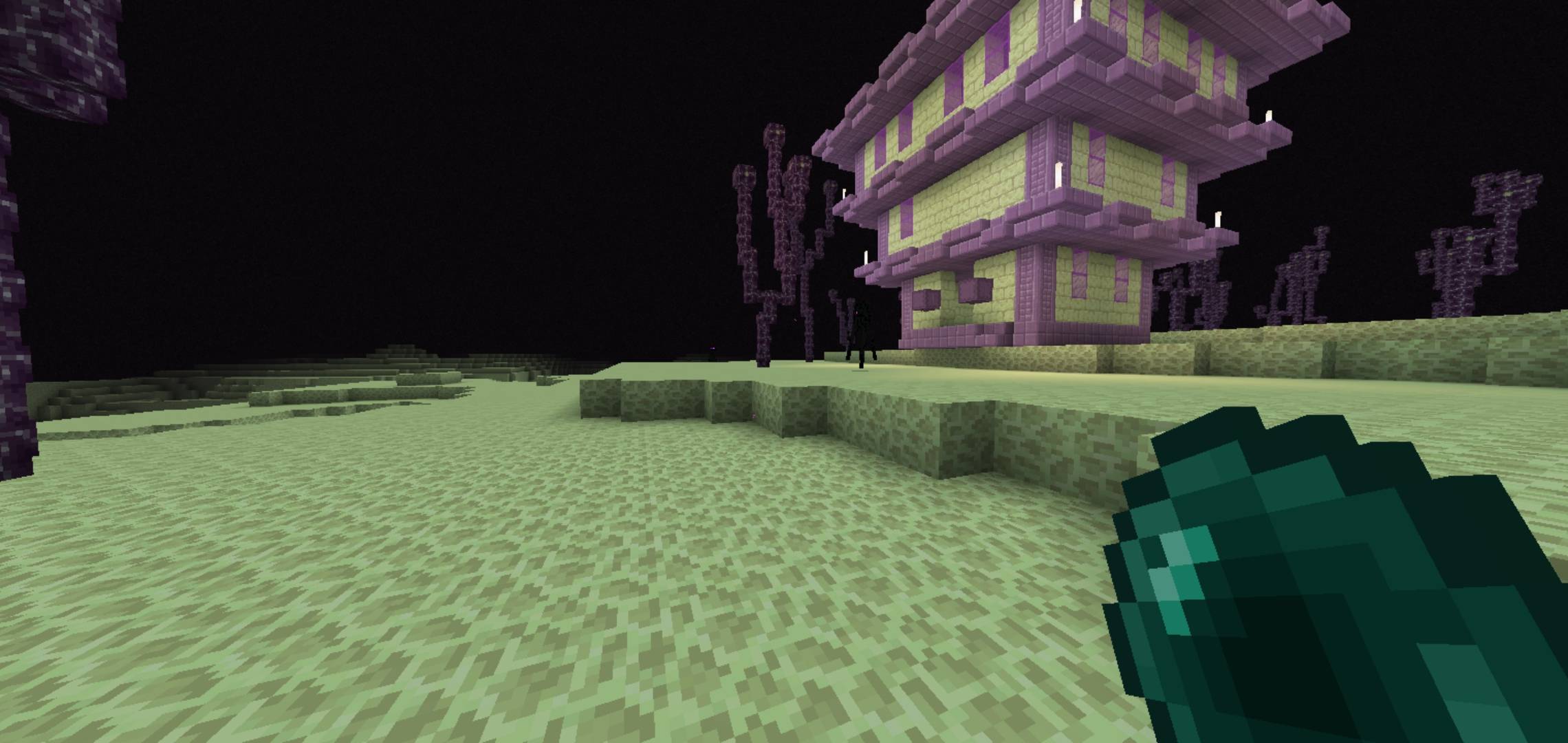
Step back into the golden era of Bedrock Edition! Classic Textures brings back the iconic visual feel, nostalgia, and classic atmosphere of 2018 Minecraft while maintaining full compatibility with modern Bedrock versions.
Whether you miss the vibrant original block palettes, classic UI elements, or simply want a clean, nostalgic look without altering vanilla gameplay, this pack is designed for you.
✨ Key Features in Version 1.0
-
🧱 Retro Block & Item Textures: Restores original 1.8 era textures for classic blocks, ores, and items.
-
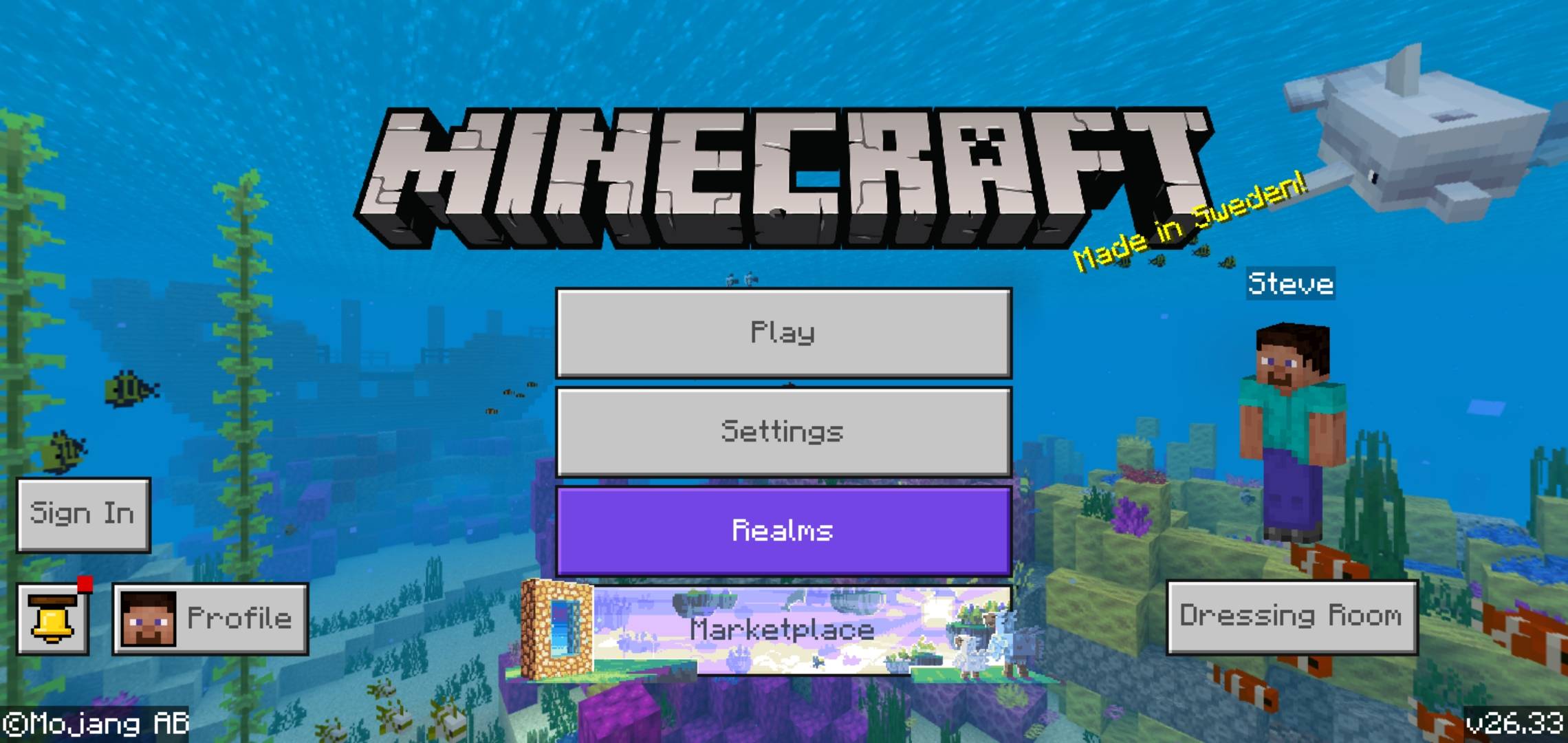
⚔️ Classic UI & HUD: Brings back legacy inventory styling and clean HUD icons.
-
⚡ Lightweight & Fast: Pure resource pack overhaul with zero impact on game performance or FPS.
-
🌐 Multiplayer Ready: Works seamlessly on realms, local LAN worlds, and public servers.
📥 How to Install
-
Download the
.mcpackfile. -
Tap / double-click the downloaded file to import it directly into Minecraft Bedrock.
-
Go to Settings $\rightarrow$ Global Resources $\rightarrow$ My Packs.
-
Activate Classic Textures and move it to the top of your active list!
Created by VendicatorMC. Feedback and suggestions for upcoming updates are always welcome!
The Classic Textures Team