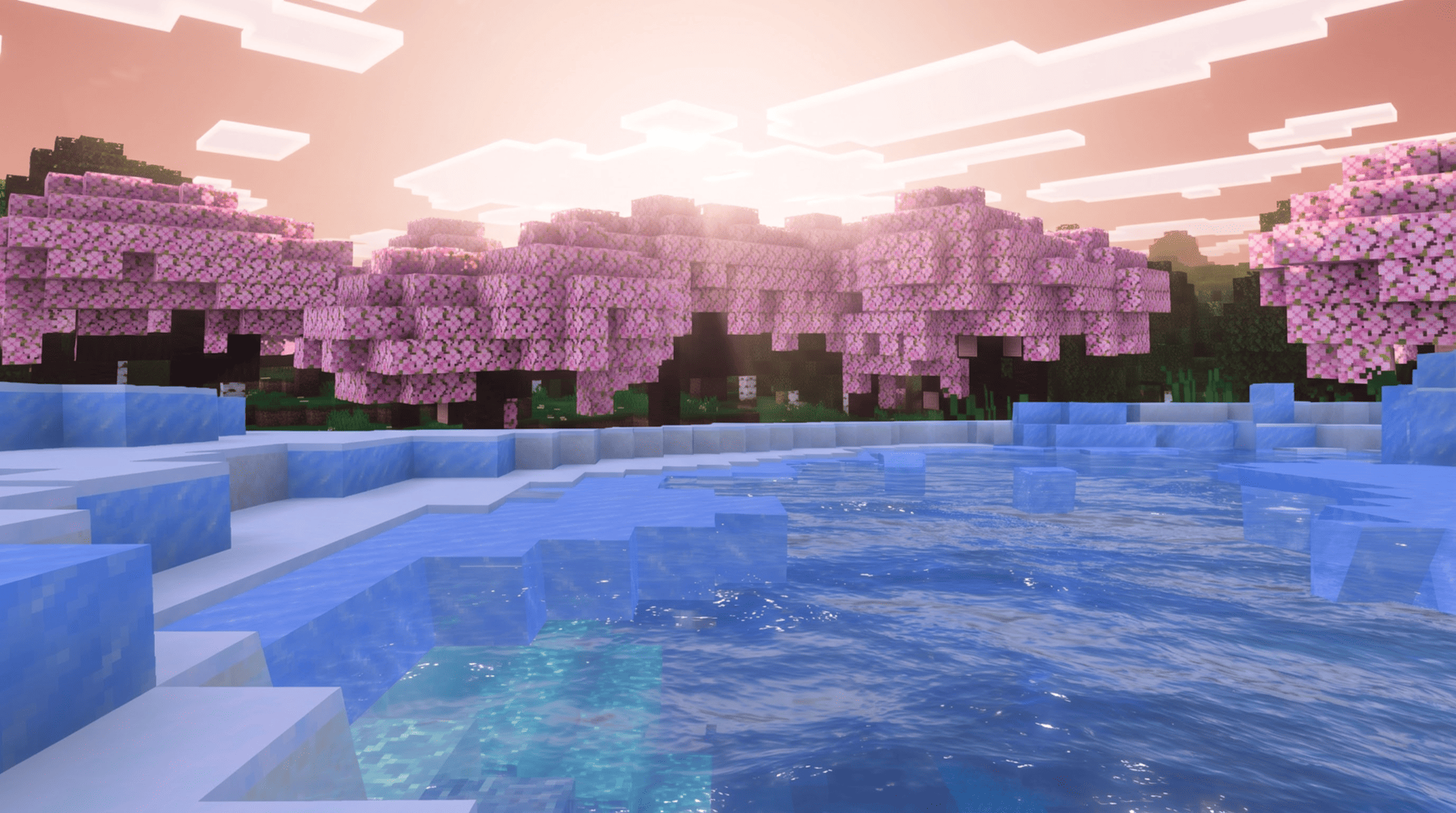
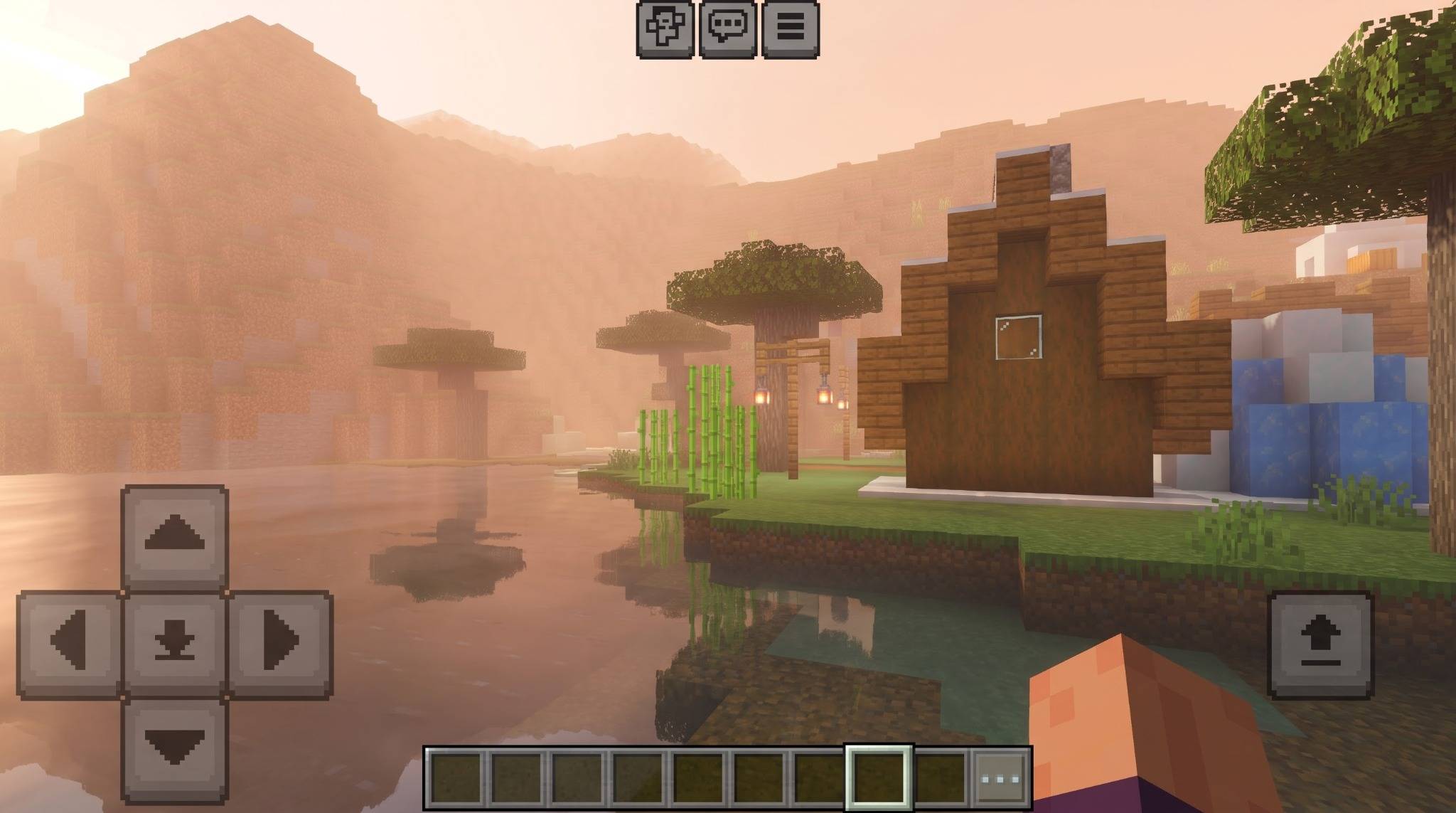
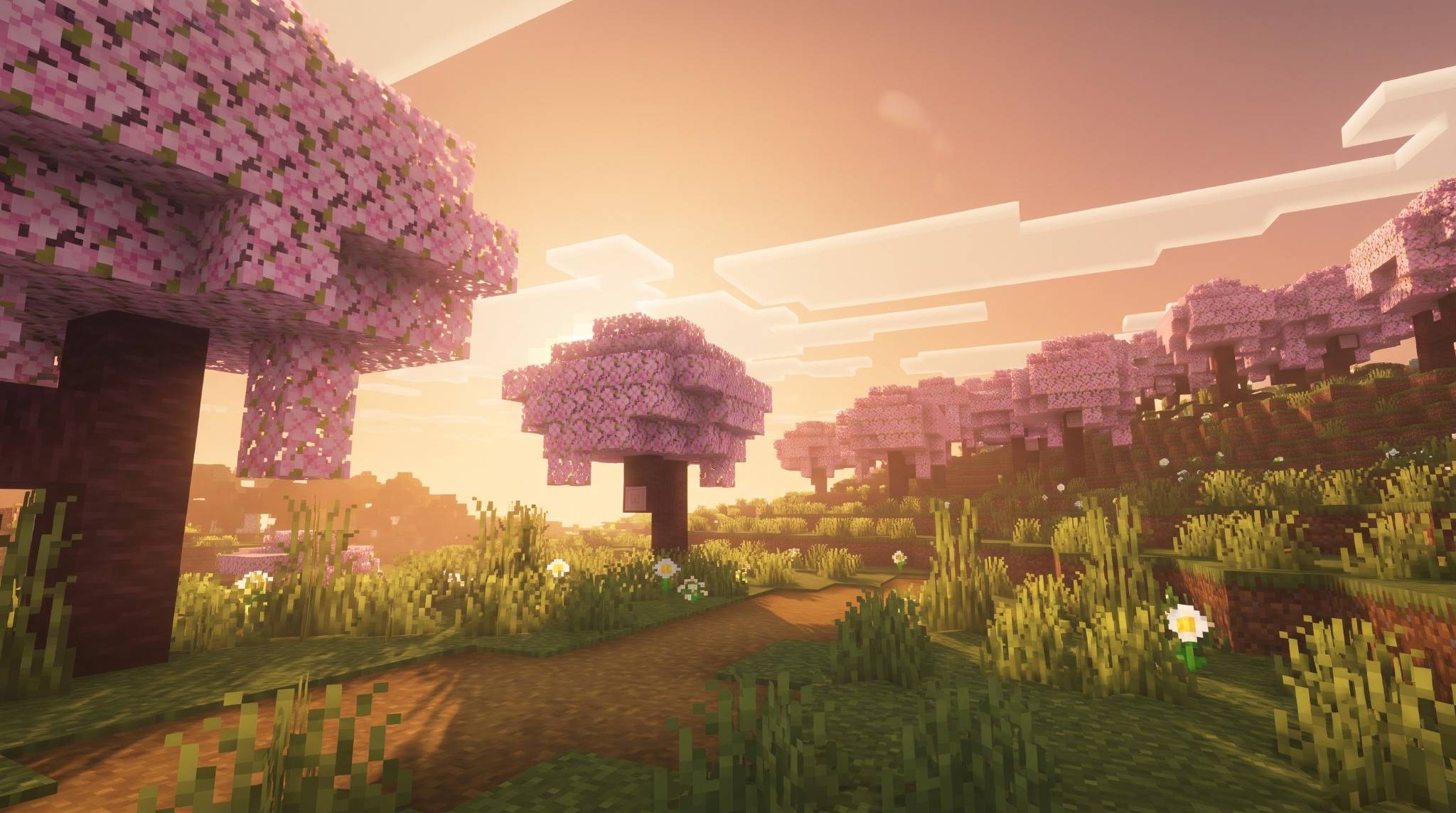
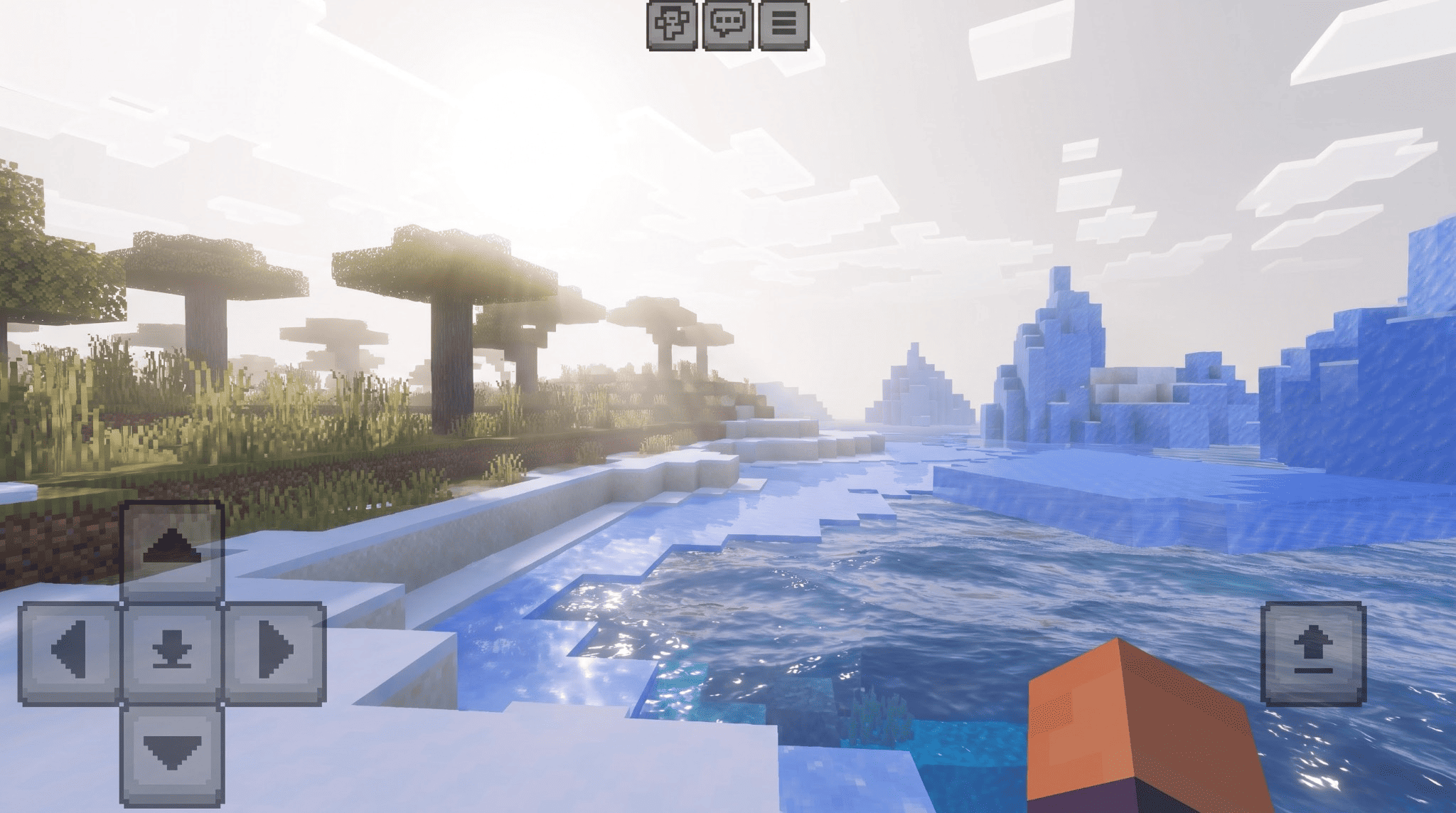
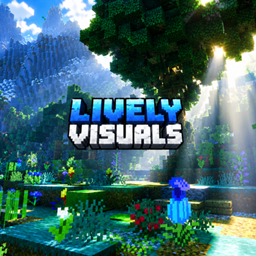
Christmas Visuals is a lighting and atmosphere pack, not a texture pack. It does
not touch a single block texture. Instead it rebuilds the light: the colour of the
sun, the blue of the sky, the depth of the shadows, the clarity of the water, and
the way the whole image is graded before it reaches your screen.
The goal is simple: a world that looks warm and inviting without ever hurting
your eyes. No blown-out whites. No white-out when you turn toward the sun. No
grey haze over everything.
The problem it solves
Most lighting packs look dramatic in a screenshot and unplayable in motion. Walk
into direct sunlight and the whole screen washes to white. Step into shade and it
snaps back. Your eyes never settle.
That happens because the game's automatic exposure reacts to the brightest thing
on screen. If the sun is set very high, facing it pushes exposure to its limit and
everything clips.
Christmas Visuals is calibrated against Mojang's own Vibrant Visuals reference
values, so the sun sits inside a range the tone mapper can actually handle. The
result is a stable image: shade, sunlight and sunset all stay readable, and
your brightness never jumps.
Features
Sunlight and exposure
Calibrated sun brightness so walking into direct sunlight does not blow out
the screen
Stable brightness between shade and open ground
Warm cream light instead of harsh white
Soft golden-hour toning at sunrise and sunset
Sky
Deep blue zenith instead of a pale washed one
Warm cream horizon with a gentle peach band at dawn and dusk
Full day cycle: sunrise, noon, sunset and night each have their own palette
Soft, wide glow around the sun - no hard white disc
Moon that lights the world instead of disappearing
Shadows and colour
Shadows keep their shape and stay lifted, never crushed to pure black
Deep natural greens instead of pale mint
Three-way colour grading: shadows, midtones and highlights each balanced
separately
Slightly warm overall temperature for a golden-hour feel
Filmic tone mapping so bright areas roll off gently
Water
Clear teal water that shows reflections properly
Fine rippled surface with real sun glints
Light patterns (caustics) on the seabed
Separate looks for ponds, oceans and swamps
Night
Soft blue moonlight, bright enough to see and build
Gentle glow across the whole scene
Warm torch and lantern light with real colour
Clouds catch a cool rim light instead of going flat grey
Deep blue night sky, not empty black
Atmosphere
Thin, distant haze that reads as depth instead of fog
Light shafts when looking toward the sun
Separate fog for day, rain, underwater and lava
Dimensions
Overworld: the main look
Nether: hot, dense, red - built separately
The End: cold, violet, quiet - built separately
Biome coverage
Plains, forest, savanna, jungle, taiga, meadow, cherry grove, all ocean types,
swamp, mangrove, mountains, peaks, caves, deep dark, Nether biomes and all End
biomes. Biomes are routed individually so a cherry grove feels different from a
plains.
Requirements
Minecraft Bedrock Edition 1.21.80 or newer
Vibrant Visuals must be enabled: Settings > Video > Graphics Mode >
Vibrant Visuals
A device that supports Vibrant Visuals. If the option is missing from your
settings, your device does not support it yet.
This pack contains no textures, no sounds, no models. It will not change how
blocks look. It changes how light behaves.
Installation
Android - Open the .mcpack with a file manager. Minecraft imports it.
iOS - Download, tap the file, choose "Copy to Minecraft".
Windows - Double-click the .mcpack.
Then:
Settings > Global Resources > activate Christmas Visuals
Settings > Video > Graphics Mode > Vibrant Visuals
Load a world
Performance
Lighting and colour data cost almost nothing. The only real costs are water wave
detail, caustics and volumetric fog - all tuned to run on mid-range phones.
The pack is 41 KB. That is not a mistake: it ships no textures, so there is
nothing heavy to load. Perfect for low-storage devices.
Known limitations
No wind animation on leaves or grass. Bedrock does not allow a resource pack to
move block geometry.
No control over cloud shape. Only the sky and light behind them can be styled.
No custom sun or moon texture.
No vignette or bloom-strength slider. These are not exposed to resource packs.
Credits
Created by GURJAR
All lighting values, atmosphere settings, water configuration, colour grading
curves and the pack icon were written from scratch by GURJAR.
Thank you to Mojang Studios for Minecraft and the Vibrant Visuals pipeline, and
to Microsoft for the public creator documentation that describes these JSON
formats.