å±å¹æªå¾ 2026-11-25 010257.jpg
å±å¹æªå¾ 2026-11-25 010458.jpg
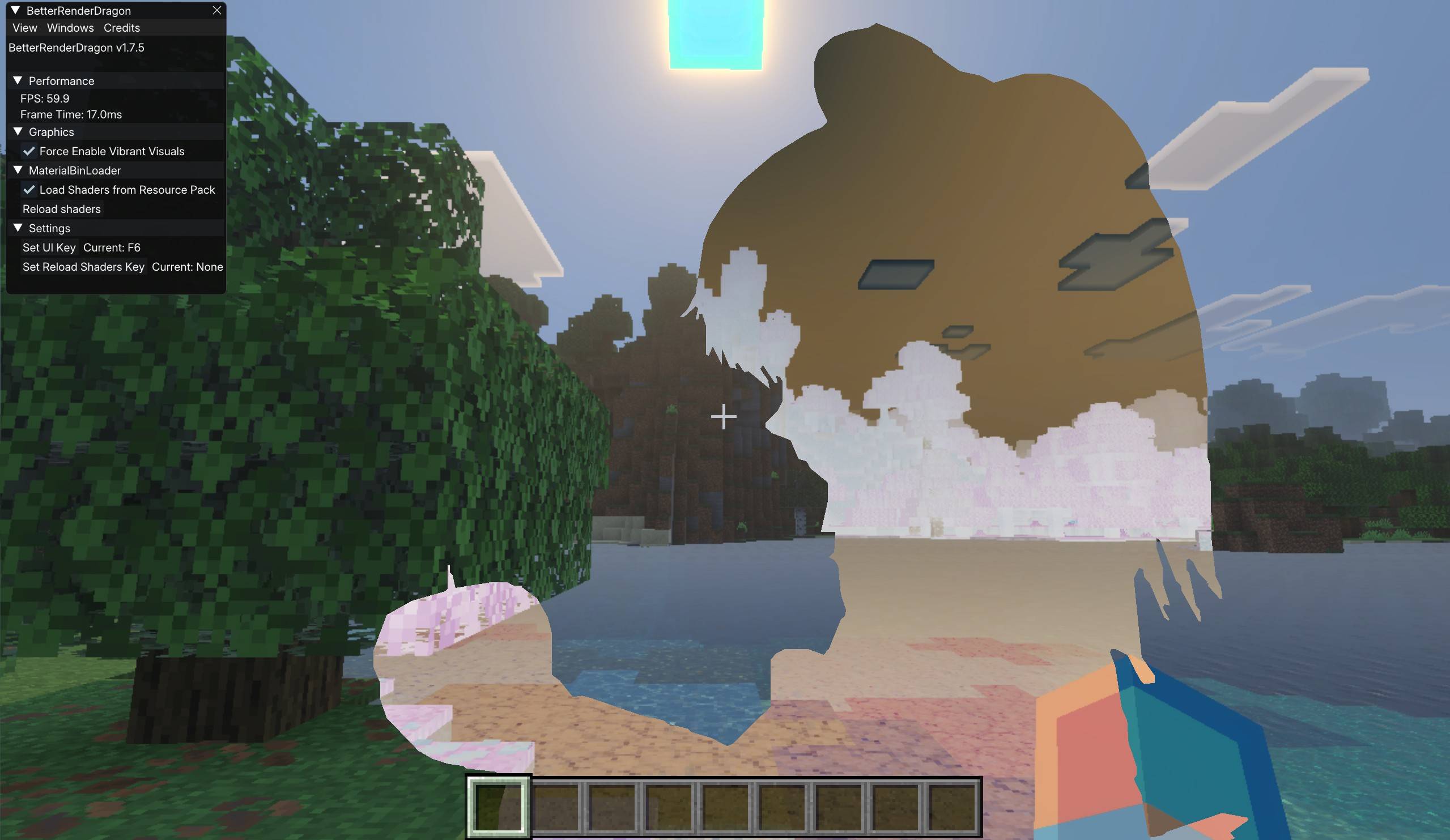
å±å¹æªå¾ 2026-11-25 010901.jpg
Description
BadShader · Bedrock Edition
1. Features
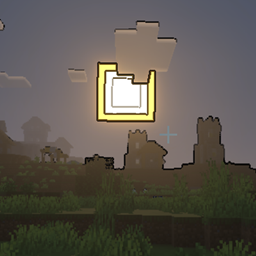
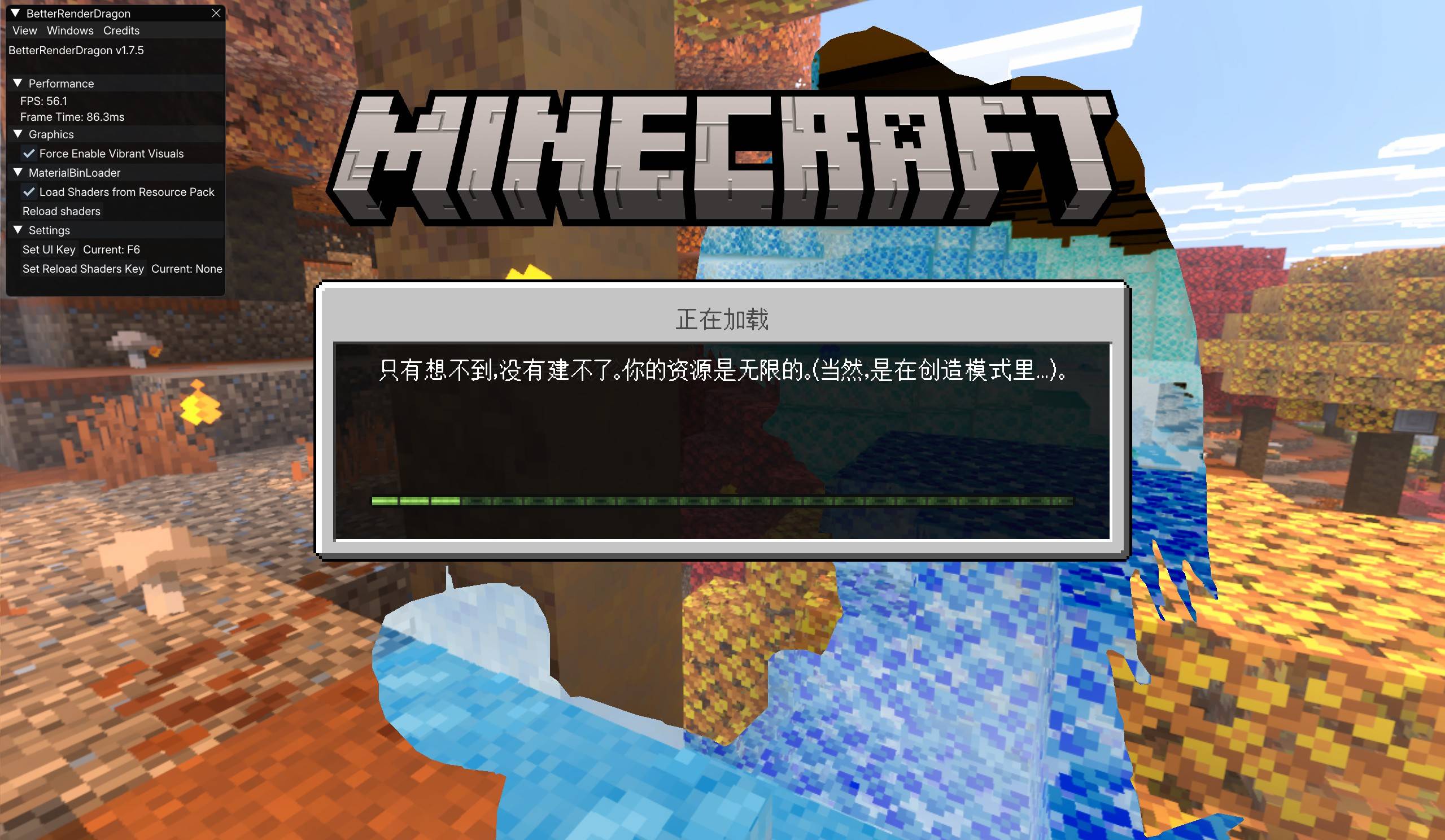
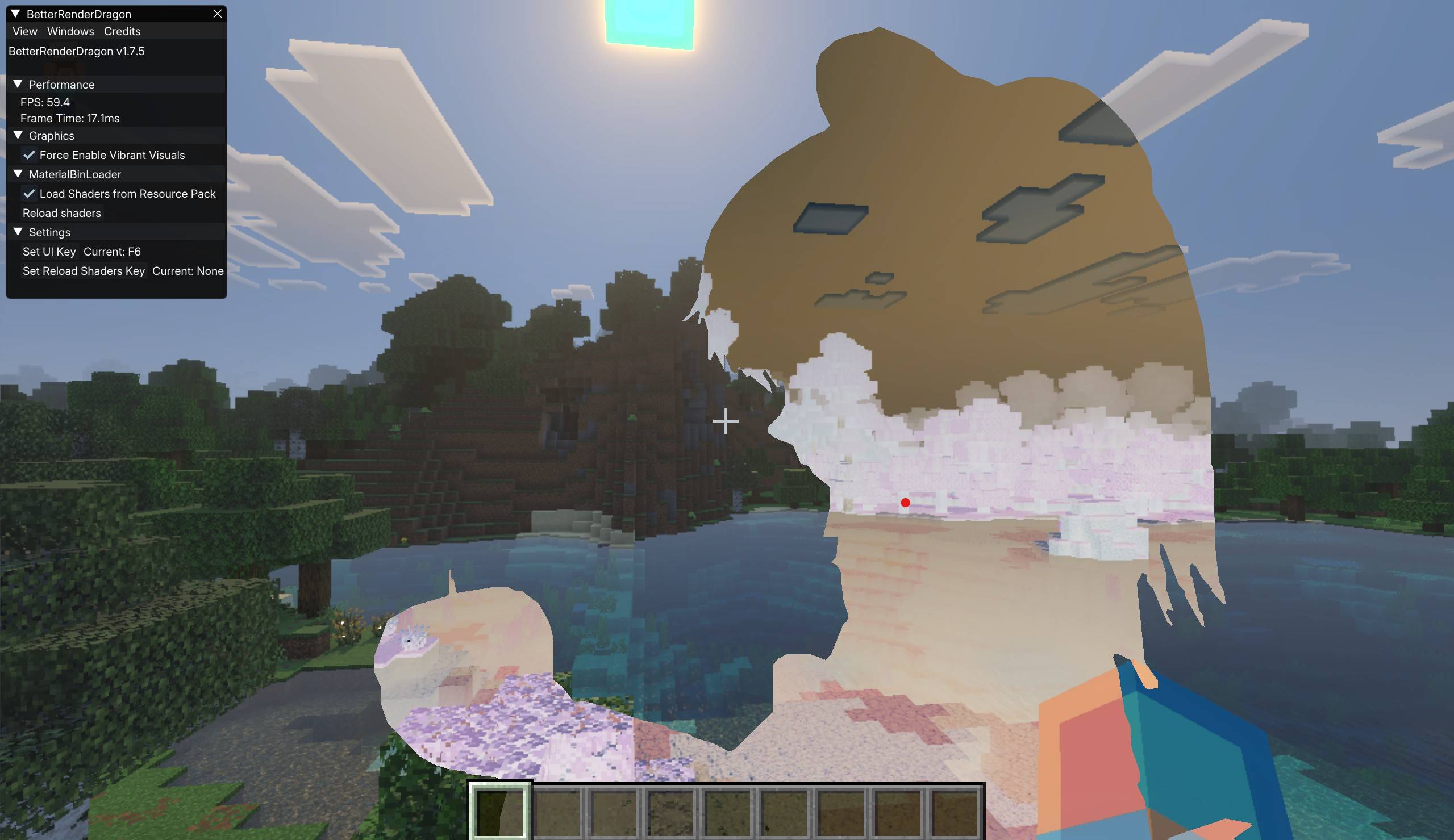
Display BadApple!!! when you playing Minecraft
This shader just for fun
However, due to the limitations of current technology, only the first frame can be played
2. Based on Better RenderDragon
This shader is built on Better RenderDragon (BRD for short). You must install BRD first.
- Requires Better RenderDragon v1.7.5 or newer
- Requires Load Shaders from Resource Pack to be enabled
If BRD is not installed, or that option is not enabled, this pack will not do anything.
3. Enable "Vibrant Visuals"
When using this shader, you must turn ON "Vibrant Visuals".
If Vibrant Visuals is off, this shader will not take effect.
In the BRD panel, uncheck Force Enable Vibrant Visuals; if the game settings also have a Vibrant Visuals toggle, turn that off as well.
4. How to install
- Import
OutlineShader.mcpackinto Minecraft - Enable it under Settings → Global Resource Packs
- Make sure Vibrant Visuals is turned ON
- Fully restart the game (re-entering the world is not enough)
- Push the reload shader button after enter the world
After changing the shader, always do a full restart. The game caches materials, so re-entering the world will not refresh them.
BadShader BE Team

Owner