


AirLite
- By
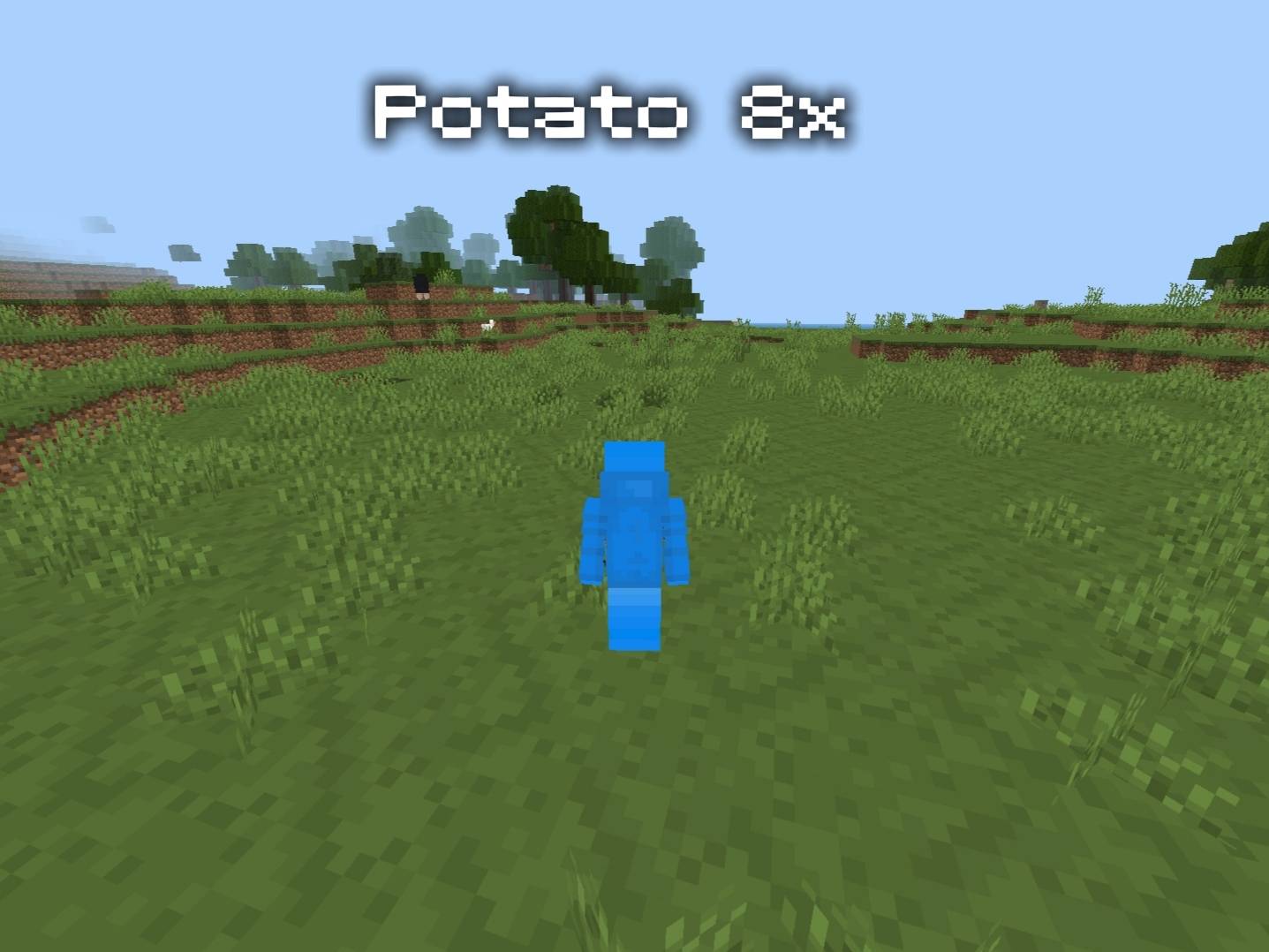
Most performance giving texture with least quality. Explore more with the pack.
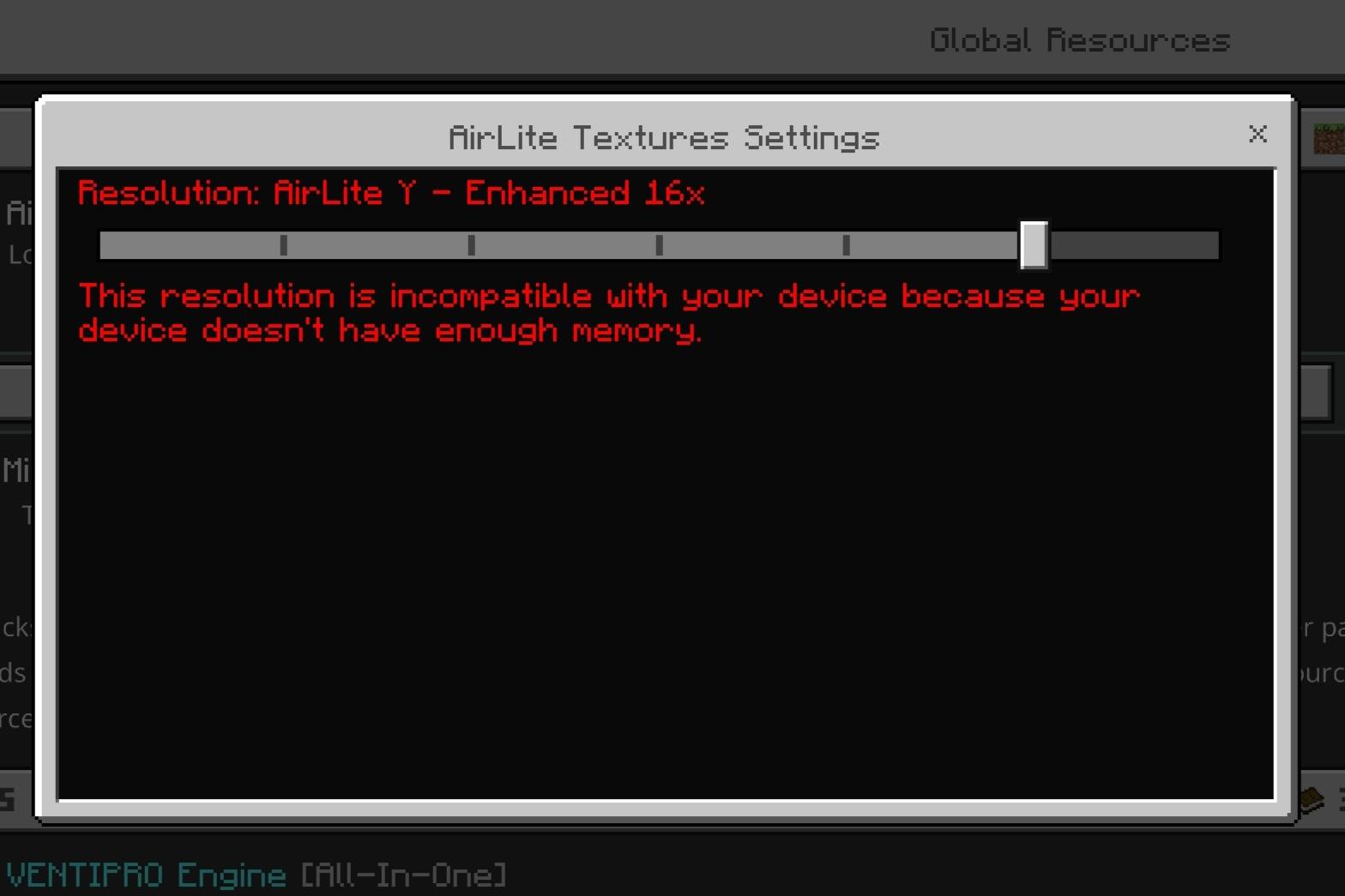
Warn you about the limit of your device, when texts turn red then it is not compatible.
Description
AirLite: Lightweight Textures for Minecraft Bedrock (Android)
AirLite is a lightweight texture pack for phones that struggle to run Minecraft smoothly. It has seven texture subpacks, from a tiny 8x set for the weakest phones up to detailed 32x for powerful ones. You choose the one that fits your device.
Features
7 subpacks: Potato (8x), Ultra (8x), Balanced (16x), High (16x), Competitive (16x), Enhanced (16x) and Quality (32x)
177 block textures in every subpack, covering stone, dirt, ores, deepslate, wood, leaves, glass, nether and end blocks, building blocks, wool and more
Competitive style with high-contrast ores that are easy to spot while mining or in PvP
Optional in-game control panel with performance profiles, a texture guide, device info and recommended video settings
Optional Full Bright toggle for dark areas, off by default (uses the Night Vision effect)
Optional static water and lava pack (experimental)
Small download of about 1 MB. No root and no modified APK needed
Your worlds, items and inventory are never touched
How to install
Download AirLite.mcaddon and open it with Minecraft.
Go to Settings > Global Resources and turn on AirLite Textures.
Tap the gear button and choose a subpack for your phone.
Rejoin your world.
Optional control panel
Add the AirLite Control Panel behavior pack to your world. Open it with the AirLite item in the creative inventory, or type /scriptevent airlite:menu.
Good to know
Made for Bedrock 26.62. It uses only stable Script API features.
Smaller textures use less memory. AirLite can't raise the game's FPS limit or change the renderer, so results depend on your device.
Entities, GUI, items, particles and sky are not replaced and stay vanilla.
Adding the control panel to a world disables achievements in that world.
Feedback
Tell me your phone model and which subpack worked best for you in the comments. Reports of missing or odd textures help me fix them.
AirLite Team
