Shade 4D
- By
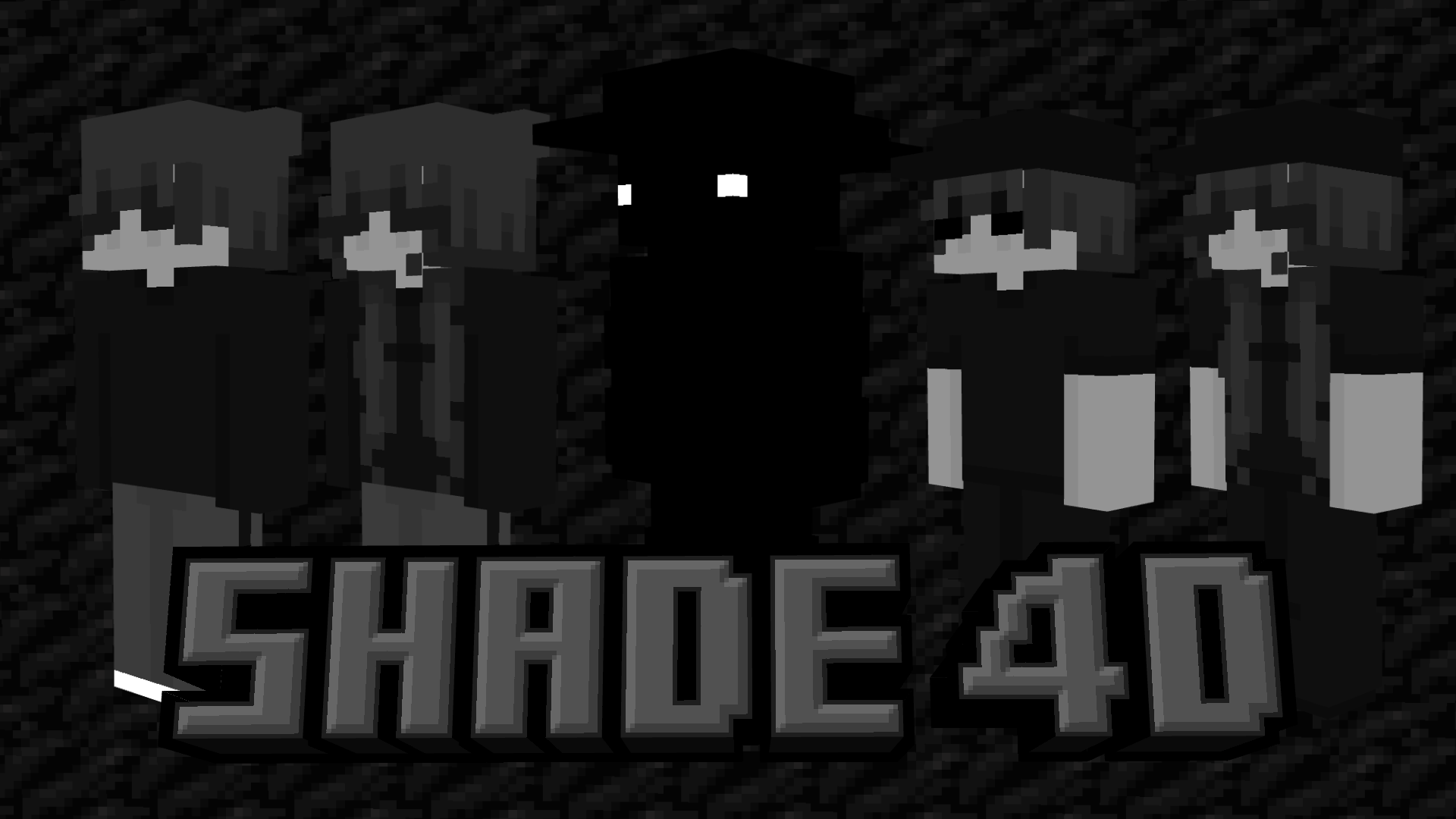
Ever wanted dark, cold, simplistic skins for MCPE? Well if so this skinpack is for you! Download now!
MCPEDL.png
Description
🎩 Included:
☑️ 5 Unique Skins
☑️ Hive Support
☑️ Custom Geometries
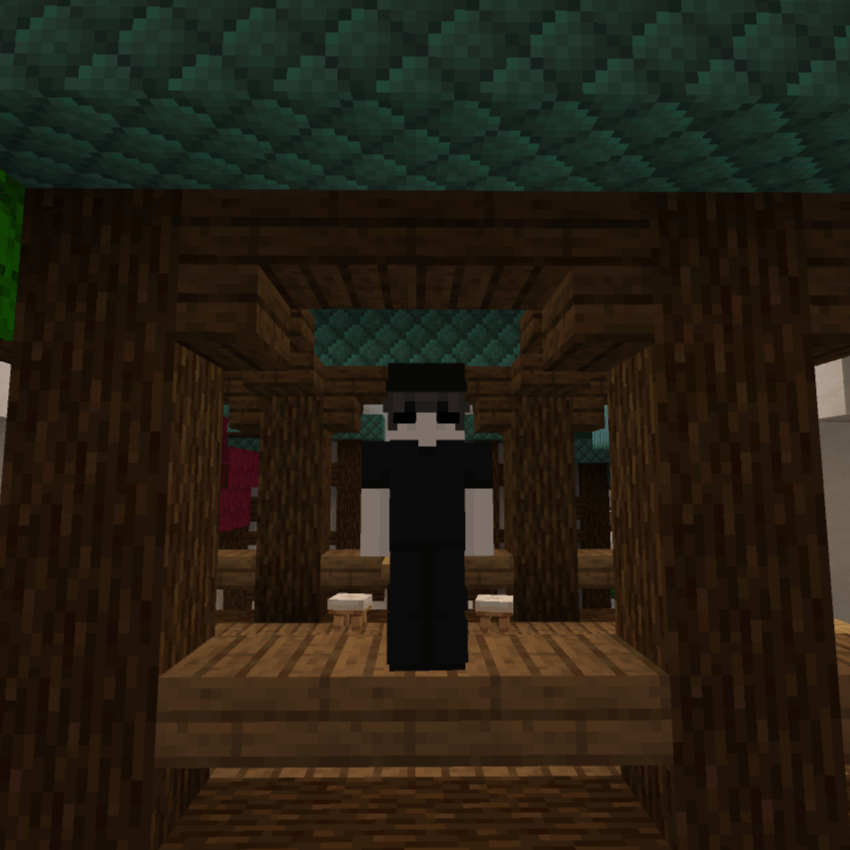
Images:
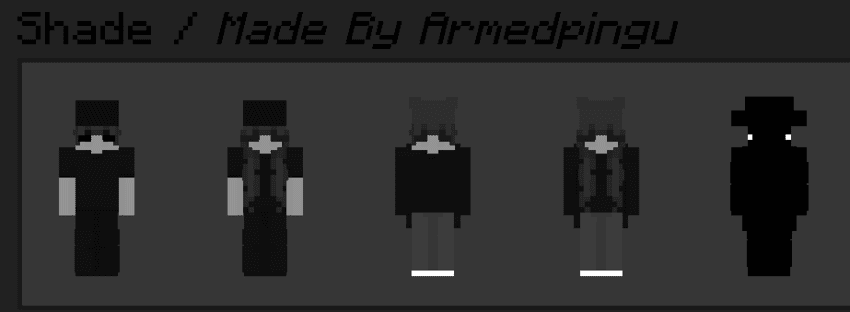
How To Download:
Note: You Must Follow These Steps Or The Skinpack Will Not Load! And Make Sure You Have The 1st Animal Friends Skinpack.
Windows 11
- Download The Shade (iOS+PC).mcpack Skinpack
- Rename the file from Shade (iOS+PC).mcpack To Shade (iOS+PC).zip
- Unzip The File
- Press Windows Key + R To Open The Run Dialog
- Paste This File Directory Into The Run Box: %AppData%\Minecraft Bedrock\premium_cache\skin_packs
- Delete Everything Inside The skin_packs Folder
- Put The Shade File Into The skin_packs Folder
- Restart Minecraft You're Good To Go! 🕶️
For iOS
- Download The Shade (iOS+PC).mcpack File
- Rename The File From Shade (iOS+PC).mcpack To Shade (iOS+PC).zip
- Unzip The File
- Go to On My iPad (Or On My iPhone)/Minecraft/internal/premium_cache/skin_packs And Delete Everything Inside The skin_packs Folder
- Go To Your Downloads And Hold Down On The Unzipped File And Press Move
- Move It To On My iPad (Or On My iPhone)/Minecraft/internal/premium_cache/skin_packs And Press Move
- Restart Minecraft And You're Good To Go! 🕶️
For Android
- Download Shade (ANDROID).mcpack File
- Rename The File From Shade (ANDROID).mcpack To Shade (ANDROID).zip
- Unzip it
- Watch the video how to install it https://youtu.be/QiWm9PL4Lgg?si=rZuVOBBgq32p3hXu
Shade 4D Team

Owner