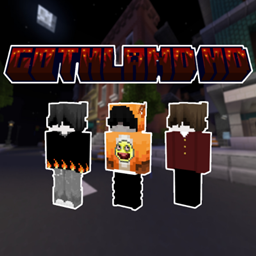
Goth Void
- By
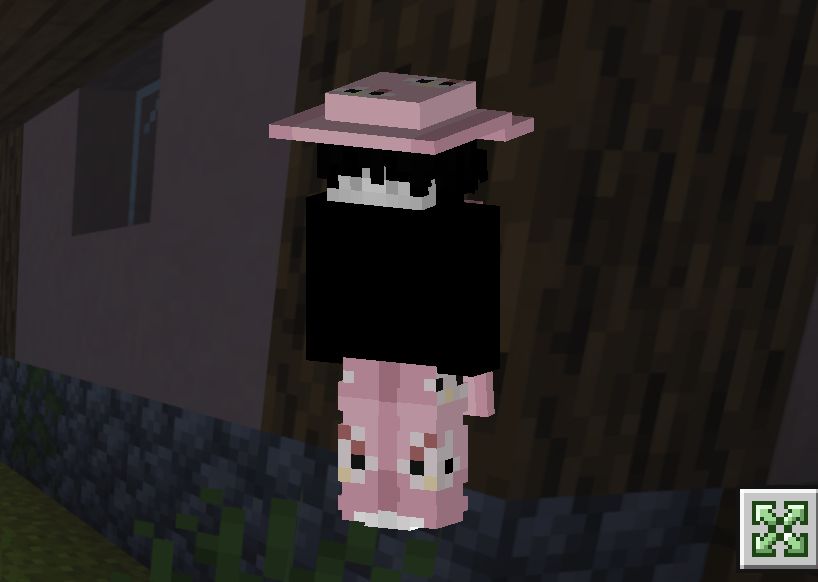
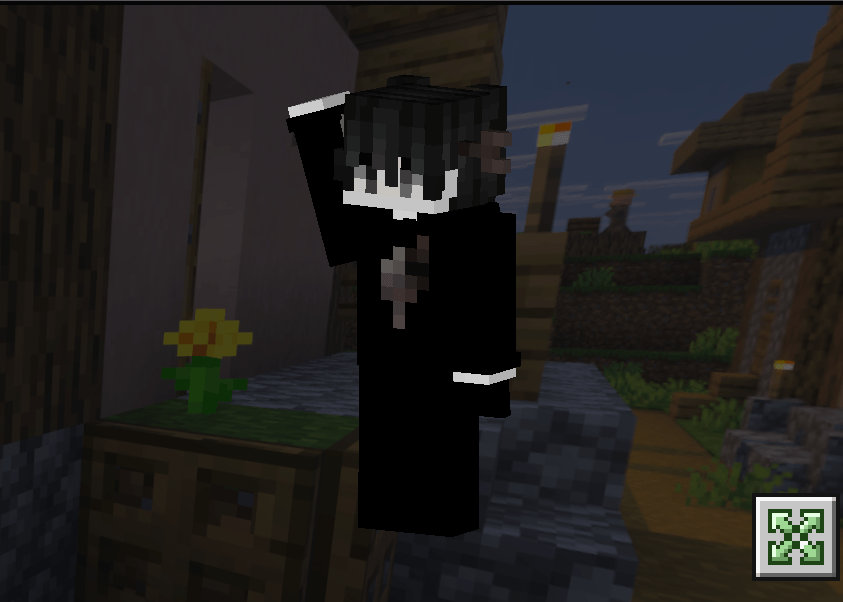
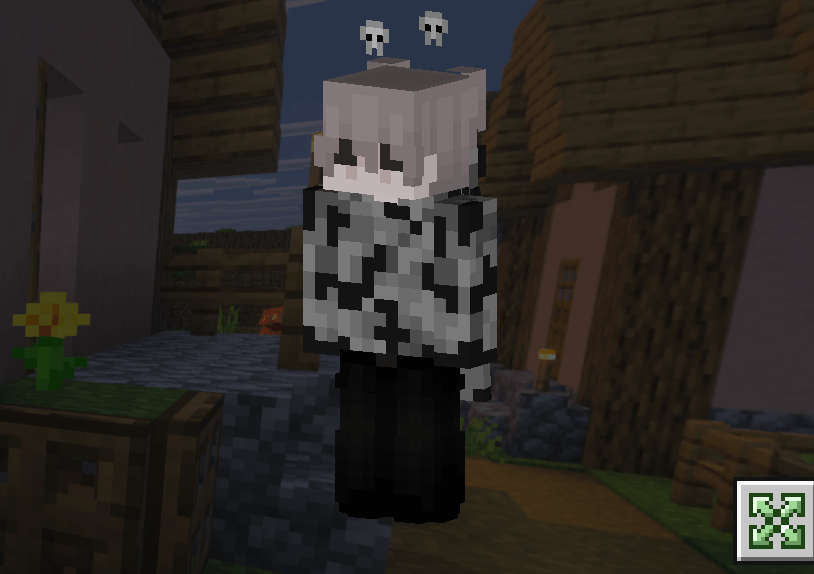
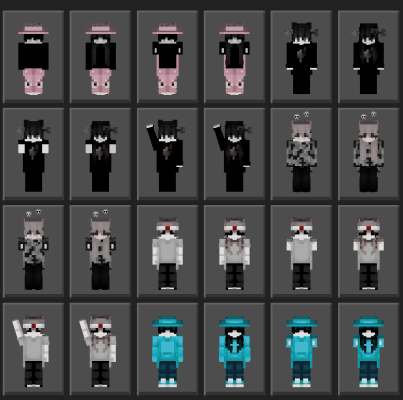
🦇 Embrace the darkness with Goth Void! This Bedrock skin pack delivers 24 edgy 4D skins featuring classic gothic aesthetics and vibrant Hive-style streetwear. 🖤✨
Includes:
-
✅ 24 Unique Gothic & Hive-inspired designs
-
✅ Classic Dark Aesthetics
-
✅ Vibrant, Competitive "Hive" Streetwear
-
✅ 4D Cosmetics
-
✅ Full character model compatibility
-
HOW TO INSTALL
First you must to get Young Gru Skin Pack in Minecraft Marketplace (its free)

For Windows
- Download For IOS&PC.mcpack skinpack
- Rename the file from For IOS&PC.mcpack To For IOS&PC.zip
- Unzip The File
- Press Windows Key R to open the run dialog
- Paste this file directory into the run box: %AppData%\Minecraft Bedrock\premium_cache\skin_packs
- Delete everything inside the skin_packs folder
- Put the For IOS&PC folder into the skin_packs folder
- Restart Minecraft
For iOS
- Download the For IOS&PC.mcpack File
- Rename The File From For IOS&PC.mcpack To Spring 4D (iOS PC).zip
- Unzip The File
- Go to On My iPad (Or On My iPhone)/Minecraft/internal/premium_cache/skin_packs And Delete Everything Inside The skin_packs Folder
- Go To Your Downloads And Hold Down On The Unzipped File And Press Move
- Move It To On My iPad (Or On My iPhone)/Minecraft/internal/premium_cache/skin_packs And Press Move
- Restart Minecraft And You're Good To Go!
For Android
- Download the Android&IObit.mcpack File
- Rename The File "Android&IObit.mcpack" To "Android&IObit.zip". (No Quotations)
- Unzip it
- Watch the video how to install it https://youtube.com/embed//QiWm9PL4Lgg?si=rZuVOBBgq32p3hXu

The Goth Void Team


Owner