Armedpingu's Dark Ones
- By
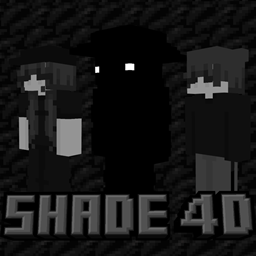
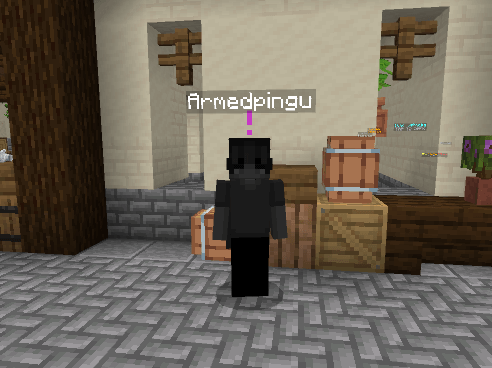
Ever wanted to look cool while not wanting to be super colorful or bright? Well, if so this skin pack is for you! Check it out right now.
Armedpingu's Dark Ones
What this free skinpack includes:
✅ 5 Unique Skins With Custom Geometries
✅ 5 Custom Capes
✅ Short Skins
✅ Elite 4D Skins Designed For PvP
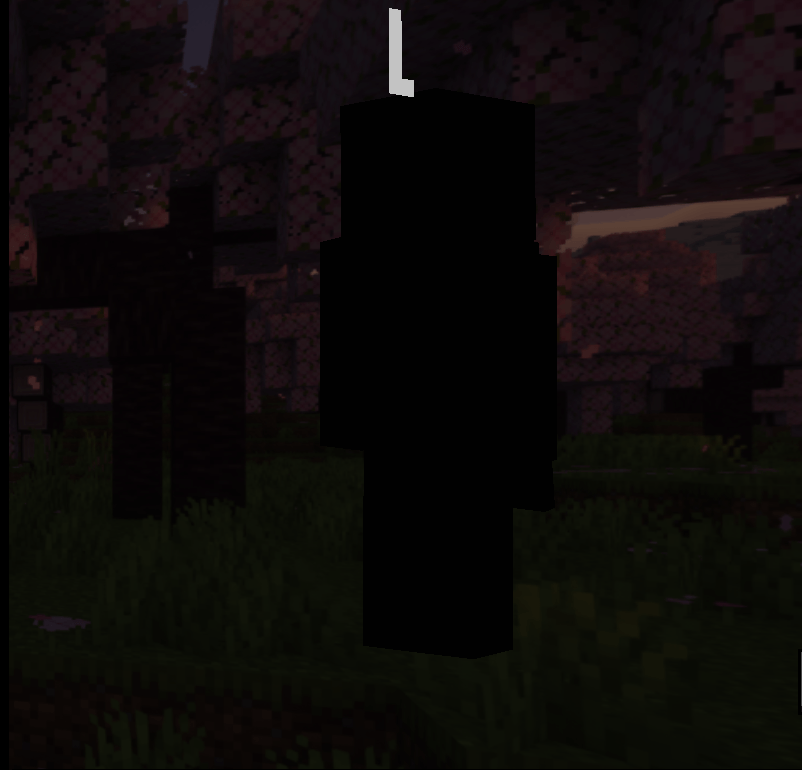
Images 🖼️
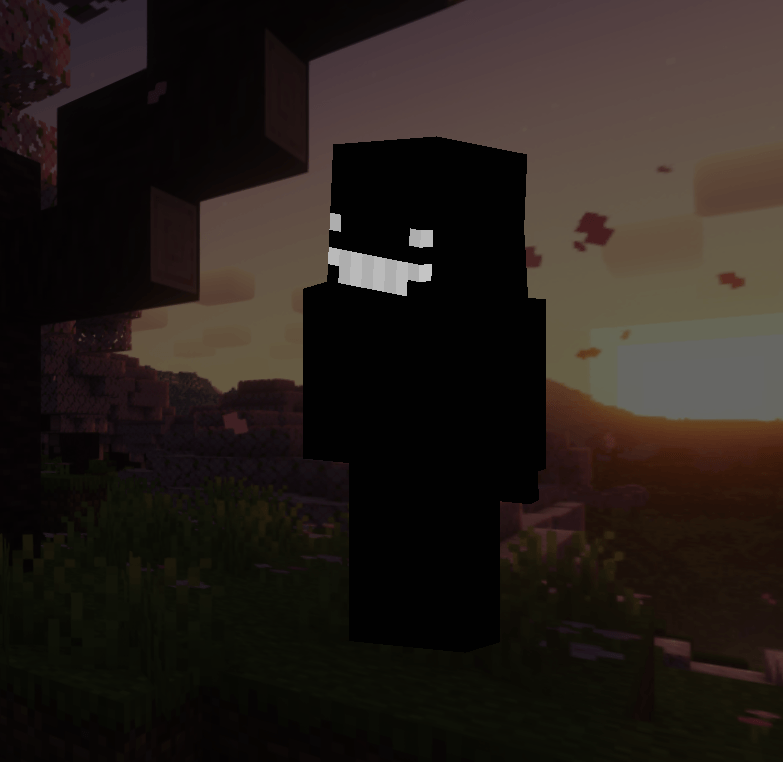
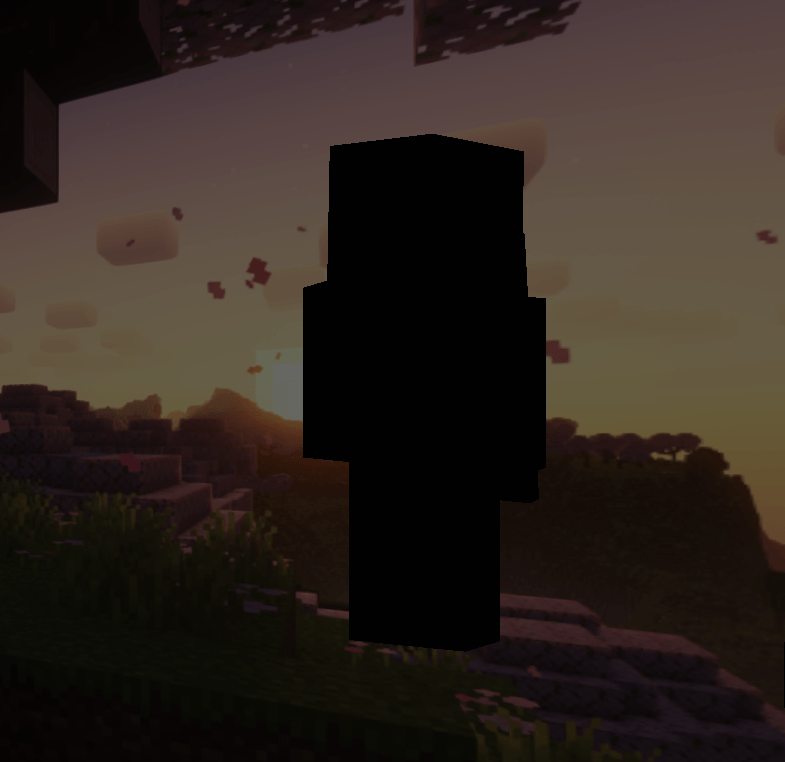
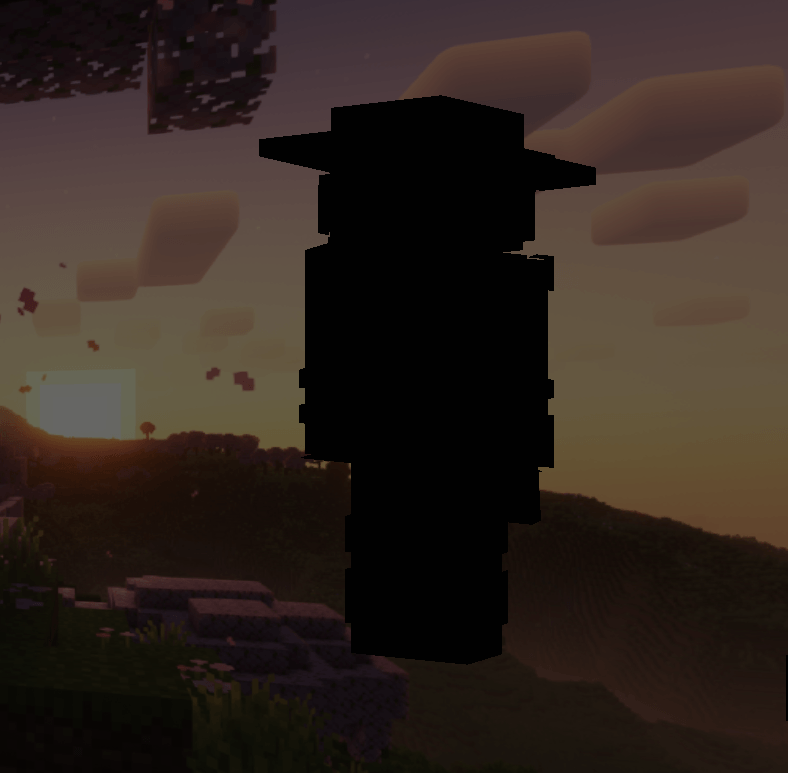
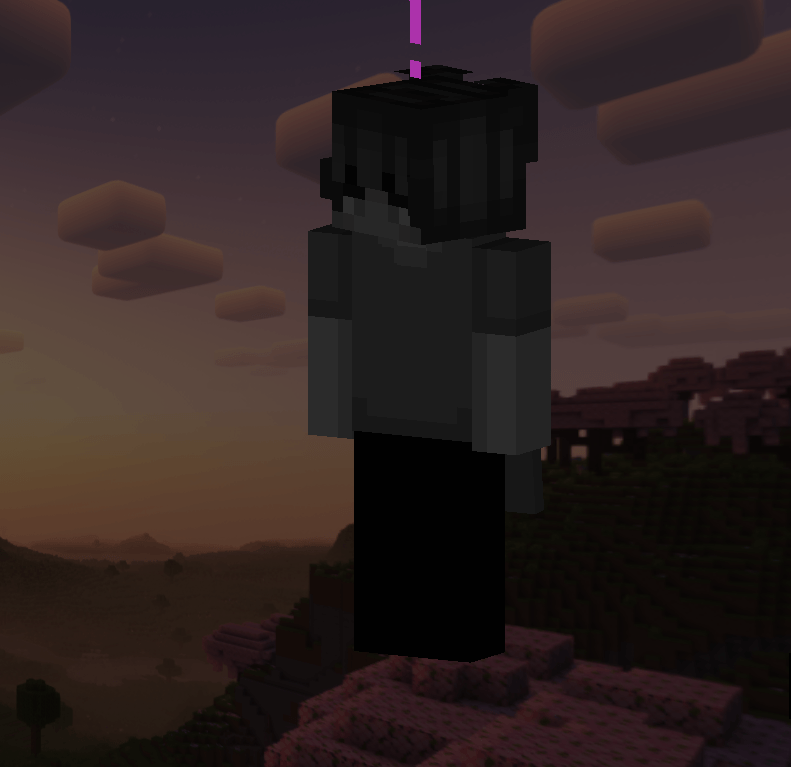
How To Import 📁
You must follow these instructions for the skinpack to work! (Note: you will need the FREE Builders & Biomes Skinpack before trying this!)
Windows 💻
- Rename the ArmPing-TDO.mcpack to ArmPing-TDO.zip.
- Unzip the file or drag it out.
- Press Windows + R to open the run box.
- Paste this file directory into the box: %LocalAppData%\Packages\Microsoft.MinecraftUWP_8wekyb3d8bbwe\LocalState\premium_cache\skin_packs
- Select all the files (Ctrl + A), and delete everything in there. (If you have any other 4D skinpacks you would like to keep, deselect them by pressing Ctrl and Left Click them.
- Drag the ArmPing-TDO file into there.
- Restart Minecraft and you should have the skins!
iOS 📱
- Rename the file from ArmPingu-TDO.mcpack to ArmPing-TDO.zip.
- Tap the file to unzip the file.
- Hold down on the file and select Move from the list.
- Locate My Phone/On My iPad/Minecraft/internal/premium_cache/skin_packs and press Move.
- Go to where you moved the file, and press the ... symbol in the upper right corner, and press Select, Select All. Deselect the ArmPing-TDO file and then press delete.
- Restart Minecraft and you should have the skins!
Android Version Coming Soon!
Please note that these skinpacks do take a very long time to make and design, and sometimes have bugs.
If you have any suggestions or requests, please comment, and I will make the skin for you!
The Armedpingu's Dark Ones Team

Owner