
Teleporting menu
- By
Screenshot_20261103-173315.png
Screenshot_20261103-173328.png
Screenshot_20261103-173339.png
Screenshot_20261103-173646.png
Screenshot_20261103-173658.png
Description
Start your world with a special compass. Use it to save named places, jump between dimensions without portals, and keep track of your homes. Includes a bilingual guide book (English and Português).
Full version
Teleporting Menu
Teleporting Menu gives you a special compass the first time you enter a world. Use it to open a clean menu with three tools: Save, Dimensions and Homes.
Save
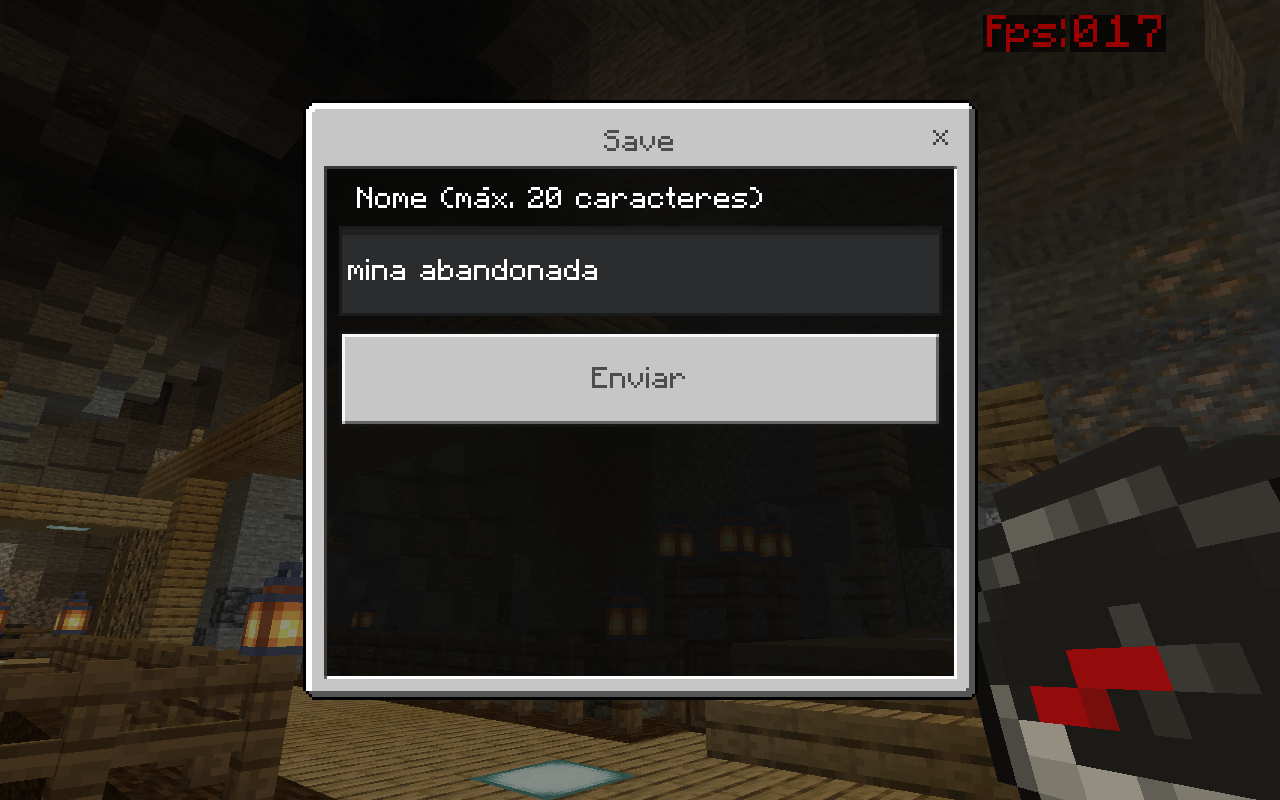
Save the spot where you are standing and give it a name of up to 20 characters.
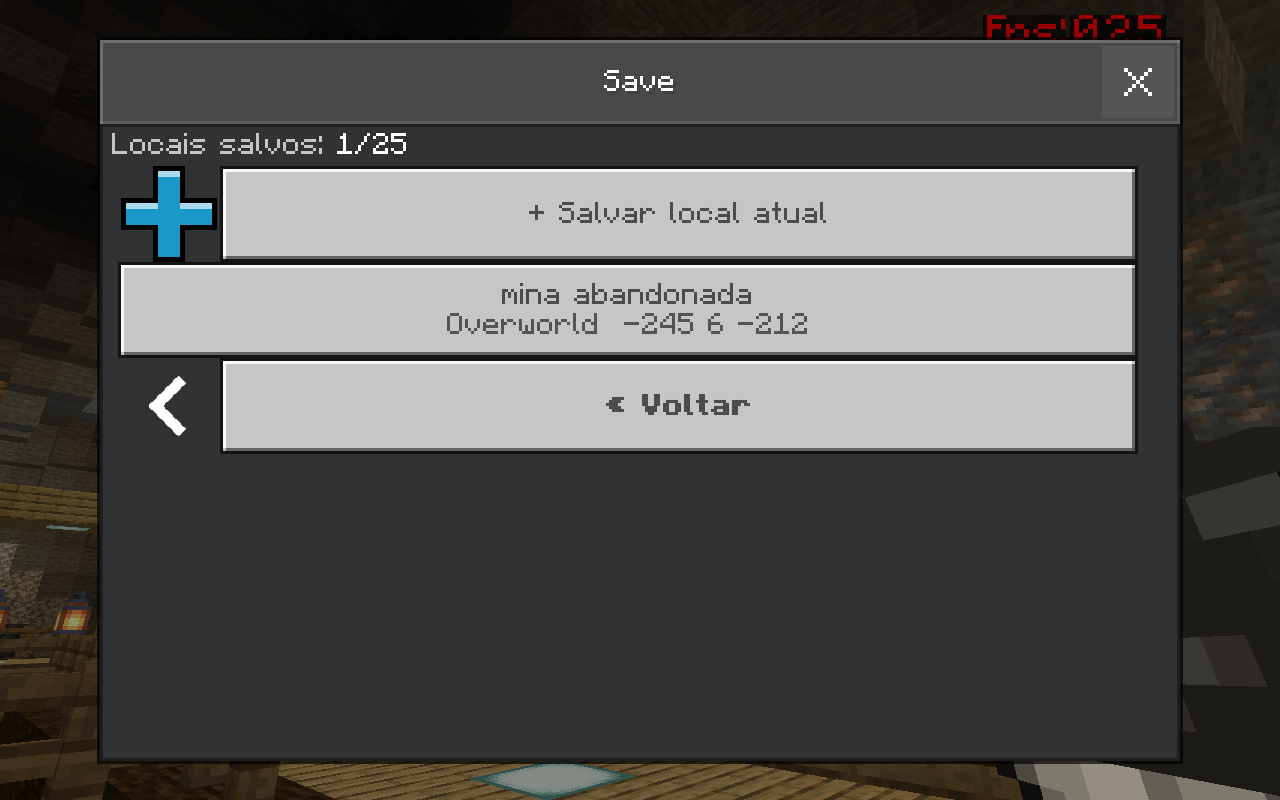
Store up to 25 places.
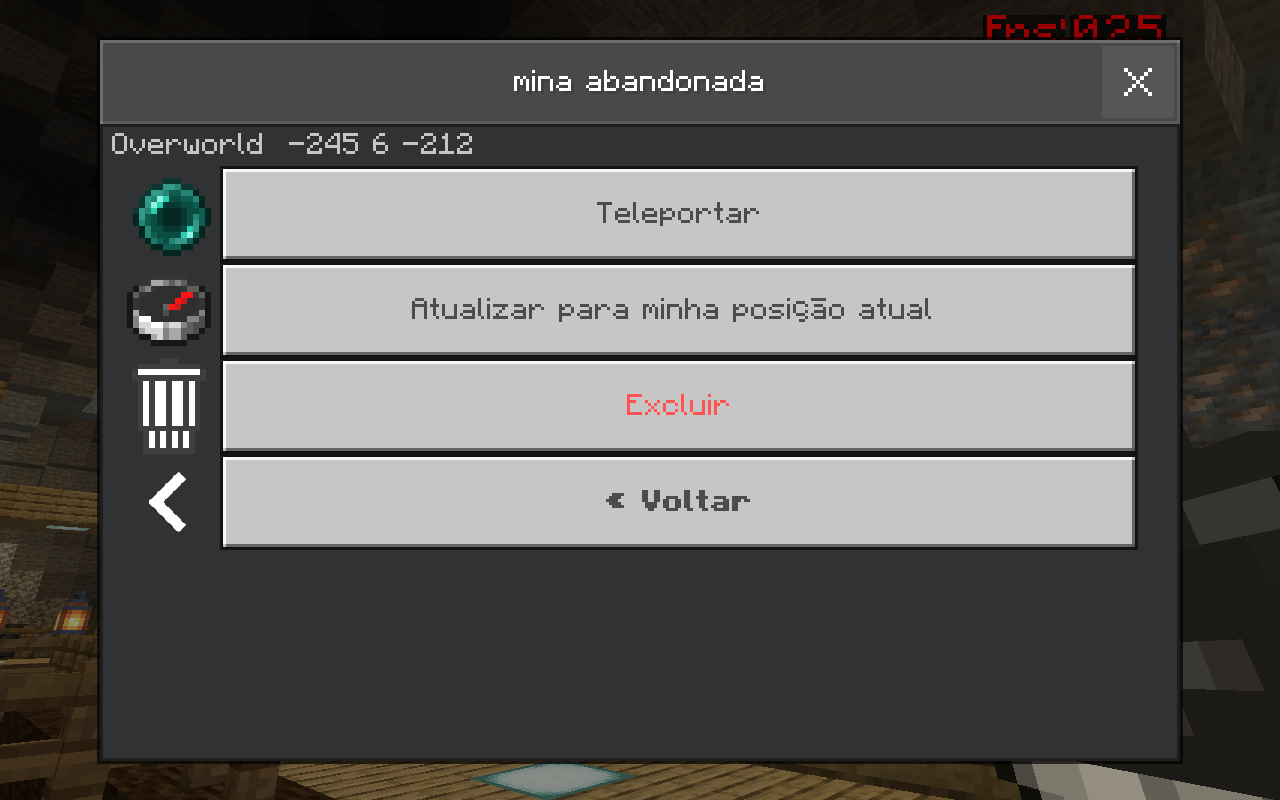
Tap a saved place to teleport to it, update it to your current position, or delete it.
Places can be in any dimension, and teleporting to one in another dimension works too.
Dimensions
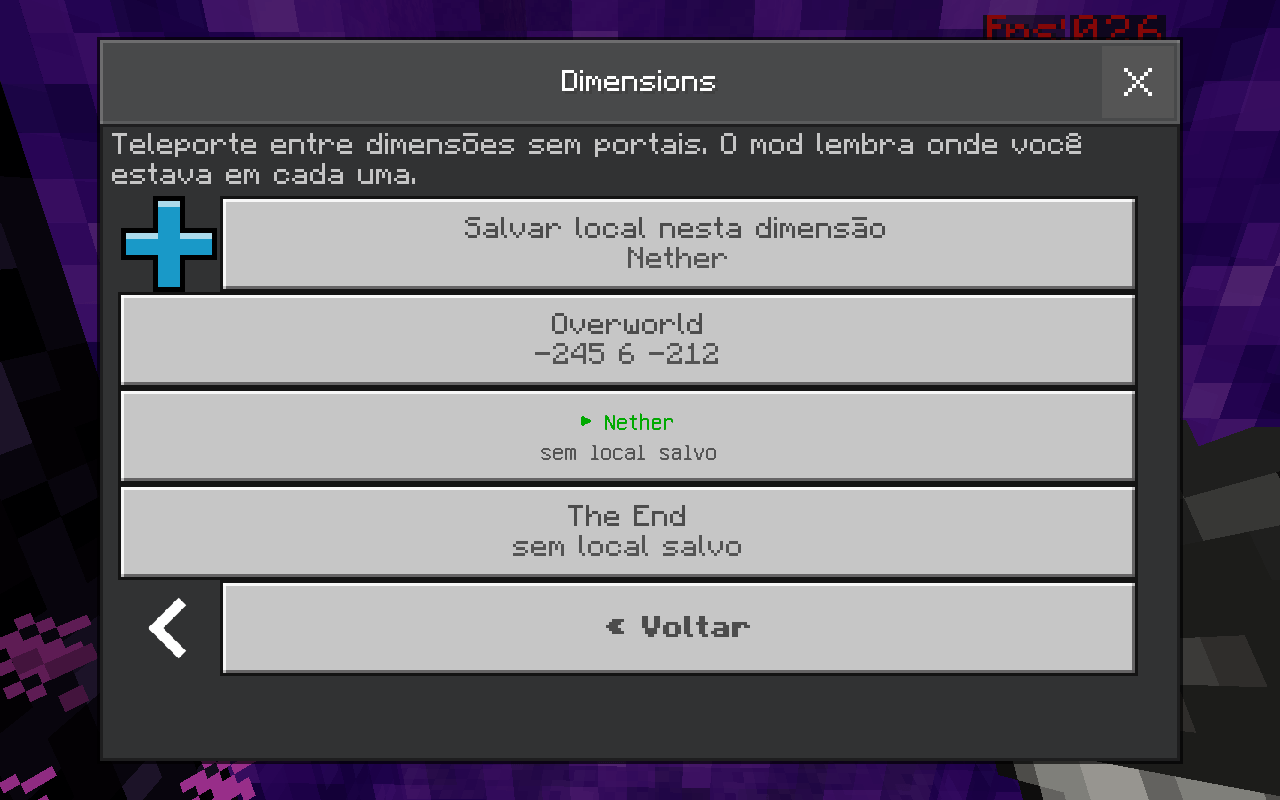
Travel between the Overworld, the Nether and The End without building a portal.
The mod remembers the last spot you were in for each dimension, so you return exactly where you left off.
You can also save your spot in the current dimension manually.
The first time you visit a dimension, the mod looks for a safe place to land. The Nether uses the usual 1 to 8 coordinate scale. In The End, a small obsidian platform is built for you. You float down gently in the meantime.
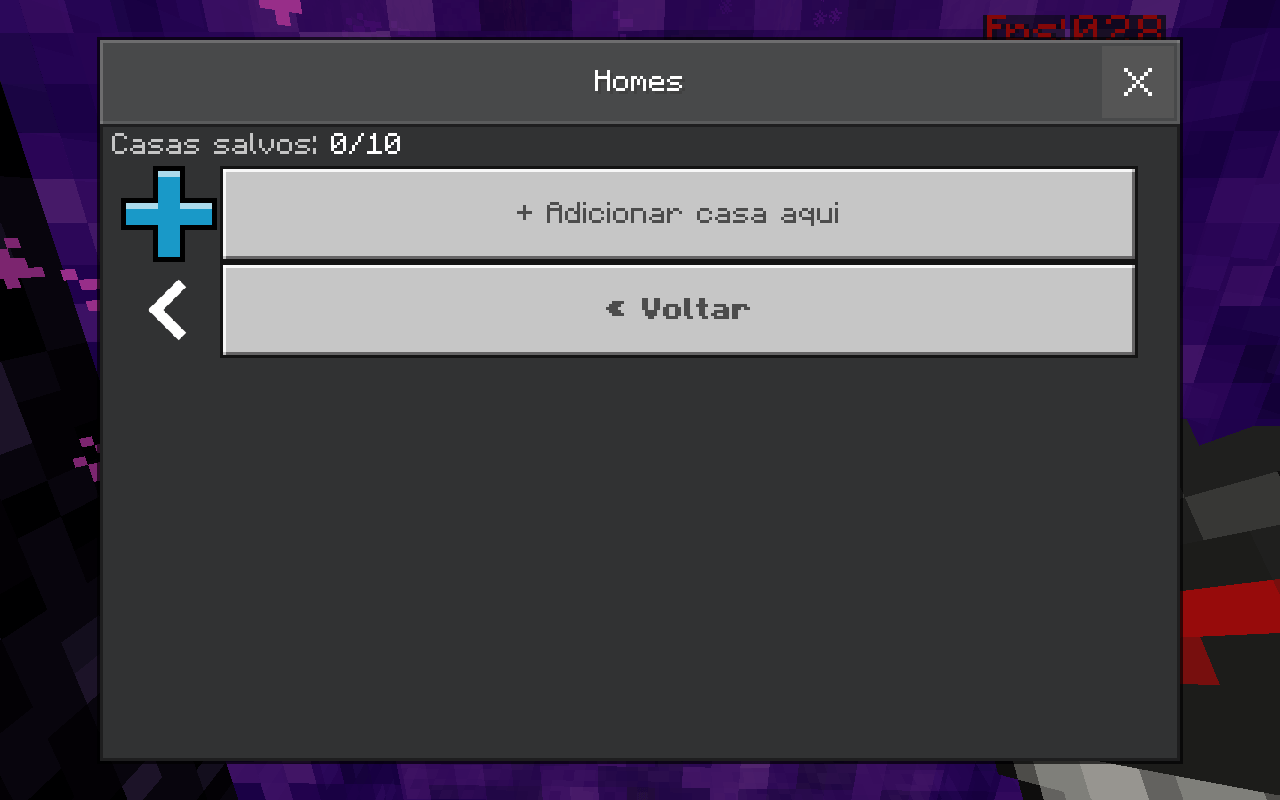
Homes
A separate list for your builds, with up to 10 homes.
Name them, teleport to them, update them or delete them, just like saved places.
Guide book and language
You also receive a guide book that explains everything in English and Português.
You can switch the menu language between English and Português at any time.
Good to know
The compass and the guide book stay in your inventory and come back after you respawn.
Your places and homes are stored on your player, so they remain after you close the world.
Works with the Script API.
Credits
Created by Talharim, WLbr.
Teleporting menu Team
