Srkuls's Timer
- By
Srkuls's Timer Watch Addon adds a fully functional 3D Pocket Watch to Minecraft Bedrock Edition! Features customizable countdown timers (30s to 24h & custom sliders), a real-time stopwatch, active timer management.

WhatsApp Image 2026-08-06 at 19.28.07.jpeg
Ekran görüntüsü 2026-08-06 192741.png
Ekran görüntüsü 2026-08-06 192801.png
Ekran görüntüsü 2026-08-06 192733.png
Description
# ⏱ Srkuls's TIMER WATCH ADDON
Take full control of time in Minecraft Bedrock Edition with **Srkuls's Timer Watch**!
Whether you need a countdown for your crops, mob spawners, PvP duels, or a stopwatch for speedrunning, this addon gives you a **custom 3D Pocket Watch** with interactive UI menus and live HUD displays.
---
## 🌟 Features
* **3D Hand-Equipped Model**: Includes a detailed 3D golden Pocket Watch model rendered seamlessly in 1st person, 3rd person, and on the ground.
* **⏱ Countdown Timers**:
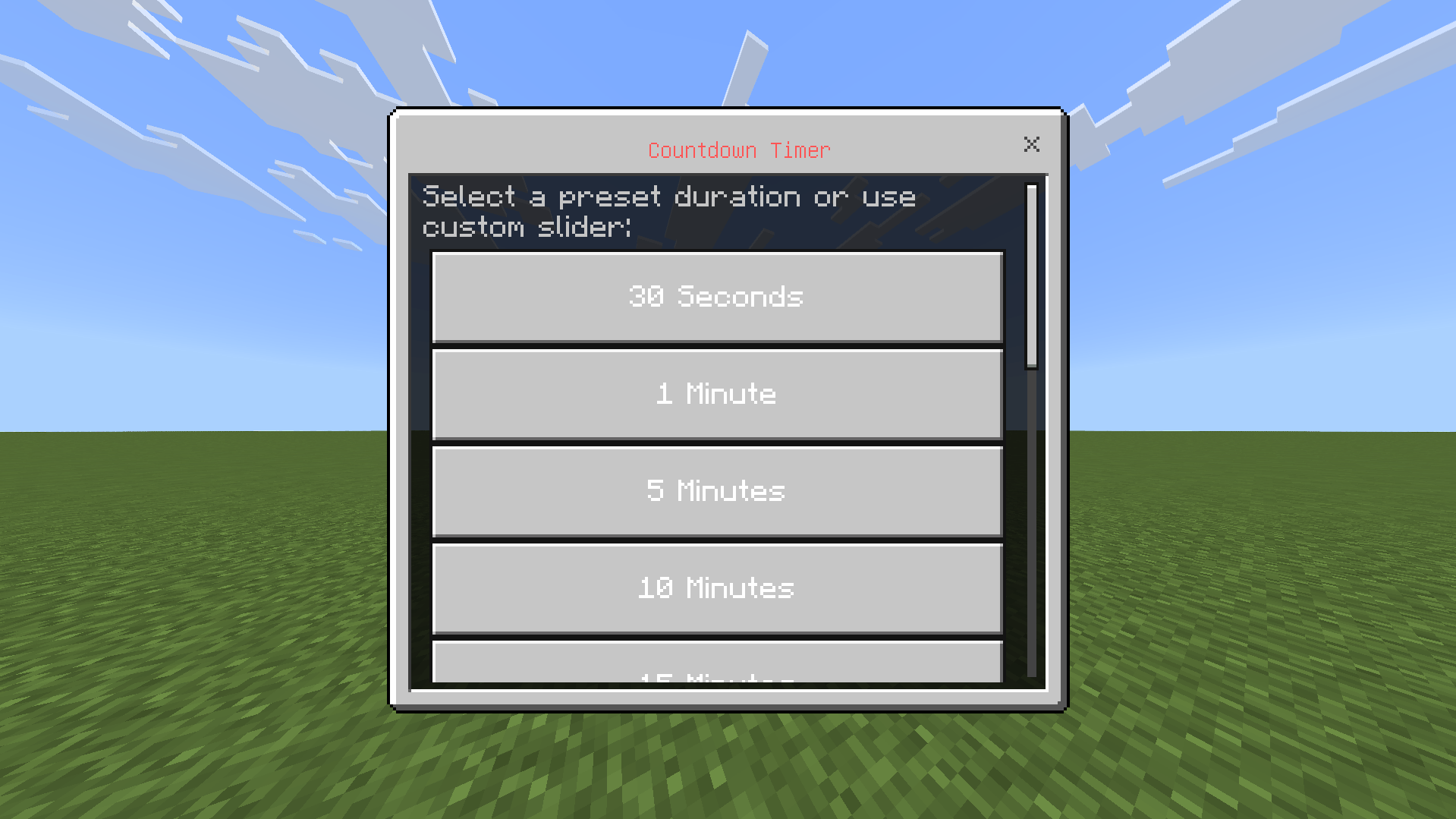
* **Quick Presets**: 30 Seconds, 1 Min, 5 Mins, 10 Mins, 15 Mins, 30 Mins, 1 Hour, 3 Hours, 8 Hours, 12 Hours, 24 Hours.
* **Custom Sliders**: Set exact Hours (0–24), Minutes (0–59), and Seconds (0–59) with custom timer names.
* **⏰ Real-Time Stopwatch**: Count up elapsed time in HH:MM:SS format.
* **📊 Live Action Bar Display**: Active timers are displayed in real-time on your action bar (HUD) with color-coded progress.
* **🔔 Audio & Screen Notifications**: Plays level-up sound and displays title text when your countdown reaches 0:00.
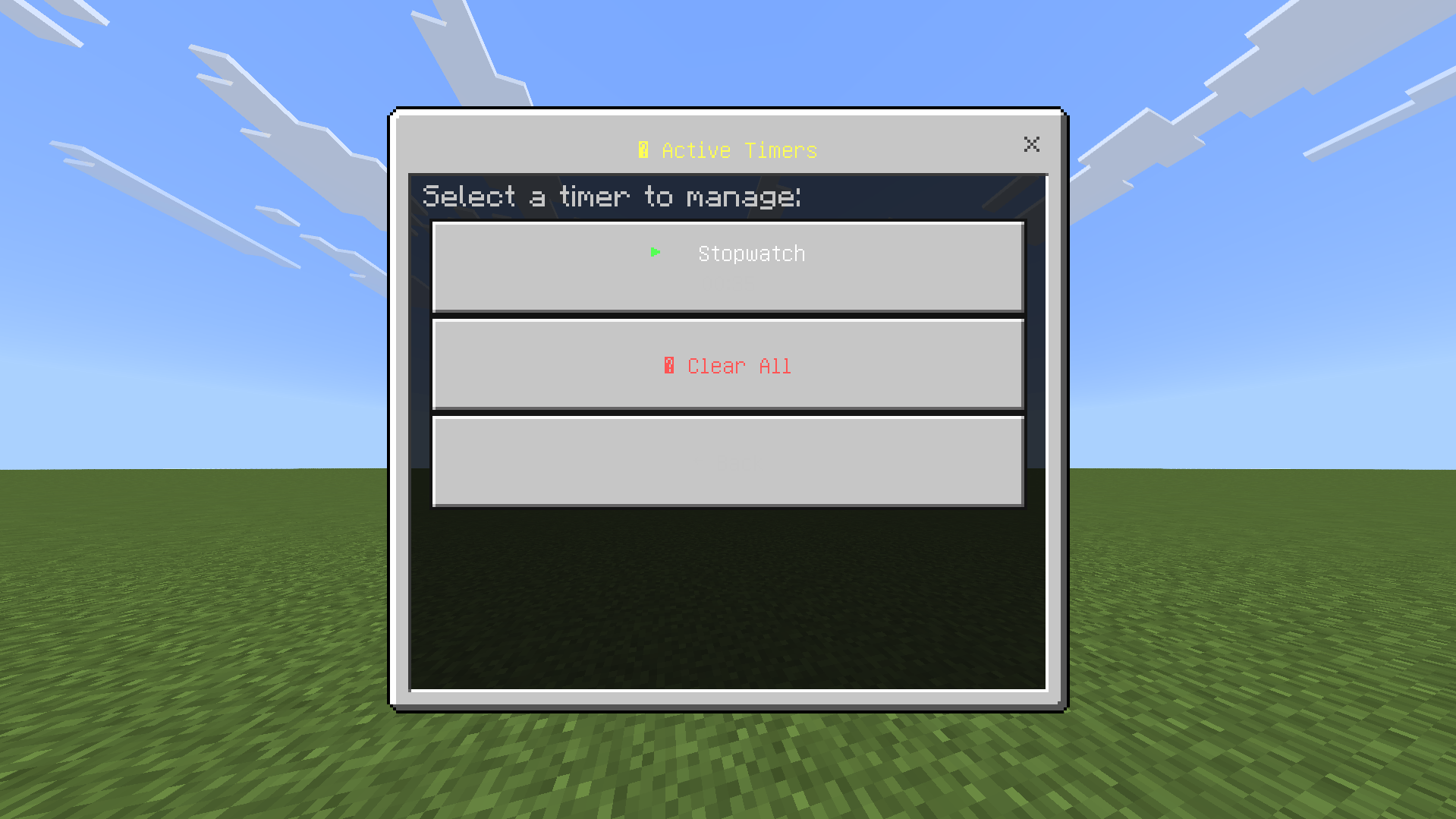
* **📋 Timer Management Menu**: View, pause, resume, or delete active timers at any time.
---
## 🎮 How to Use
1. Obtain the **Timer Watch** in survival or give it via command:
`/give @s timerwatch:timer_watch`
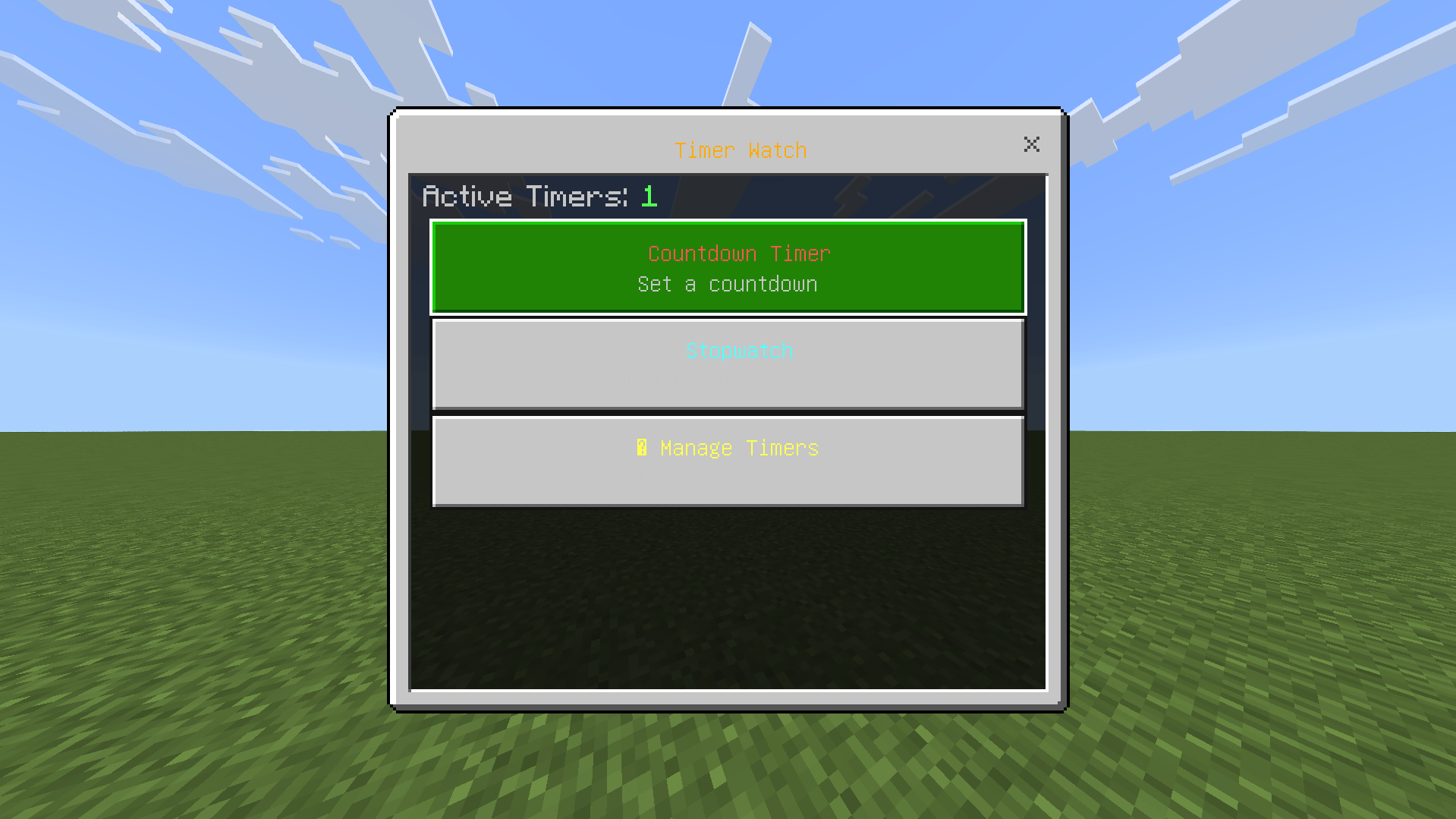
2. **Right-Click** or **Long-Press** while holding the Timer Watch to open the main menu.
3. Choose **Countdown Timer** or **Stopwatch**, select your duration, and you're good to go!
---
## 🛠 Setup & Requirements
1. Download and install both **Behavior Pack (BP)** and **Resource Pack (RP)**.
2. In your World Settings under **Experiments**, enable **Beta APIs** (required for Minecraft Script API).
3. Play and enjoy!
Srkuls's Timer Team