Server Report & Ask System
- By
This is a script that adds the /report and /ask commands to the Minecraft.
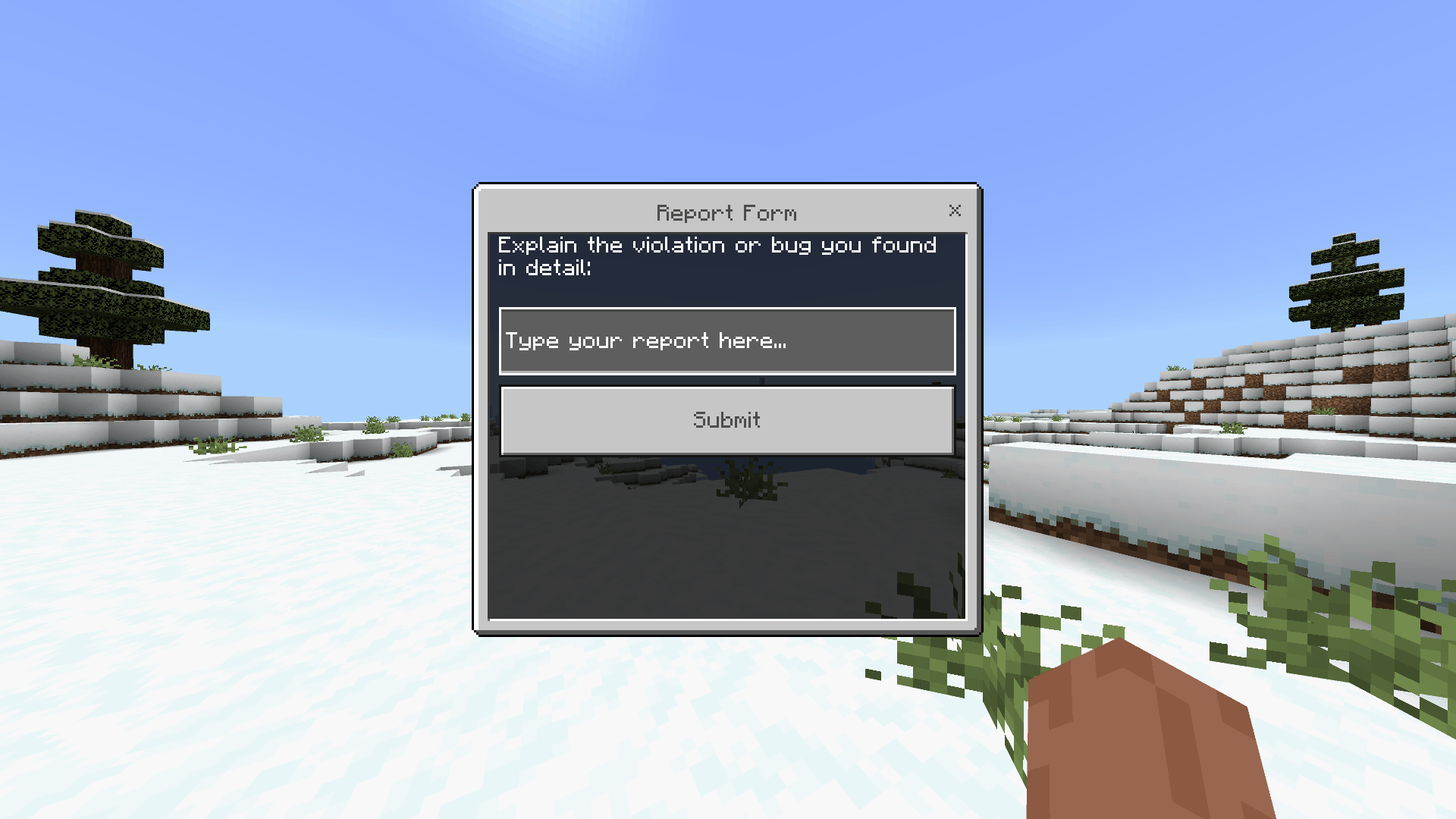
Report Menu UI
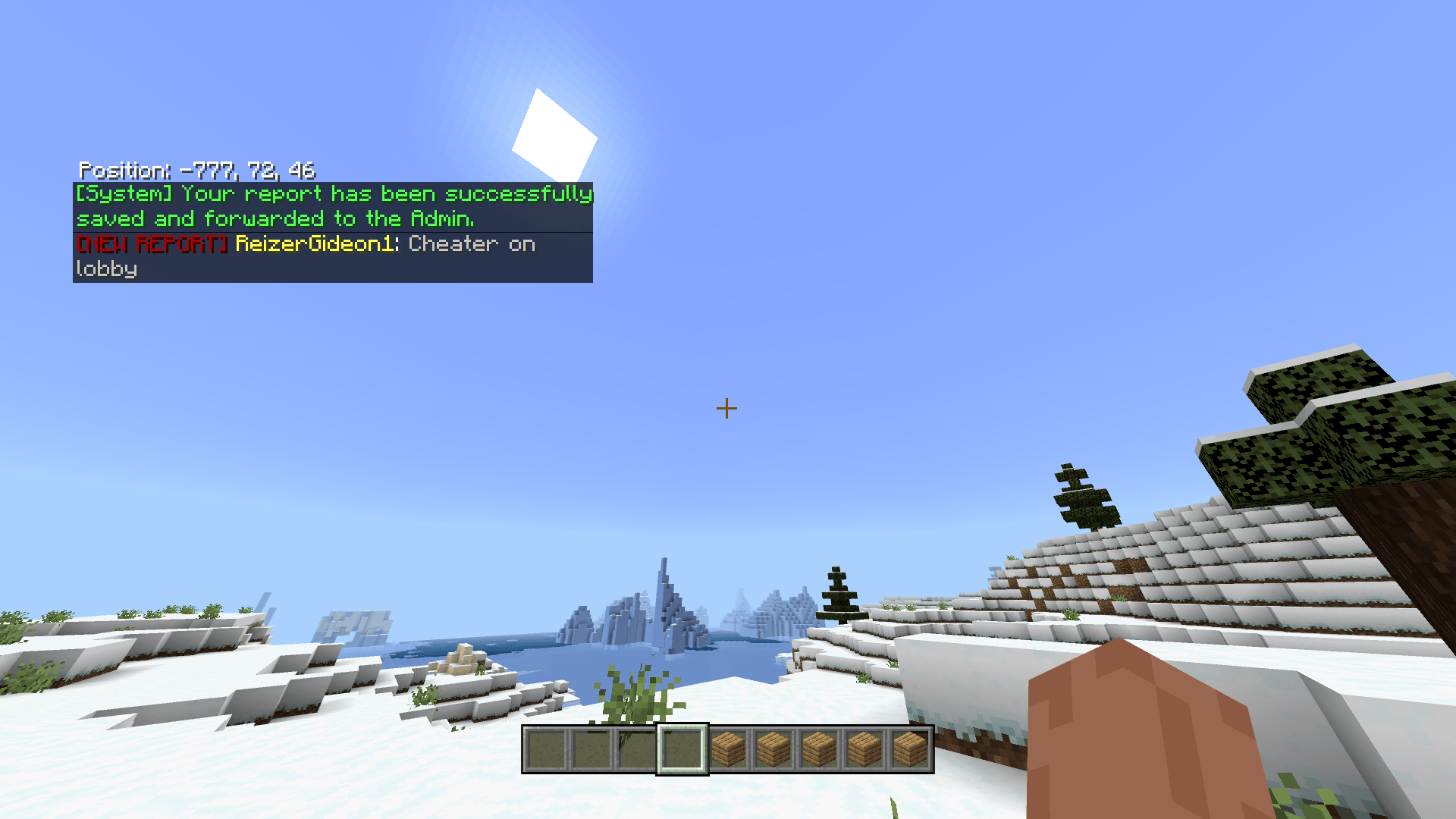
Notify after someone send a report
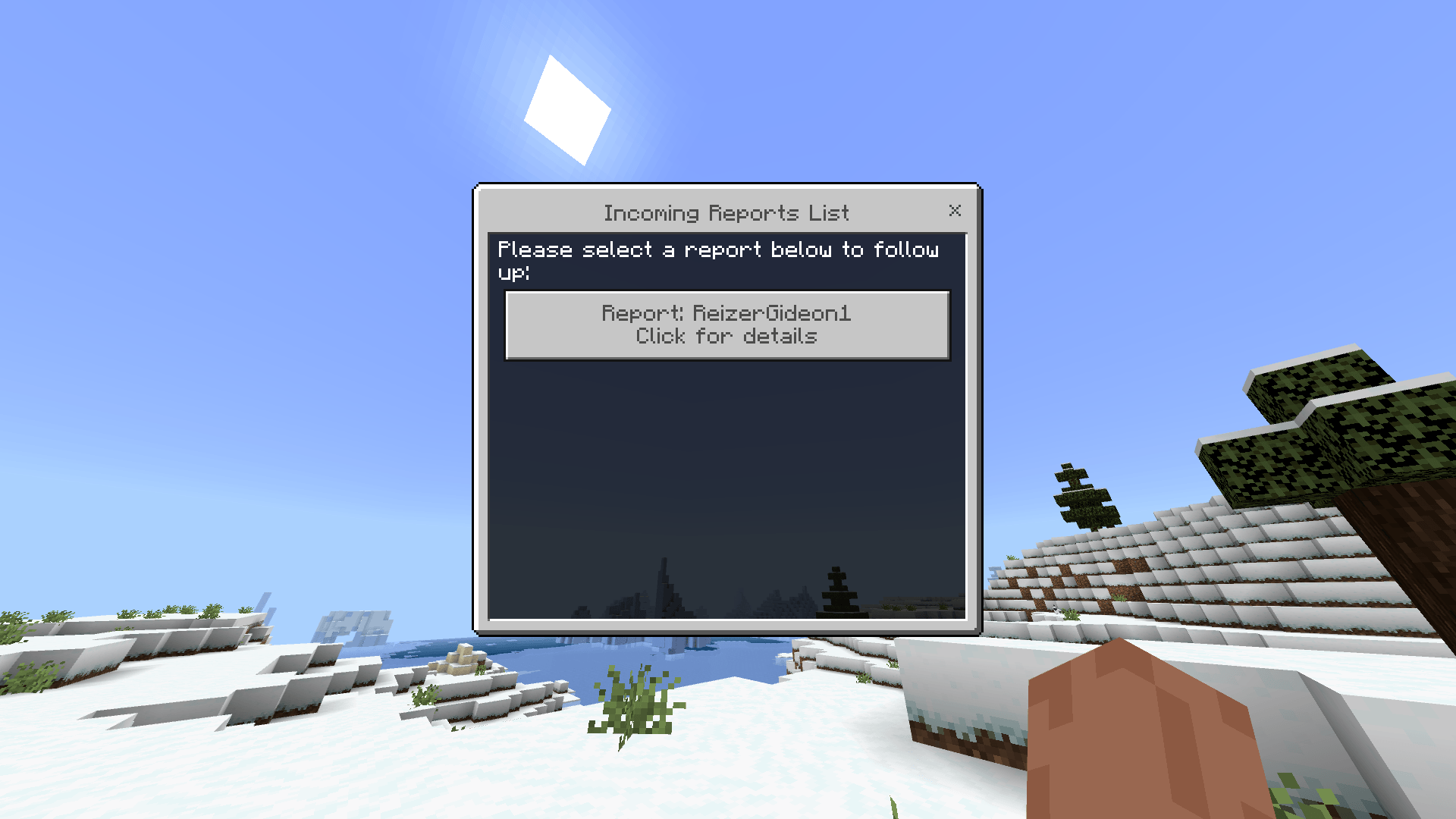
Check report menu UI for admins
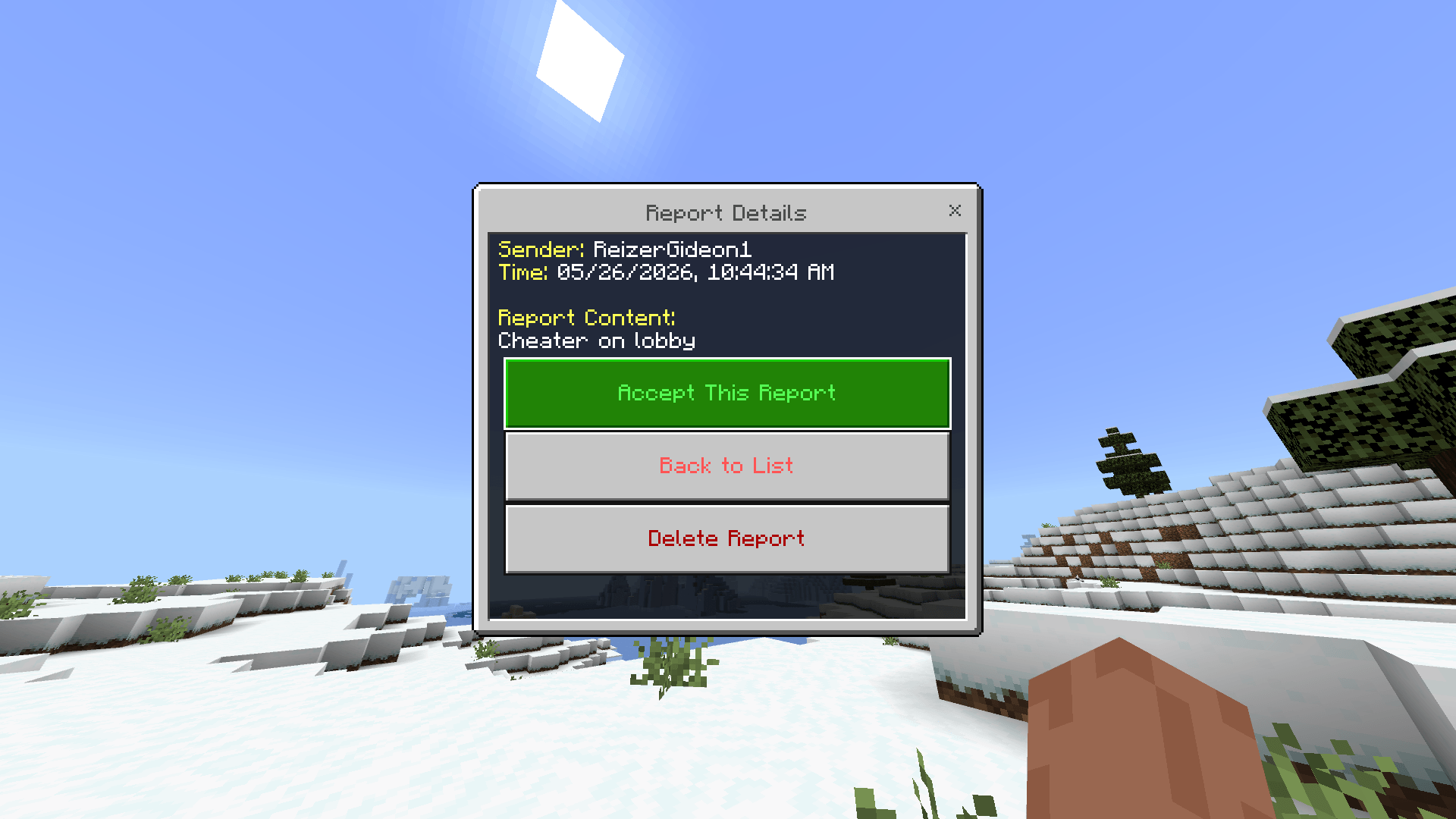
Check report respons menu UI for Admins
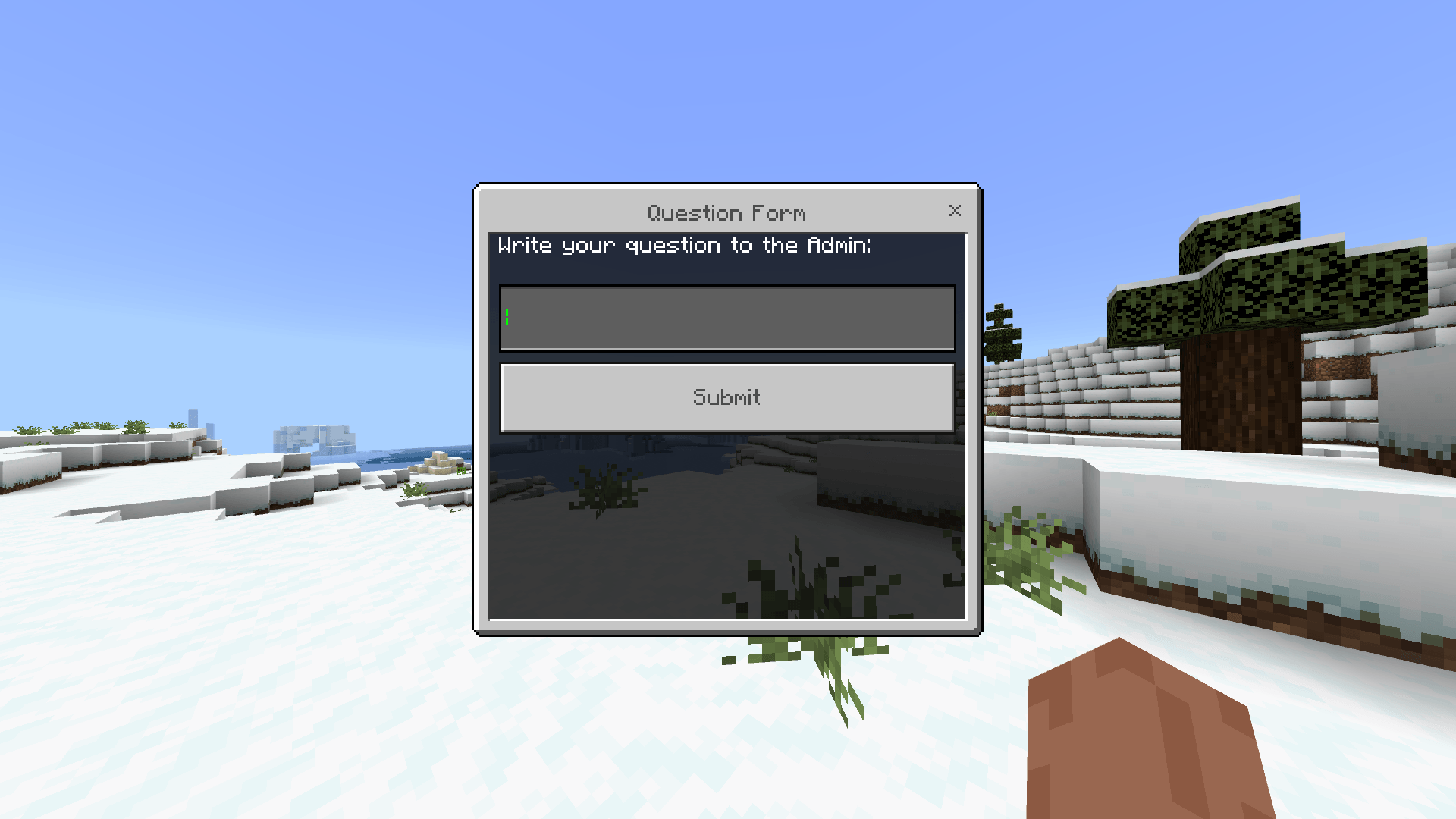
Ask menu UI
Description
1. Introduction
Managing a Minecraft Realm or Multiplayer Server can be chaotic, especially when player reports and questions get buried in the global chat. The Advanced Ask & Report System is the ultimate solution to streamline player-to-admin communication.
This Add-on replaces messy chat-based complaints with a sleek, fully interactive User Interface (UI). It allows your players to easily submit bug reports, report rule-breakers, or ask questions through custom forms, while providing Admins with a clean, organized dashboard to read, manage, and reply to tickets—even if the reports were sent while the Admin was offline!
2. Features & Advantages
-
100% UI-Based Experience: Say goodbye to complicated chat syntaxes and quotation marks. Everything from submitting a report to replying to a question is done through beautiful, easy-to-use pop-up menus.
-
Offline Data Storage: Built with a lightweight custom database. If a player submits a report while Admins are offline, the data is safely stored and ready to be reviewed when an Admin logs back in.
-
Smart Auto-Cleanup: Once an Admin replies to an "Ask" ticket, the system automatically forwards the answer to the player and deletes the ticket from the database, keeping your dashboard clutter-free.
-
Real-Time Notifications: Active Admins receive instant, color-coded chat alerts the second a new report or question is submitted.
-
Secure Tag System: The Admin dashboards are strictly locked. Only players explicitly given the
admintag can view or manage the tickets, ensuring maximum server security.
3. How to Use (Complete Guide)
👤 For Regular Players: Players do not need any special permissions. They simply type these commands in the chat to open the UI forms:
-
/report— Opens the Report Form. Use this to detail bugs, glitches, or player violations. -
/ask— Opens the Question Form. Use this to ask the server staff for help or information.
👑 For Server Admins (Staff): Before you can access the management panels, you must give yourself the admin tag. Type this in chat: /tag @s add admin
Once you have the tag, you unlock the management commands:
-
/checkreport— Opens the Incoming Reports Dashboard. You can read the full details of a report, click "Accept" to notify the player you are handling it, or delete it from the queue. -
/checkask— Opens the Incoming Questions Dashboard. Select a question, type your reply directly into the text box, and hit submit. The player will receive your answer instantly!
4. Why You Need This Add-on
What makes this Add-on a must-have is its simplicity and professionalism. It elevates the quality of your server, making it feel like a premium, professionally managed network.
Furthermore, it is extremely lightweight. Written purely in JavaScript using the highly optimized Minecraft Script API (v2.6.0), it requires absolutely no command blocks or ticking areas. It works seamlessly in the background without causing any lag, making it the perfect standalone utility for server owners who want an elegant moderation tool.
Do you want me to add a quick "Installation Guide" section at the bottom for players who might not know how to activate the Beta APIs in their world settings?
The Server Report & Ask System Team