Player Interact component
Player interaction component in custom blocks.
MCPEDL
Description
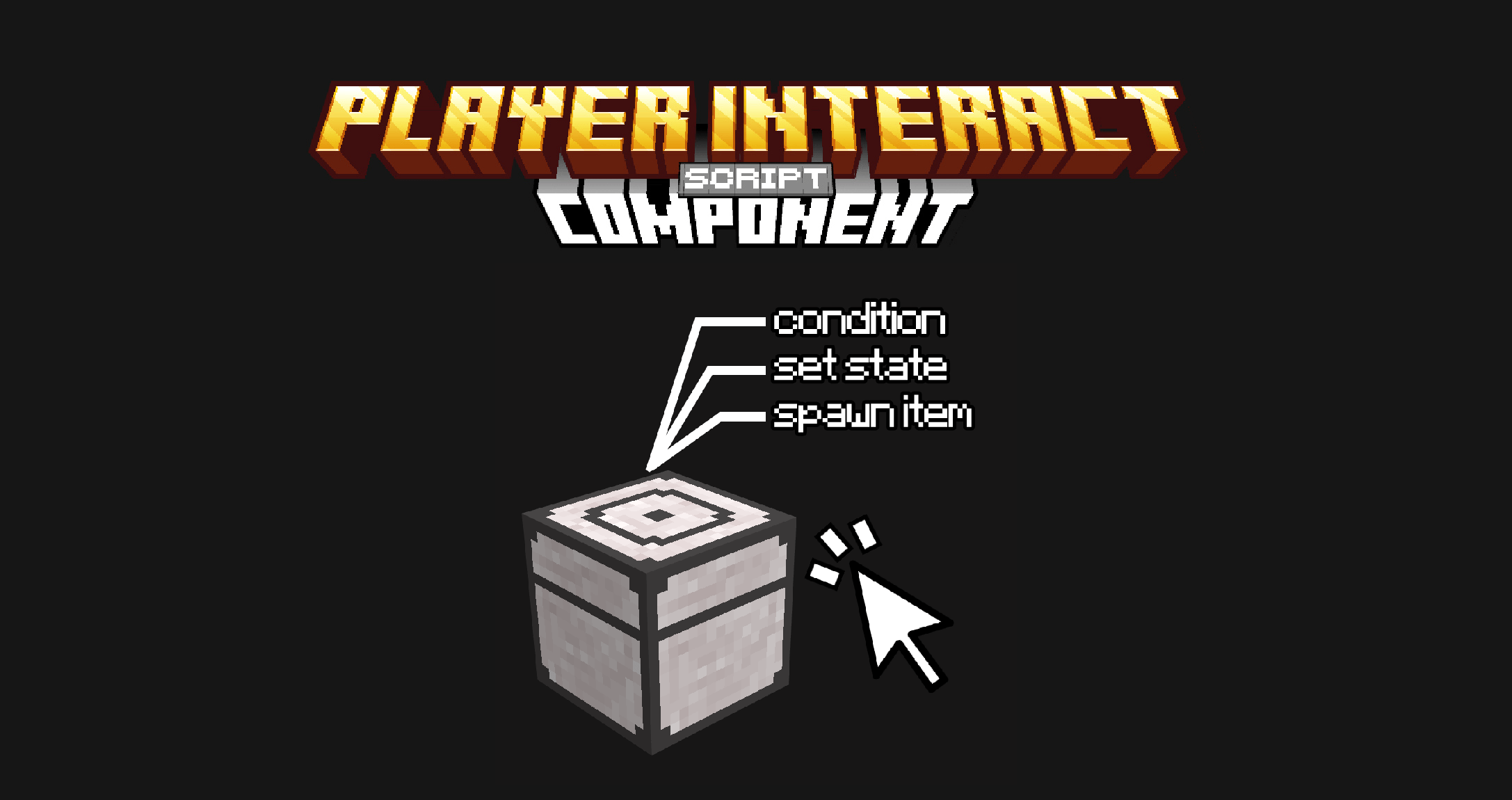
This is a script component designed to process all interactions when a player interacts with a block. It allows for the dynamic evaluation of complex conditions such as the item held, as well as the face and state of the block, to execute linked actions such as item spawn, sounds, commands, item decrement and changes to the block state.
"namespace:player_interact": [
  {
    "condition": "namespace:my_state == 1 && face == north && is_sneaking == true",
    "item": "namespace:my_item", //or "tag"
    "weight": 20,
    "decrement_stack": true,
    "replace_with": "namespace:my_item2",
    "convert_to": "namespace:my_item3",
    "spawn_item": "namespace:my_item4",
    "count": 1,
    "damage": 1,
    "spawn_loot": "namespace/my_loot",

    "sound": "random.orb",
    "particle": "minecraft:smoker_particle",
    "command": "give @a diamond 1",
    "target": "player", //or "block"
    "title": "My title",
    "subtitle": "My subtitle",
    "actionbar": "My actionbar",
    "send_message": "Hello world",

    "set_block": "namespace:my_block",
    "direction": "north",

    "namespace:my_state_1": 1, //"+1" or "-1"
    "namespace:my_state_2": "string",
    "namespace:my_state_3": true
  }
]
DOCUMENTATION:
condition - optional
- If the condition of this object is not met, it is not executed, If it is not mapped, the object will always run
- States: Statuses with a specific value are aggregated. States should be separated by "&&".
- is_sneaking: Evaluates whether the player is crouched or not (true or false).
- face: The face of the block that is interacted with according to its rotation(north, south, east, west, up or down.
- If it is not added to the object, the condition will always be true, so it will always be executed.
weight - Optional (int)
- It allows you to define the probability of an interaction occurring when multiple valid options exist simultaneously.
- It requires at least two objects within the list that meet the condition.
item - Required if no "tag" is used
- Specifies the ID of the item that the player must have in the main hand to trigger the interaction.
- If the interaction is required to occur when the player has an empty hand or any item, "empty" must be put.
tag - Required if no "item" is used
- Specifies a technical tag that the item the player is holding must have to trigger the action.
decrement_stack – Optional (boolean, default: false)
- It serves to reduce the item used if the condition is met.
replace_with – Optional (string)
- Used to replace the item in the player's hand with another one, it works like the /replaceitem command.
convert_to – Optional (string)
- Allows the original item to be consumed and return a new item to the player when using a specific item on a block.
spawn_item – Optional (string)
- Spawn an item in the block.
count – Optional (int, default: 1)
- Number of items to be generated.
- Requires “spawn_item” to use.
damage – Optional (int)
- Applies a wear and tear to the object registered in the "item" parameter. For example, a damage value equal to 1 reduces the durability of a sword by 1 point.
- Requires the item to have the component "minecraft:durability".
spawn_loot -Optional (string)
- Generate a loot that is within the behavior pack. It is not necessary to place "loot_tables" at the beginning or ".json" at the end of the loot path.
sound – Optional (string)
- This parameter plays a sound when the object is executed.
particle – Optional (string)
- Generates a particle in the block.
command – Optional (string)
- Executes a command to the target specified.
target – Optional (string, default: block)
- Target to be executed to the command (player or block).
- Requires “command” to use.
title – Optional (string)
- Submit a title on the player screen.
- Supports language keys.
subtitle – Optional (string)
- Submit a subtitle when title runs.
- Supports language keys.
- Requires “title” to use.
actionbar – Optional (string)
- It sends an actionbar title to the player.
- Supports language keys.
send_message – Optional (string)
- Send a message to the player's chat.
- Supports language keys.
set_block – Optional (string)
- Place a block replacing the original block
direction – Optional (string)
- The direction in which the block will be placed (north, south, east, west).
- Requires “set_block” to use.
states – Optional (state: value)
- The state and value at which the block will swap.
- Multiple states can be placed simultaneously.
- Example: "namespace:my_state": 1
EXAMPLE
Have a block change its state to 1 when interacting with a diamond, then make it return to the initial state and spawn wood :planks when interacting with a stick.
"barred:player_interact": [
  {
    "condition": "barred:state == 0",
    "item": "minecraft:diamond",
    "decrement_stack": true,
    "send_message": "The block change state",
    "barred:state": 1
  },
  {
    "condition": "barred:state == 1",
    "item": "minecraft:stick",
    "decrement_stack": true,
    "spawn_item": "minecraft:planks",
    "barred:state": 0
  }
]
INSTALLATION
To add this component to your own add-on:
- Copy the playerInteractComponent.js and utils.js files found in the "scripts" folder of this pack and paste them into the scripts folder of your add-on.
- Then, import playerInteractComponent into your main.js file and register the component.
- Done! You can now use the component in your blocks.
It should look like this:
BP 🗂️
|_scripts 🗂️
|_main.js 📄
|_playerInteractComponent.js 📄
|_utils.js 📄
If you are new to scripting, I recommend you visit these pages:
Create Your first project
Remember to change "namespace" to your own.
Terms of use
- You can use the script wherever you want.
- Feel free to modify the script however you like.
- If you want to share the file, please use the original mcpedl or curseforge link.
The Player Interact component Team