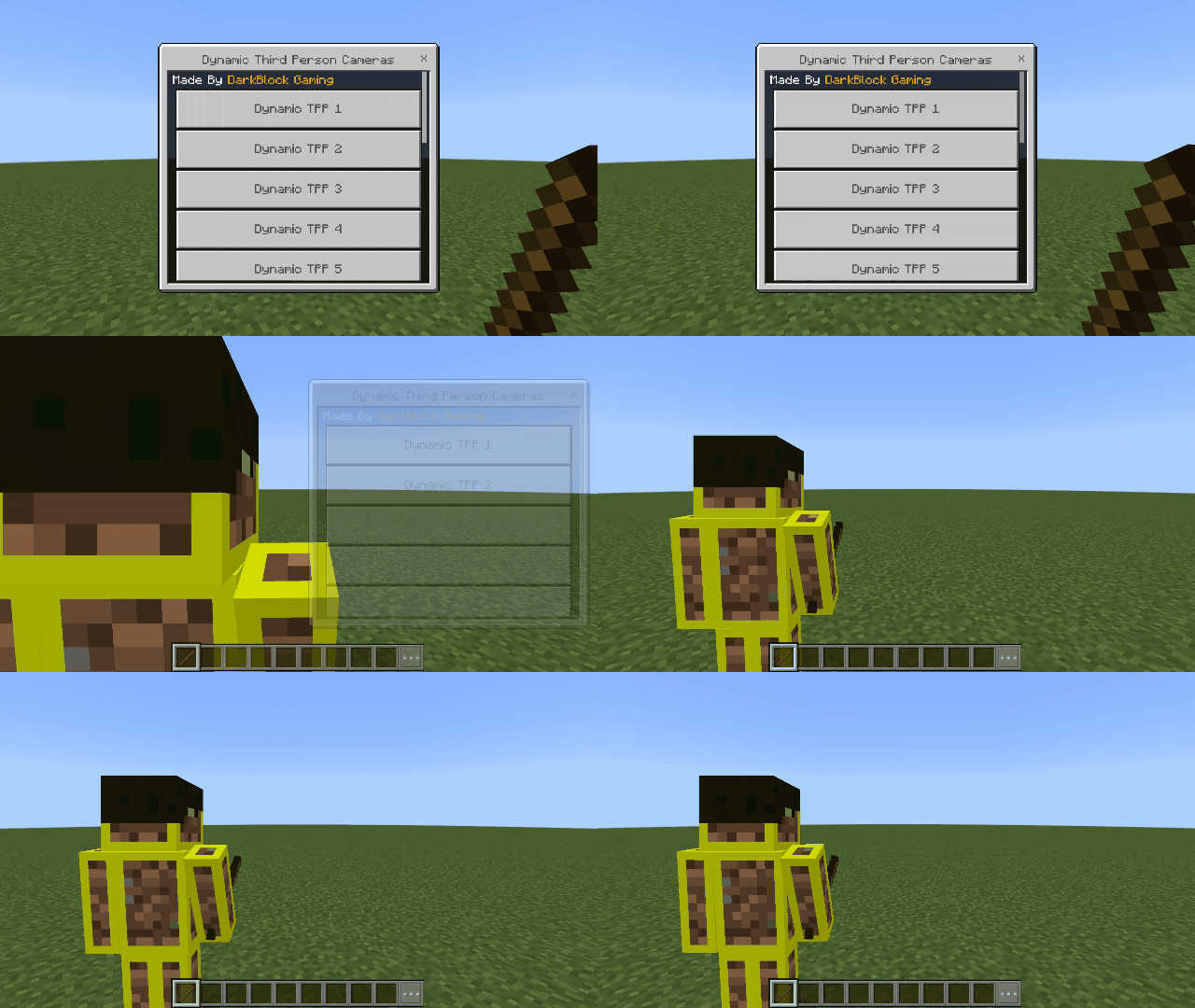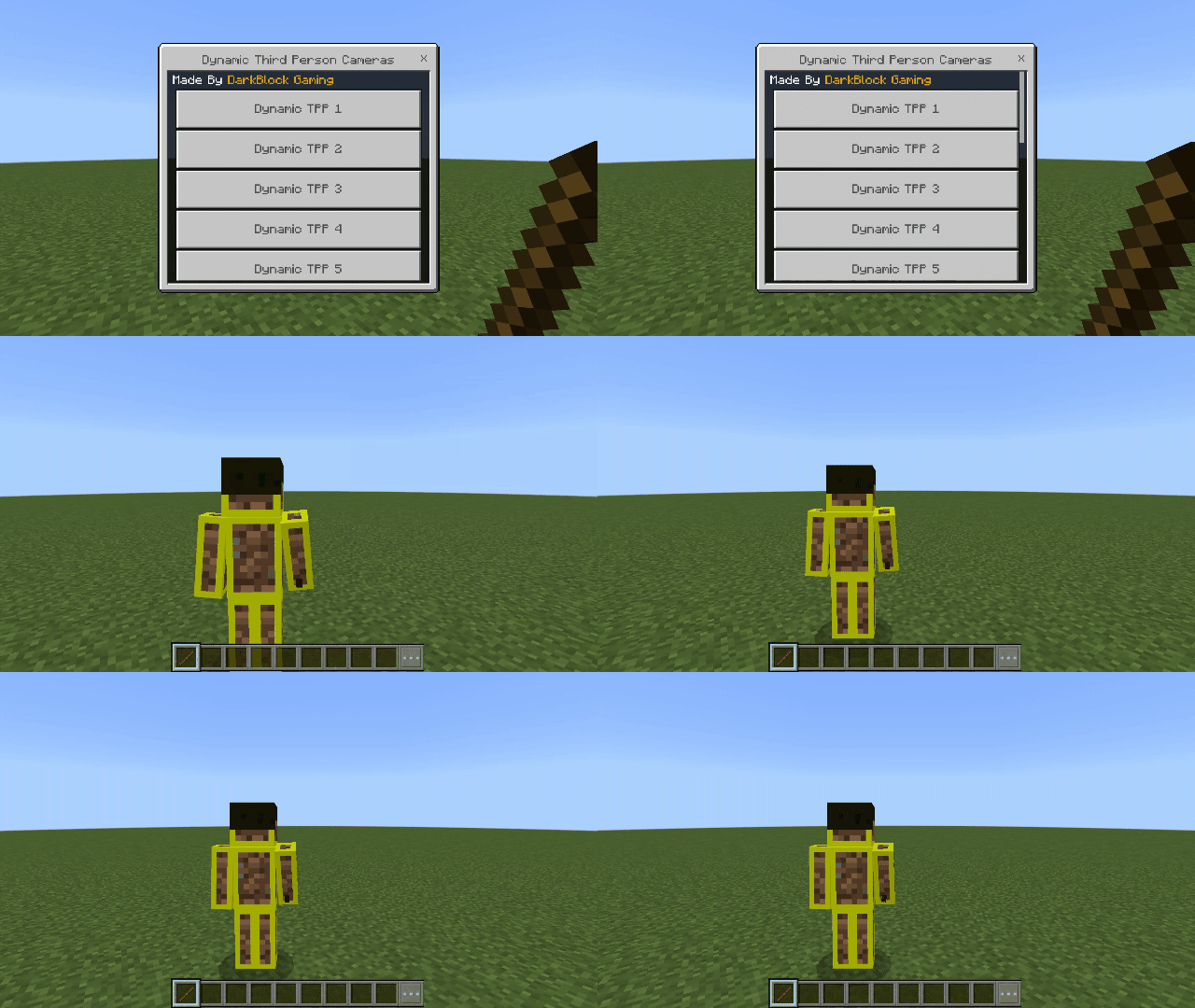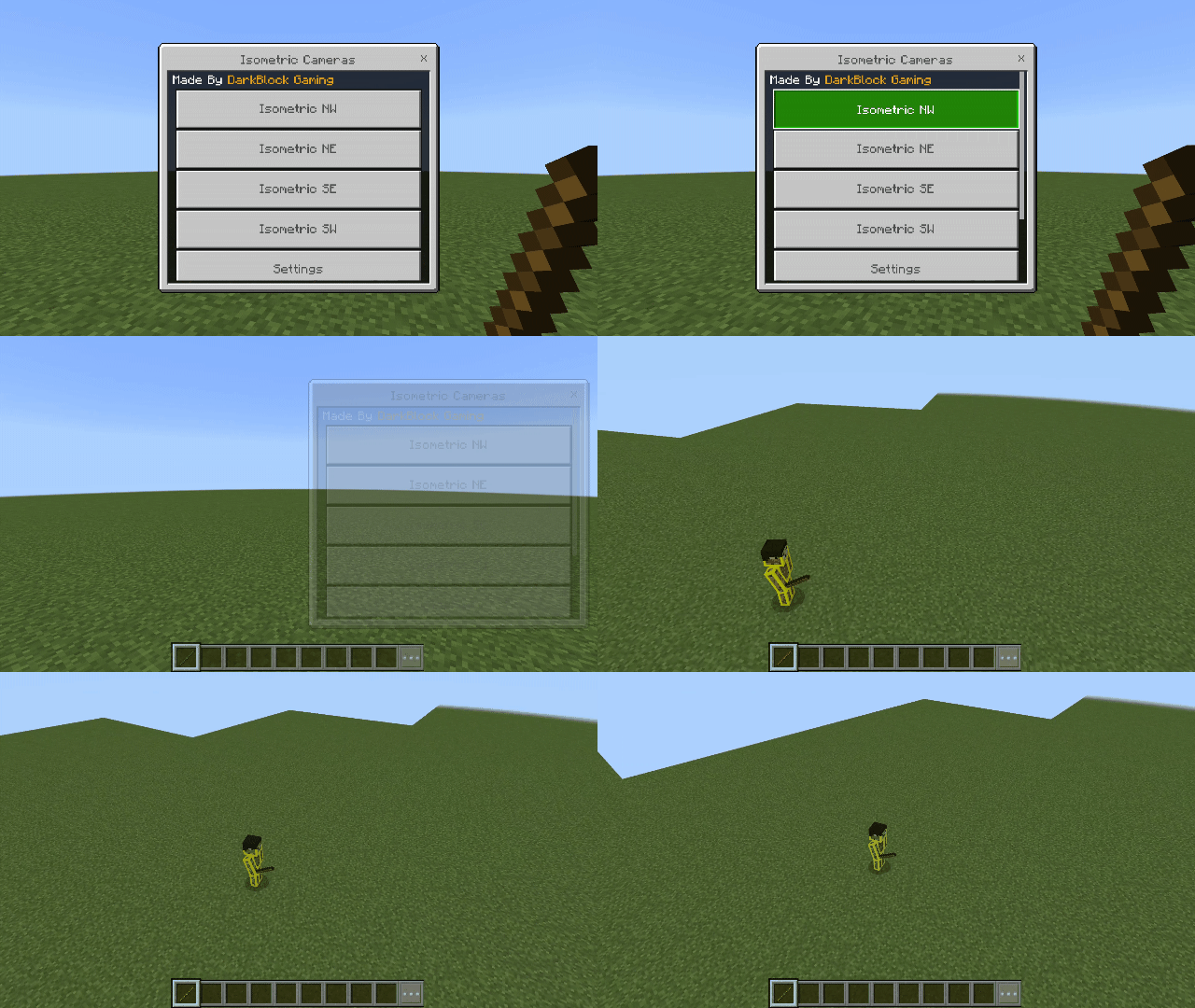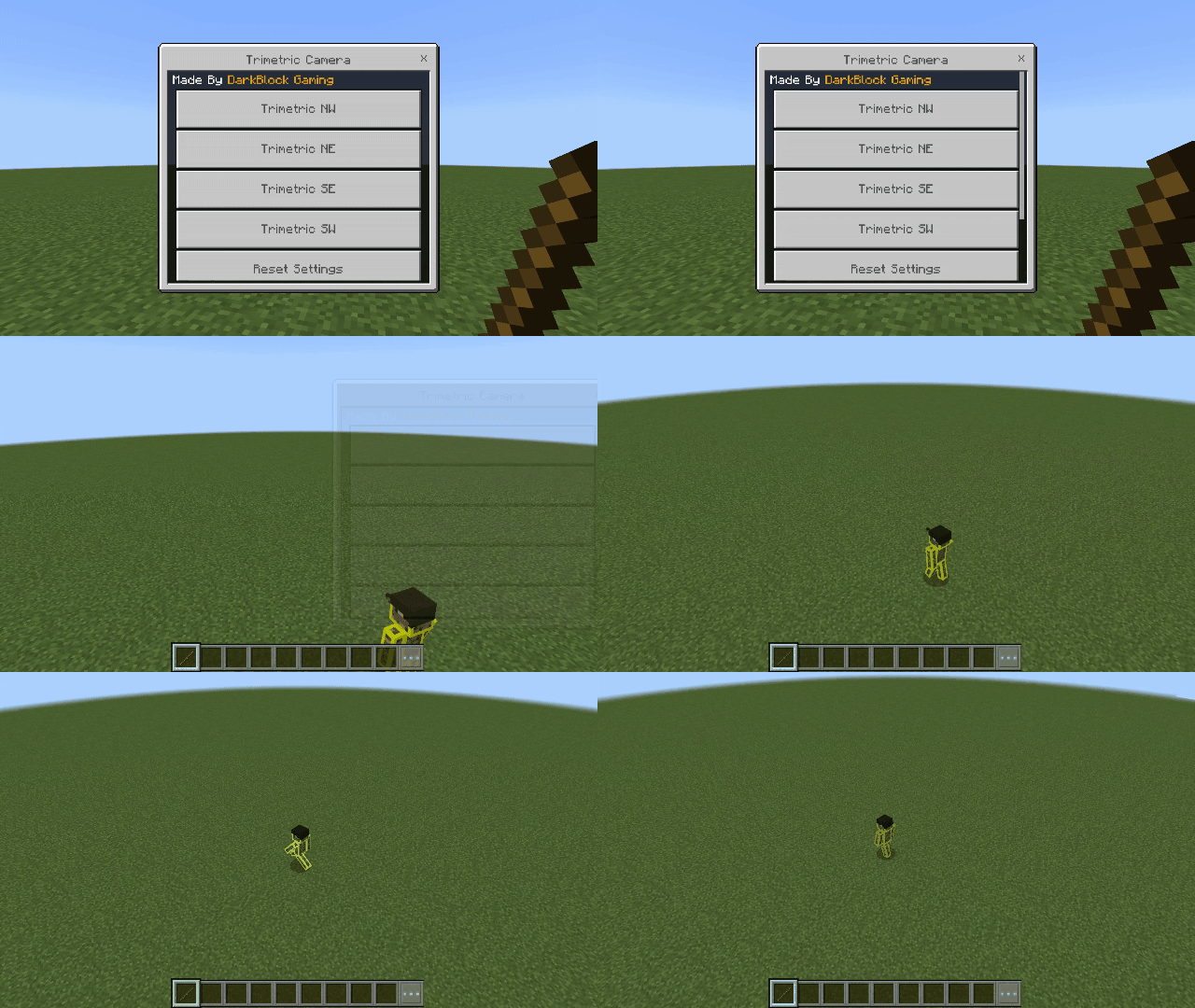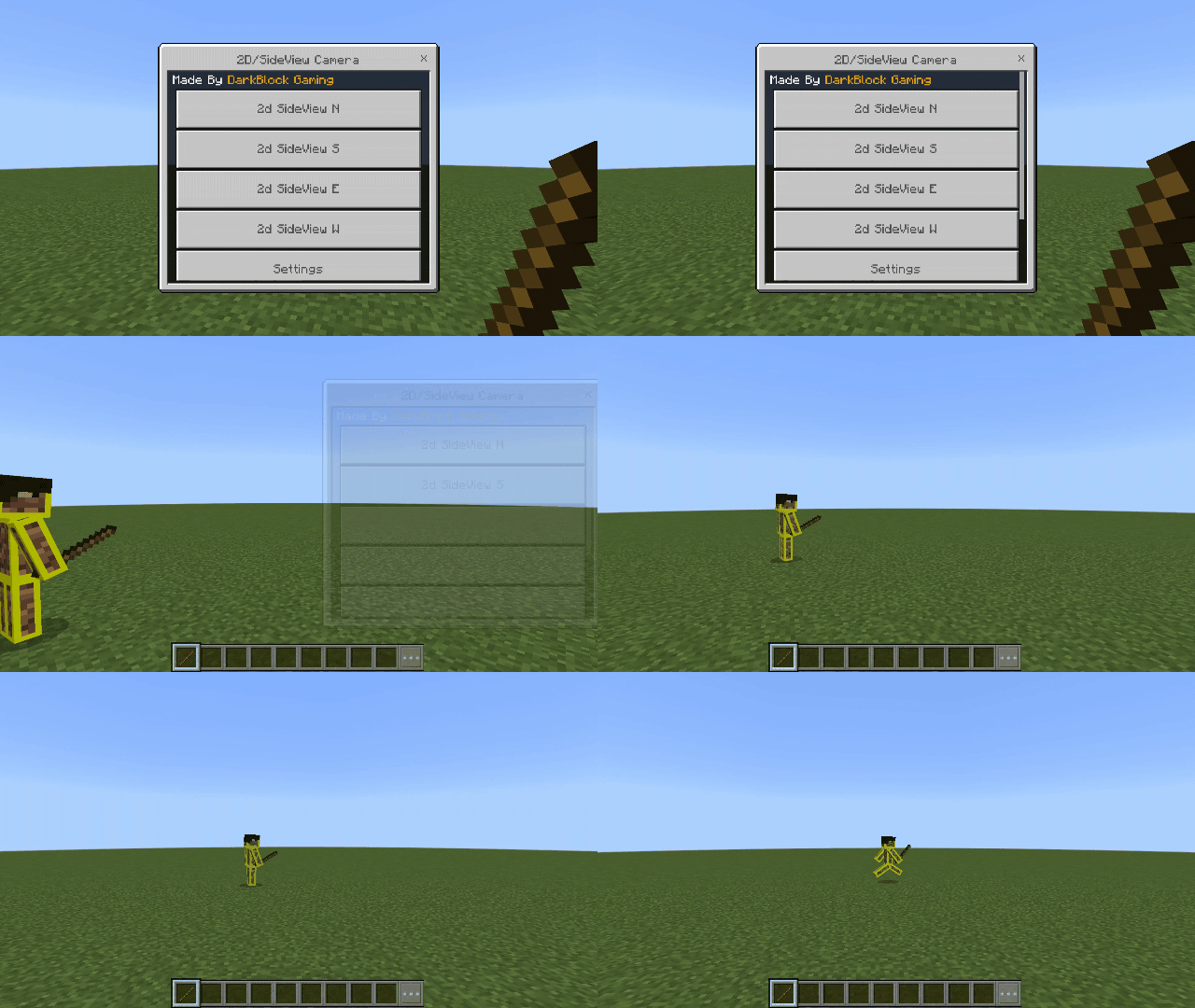
More Camera Perspectives
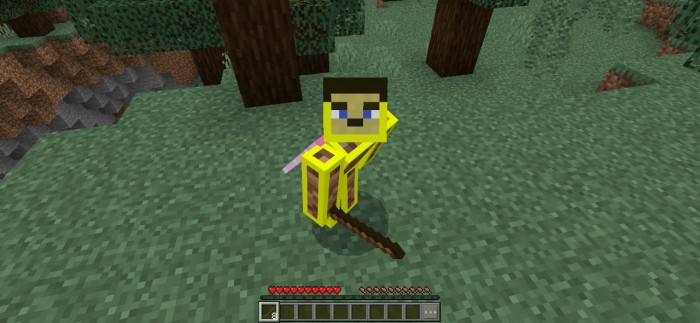
Minecraft comes with only three basic camera perspectives, which work—but for players seeking cinematic creativity, that just isn’t enough.
That’s where this add-on comes in. It introduces a wide range of customizable, dynamic camera perspectives perfect for creators, builders, explorers, and casual players alike.
In version 3.2.0 of this add-on, there are a total of 12 different camera types, and each camera type contains multiple camera perspectives.
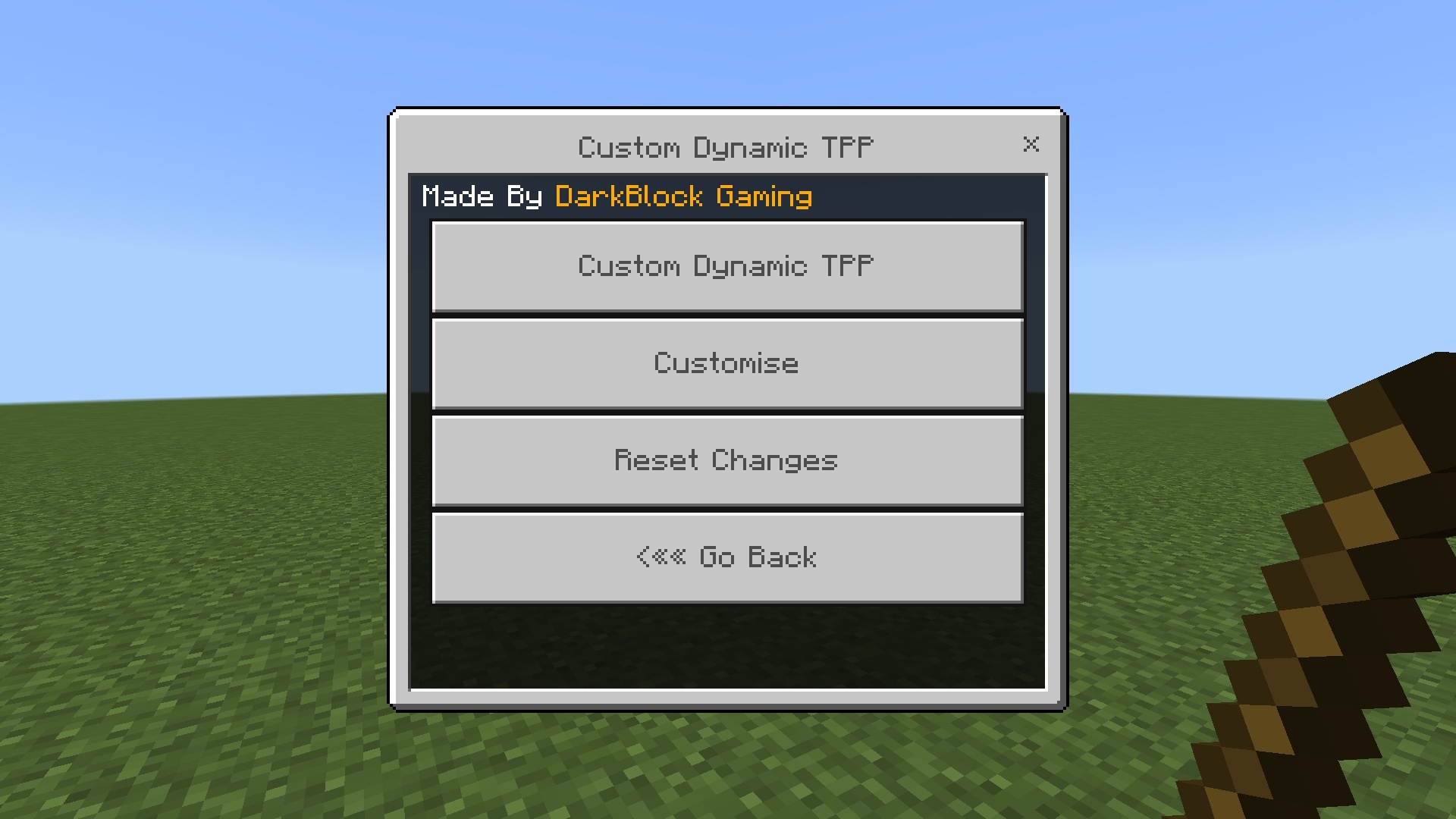
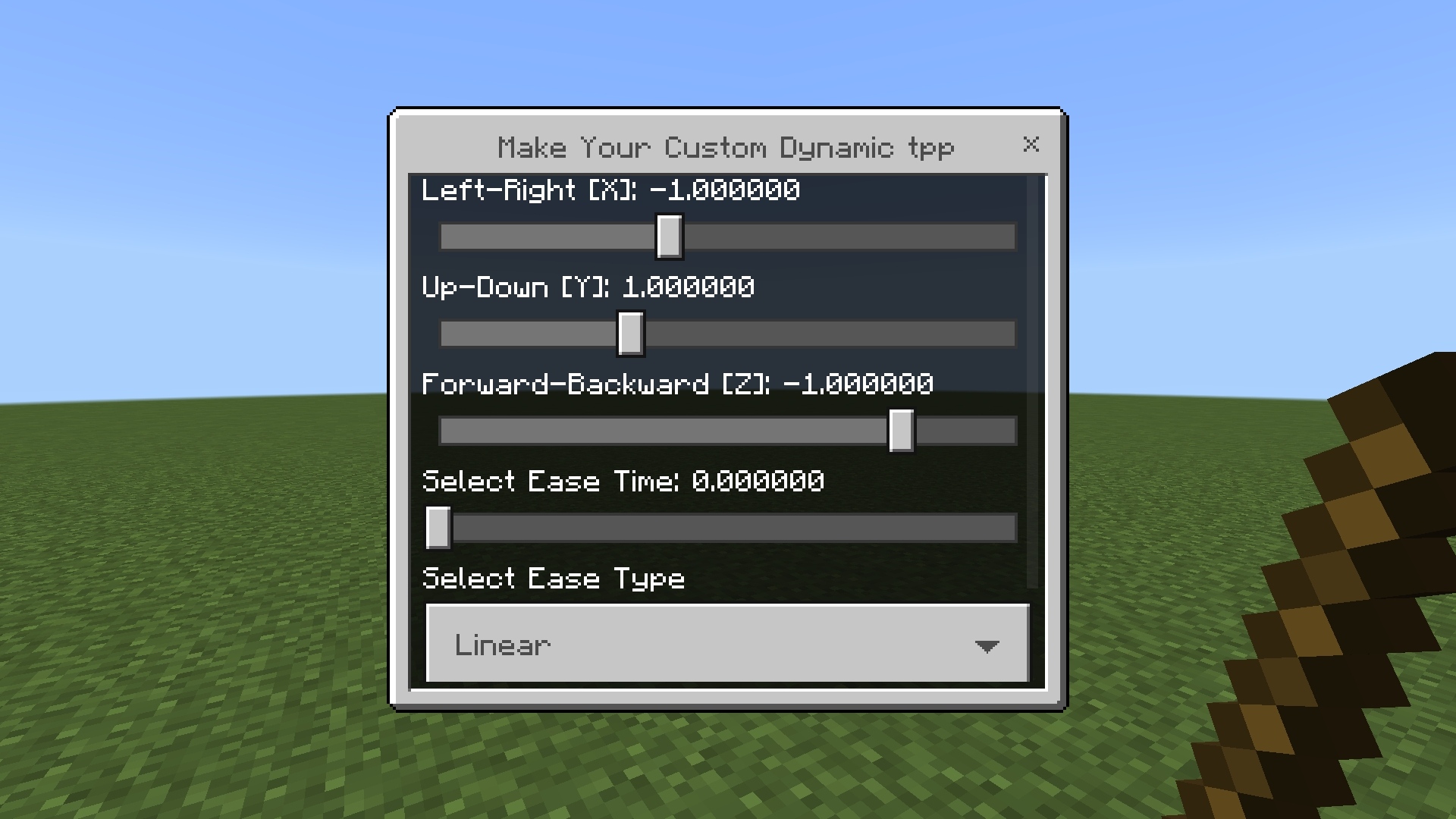
For example, the first type of camera—Dynamic Third Person Back—includes over 12 camera perspectives by itself. You also have the power to create your own dynamic TPP with all the customizations.
So, if we count all the camera perspectives across all 12 camera types, the total comes to 30+ perspectives. And since every perspective is fully customizable, this add-on technically adds a countless number of camera perspectives.
All your customization data is saved permanently, so your settings will never be lost.
Key Features
Very User-Friendly Controls
The menu is extremely easy to navigate and use—especially in v3.2.0, where it has been significantly improved.
Works on All Devices
As long as you're using a supported version of Minecraft Bedrock Edition, this add-on will work smoothly.
Multiplayer-Supported
This add-on is fully compatible with multiplayer. It's optimized so that every player gets their own personal camera menu, and all customizations are saved separately without interference.
No Experimental Features Required
You don’t need to enable any experimental features to use this add-on.
Does Not Disable Achievements
Starting from the 3.2.0 update, this add-on no longer disables achievements making it more survival friendly. (Until Mojang removes this ability)
No New Items Added
Fully Vanilla-Friendly
Extremely Customizable
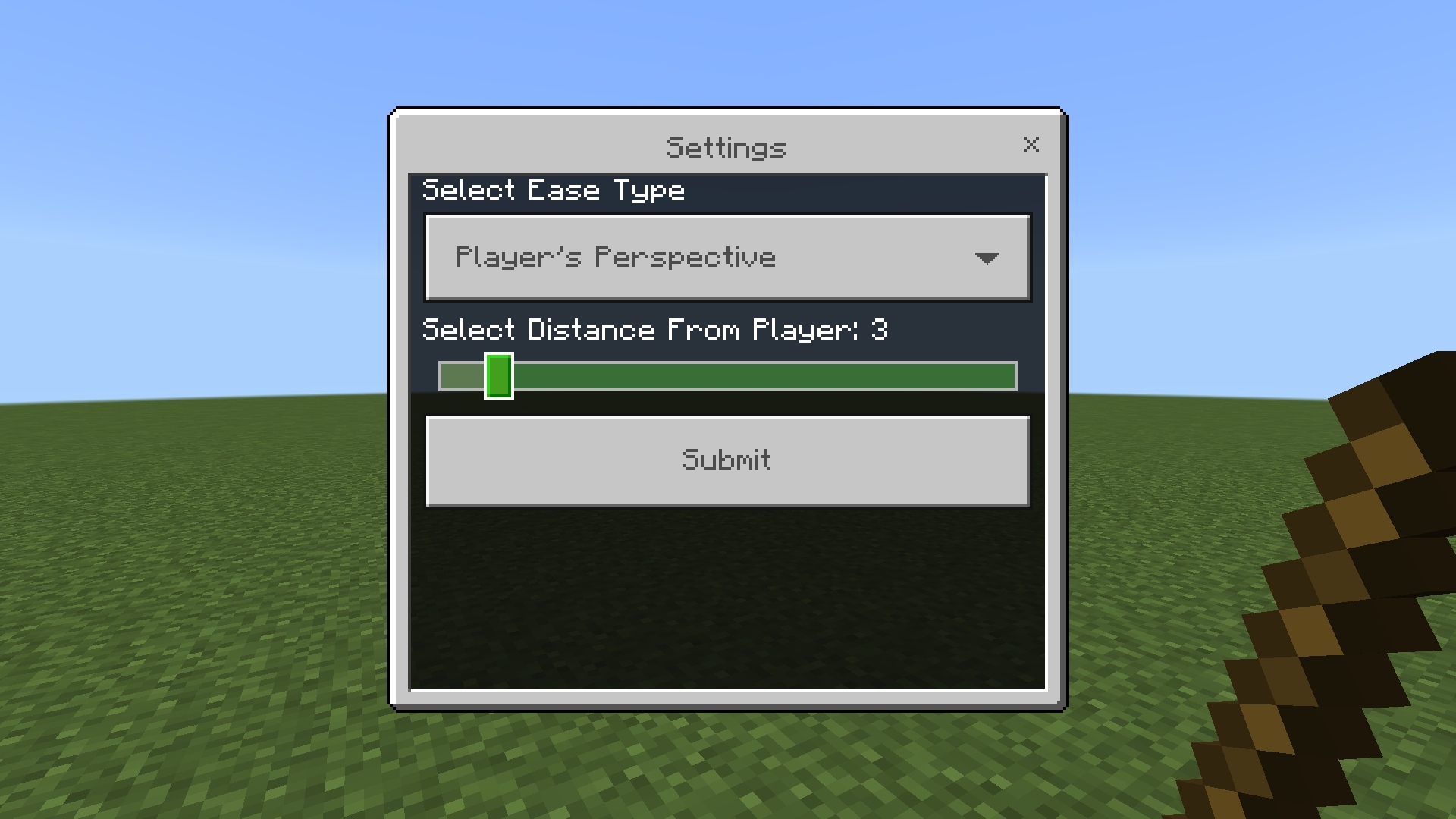
Adjust position, zoom, angles, and more!
Changelog (v3.2.0)
- This addon no longer disables Achievements.
- Improved UI and menus — navigating between different menus is now much easier and more user-friendly.
- Menus for currently active cameras are now locked, making navigation simpler and more intuitive.
- Added more customization options.
- Added a Reset Settings button to restore default settings for all cameras.
- Introduced permanent data saving — all customizations and settings are now saved automatically, so your preferences are never lost.
- Major improvements in multiplayer support, along with several bug fixes and optimizations.
- v3.2.0 is now significantly optimized for servers and SMPs, making it a must-have addon for your multiplayer worlds.
- Fixed an error that occurred when a player left the world or server — the camera now clears automatically for that player, preventing issues.
- Added 9+ new dynamic TPP (Third-Person Perspective) back views.
- Introduced some more new camera types — and much more!
How to Use It
- Activate the add-on in your world settings.
- Grab a Stick in-game.
- Use the Stick
- Mobile: Long-press
- PC: Right-click
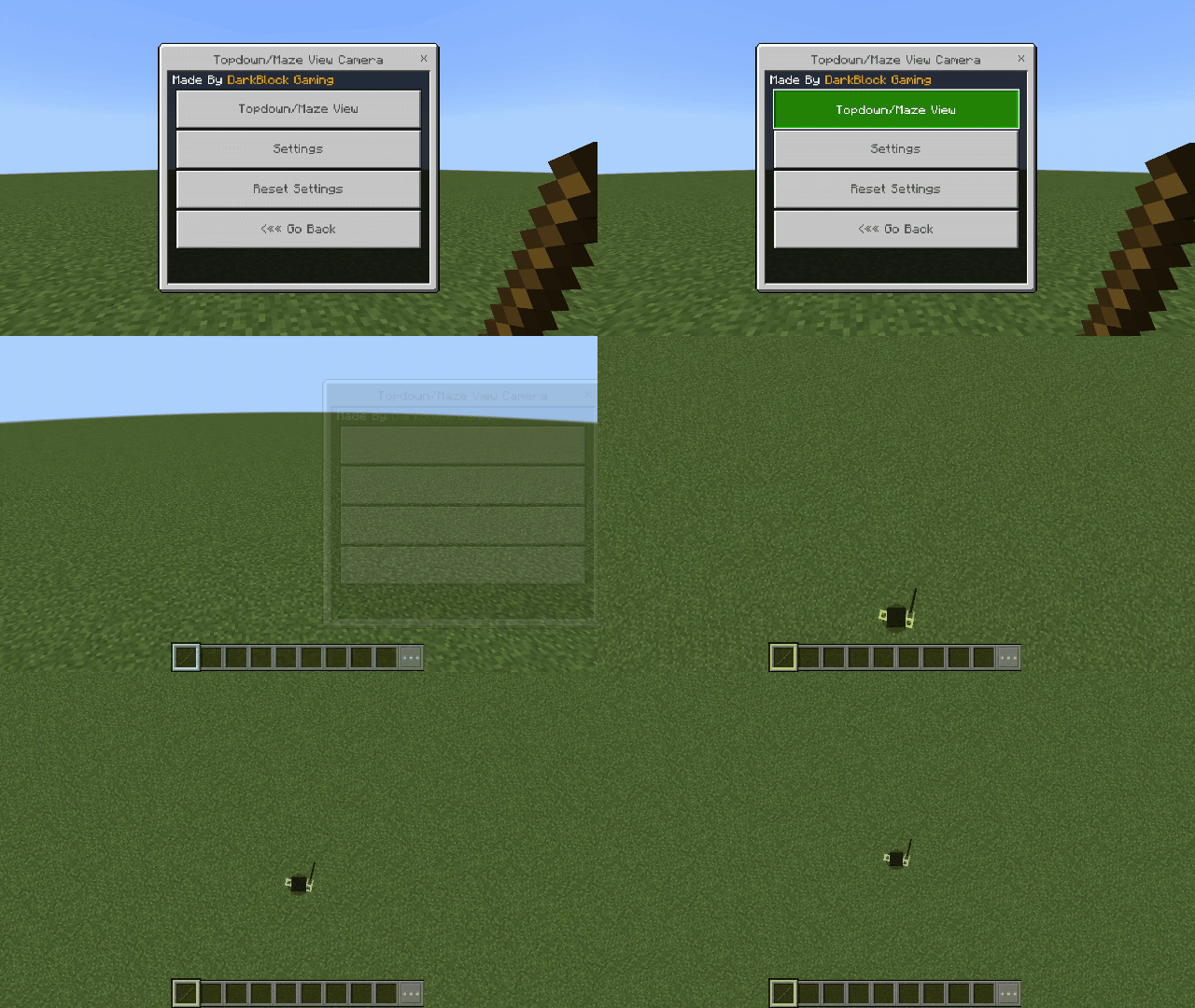
- A camera interface will appear.
The stick keeps its normal function (attacking, crafting, etc.)—only adds camera control!
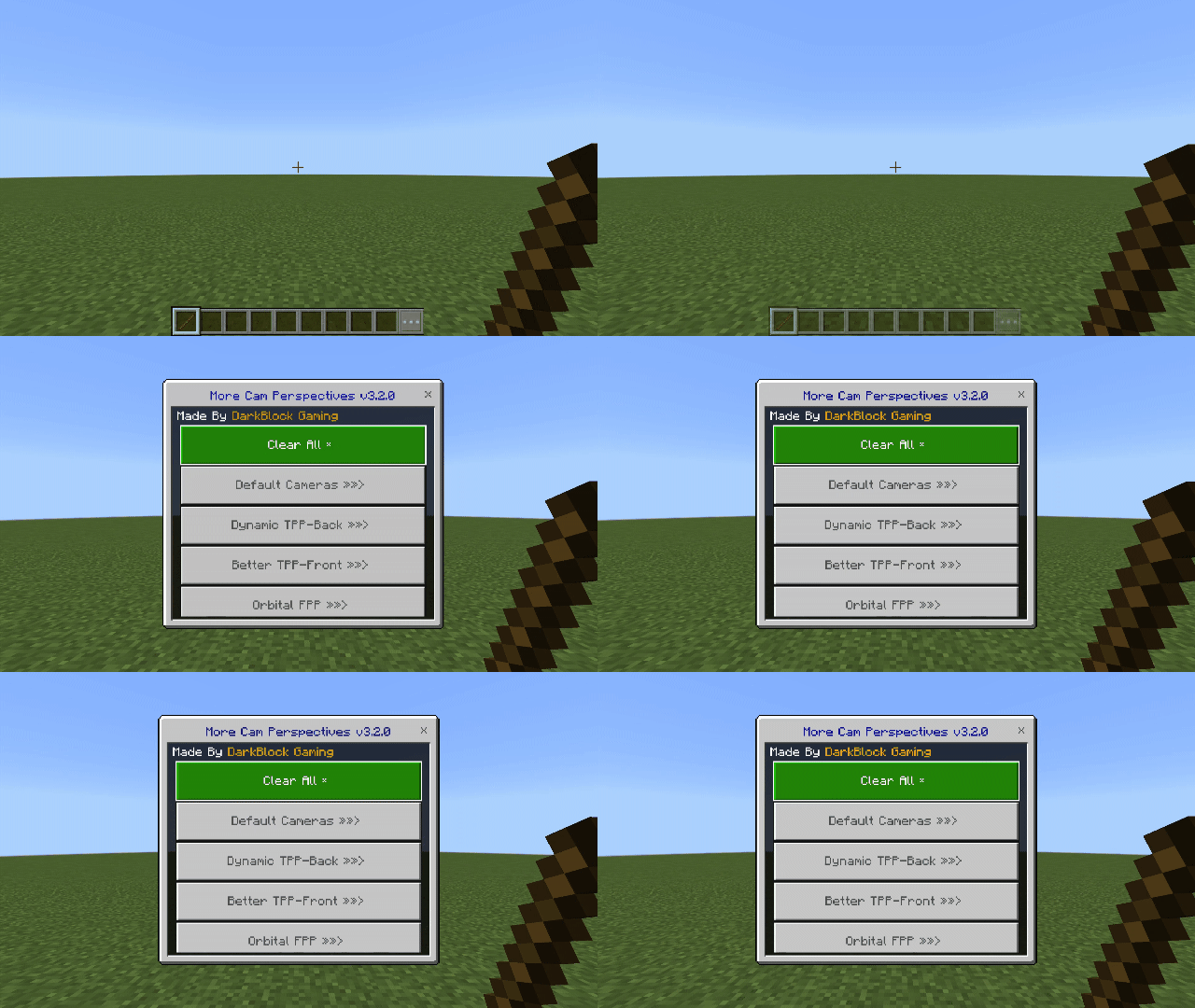
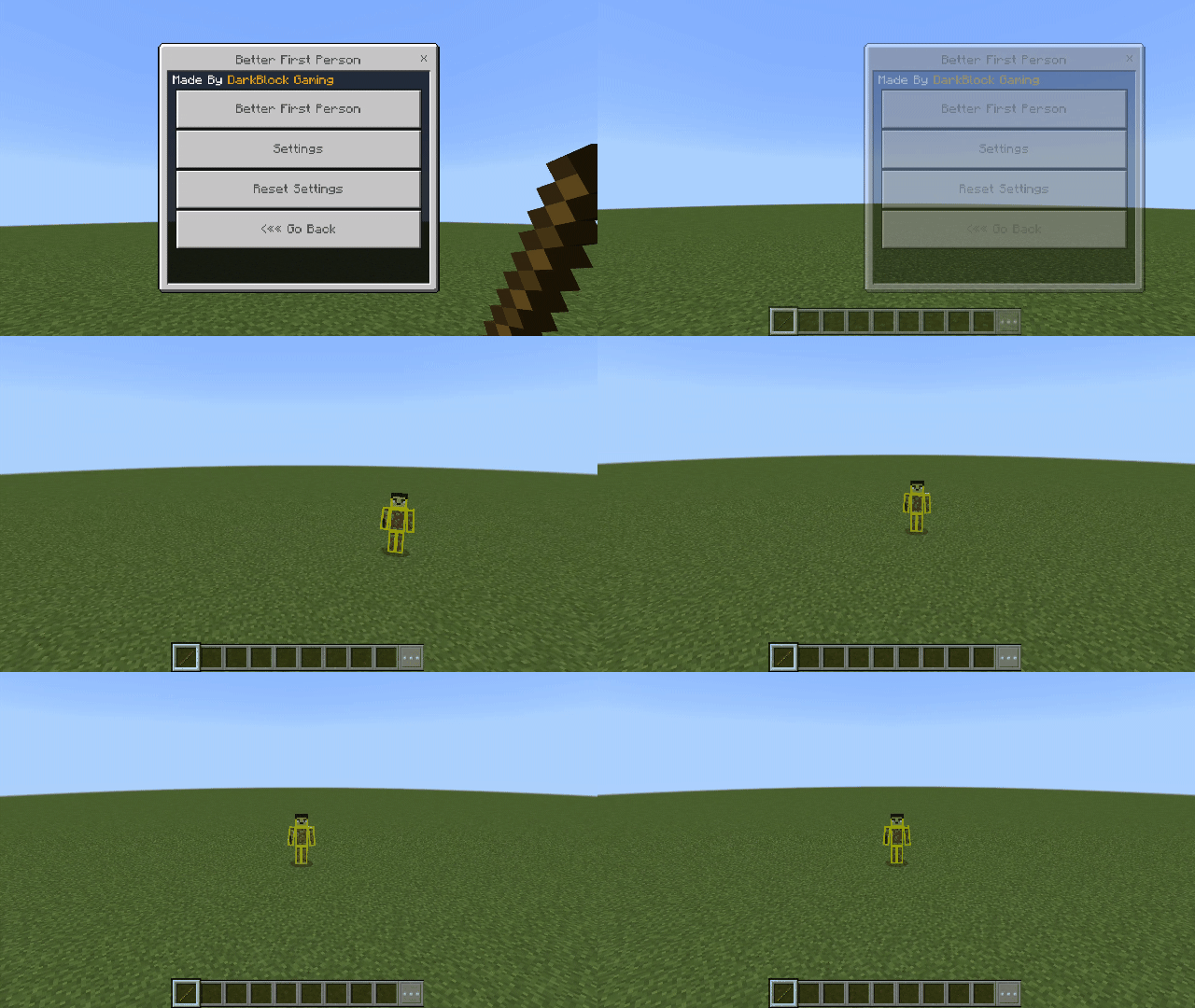
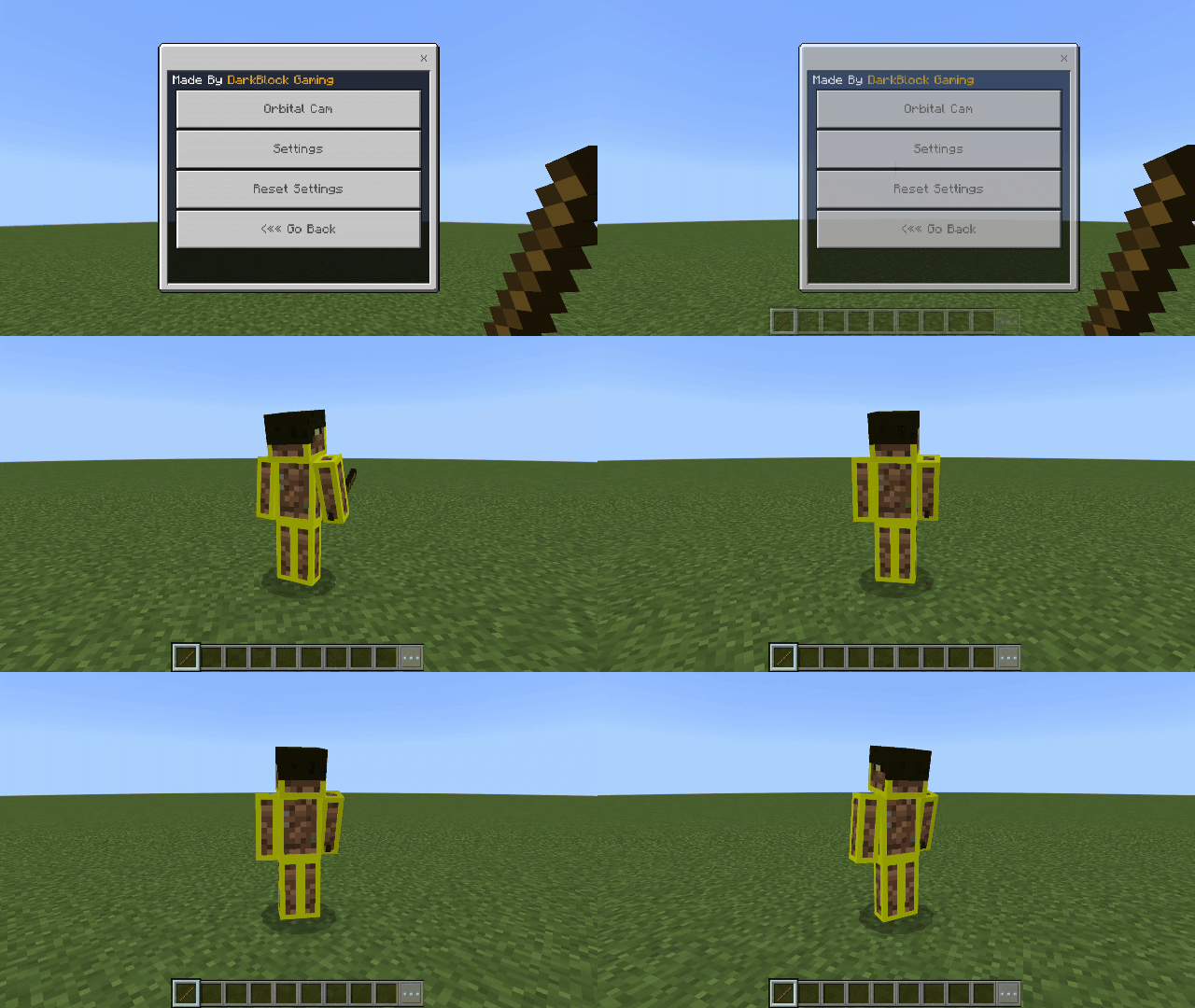
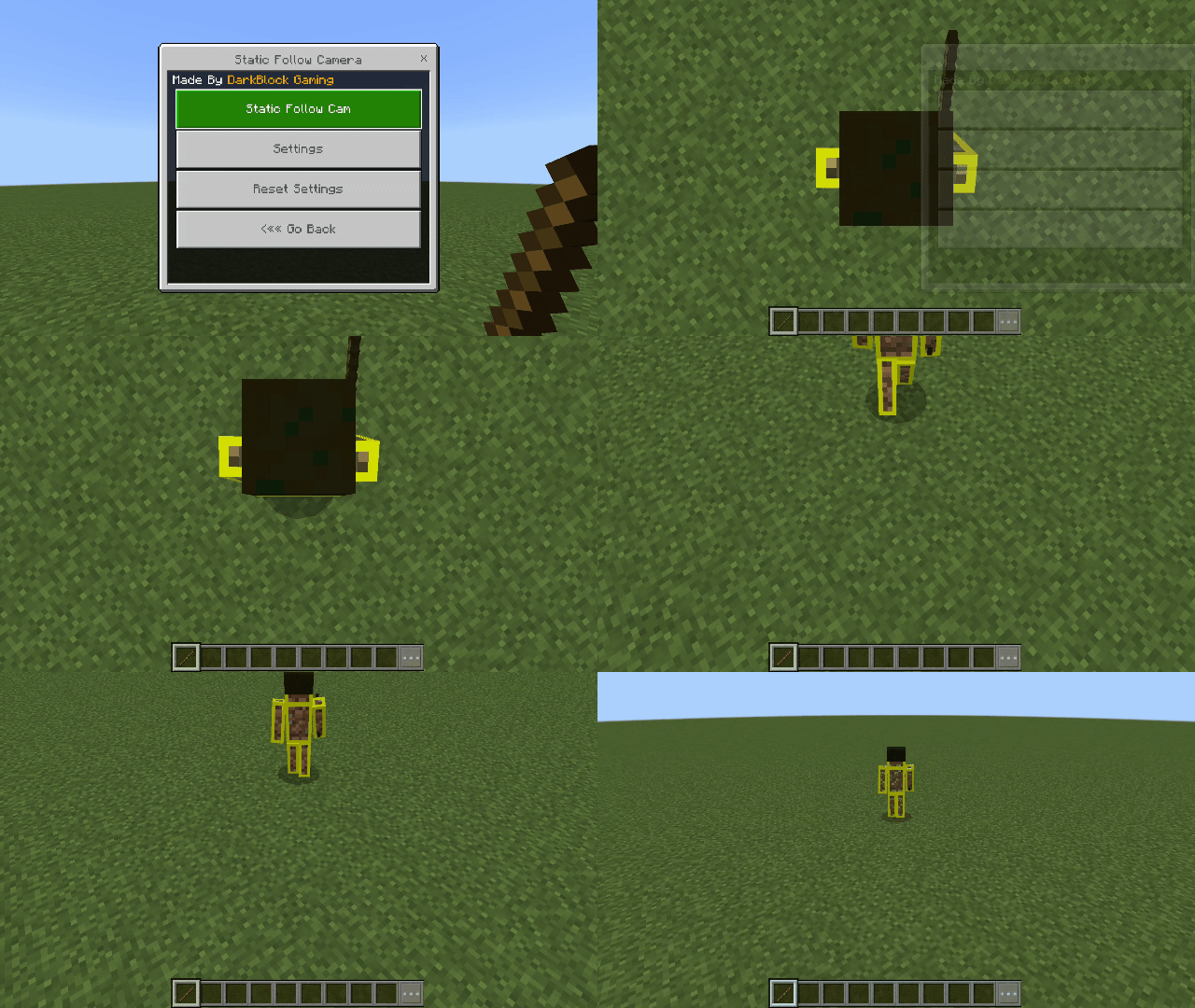
You’ll then see the camera menu, Choose from a list of preset or dynamic camera perspectives:
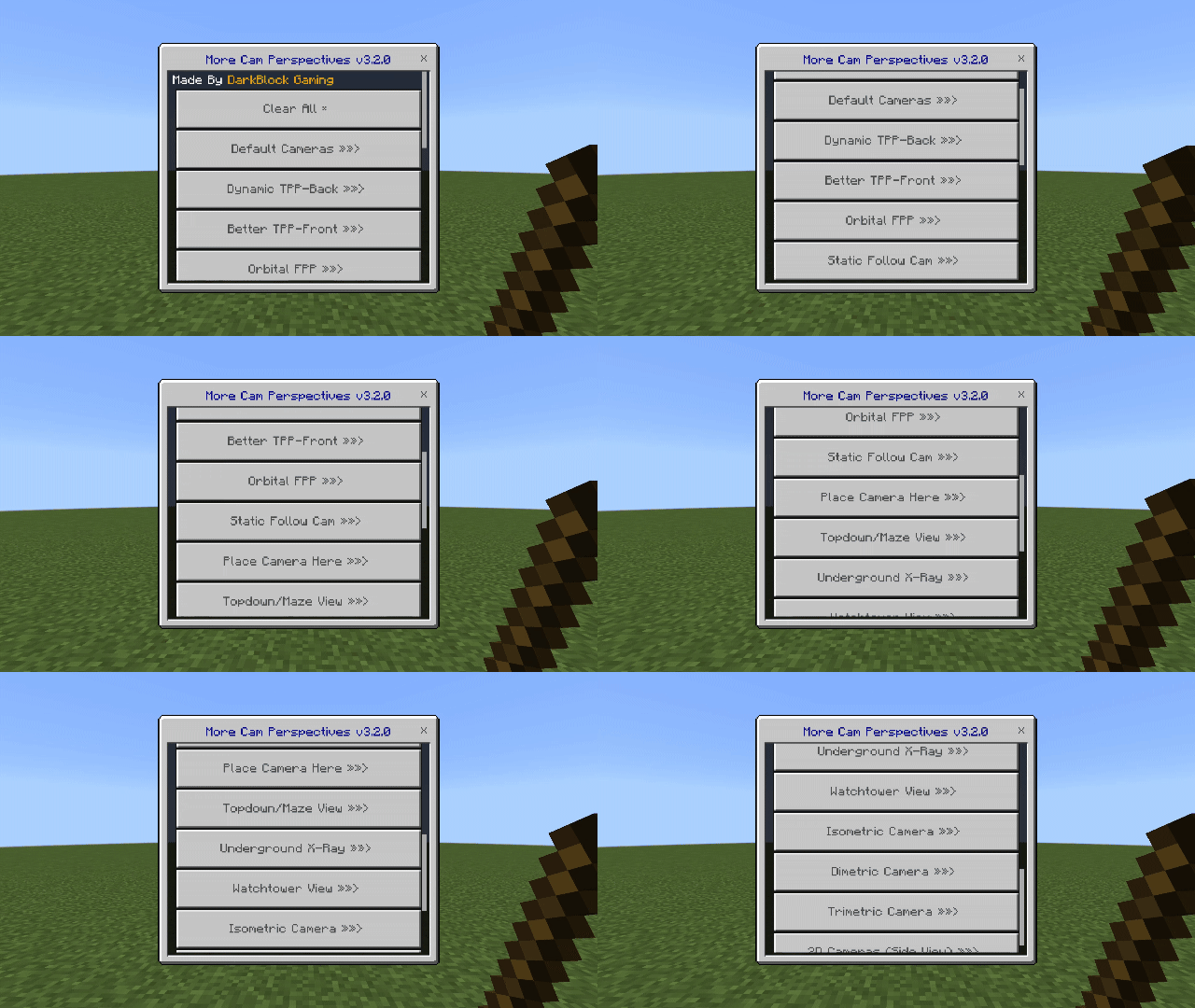
You can tweak almost every setting: of almost any added camera perspectives, which makes it much more fun and useful!
For Example:
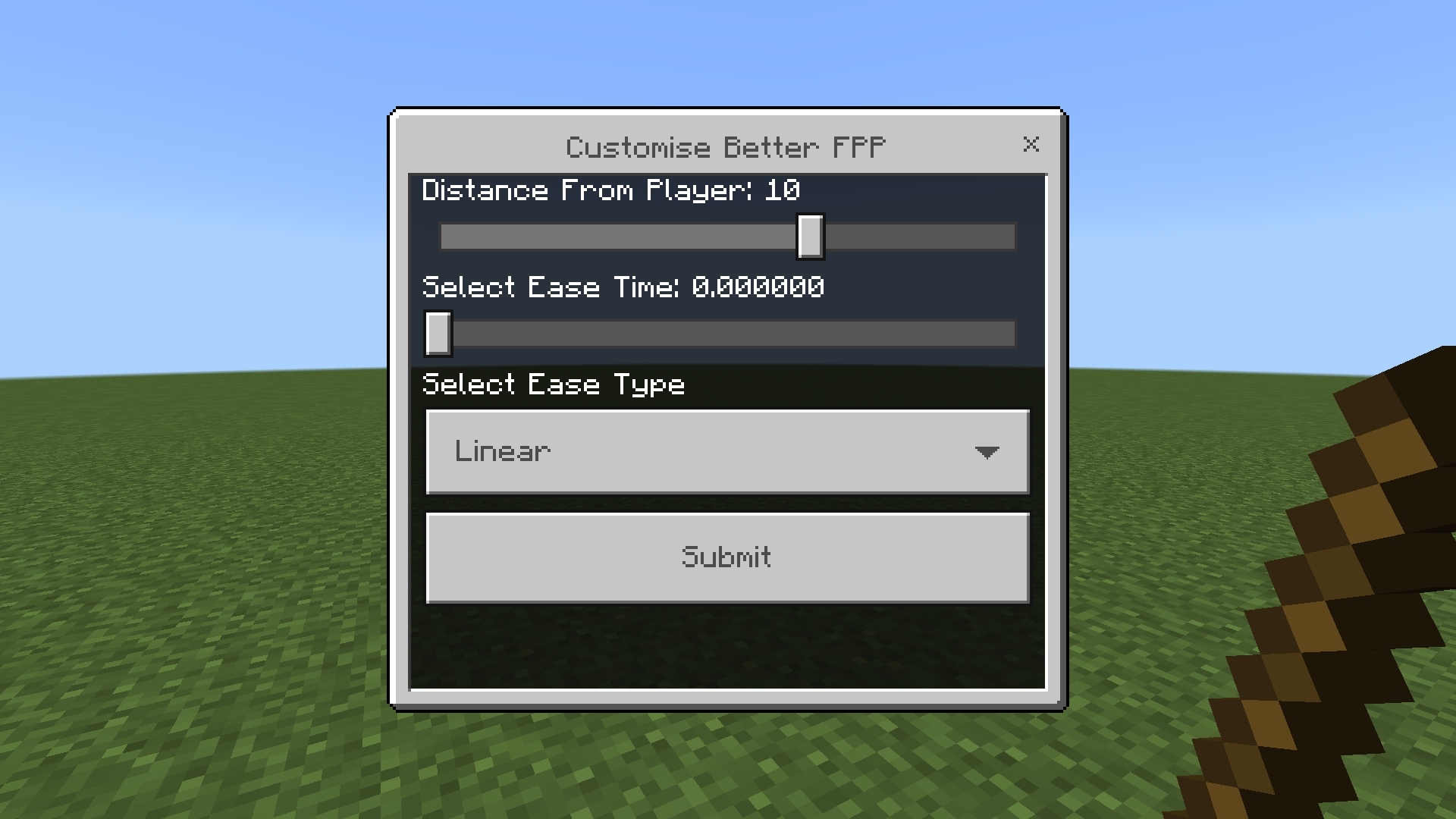
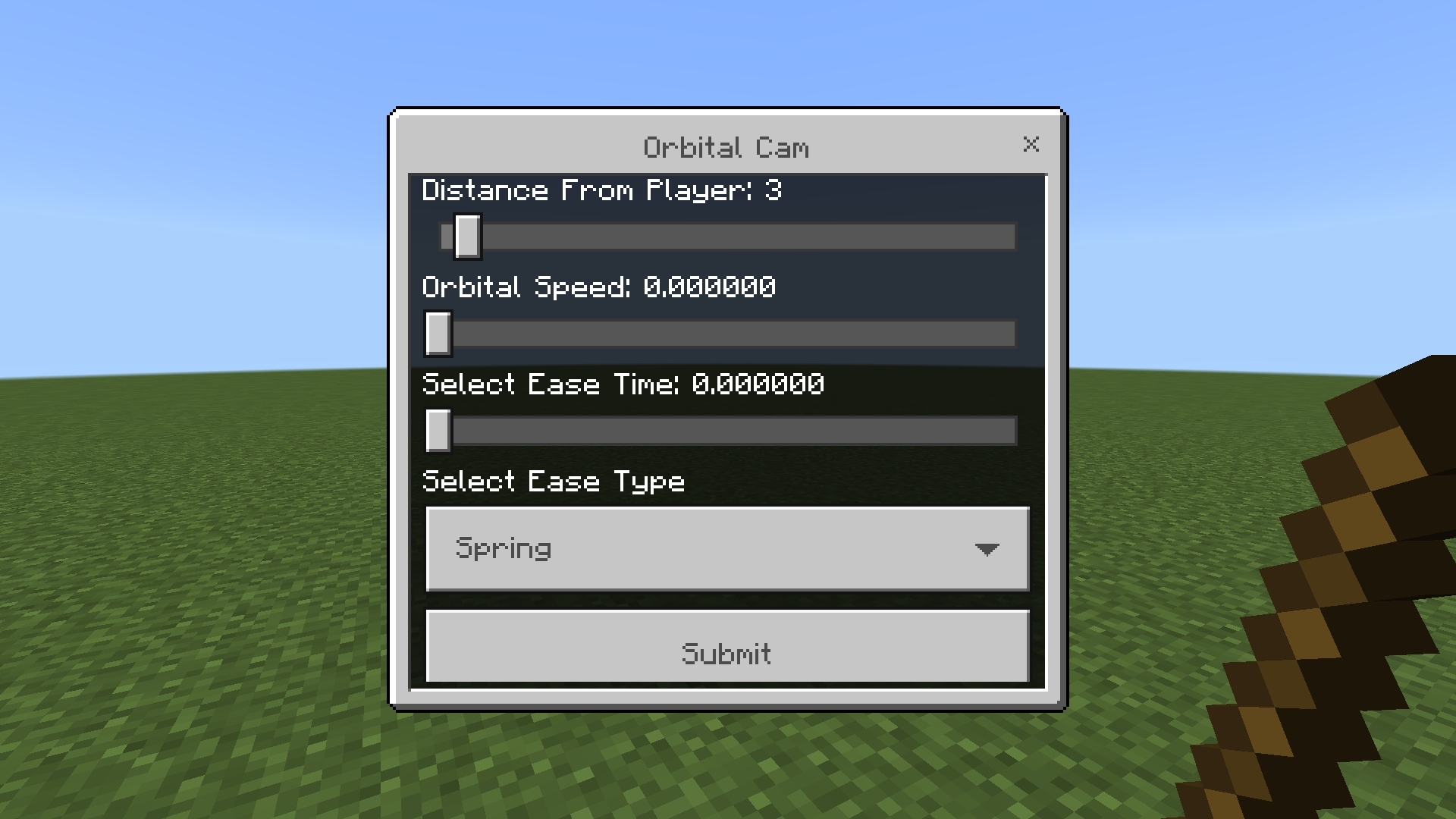
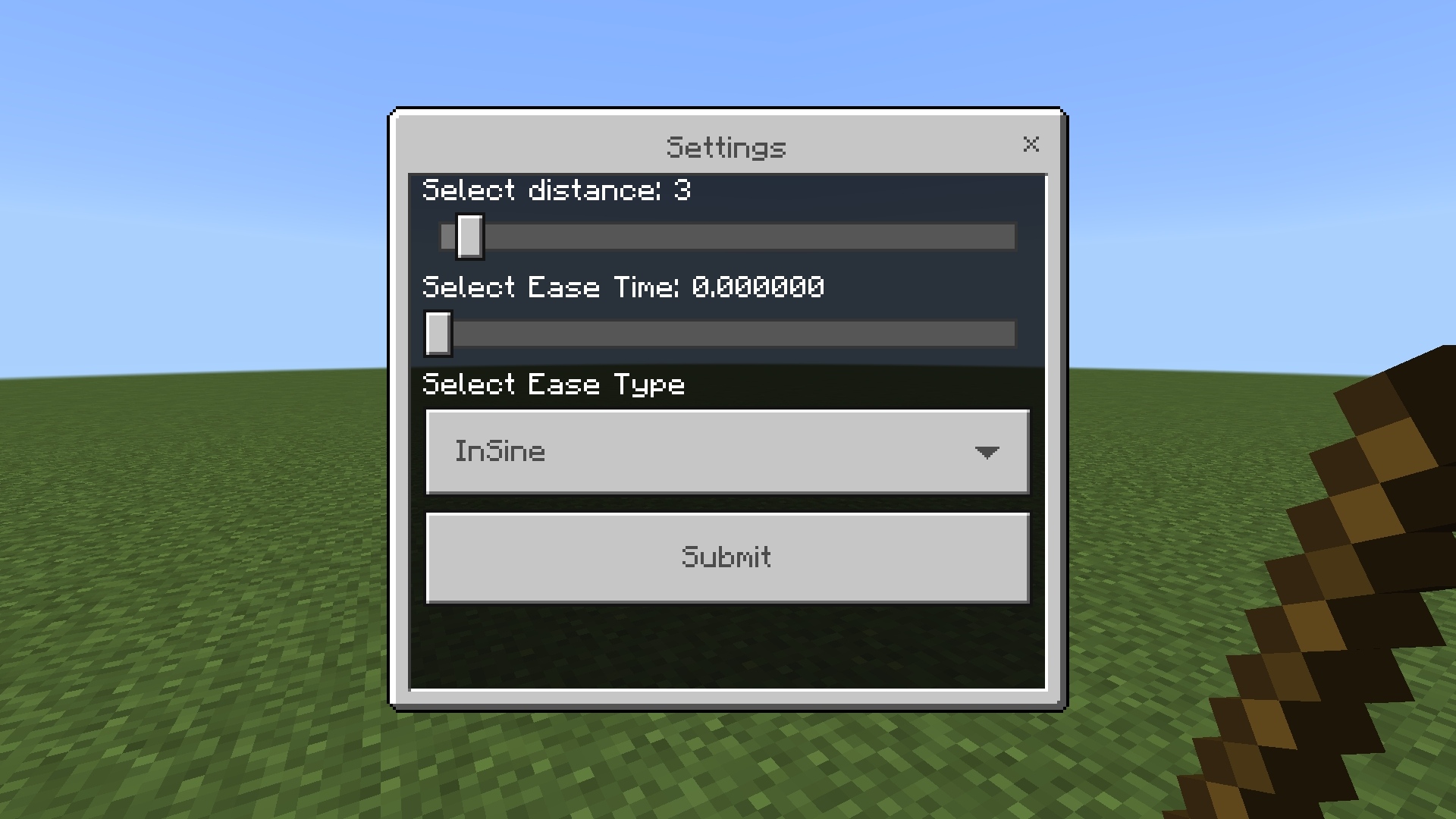

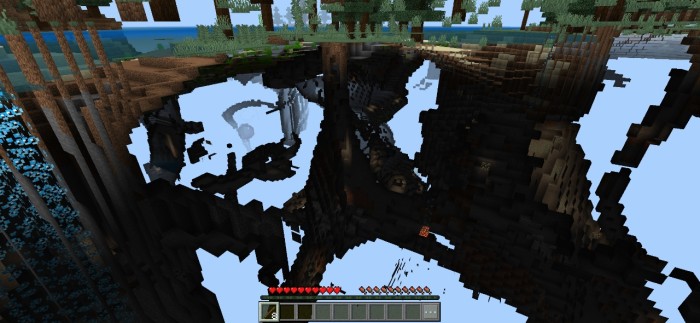
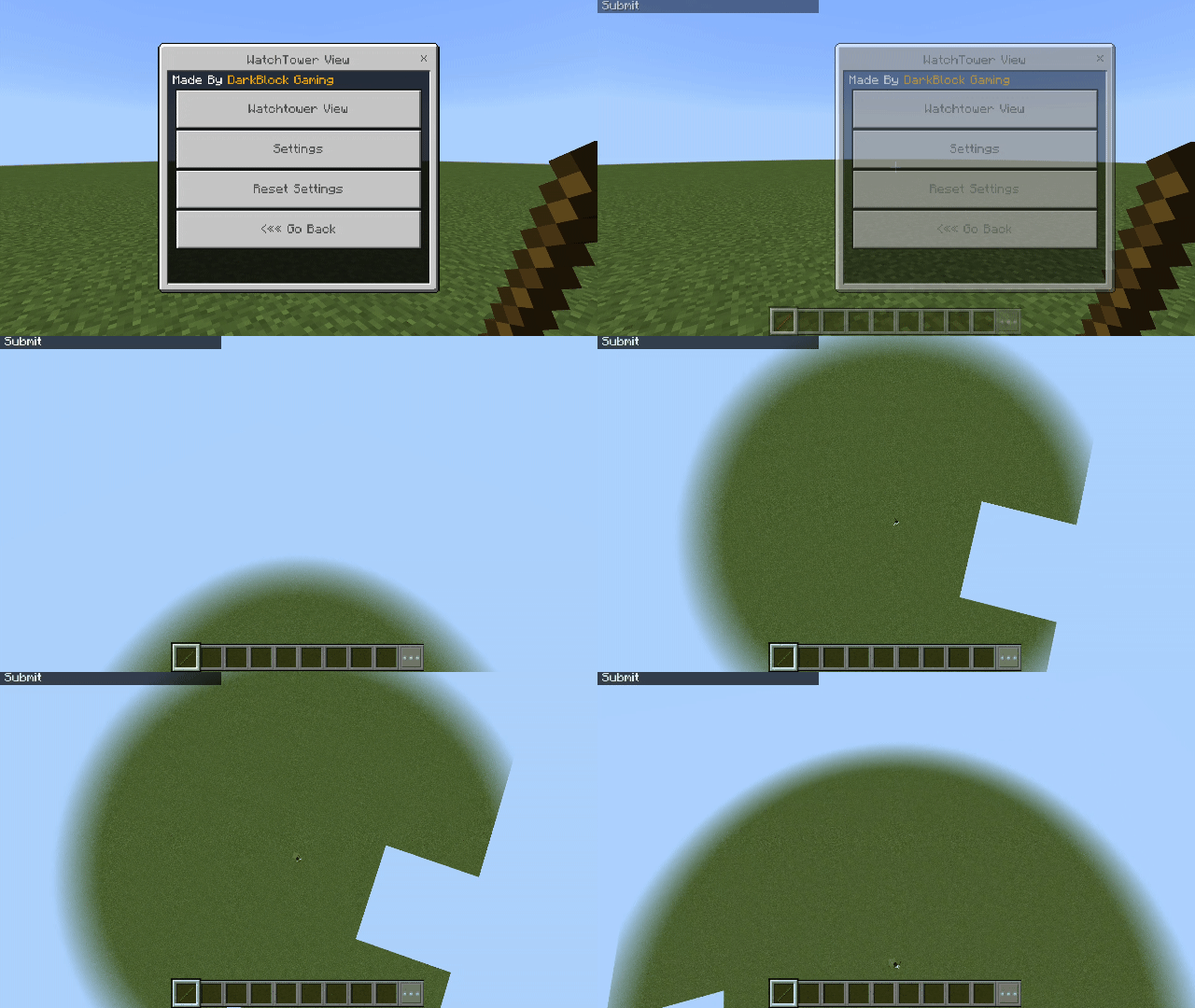
Added Perspectives
Note: Listed below are just some perspectives, there many more this pack adds….
Thank You!
Thanks a lot for checking out this add-on!
If you're a content creator, builder, or just someone who wants more control over your Minecraft experience—this is for you.
I'd love to hear your feedback or ideas for future updates!
Download & Support Me!
Direct download is available but if you want to support me, you can download from here:
Feel free to directly download, but if you like it feel free to donate & support me:
Try it, share it, and explore Minecraft from a whole new angle!