Hologram+
- By
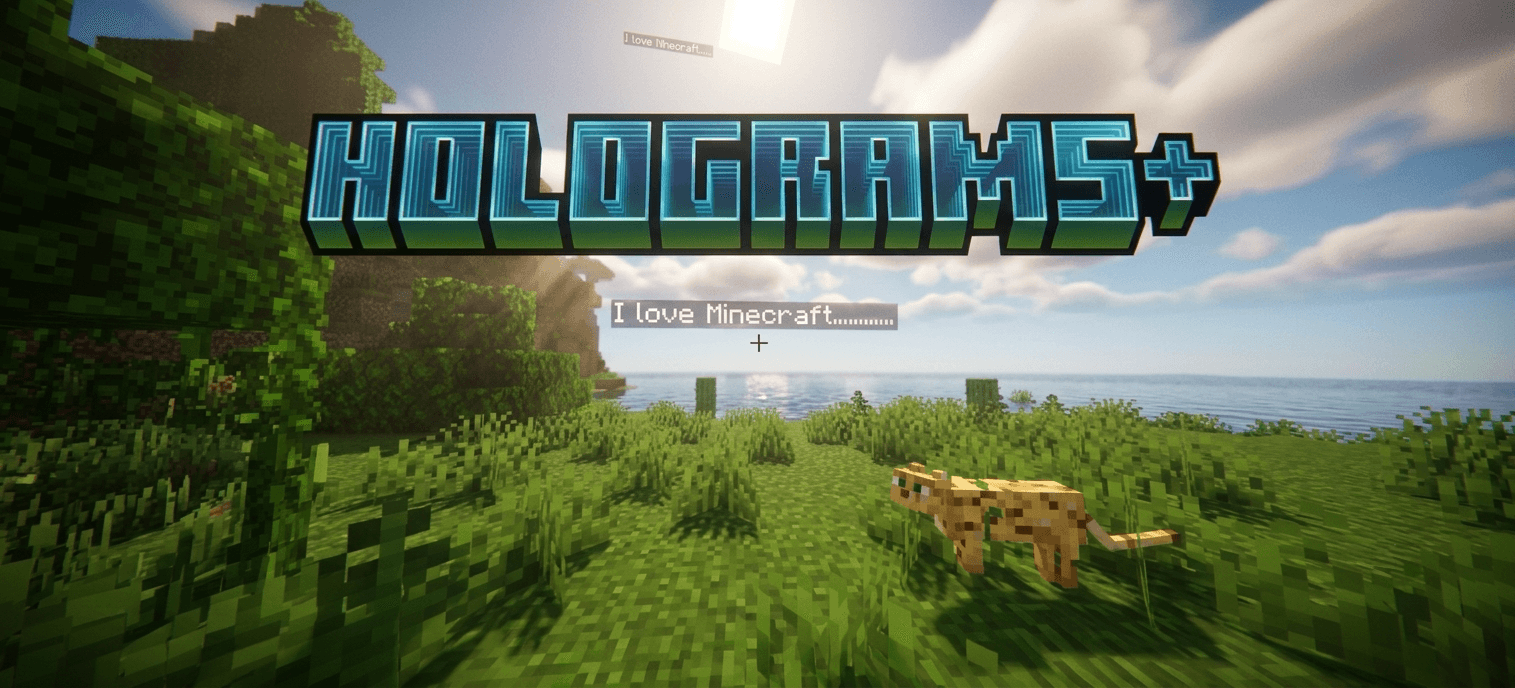
Holograms+ is a Minecraft Bedrock behavior pack that lets server owners create and manage floating text holograms directly in-game.
MCPEDL
Description
Holograms+ — GUI Holograms for Minecraft Bedrock
Holograms+ is a Minecraft Bedrock behavior pack that lets server owners create and manage floating text holograms directly in-game.
Discord server:https://discord.gg/BkyGna7ynf
Features
- Create floating text holograms
- Edit hologram text lines
- Add, insert, remove, and clear lines
- Move holograms to your current location
- Teleport to holograms
- Rename holograms
- Delete holograms
- Enable or disable holograms
- Change visibility range
- Change text scale
- Change line spacing
- Adjust down offset / vertical position
- Reload hologram data
- Persistent saved holograms
- GUI-based management system
How to Open the GUI
Run:
/holo:ui
This opens the main Holograms+ menu.
From the GUI, you can create new holograms, manage existing holograms, edit lines, change settings, move holograms, and delete them.
Creating a Hologram
- Run:
/holo:ui
- Select Create Hologram.
- Enter a hologram ID, such as:
spawn
- Enter the first line of text.
- Adjust settings if needed.
- Press submit.
The hologram will appear at your current location.
Editing a Hologram
- Run:
/holo:ui
Select Manage Holograms.
Pick the hologram you want to edit.
Choose one of the edit options:
- Edit lines
- Add line
- Remove line
- Settings
- Move here
- Rename
- Delete
Down Offset
The Down offset setting controls how low or high the hologram appears.
Examples:
0
Normal height.
1.5
Moves the hologram down by 1.5 blocks.
-1
Moves the hologram up by 1 block.
Optional Commands
The addon is mainly GUI-based, but some slash commands are also available.
/holo:ui
/holo:create <id> <text>
/holo:delete <id>
/holo:goto <id>
/holo:movehere <id>
/holo:reload_all
Because this is a Bedrock addon, commands use namespaced command names such as /holo:ui.
Permissions
Players need permission to use the hologram tools. On servers, give access to trusted staff/admins only.
For chat-based access, add the admin tag:
/tag <player> add holo.admin
Then the player can use supported chat shortcuts if available on the server.
Requirements
- 1.26.30+
- Behavior pack support
- BETA APIS enabled
- Cheats enabled
- Bedrock Dedicated Server or compatible world
Installation
- Download the
.mcpack. - Import it into Minecraft or upload it to your server behavior packs folder.
- Apply the behavior pack to your world.
- Enable cheats and script API support.
- Join the world/server.
- Run:
/holo:ui
Notes
- This is a Bedrock addon, not a Java plugin.
- It does not require Bukkit, Spigot, Paper, or any Java server software.
- Holograms are saved and reloadable.
- If a command alias conflicts with another addon, use the full namespaced command.
- GUI behavior can vary slightly depending on the Minecraft Bedrock server version.
Recommended Use Cases
- Spawn welcome messages
- Server rules
- Shop labels
- NPC labels
- Warp information
- Event signs
- Lobby instructions
- Floating announcements
Hologram+ Team

Owner